













공식 공급 업체
200 이상의 소프트웨어 개발처와 판매 계약을 맺은 공인 디스트리뷰터로서 합법적인 라이선스를 제공합니다.
모든 브랜드 보기.

TeamCity by JetBrains is a robust continuous integration and deployment (CI/CD) server that simplifies building, testing, and deploying software. It supports diverse workflows with features like real-time build monitoring, customizable pipelines, and integrations with tools like Git and Mercurial. TeamCity’s intelligent build management, including parallel builds and automated testing, optimizes resources and accelerates delivery. With its user-friendly interface and extensive language and framework support, TeamCity is ideal for teams aiming to streamline development and maintain high-quality code efficiently.
The TeamCity 2025.03 release allows users to encapsulate custom build logic into reusable components called recipes. These are composed of one or more standard build steps and are particularly useful when TeamCity's built-in steps don’t offer a needed capability. For example, if a team regularly uses a Command Line Interface (CLI) step to upload artifacts through a cloud provider's API, that process can now be saved as a named recipe and reused across projects. This enhances consistency, reduces duplication, and makes complex builds easier to manage and maintain.
To see a full list of what's new in version 2025.03, see our release notes.
TeamCity On-Premises is licensed per server and per build agent, and is available as a commercial perpetual license. See our TeamCity On-Premises licensing page for full details.
For more information, visit our TeamCity On-Premises product page.
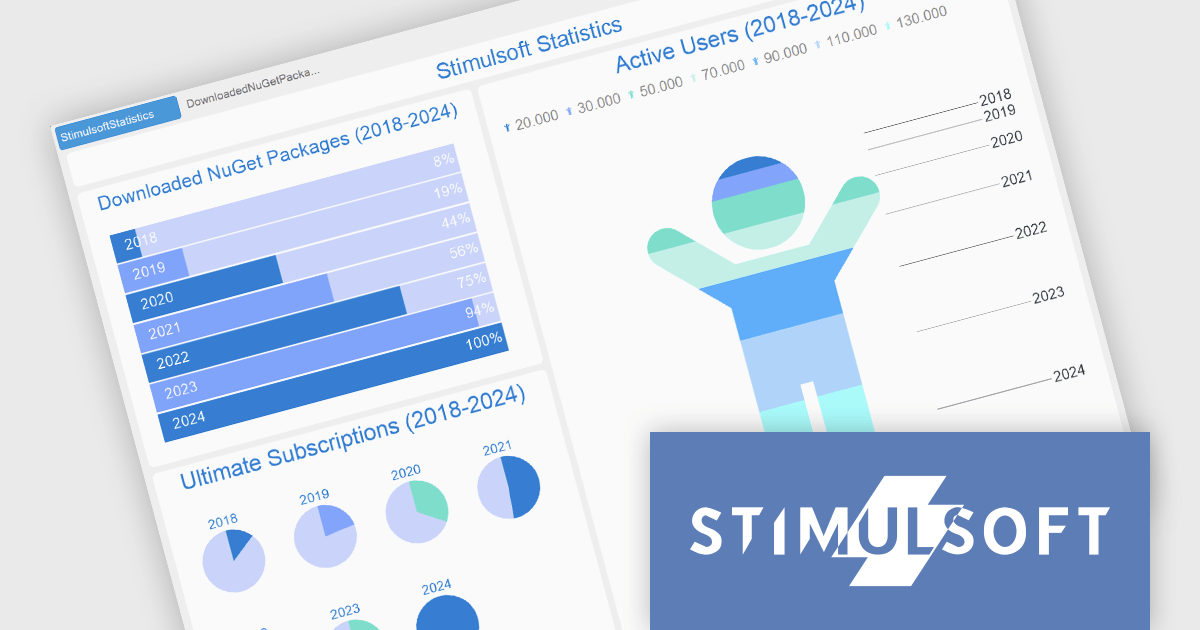
Stimulsoft Dashboards.PYTHON is a data visualization tool specifically designed for building interactive dashboards within Python applications. It combines a client-side JavaScript engine for data processing with a designer component to craft dashboards and a viewer for displaying them. This empowers developers to create clear and informative visual representations of data directly within their Python projects.
The Stimulsoft Dashboards.PYTHON 2025.2.1 update introduces support for interactive actions in the Progress element, allowing developers to enhance dashboard functionality with user-triggered events such as showing tooltips, opening hyperlinks, and navigating to other dashboards. These interactions can be easily configured within the element interaction editor, making it simpler to create more intuitive and informative user experiences without additional coding. This update enables greater flexibility in presenting and accessing related data, streamlining how users interact with progress indicators in real time.
To see a full list of what's new in 2025.2.1, see our release notes.
Stimulsoft Dashboards.PYTHON is licensed per developer and is available as a perpetual license with 1 year support and maintenance. See our Stimulsoft Dashboards.PYTHON licensing page for full details.
Stimulsoft Dashboards.PYTHON is available individually or as part of Stimulsoft Ultimate.
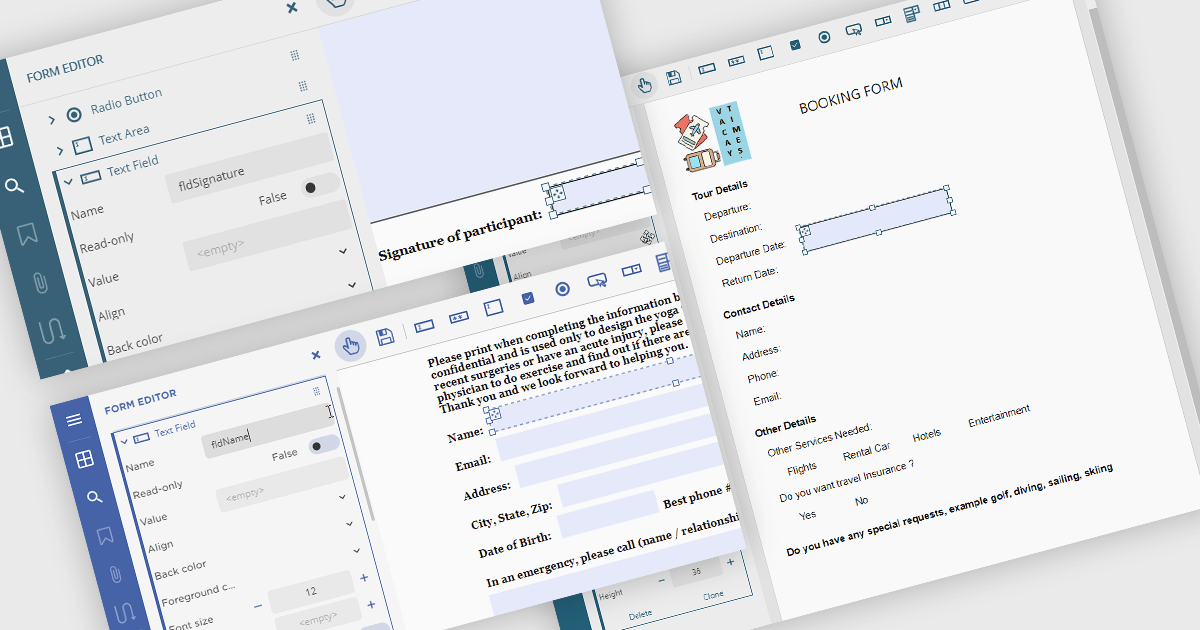
Creating PDF forms involves designing interactive documents that allow users to input data directly within the file, improving data collection and processing. This process typically entails embedding text fields, checkboxes, radio buttons, and dropdown menus into a digital document, making it easy for individuals to complete applications, surveys, or feedback forms electronically. Common use cases include online job applications, tax forms, registration documents for events or courses, and customer feedback surveys, all of which benefit from the secure and widely compatible nature of the PDF format.
Several .NET Winforms PDF components offer support for PDF form creation:
For an in-depth analysis of features and price, visit our .NET Winforms PDF components comparison.
Oxygen Content Fusion by Syncro Soft is a cloud-based collaboration platform for managing and publishing DITA (Darwin Information Typing Architecture) documentation. It allows authors, reviewers, and publishers to work together on the same content in real time, and to track changes and feedback throughout the documentation process. Oxygen Content Fusion also provides a variety of tools for generating and publishing DITA content in a variety of formats, including WebHelp, PDF, and EPUB.
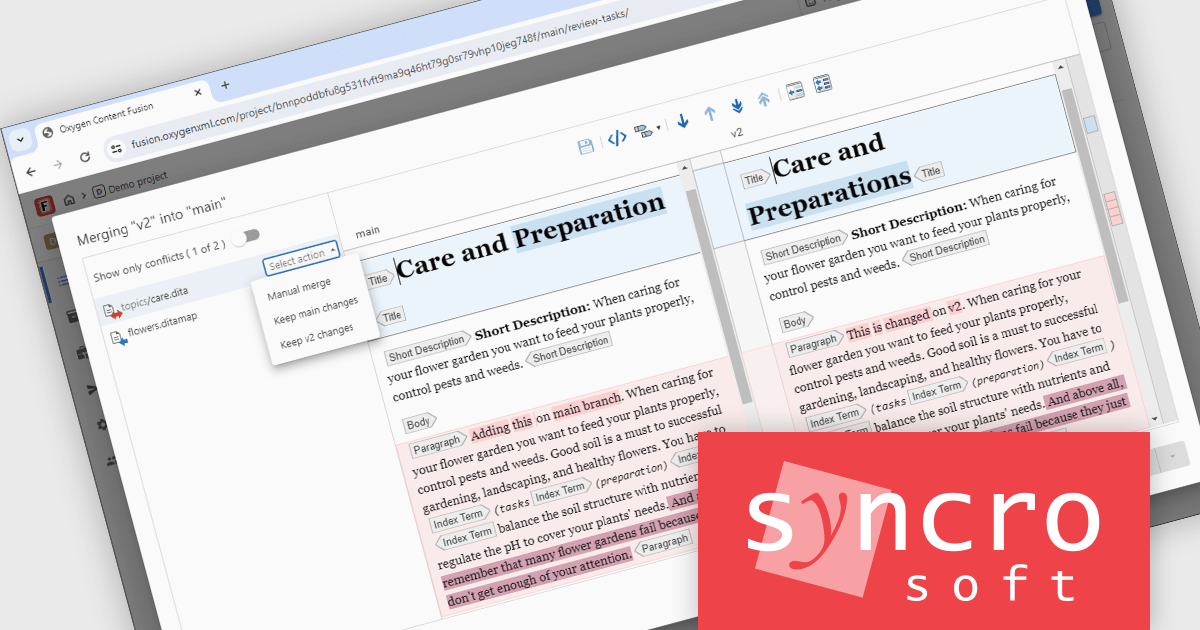
The Oxygen Content Fusion V8.0 release introduces a significant enhancement to its branching workflow for DITA projects. This feature now includes a streamlined action to merge a specified branch into the current one, directly within the interface. What sets this apart is the inclusion of a built-in merge tool that offers a visual comparison, moving beyond the traditional, text-heavy Git merge tools. This graphical approach allows users to more intuitively identify changes, resolve conflicts, and confirm merge outcomes, greatly simplifying complex content collaboration tasks, especially in documentation-heavy environments.
To see a full list of what's new in V8.0, see our release notes.
Oxygen Content Fusion is licensed per user and is available as an Annual license with 1 year support and maintenance. See our Oxygen Content Fusion licensing page for full details.
Learn more on our Oxygen Content Fusion product page.
dbForge Data Compare for Oracle is a powerful tool designed to simplify database synchronization and data comparison for Oracle databases. It enables developers and database administrators to quickly identify differences between database tables, ensuring consistency across environments. With a user-friendly interface and robust automation capabilities, it streamlines the process of detecting changes, generating synchronization scripts, and integrating seamlessly into DevOps workflows.
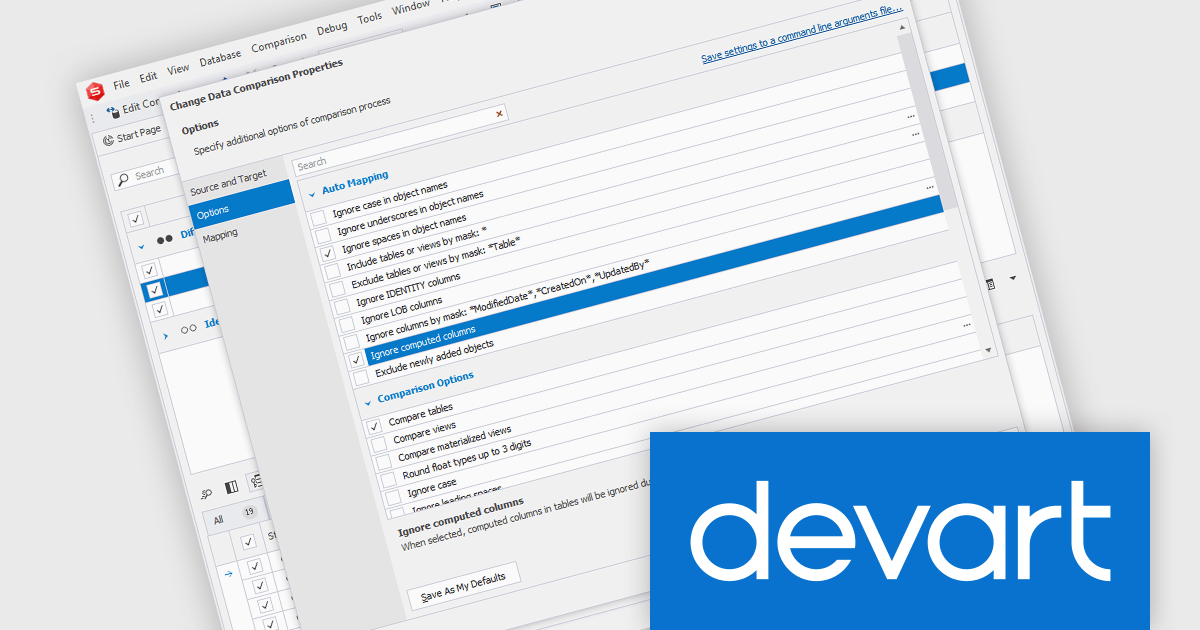
The dbForge Data Compare for Oracle V6.0.85 release adds the option to ignore computed columns in the Data Comparison wizard, enhancing flexibility when comparing datasets. Computed columns, which derive their values from other fields, can introduce discrepancies that are irrelevant to data integrity but still impact comparison results. By allowing users to exclude these columns, dbForge Data Compare for Oracle provides more precise and meaningful comparisons, reducing noise and simplifying synchronization tasks. This feature is particularly valuable for teams working with complex schemas, as it helps focus on critical data differences without unnecessary distractions.
To see a full list of what's new in V6.0.85, see our release notes.
dbForge Data Compare for Oracle is licensed per developer and is available as an Annual or Perpetual License with a 12 month support and maintenance subscription. See our dbForge Data Compare for Oracle licensing page for full details.
dbForge Data Compare for Oracle is available individually or as part of dbForge Compare Bundle for Oracle.
전화 : 00798 14 800 6332
팩스 : +1 770 250 6199


