













공식 공급 업체
200 이상의 소프트웨어 개발처와 판매 계약을 맺은 공인 디스트리뷰터로서 합법적인 라이선스를 제공합니다.
모든 브랜드 보기.
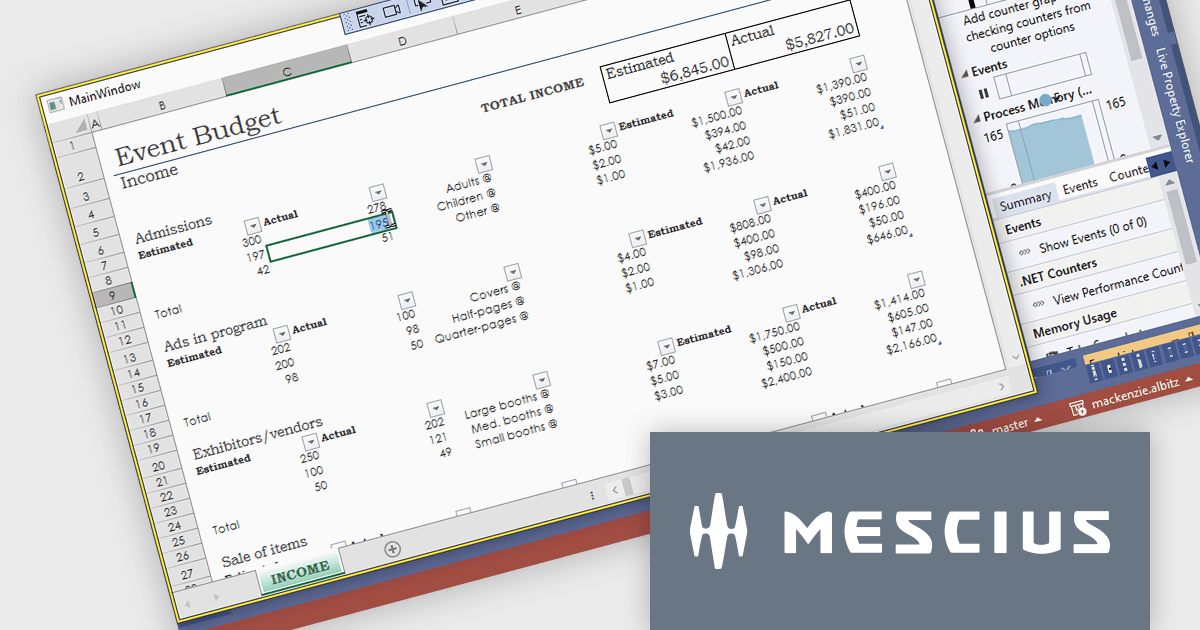
Spread.NET helps you create spreadsheets, grids, dashboards, and forms. It includes a powerful calculation engine with 450+ functions and the ability to import and export Excel spreadsheets. Leverage the extensive .NET spreadsheet API and powerful calculation engine to create analysis, budgeting, dashboard, data collection and management, scientific, and financial applications.
In this blog post, MESCIUS Product Marketing Specialist Mackenzie Albitz demonstrates how to use Spread.NET to enable your WPF application to display or interact with Excel files using a dedicated viewer. She'll walk through how to add an Excel XLSX viewer to a WPF app using the WPF spreadsheet control, Spread.NET for WPF. You'll learn how to load a .xlsx file, lock down the worksheet, and allow users to edit only specific cells — perfect for budget forms, reports, or review-only sheets. Once you have created a WPF project, the steps are as follows:
Detailed sample code is included and you can even download a sample project to follow along.
Read the full blog post to learn how to add this versatile capability to your WPF applications.
Spread.NET is licensed per developer and is available as a Perpetual License with a 12 month support and maintenance subscription. We can supply any Spread.NET license including new licenses, maintenance renewals, and upgrade licenses. See our Spread.NET licensing page for full details.
For more information, visit our Spread.NET product page.
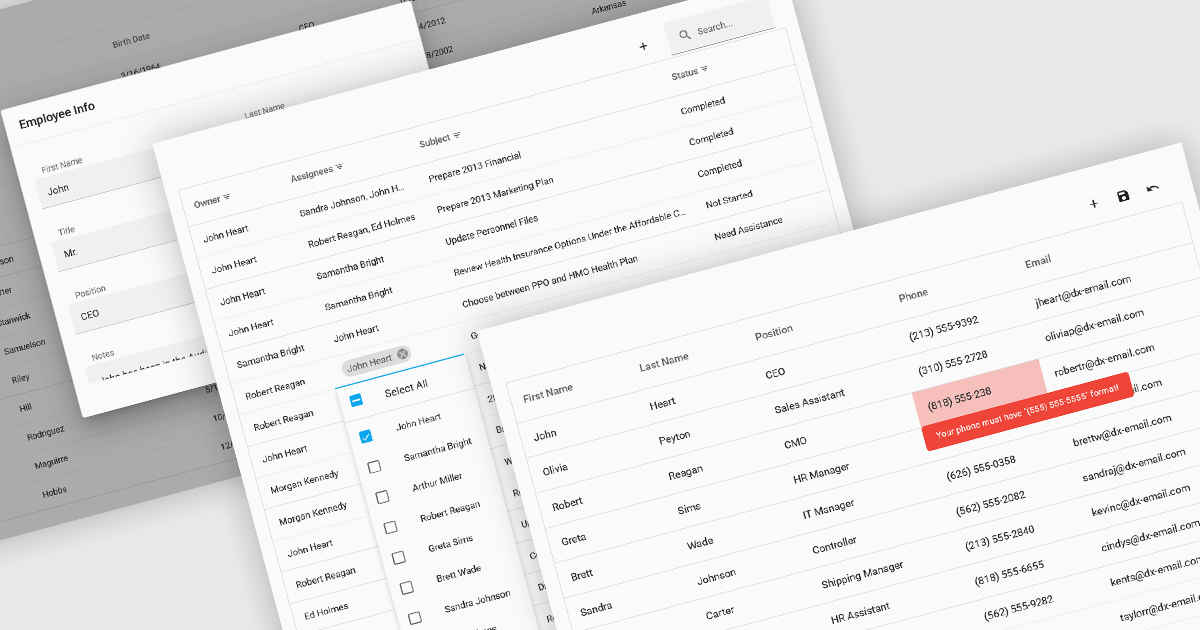
Data interaction and manipulation features in grid components enable users to engage directly with tabular data—supporting not just the display of information, but also its editing, validation, and contextual input. These capabilities are critical for creating rich, form-like experiences within data grids, particularly in applications where user input and data integrity are central to the workflow. By offering a range of editing modes and validation tools, grid components help ensure that data remains both accessible and accurate, enabling intuitive and efficient user interactions.
Common grid editing and validation features include:
For an in-depth analysis of features and price, visit our React grid components comparison.
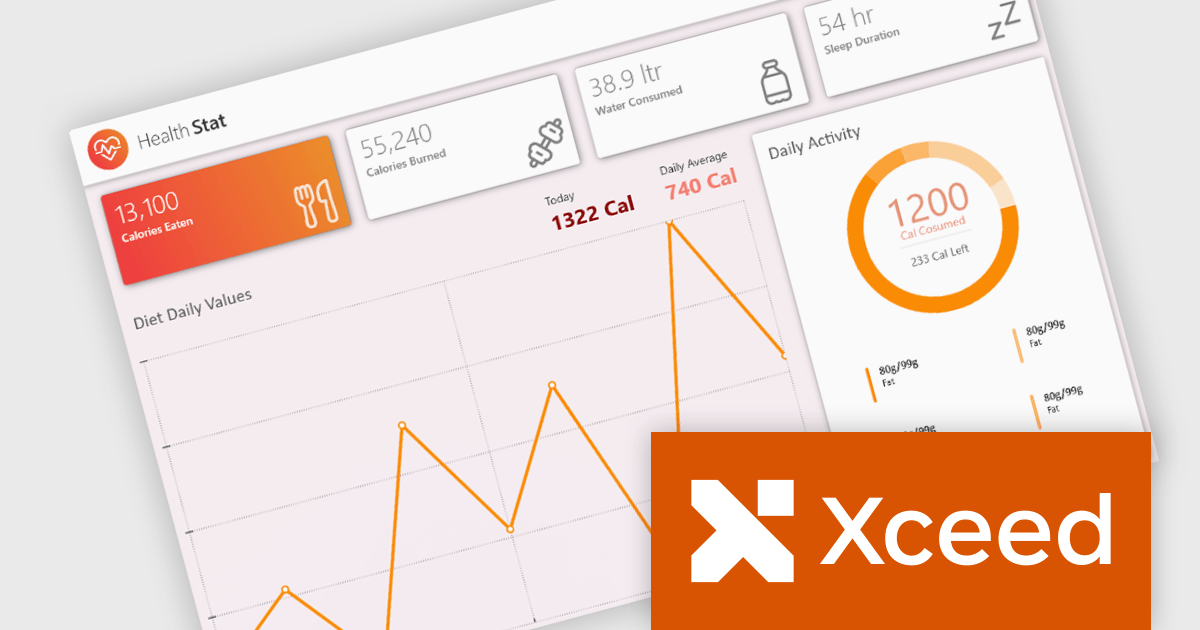
Xceed Toolkit Plus is a comprehensive suite of user interface controls and components designed for Windows Presentation Foundation (WPF) development, providing developers with advanced data visualization, editing, and layout capabilities beyond the standard WPF framework. It offers a wide range of pre-built, customizable controls that simplify complex UI implementations, enhance application functionality, and accelerate development cycles by reducing the need for custom control creation, ultimately enabling developers to build more robust and feature-rich WPF applications.
The Xceed Toolkit Plus for WPF 4.7 release adds support for .NET 9. This ensures developers can leverage the latest performance enhancements and security features offered by the .NET framework, while simultaneously benefiting from Xceed's extensive suite of advanced UI controls. This compatibility update makes the development process more efficient, with fewer integration issues and easier adoption of modern technologies for building high-performance WPF applications
To see a full list of what's new in version 4.7, see our release notes.
Xceed Toolkit Plus for WPF is licensed per developer and is available as a perpetual license with 1 year of updates and support. See our Xceed Toolkit Plus for WPF licensing page for full details.
Xceed Toolkit Plus for WPF is available individually or as part of Xceed Ultimate Suite.
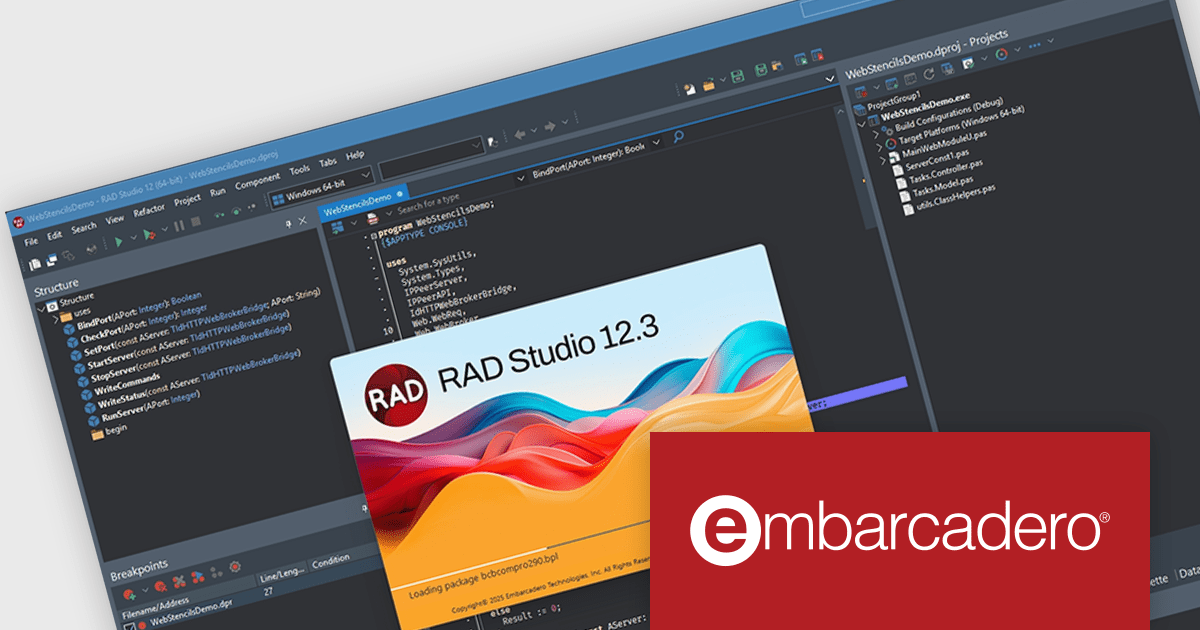
C++Builder by Embarcadero is a rapid application development environment that simplifies C++ development for Windows, iOS, macOS, and Android. It streamlines the process by offering visual UI design tools, pre-built components, and a powerful debugger, enabling faster creation of high-performance native applications.
The C++Builder 12.3 release includes an upgrade to the latest Clang-based C++ compiler for Win64 to take advantage of faster compilation, enhanced code safety, and full compatibility with RAD Studio component packages. This update introduces support for both consuming and producing runtime packages. Developers will also benefit from parallelized, CPU-saturating batch compilation, significantly improving build times. With additional performance optimizations and quality enhancements, this release provides a robust foundation for high-performance Windows application development.
To see a full list of what's new in C++Builder 12.3 Athens, see our release notes.
C++Builder Professional, Enterprise and Architect are licensed per Named, Network Named or Concurrent user and are available as a Perpetual License with an Update Subscription that includes support and free upgrades for 1 Year. C++Builder Professional is also available as a Named Annual user license. See our C++Builder licensing page for full details.
C++Builder is available to buy in the following products:
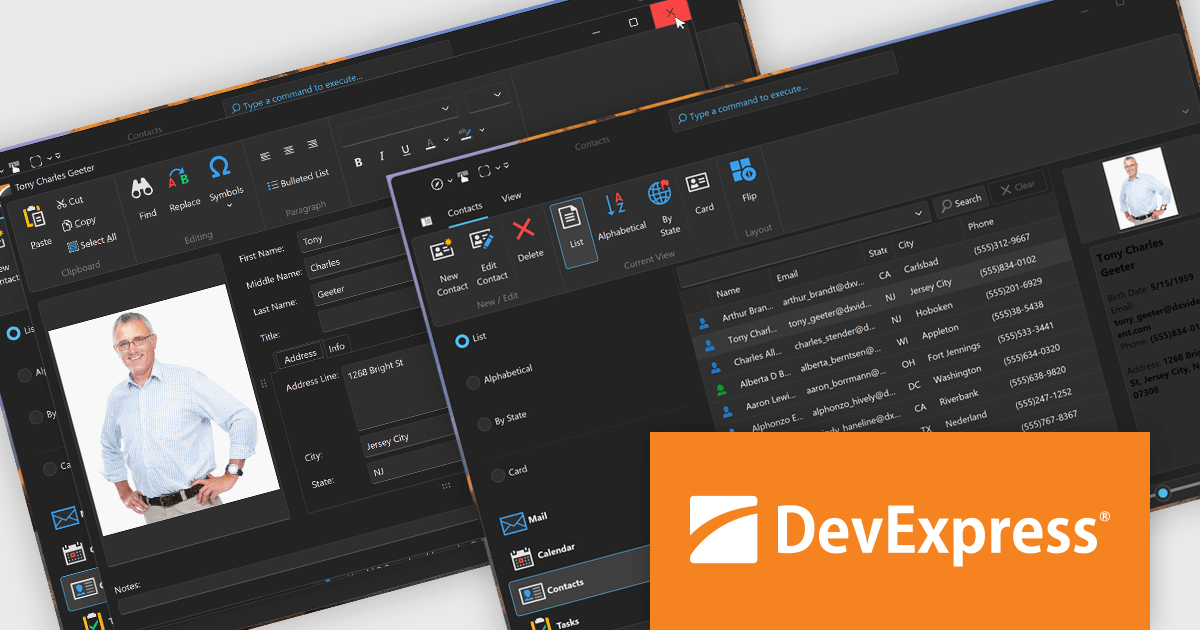
DevExpress VCL Subscription is a comprehensive suite for Delphi and C++ Builder developers that includes high-performance UI components, reporting tools, data visualization elements, and application templates. It lets you build rich, data-driven business applications with ease, offering ongoing updates, technical support, and royalty-free distribution rights, perfect for boosting developer productivity and delivering polished software experiences.
DevExpress VCL controls now deliver targeted performance gains that notably accelerate UI rendering, especially on high-resolution and 4K displays. Rendering speeds have been improved by up to 50% for certain vector-based skin elements, dramatically reducing load times and enhancing UI responsiveness. These optimizations also minimize flickering during window resizing or display transitions, resulting in a smoother and more stable user experience. By refining rendering logic and internal control processes, the updates enable developers to achieve these improvements without altering existing code, ensuring effortless integration and immediate benefits.
DevExpress VCL Subscription is licensed per developer and is available as a Perpetual License with a 12 month support and maintenance subscription. See our DevExpress VCL Subscription licensing page for full details.
For more information, visit our DevExpress VCL Subscription product page.
전화 : 00798 14 800 6332
팩스 : +1 770 250 6199


