













공식 공급 업체
200 이상의 소프트웨어 개발처와 판매 계약을 맺은 공인 디스트리뷰터로서 합법적인 라이선스를 제공합니다.
모든 브랜드 보기.
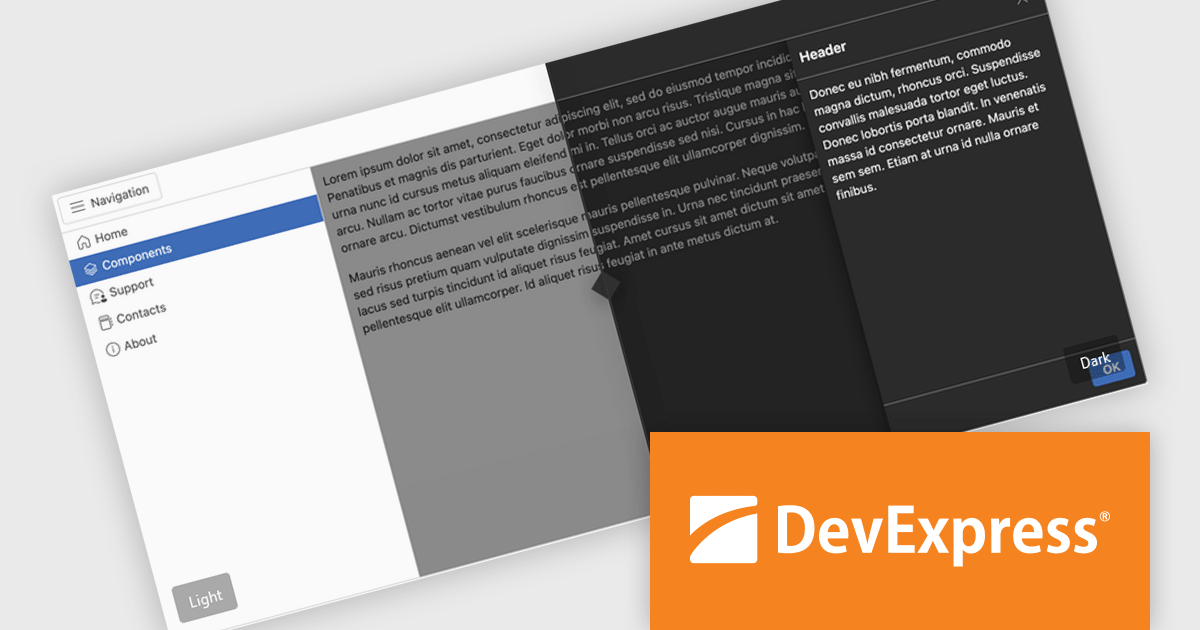
DevExpress Blazor (part of DevExpress ASP.NET and Blazor) helps you create high-impact user experiences for both Blazor Server and Blazor WebAssembly using C#. The Blazor UI Component Library ships with a comprehensive set of native components (including a DataGrid, Pivot Grid, Scheduler, Chart, Data Editors and Reporting).
The DevExpress Blazor v24.2 update introduces Light and Dark Modes designed to enhance accessibility and streamline customization. These themes comply with WCAG guidelines, ensuring appropriate color contrasts for improved usability across diverse user bases. Appearance settings, including colors, are structured as CSS variables, providing developers with a unified and efficient approach to customization across component libraries. This update simplifies the implementation of consistent theming, enabling developers to deliver modern, adaptable interfaces that meet user preferences and accessibility standards.
To see a full list of what's new in version 24.2, see our release notes.
DevExpress ASP.NET and Blazor is licensed per developer and is available as a Perpetual License with a 12 month support and maintenance subscription. See our DevExpress ASP.NET and Blazor licensing page for full details.
DevExpress Blazor is available in the following products:
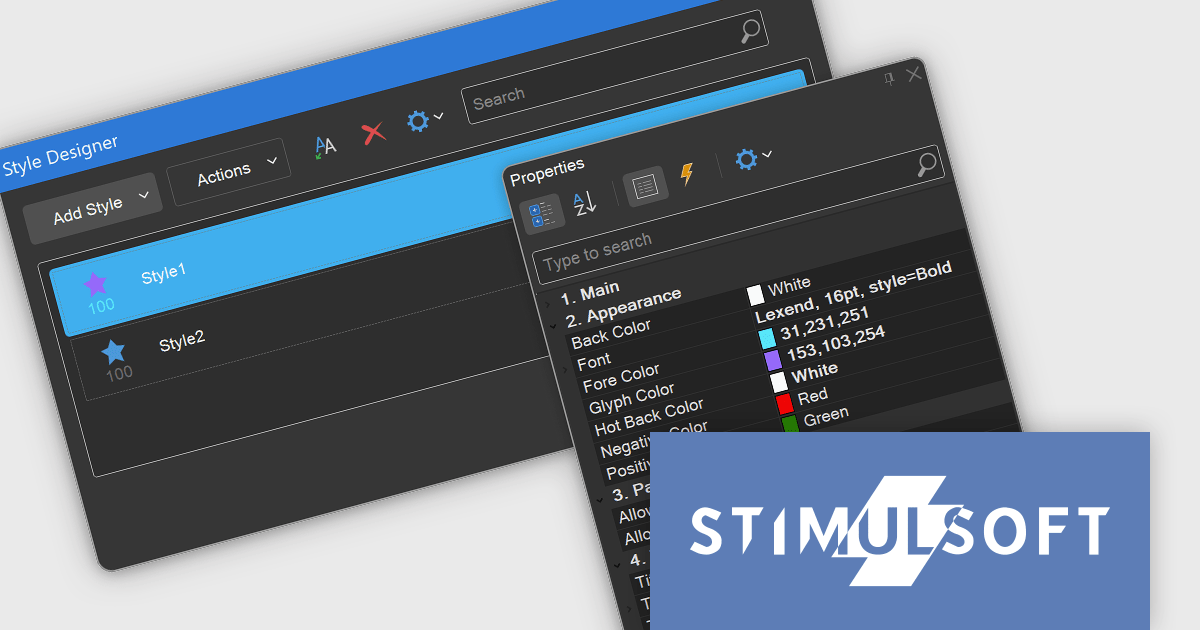
Stimulsoft BI Cloud is a cloud-based business intelligence platform that empowers organizations to create, manage, and share interactive dashboards and reports. By offering a user-friendly interface and a wide range of data visualization tools, Stimulsoft BI Cloud enables users to gain valuable insights from their data, make informed decisions, and improve overall business performance.
The Stimulsoft BI Cloud 2025.1.1 update introduces Title and Font Settings in dashboard styles, enabling developers to streamline design workflows by defining font settings and title parameters directly within styles. This update ensures a consistent and professional appearance across dashboards, with the flexibility to apply global style settings or retain individual element configurations through the Allow Use Font and Allow Use Title properties. By centralizing style management, developers can save time, improve design consistency, and maintain precise control over the visual presentation of dashboard elements, enhancing the overall user experience.
To see a full list of what's new in 2025.1.1, see our release notes.
Stimulsoft BI Cloud is available as an annual license and is licensed per creator. A creator has an account on the server, has access from the client-side, registered as an editor, and uses the product to work with report templates and dashboards - create, edit, view, delete, etc. See our Stimulsoft BI Cloud licensing page for full details.
Stimulsoft BI Cloud is available individually or as part of Stimulsoft Ultimate.
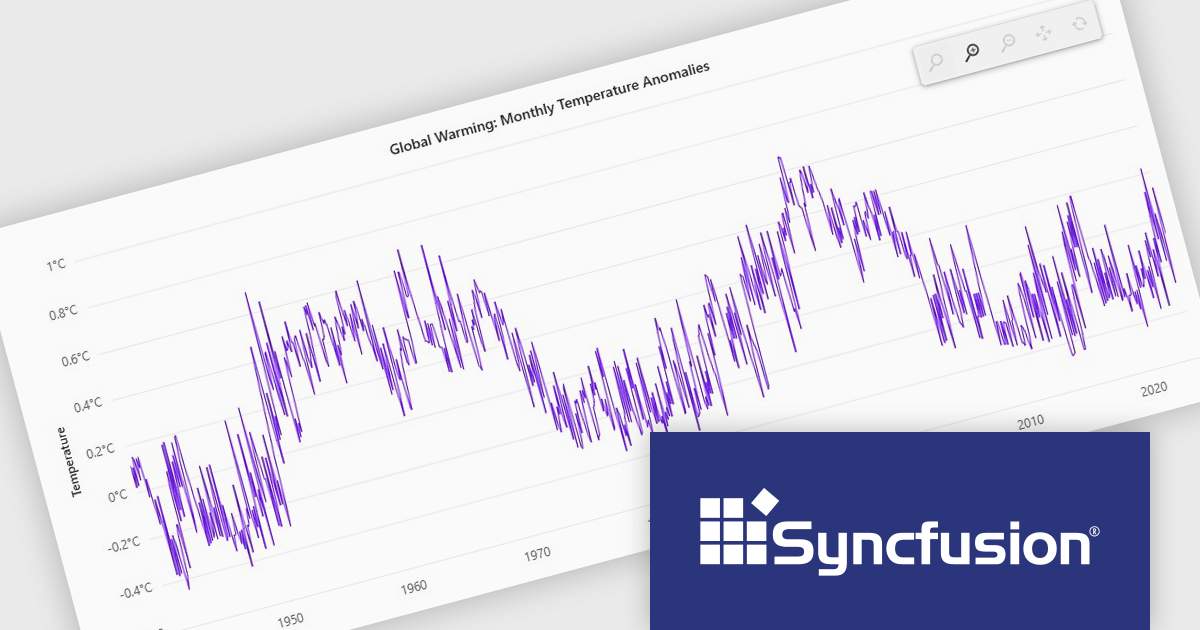
Syncfusion Essential Studio JavaScript is a comprehensive UI library offering over 80 high-performance, lightweight, and responsive components to transform your web apps. Built from scratch with TypeScript, it boasts modularity and touch-friendliness, letting you pick and choose specific features while ensuring smooth mobile interaction. With rich themes, global accessibility features, and extensive documentation, it powers everything from basic buttons to interactive charts and data grids, simplifying frontend development across JavaScript, Angular, React, and Vue.
The Syncfusion Essential Studio JavaScript 2024 Volume 4 update introduces a new toolbar feature that allows users to customize the position of the zoom toolbar within charts. With drag-and-drop functionality, this feature offers greater flexibility in interface design, enabling developers to optimize chart layouts for better usability and alignment with specific application requirements. By allowing the toolbar to be re-positioned anywhere within the chart area, this update enhances both user experience and chart readability, providing a more adaptable and professional solution for modern web applications.
To see a full list of what's new in 2024 Volume 4, see our release notes.
Syncfusion Essential Studio JavaScript is available as part of Syncfusion Essential Studio Enterprise which is licensed per developer starting with a Team License of up to five developers. It is available as a 12 Month Timed Subscription License which includes support and maintenance. See our Syncfusion Essential Studio Enterprise licensing page for full details.
Learn more on our Syncfusion Essential Studio JavaScript product page.
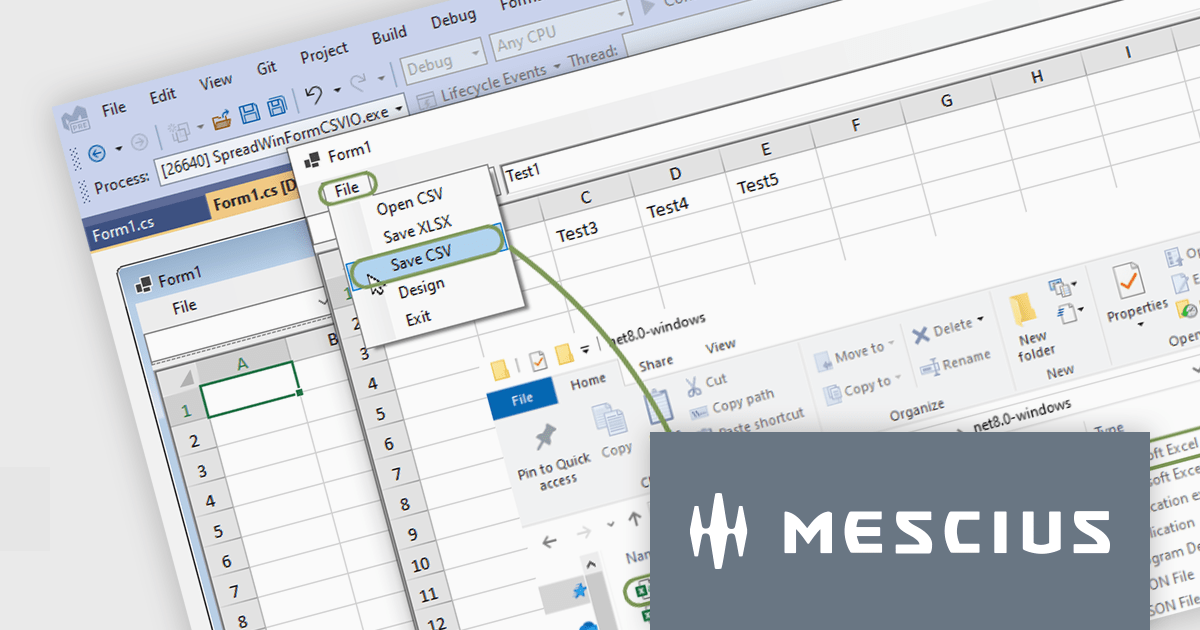
Spread.NET helps you create spreadsheets, grids, dashboards, and forms. It includes a powerful calculation engine with 450+ functions and the ability to import and export Excel spreadsheets. Leverage the extensive .NET spreadsheet API and powerful calculation engine to create analysis, budgeting, dashboard, data collection and management, scientific, and financial applications.
In this blog post, MESCIUS Product Marketing Specialist Mackenzie Albitz guides you through the four essential steps to import and export Excel spreadsheets on your way to creating robust .NET WinForms spreadsheet applications with Spread.NET. These steps include:
Sample code is included in the blog and you can download the sample app in either C# or VB.
Read the full blog post to discover how to use the full capabilities of the Spread.NET WinForms component.
Spread.NET is licensed per developer and is available as a Perpetual License with a 12 month support and maintenance subscription. We can supply any Spread.NET license including new licenses, maintenance renewals, and upgrade licenses. See our Spread.NET licensing page for full details.
For more information, visit our Spread.NET product page.
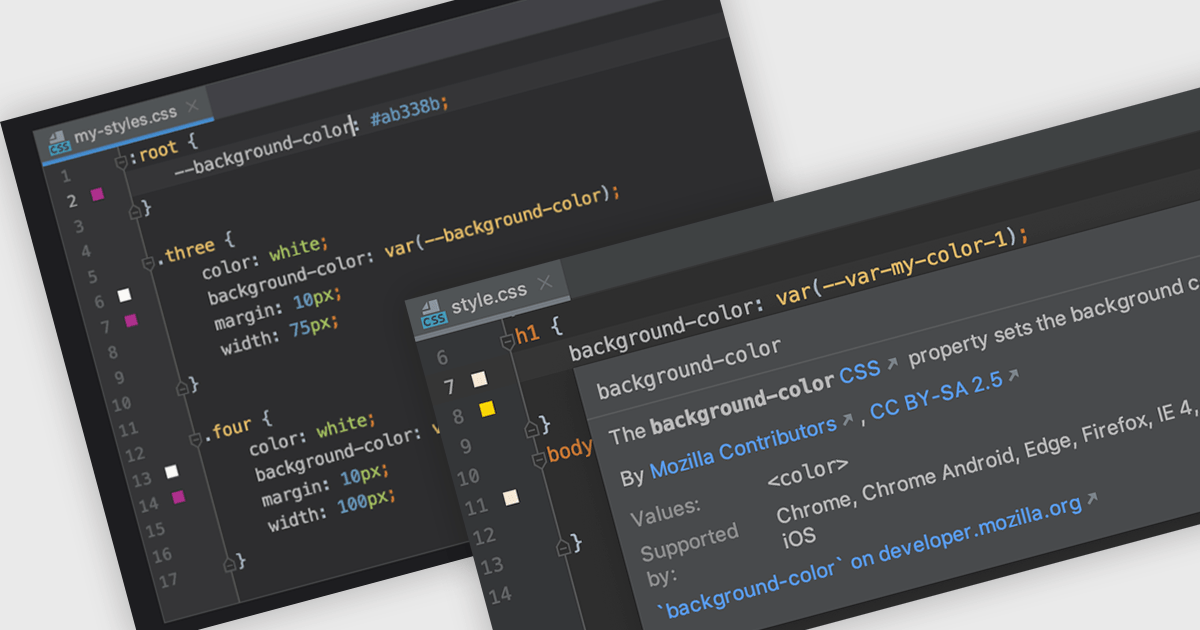
CSS (Cascading Style Sheets) is the language used to define the presentation of HTML documents. IDEs with CSS support include features that simplify writing, debugging, and managing stylesheets. With syntax highlighting, code completion, real-time validation, and integrated documentation, developers can catch errors early and speed up development. These tools enhance efficiency and accuracy, leading to cleaner code and better-performing web applications.
Several Integrated Development Environments (IDEs) offer Cascading Style Sheets (CSS) support including:
For an in-depth analysis of features and price, visit our comparison of IDEs.
전화 : 00798 14 800 6332
팩스 : +1 770 250 6199


