













공식 공급 업체
200 이상의 소프트웨어 개발처와 판매 계약을 맺은 공인 디스트리뷰터로서 합법적인 라이선스를 제공합니다.
모든 브랜드 보기.
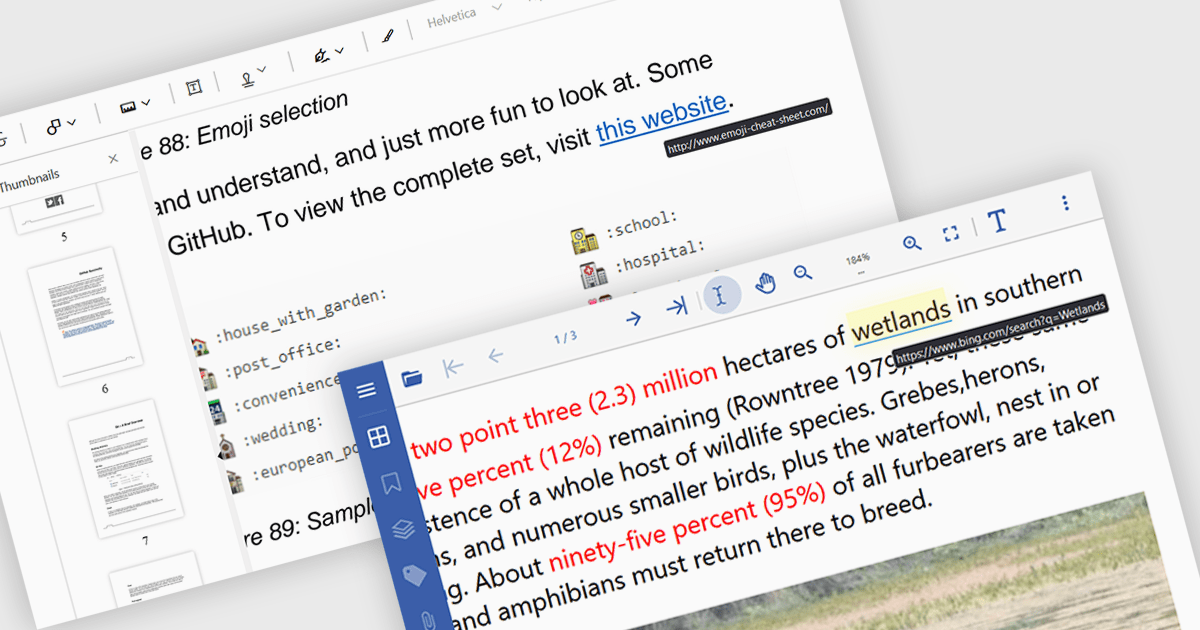
Hyperlink navigation support in a PDF Viewer enables users to seamlessly navigate within and between PDF documents by clicking on embedded hyperlinks. This functionality enhances user experience by facilitating quick access to relevant information, improving document organization and accessibility, and streamlining workflows that involve interacting with multiple linked documents.
Several React PDF viewers support hyperlink navigation including:
For an in-depth analysis of features and price, visit our comparison of React PDF viewers.
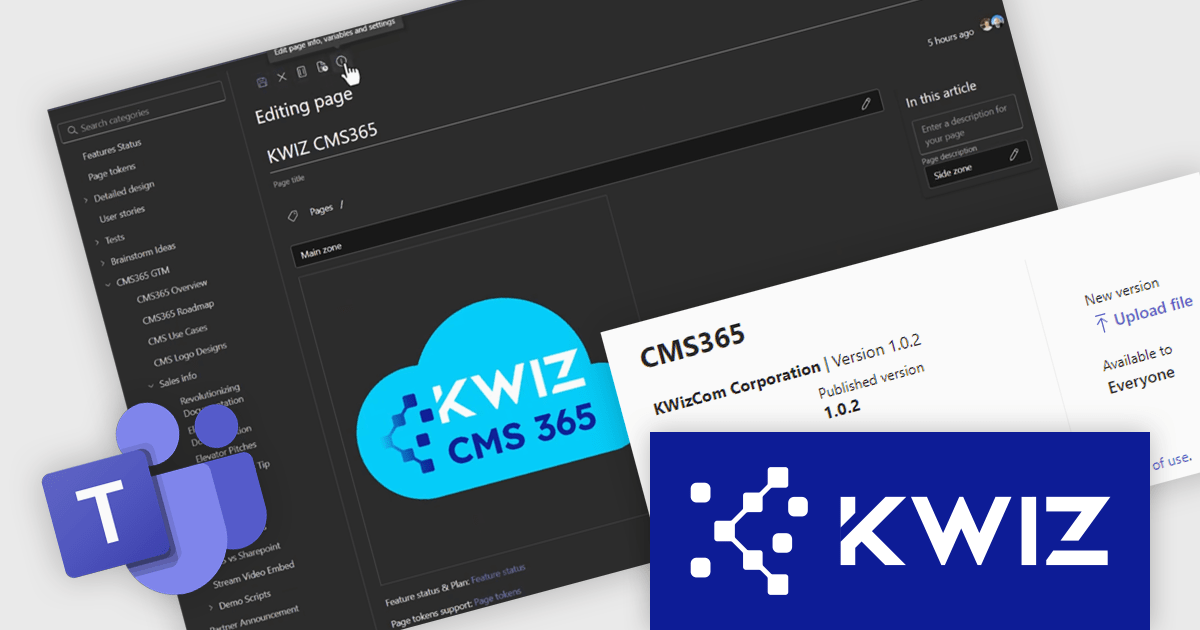
KWIZ CMS365 App is a robust content management system designed to simplify documentation and collaboration challenges. Seamlessly integrating with Microsoft Teams and SharePoint, it offers a user-friendly interface, streamlined workflows, and centralized document storage. Ideal for organizations using SharePoint, CMS365 enhances productivity, supports real-time collaboration, and is perfect for managing knowledge bases, project documentation, and hybrid team workflows.
The KWIZ CMS365 App provides seamless integration with Microsoft Teams, providing software developers with a streamlined environment for managing content directly within their existing collaboration platform. This integration eliminates the need to switch between multiple tools, enabling developers to access, edit, and share project documentation or code-related resources within Teams. By centralizing content workflows, the update enhances productivity, reduces context-switching, and ensures that project-related materials are always accessible and up to date. This feature is particularly valuable for development teams working in hybrid or remote setups, where efficient communication and collaboration are essential.
KWIZ CMS365 App is licensed on an annual basis, requiring each user in your organization to be covered by an Annual Subscription license. Different levels are available to cater for different numbers of users. See our KWIZ CMS365 App licensing page for full details.
For more information, visit our KWIZ CMS365 App product page.

ONLYOFFICE Docs Enterprise Edition with Alfresco Connector combines an online document editor with a seamless integration for Alfresco Share, which is a content management platform that allows users to store, organize, and collaborate on documents and other digital assets. This integration allows teams to create, view, edit, and collaborate on spreadsheets, presentations, and text files online, directly within Alfresco Share using ONLYOFFICE editors, boosting efficiency and eliminating the need for file switching.
The ONLYOFFICE Connector for Alfresco v8.0 update introduces interactive PDF forms, enabling developers to create structured, fillable documents directly within Alfresco. This enhancement streamlines data collection and document automation by allowing users to add text fields, dropdowns, checkboxes, signature fields, and other interactive elements without requiring external tools. With native support for digital signatures and standardized input fields, the update improves workflow efficiency, reduces manual data entry, and ensures seamless integration into existing document management processes.
To see a full list of what's new in ONLYOFFICE Docs Enterprise Edition v8.2.2 with Alfresco Connector 8.0, see our release notes.
ONLYOFFICE Docs Enterprise Edition with Alfresco Connector is licensed per server as an annual license with 1 year of support and updates, or as a perpetual license with 3 years of support and updates. See our ONLYOFFICE Alfresco connector licensing page for full details.
For more information, see our ONLYOFFICE Alfresco connector product page.

LightningChart JS Trader is a JavaScript/TypeScript library developed by LightningChart that specifically targets the creation of financial and trading applications. It provides high-performance, 2D, 3D, and real-time charting controls and a comprehensive suite of visualizations including candlestick, bar, line, and various technical indicators and drawing tools. This library enables software developers to craft interactive technical analysis tools without the need for server-side setup as it runs completely on the client device.
The LightningChart JS Trader v3 update introduces draggable splitter lines, enabling users to dynamically resize indicator segments and the main chart within a single view. This enhancement provides greater flexibility in data visualization, allowing developers to create a more customizable and user-friendly charting experience. By adjusting the layout interactively, users can allocate space efficiently based on analytical needs, improving readability and workflow efficiency. This update eliminates the need for separate charts, streamlining technical analysis and ensuring all relevant data remains accessible within a unified interface.
To see a full list of what's new in v3, see our release notes.
LightningChart JS Trader is licensed per developer and is available as an annual license with 1 year support. See our LightningChart JS Trader licensing page for full details.
For more information, see our LightningChart JS Trader product page.
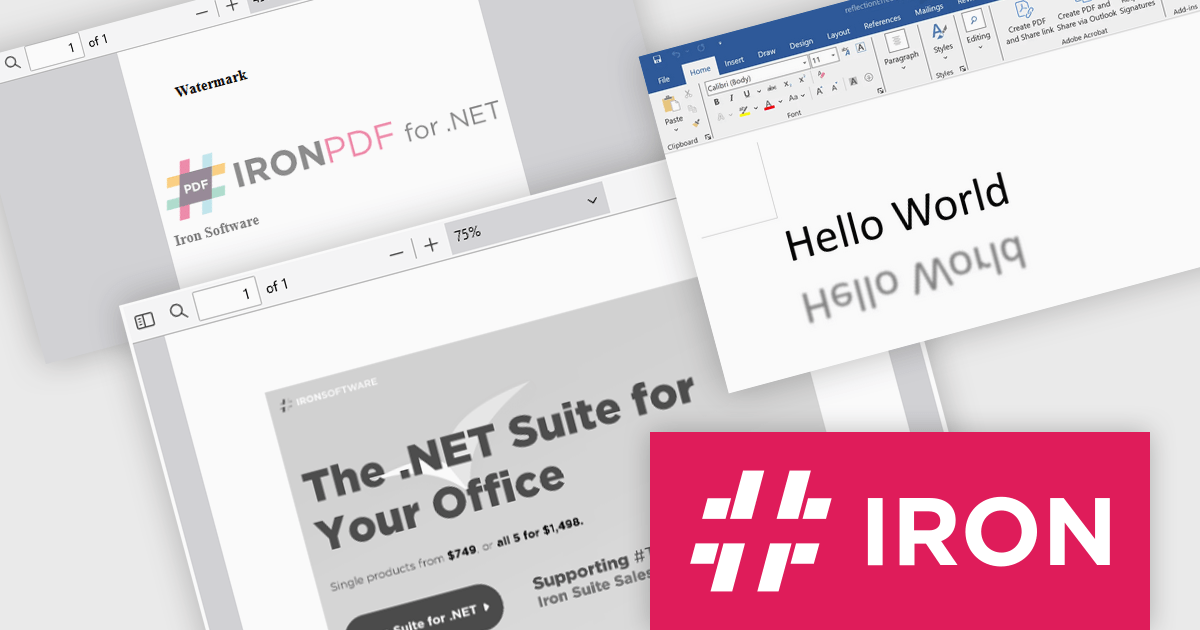
Iron Software offers a versatile suite of C# libraries specifically designed to enhance developer productivity. Its solutions empower developers to effortlessly tackle tasks like PDF manipulation, data extraction from websites and images (OCR), and seamless Excel automation, eliminating the need for external dependencies.
Iron Software products now support .NET 9, bringing enhanced performance, security, and efficiency to modern application development. This update ensures that Iron Suite for .NET remains a powerful solution for modern application development. Developers can benefit from faster execution speeds, reduced resource consumption, and improved cross-platform capabilities. With .NET 9’s enhanced features and optimizations, developers can build high-performance applications while maintaining compatibility with the evolving .NET ecosystem.
Iron Software products are licensed based on the number of developers, developer locations, and projects. They are available as perpetual licenses with 1 year of support and product updates. See our Iron Suite for .NET licensing page for full details.
For more information, visit our Iron Software product pages:
전화 : 00798 14 800 6332
팩스 : +1 770 250 6199


