













공식 공급 업체
200 이상의 소프트웨어 개발처와 판매 계약을 맺은 공인 디스트리뷰터로서 합법적인 라이선스를 제공합니다.
모든 브랜드 보기.
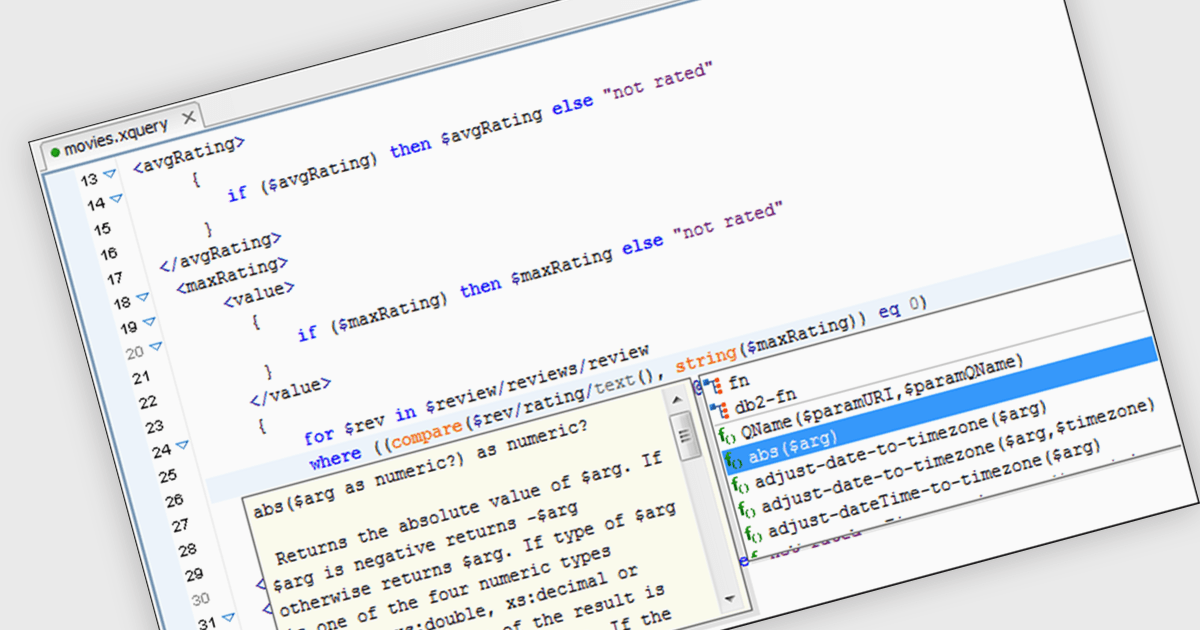
XQuery editors improve the development process for XQuery, a language for querying and manipulating XML data. These tools provide features like syntax highlighting, code completion, and context-sensitive help, boosting coding efficiency and accuracy. By offering integrated debugging and profiling functionalities, XQuery editors further enhance development workflows, allowing programmers to identify and rectify errors quickly.
Several structured document tools include an XQuery Editor, including:
For an in-depth analysis of features and price, visit our structured document tools comparison.
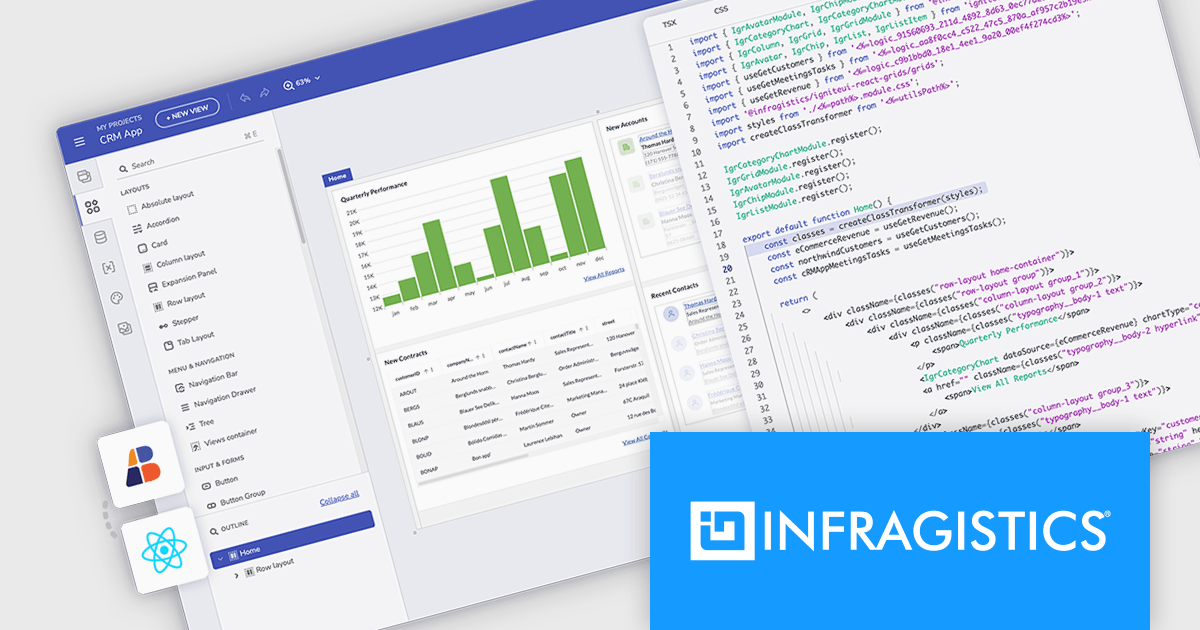
Infragistics App Builder is a cloud-based, WYSIWYG development tool that streamlines enterprise application creation through drag-and-drop functionality. Designed to accelerate development lifecycles, it empowers users to build business apps more quickly with features like pre-built templates, real-time code generation, and instant previews. This low-code approach is ideal for businesses seeking to improve development efficiency and shorten time-to-market for web applications.
The latest Infragistics App Builder release streamlines the workflow for React developers by enabling you to design and code your entire application within a single platform. This eliminates the need to switch between design tools and coding environments. You can effortlessly design your React app's UI with a familiar drag-and-drop interface, and App Builder will automatically generate clean, production-ready React code. This frees you to focus on core functionalities, letting Infragistics handle the UI design and code generation.
To see a full list of what's new, see our release notes.
Infragistics App Builder is licensed per developer as an annual subscription. See our Infragistics App Builder licensing page for full details.
For more information, visit our Infragistics App Builder product page.
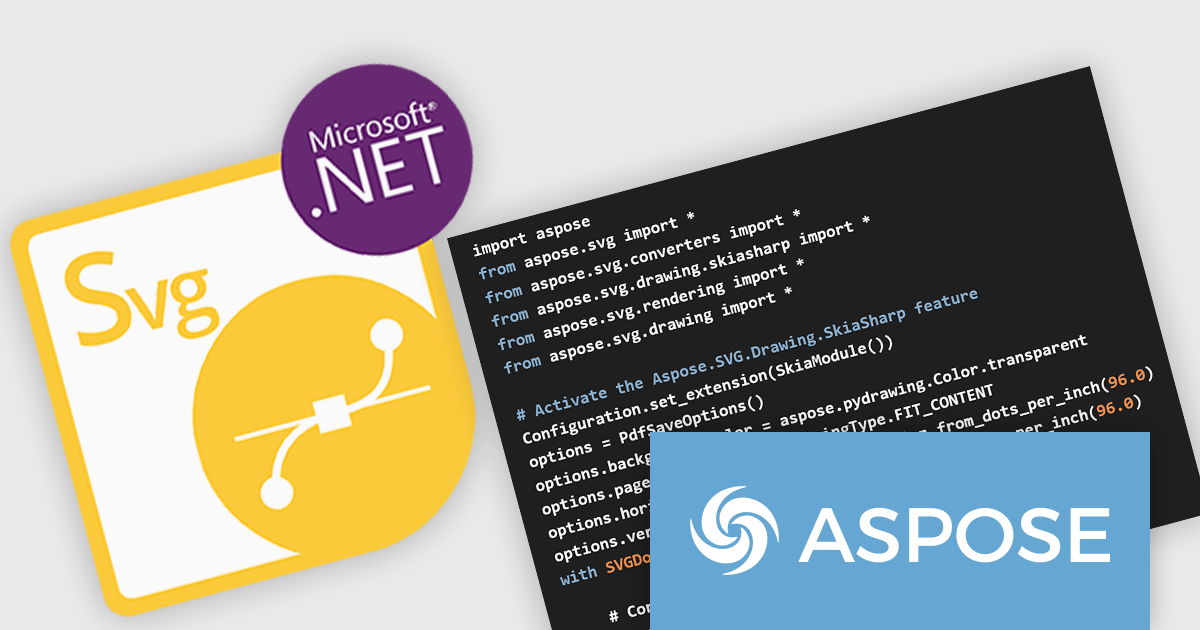
Aspose.SVG for Python via .NET is a comprehensive software development library that empowers developers working in Python to seamlessly manipulate and manage SVG (Scalable Vector Graphics) files. This on-premise class library integrates .NET functionality within the Python environment, providing a robust suite of tools for SVG creation, editing, optimization, and conversion. Aspose.SVG for Python via .NET adheres to official SVG specifications, ensuring compatibility and efficient development.
This powerful solution unlocks a variety of use cases for developers. They can leverage Aspose.SVG for Python via .NET to construct SVG graphics from scratch, modify existing SVG content, and optimize file size for efficient storage and transmission. The library facilitates effortless conversion of SVGs into popular formats like PDF, PNG, and JPEG, fostering greater versatility within development projects. Aspose.SVG for Python via .NET empowers developers to create applications like SVG editors, image vectorizers, and document converters, streamlining SVG processing workflows.
Aspose.SVG for Python via .NET is offered as Developer Small Business, Developer OEM, Developer SDK, Site Small Business, Site OEM, and Site SDK licenses catering to a range of business needs. Licenses are perpetual, and include 1 year of support and maintenance. Subscription renewals are also available. See our Aspose.SVG for Python via .NET licensing page for full details.
Aspose.SVG for Python via .NET is available in the following products:
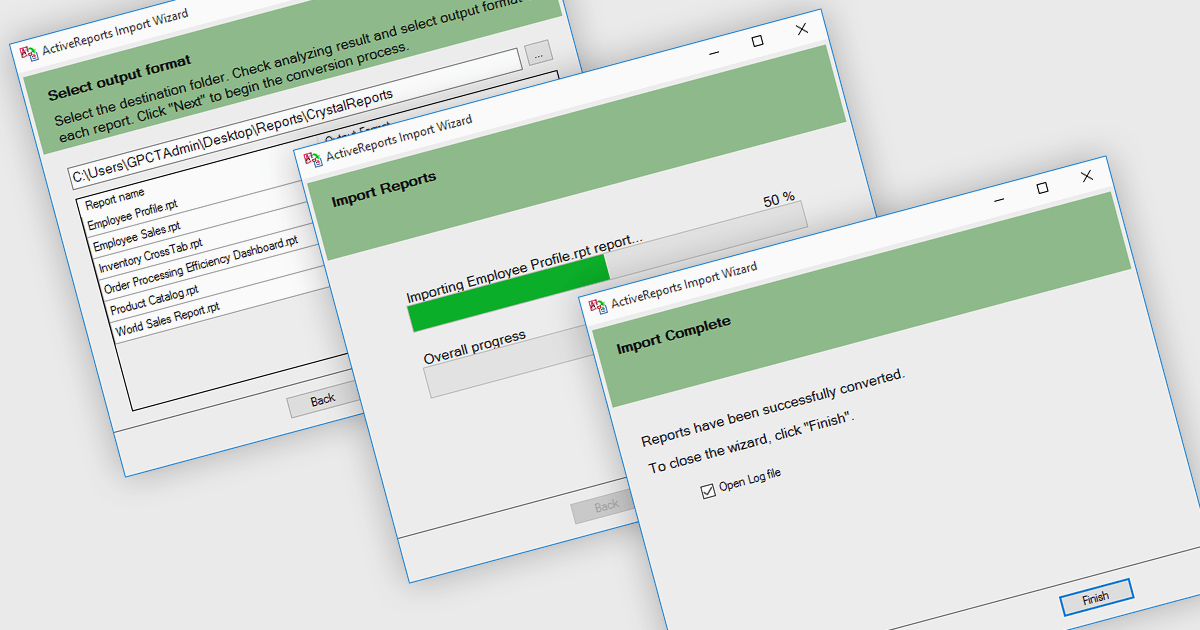
.NET reporting controls address the challenge of integrating existing reports into new .NET applications. These controls offer conversion tools that can import reports from popular third-party vendors, allowing you to seamlessly migrate your reporting functionality without starting from scratch. This not only saves development time but also ensures continuity for users familiar with the previous report format. These controls are ideal for scenarios where legacy applications are being modernized or when integrating reports from acquired systems.
Several .NET reporting controls offer third party report conversion, including:
For an in-depth analysis of features and price, visit our comparison of .NET reporting controls.
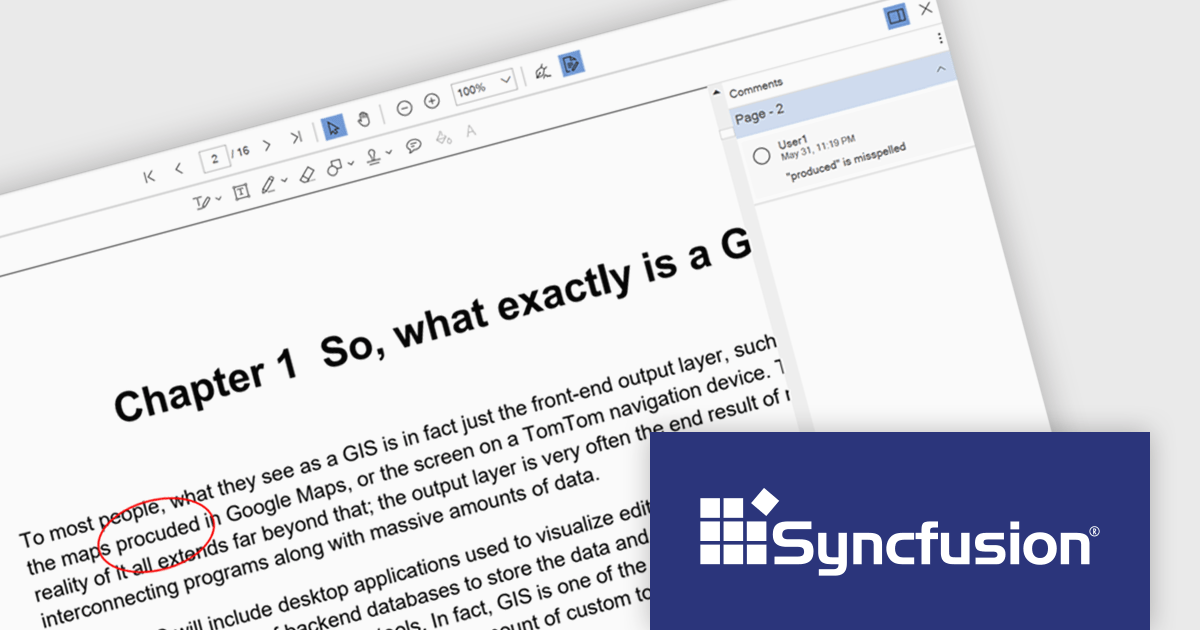
Syncfusion Essential Studio WPF, available as part of Syncfusion Essential Studio Enterprise, is a powerful suite of over 95 UI controls, 50+ charts, and document processing libraries designed to boost the development of high-performance line-of-business applications for the Windows Presentation Foundation (WPF) framework. With built-in themes, touch-friendly interfaces, and seamless Visual Studio integration, it empowers developers to craft modern, feature-rich, and cross-platform experiences with ease.
The Syncfusion Essential Studio WPF 2024 Volume 2 (26.1.35) release enhances the PDF Viewer by allowing users to add, edit, and delete comments on annotations within PDF documents. Users can reply to comments and set their status through the comment panel, facilitating dynamic and interactive document review. By enabling replies and status tracking, reviewers can have threaded discussions and ensure all feedback is addressed, improving the overall efficiency and clarity of the review process.
To see a full list of what's new in 2024 Volume 2 (26.1.35), see our release notes.
Syncfusion Essential Studio WPF is available as part of Syncfusion Essential Studio Enterprise which is licensed per developer starting with a Team License of up to five developers. It is available as a 12 Month Timed Subscription License which includes support and maintenance. See our Syncfusion Essential Studio Enterprise licensing page for full details.
Learn more on our Syncfusion Essential Studio WPF product page.
전화 : 00798 14 800 6332
팩스 : +1 770 250 6199


