













공식 공급 업체
200 이상의 소프트웨어 개발처와 판매 계약을 맺은 공인 디스트리뷰터로서 합법적인 라이선스를 제공합니다.
모든 브랜드 보기.
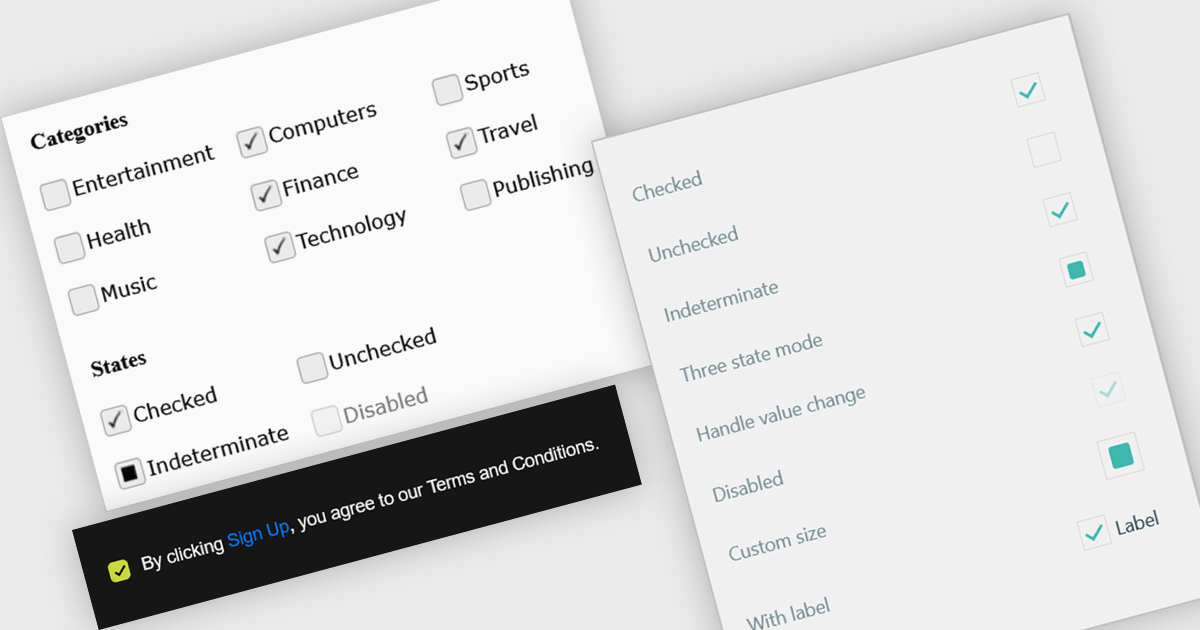
A check box is a user interface element that represents a Boolean field, allowing users to toggle between two states such as true and false directly within a form or data grid. It provides a clear and efficient way to edit logical values without requiring manual text input, reducing the risk of invalid entries and improving data consistency. For software developers, integrating check boxes into data-bound controls simplifies validation logic, and ensures that binary options are presented in a predictable and accessible format across applications.
Several React data editor collections provide check box editing capabilities including:
For an in-depth analysis of features and price, visit our comparison of React Data Editor components.
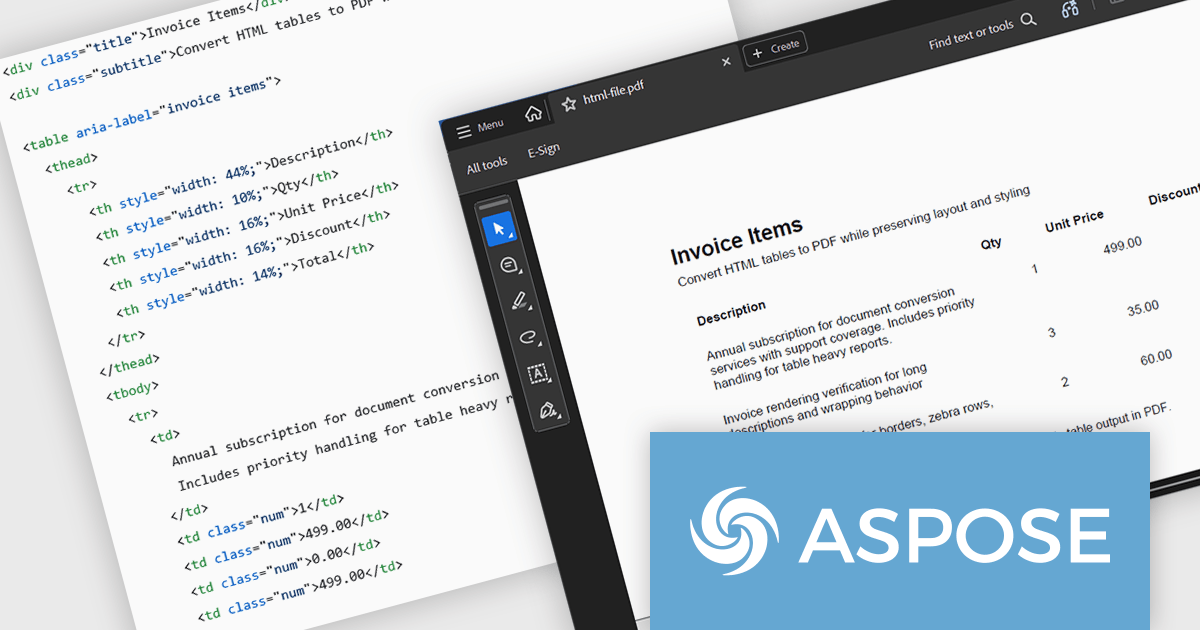
Aspose.HTML for Python via .NET is an advanced API for HTML processing that allows for a wide range of management and manipulation tasks in cross-platform applications. The API can create, modify, extract data, convert, and render HTML documents without the need for external software. It supports popular file formats such as EPUB, MHTML, XML, SVG, and Markdown and can render to PDF, DOCX, XPS, and Image file formats.
In this blog post, Aspose provides a step-by-step guide to convert HTML tables to PDF with Aspose.HTML in Python via .NET while preserving table layout and styling. You will start with a clean table template, then add custom CSS, custom page size, footer text, and page numbers for report grade PDFs. Steps include:
Detailed code is included, along with a guide to troubleshoot common table issues.
Read the full blog to learn how to convert HTML tables into clean, well-formatted PDF documents.
Aspose.HTML for Python via .NET is offered as Developer Small Business, Developer OEM, Developer SDK, Site Small Business, Site OEM, and Site SDK licenses catering to a range of business needs. Licenses are perpetual, and include 1 year of support and maintenance. Subscription renewals are also available. See our Aspose.HTML for Python via .NET licensing page for full details.
Aspose.HTML for Python via .NET is available in the following products:
Flyway extends DevOps practices to databases, significantly speeding up how quickly software can be released and improving the overall quality of the code. By offering features like version control for database schemas and enabling continuous delivery pipelines for database changes, Flyway helps individuals, teams, and organizations to improve their existing software delivery through the automation of database development tasks. This integration ensures that database changes are managed with the same rigor and efficiency as application code, leading to faster, more reliable, and less error-prone software deployments.
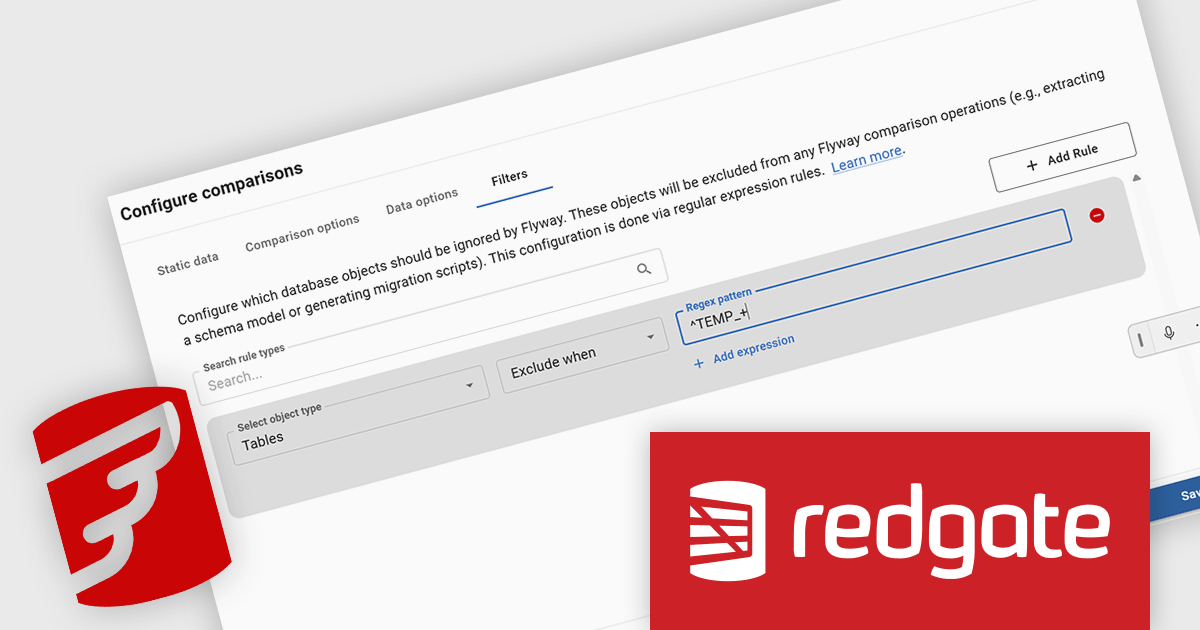
Redgate Flyway now includes a dedicated Oracle Filter UI that simplifies configuring which database objects are included in version control. Oracle schemas often contain thousands of objects, making manual filter file editing time-consuming and prone to mistakes. The new interface allows developers to configure and adjust schema filters visually during project setup or from the Schema Model page, making the filtering process more discoverable and easier to manage. By allowing teams to exclude unnecessary objects, the feature helps keep version control repositories focused on relevant database assets and can improve performance when working with large Oracle schemas.
Flyway is licensed per server on an annual subscription basis. See our Flyway licensing page for full details.
For more information, visit our Redgate Flyway product page.
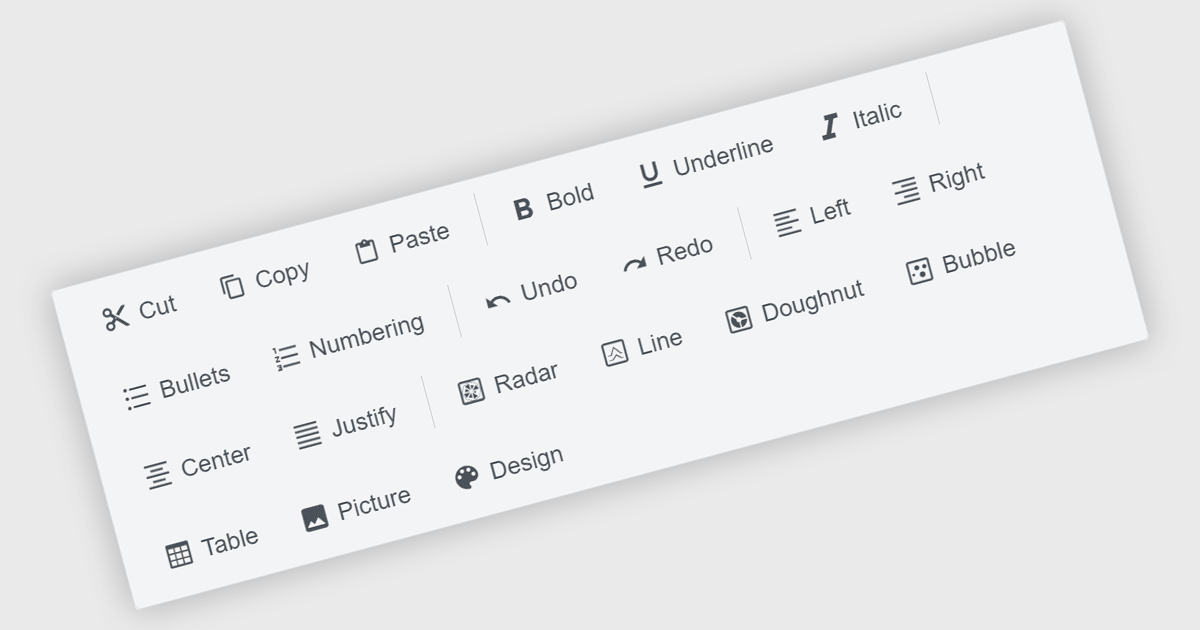
Toolbar components are a common feature in modern Angular UI suites, providing a structured way to present frequently used commands within an application. Typically displayed as a horizontal or vertical strip of buttons, icons, and interactive controls, a toolbar helps developers organize actions in a clear and accessible location. In Angular-based applications, toolbar components are often designed to work with the framework's component architecture, supporting features such as templating, responsive layouts, and integration with other UI elements like menus, dropdowns, and input controls. This allows developers to build consistent command surfaces while maintaining flexibility in how functionality is exposed to users.
Several Angular UI suites offer toolbar components including:
For an in-depth analysis of features and price, visit our Angular UI suites comparison.
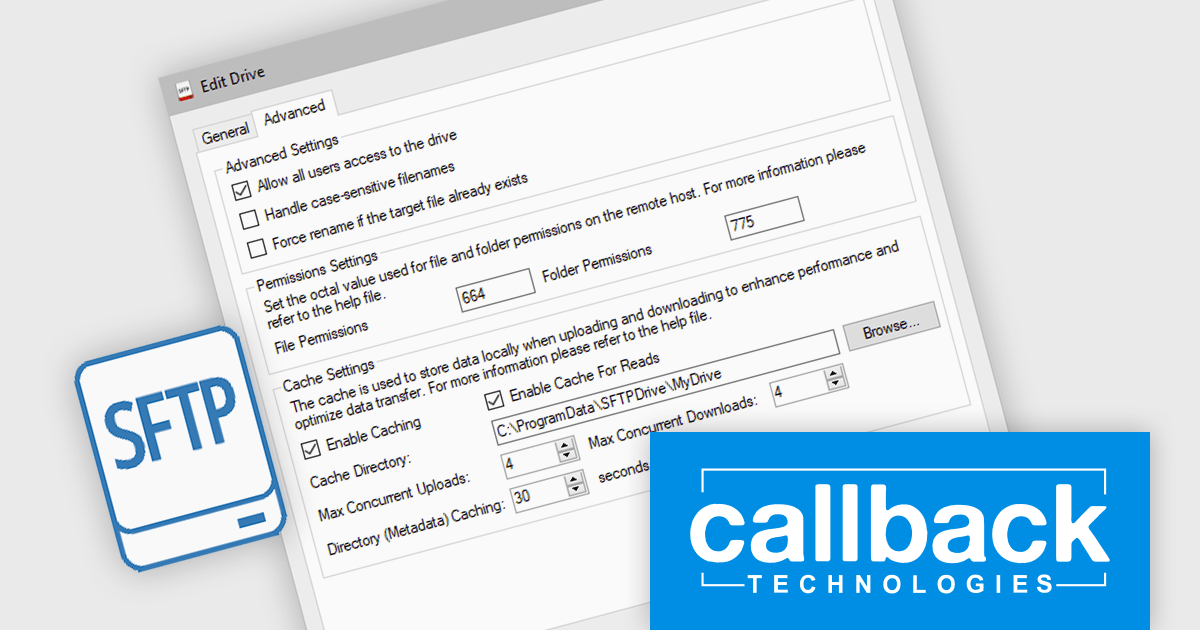
SFTP Drive from Callback Technologies allows you to map remote SFTP servers as local drives on your Windows system. By assigning a drive letter (e.g., "S:" or "Z:") to your SFTP server, you can read, write, and modify remote files directly from Windows Explorer or any application as if they were on your local machine. This integration preserves directory structures and requires no changes to your existing applications.
Callback Technologies SFTP Drive improves file transfer performance by using intelligent caching to temporarily store file content and metadata locally before transmitting it to the SFTP server. This reduces the number of network round trips required for file system operations, allowing the drive to consolidate write activity and upload complete files more efficiently. As a result, applications interacting with the virtual drive experience faster responsiveness and more consistent behavior, even when files are written in multiple steps or through frequent small I/O operations.
Callback Technologies SFTP Drive is licensed per user or per server and is available with one year of free upgrades and priority support. See our Callback Technologies SFTP Drive licensing page for full details.
For more information, visit our Callback Technologies SFTP Drive product page.
전화 : 00798 14 800 6332
팩스 : +1 770 250 6199


