













공식 공급 업체
200 이상의 소프트웨어 개발처와 판매 계약을 맺은 공인 디스트리뷰터로서 합법적인 라이선스를 제공합니다.
모든 브랜드 보기.
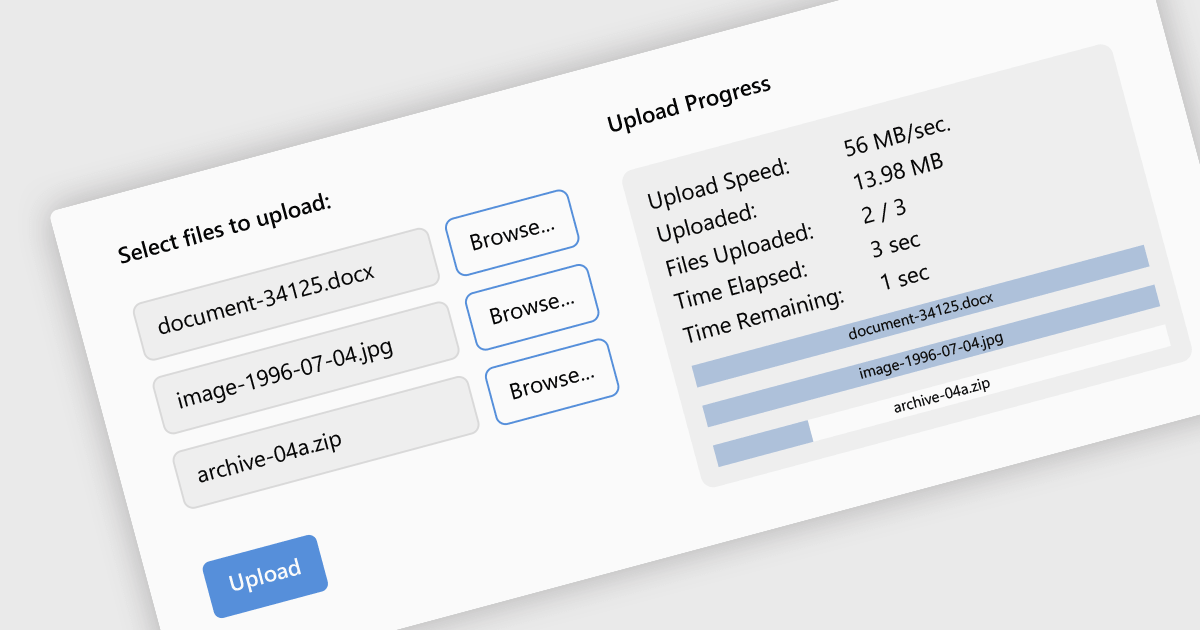
Leveraging a communications component for file uploads in your .NET application streamlines development and enhances maintainability. These pre-built components handle the complexities of file transfer protocols and boundary conditions, allowing you to focus on core application logic. Additionally, they often provide features like progress tracking and error handling, improving the user experience and simplifying debugging. By enabling file uploads, your application can collect user-generated content, facilitate document sharing, or streamline data ingestion, enriching the overall user experience and potential use cases for your app.
Several .NET communications and messaging components support the upload of files to web servers, including:
For an in-depth analysis of features and price, visit our comparison of .NET comms & messaging components.
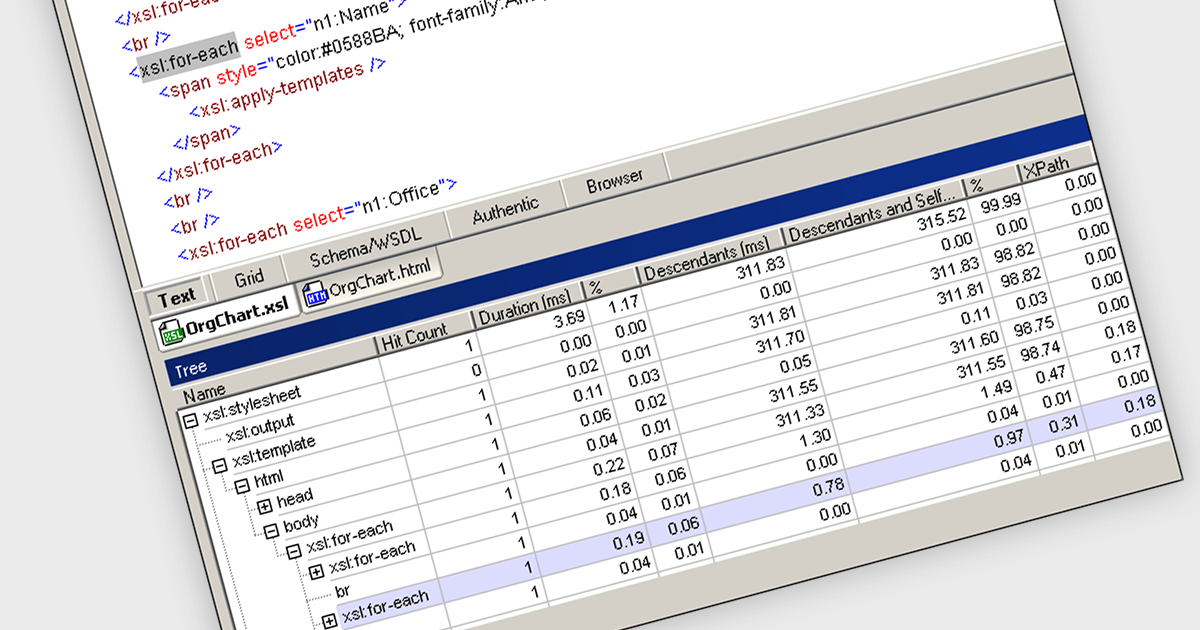
XSLT profiling features within structured document software are used to analyze and optimize XSLT (Extensible Stylesheet Language Transformations) transformations. They provide developers with detailed insights into the performance of XSLT stylesheets, identifying bottlenecks and inefficiencies in the transformation process. By profiling XSLT code, developers can pinpoint areas for improvement, such as inefficient XPath expressions or resource-intensive template usage, leading to enhanced performance and reduced execution times.
Several Structured Document Tools offer an XSLT profiler including:
For an in-depth analysis of features and price, visit our Structured Document Tools comparison.

The ability to combine multiple data sources when creating a report is a critical aspect of modern data analytics and business intelligence. It allows for the creation of a holistic view by bringing together information from various databases, spreadsheets, or applications. Developers who integrate this into their reporting application enable their users to design reports that can be used to derive more accurate insights, make informed decisions, and identify trends or patterns that might not be evident when examining isolated data sets.
Several ASP.NET MVC report components allow you to combine multiple data sources, including:
For an in-depth analysis of features and price, visit our comparison of ASP.NET MVC report components.
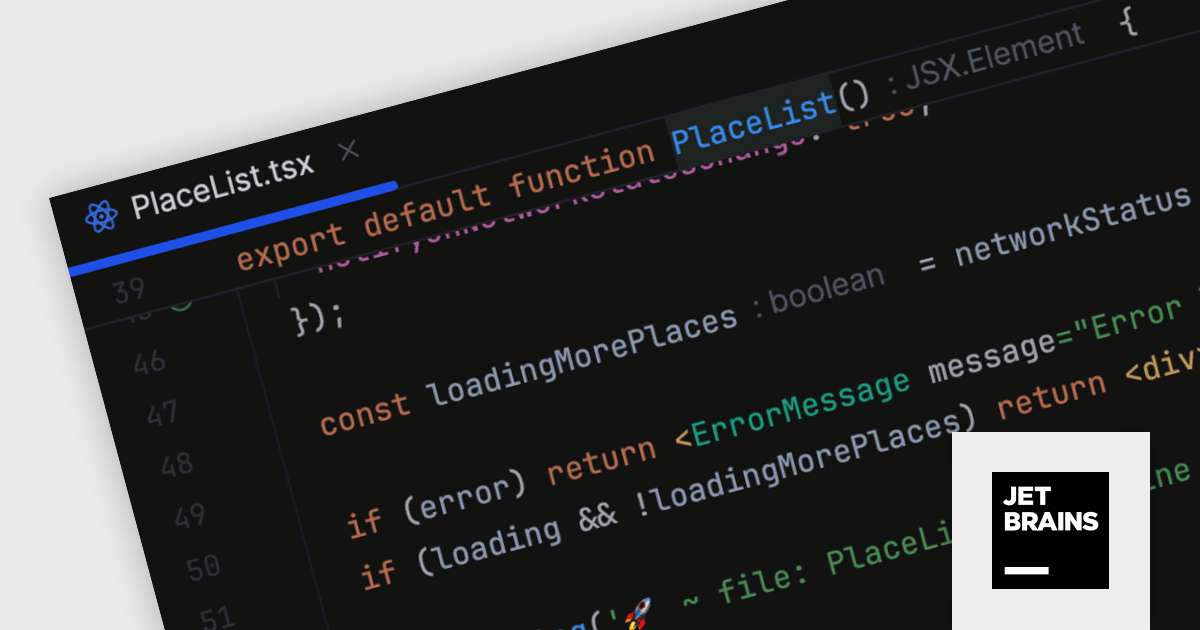
JetBrains WebStorm is a powerful and modern Integrated Development Environment (IDE) specifically designed for web development. It offers a feature-rich environment that supports popular web technologies like JavaScript, HTML, CSS, and Node.js. WebStorm helps you write cleaner, more efficient code with features like syntax highlighting, autocompletion, code refactoring, and built-in testing tools. It integrates seamlessly with various web frameworks and libraries, making it a versatile choice for both front-end and back-end development.
WebStorm 2024.1 introduces a new sticky lines feature to streamline navigation within large codebases. This functionality keeps essential structural elements, such as function and class declarations, constantly visible at the top of your editor viewport as you scroll. This ensures you always retain context and can effortlessly navigate through your code, improving overall development efficiency.
To see a full list of what's new in version 2024.1, see our release notes.
WebStorm is licensed per user, and is available as a commercial annual subscription license. We can supply new subscriptions, subscription renewals (including continuity discounts), lapsed renewals, and additional user licenses. See our WebStorm licensing page for full details.
For more information, visit our WebStorm product page.
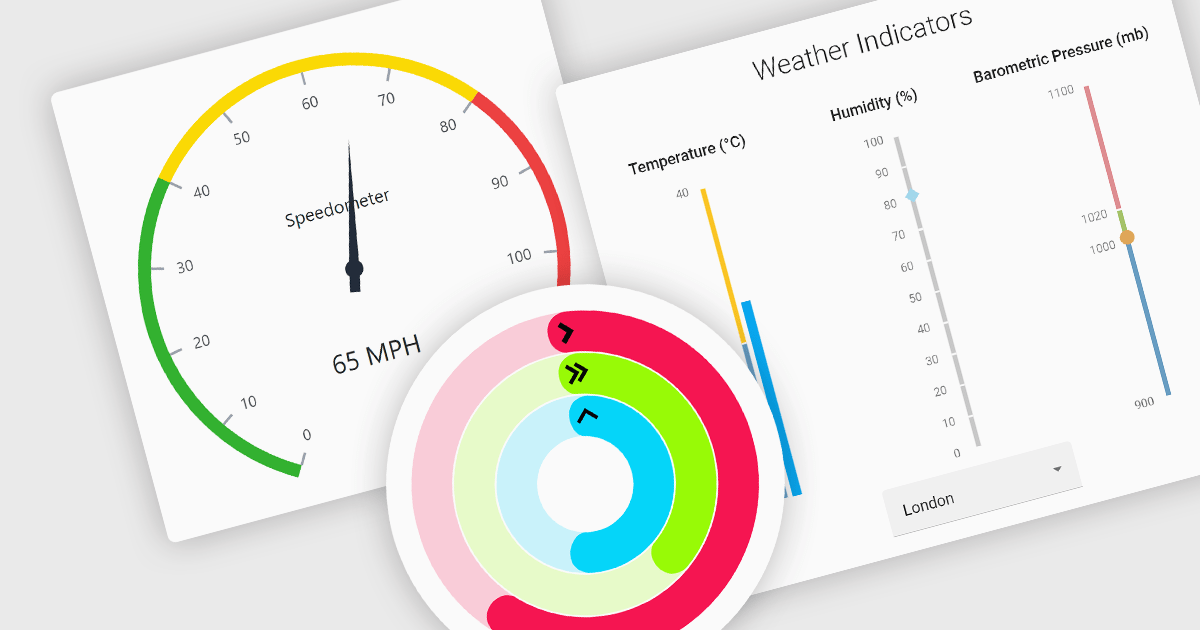
Gauge controls are visual tools used to display important metrics in an easily understood format, such as linear or radial layouts. These controls are ideal for dashboards and monitoring systems because they provide a clear snapshot of data in real-time, enhancing user decision-making and efficiency. Their simplicity and immediate data representation make them essential for applications where quick and accurate interpretations are crucial. Many gauges can be customized with various ranges, colors, and styles to effectively communicate data like speed, temperature, or progress, making them valuable tools for building informative user interfaces.
Several React UI suites feature a gauge component including:
For an in-depth analysis of features and price, visit our React UI Suites comparison.
전화 : 00798 14 800 6332
팩스 : +1 770 250 6199


