













공식 공급 업체
200 이상의 소프트웨어 개발처와 판매 계약을 맺은 공인 디스트리뷰터로서 합법적인 라이선스를 제공합니다.
모든 브랜드 보기.
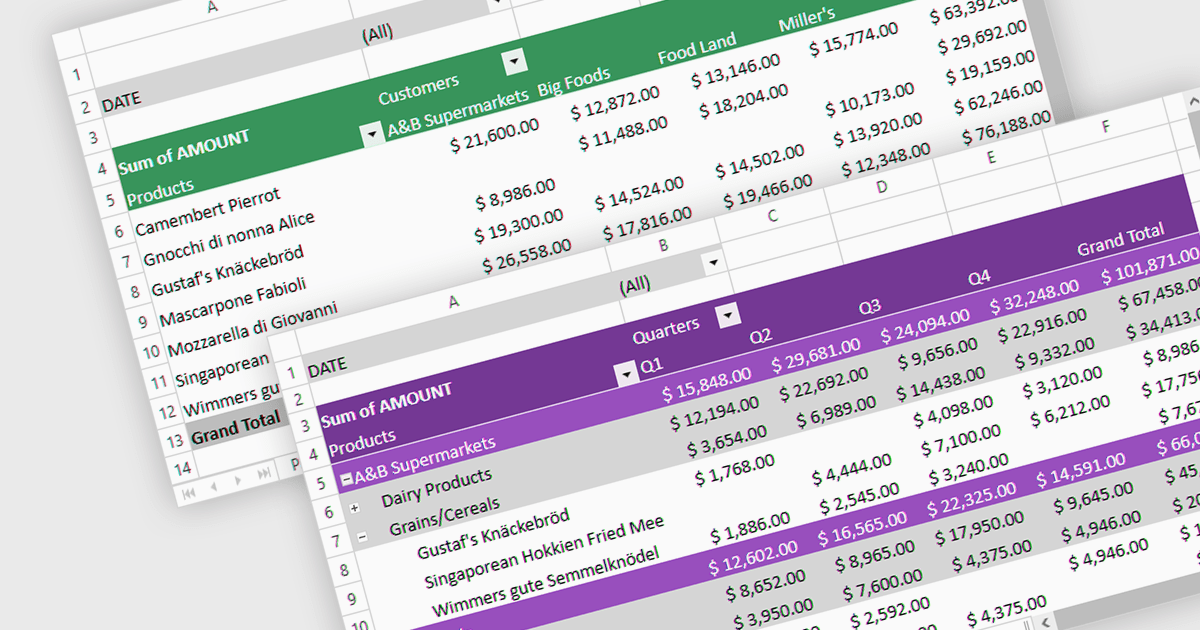
.NET spreadsheet controls with built-in pivot table functionality empower developers to seamlessly integrate robust data analysis into their applications. This feature allows users to effortlessly rearrange and aggregate large datasets, gaining insights through customizable views without modifying the original data. Pivot tables streamline decision-making by simplifying complex tasks like sorting, filtering, and visualizing information, ultimately enhancing the usability and effectiveness of these spreadsheet applications.
Several .NET Spreadsheet controls support pivot tables including:
For an in-depth analysis of features and price, visit our comparison of .NET Spreadsheet Controls.
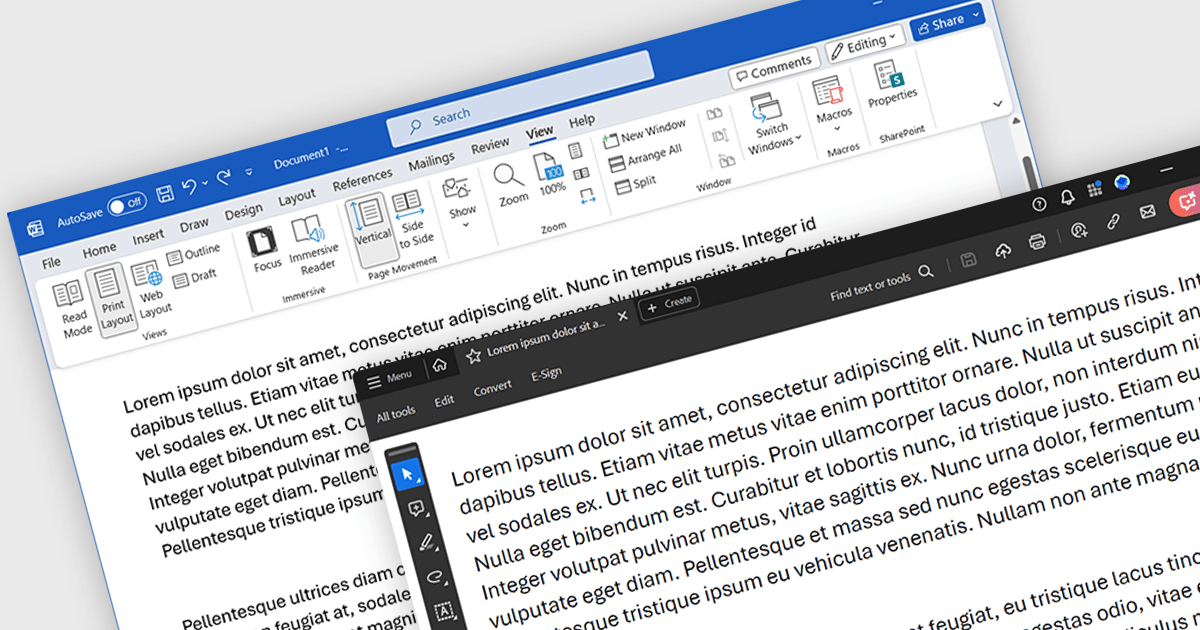
Word to PDF functionality within a PDF component refers to the ability to convert Microsoft Word documents (.docx) into Portable Document Format (PDF) files directly within your software application. This embedded conversion capability offers developers several advantages. It streamlines the document handling process by eliminating the need for external tools or libraries. It also ensures compatibility, as the conversion occurs entirely within your program. This can be particularly useful for applications where users interact with both Word documents and PDFs.
Several .NET PDF components allow you to convert Word files to PDF including:
For an in-depth analysis of features and price, visit our comparison of .NET PDF components.
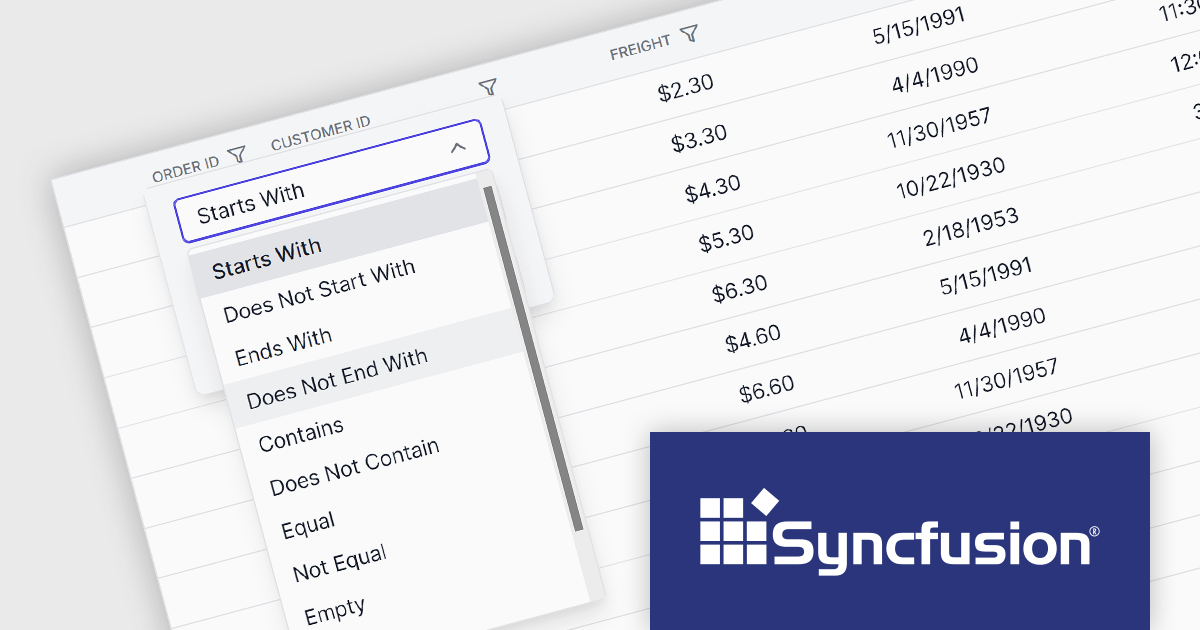
Syncfusion Essential Studio Blazor (available as part of Syncfusion Essential Studio Enterprise) is a comprehensive UI component library designed to accelerate the development of high-performance, modern web applications using the Blazor framework. It boasts over 85+ responsive, lightweight, and modular components spanning various categories like data visualization, data editing, document processing, and interactive UI elements. This rich repertoire empowers developers to rapidly build user-friendly, feature-rich web interfaces, all with the advantage of seamless integration with both server-side and client-side Blazor applications.
The Syncfusion Essential Studio Blazor 2024 Volume 1 (25.1.35) release introduces a new operator for its search and filter functionality. This addition empowers users with the ability to conduct more precise and targeted searches on their data. This enhanced functionality expands filtering capabilities to include options like "Does Not Contain," "Is Null," and "Does Not Start With," granting users greater flexibility and control over how they search and filter data within the DataGrid.
To see a full list of what's new in version 2024 Volume 1 (25.1.35), see our release notes.
Syncfusion Essential Studio Blazor is available as part of Syncfusion Essential Studio Enterprise which is licensed per developer starting with a Team License of up to five developers. It is available as a 12 Month Timed Subscription License which includes support and maintenance. See our Syncfusion Essential Studio Enterprise licensing page for full details.
For more information, visit our Syncfusion Essential Studio Blazor product page.
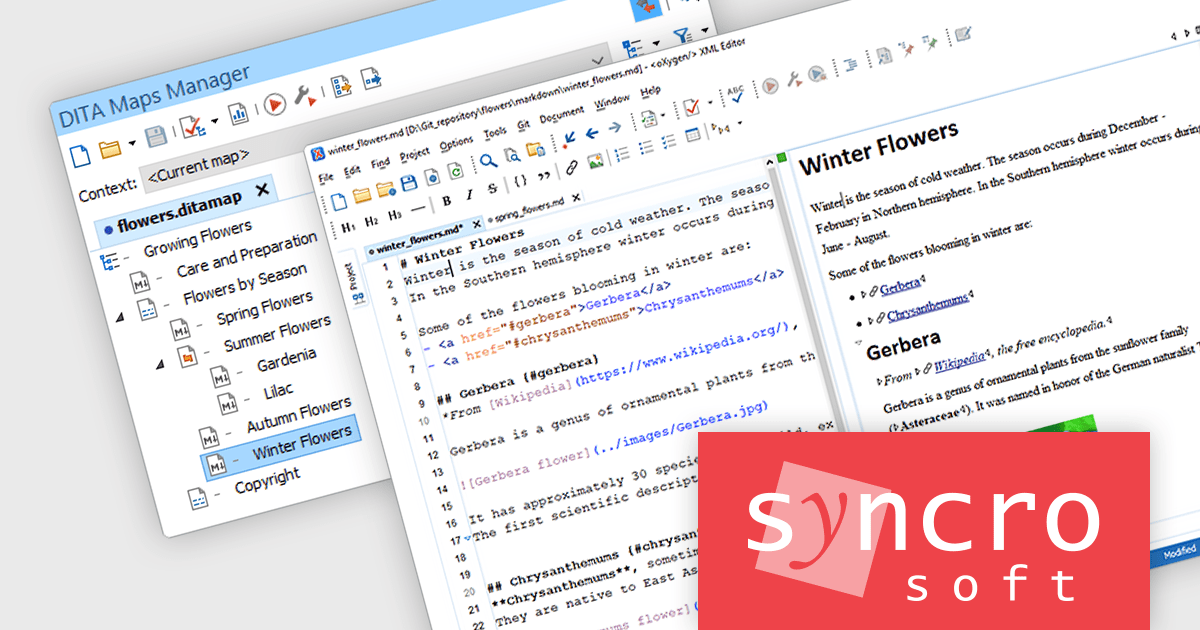
Oxygen XML Editor is a cross-platform XML editor that provides a comprehensive suite of tools for XML authoring and development. It is designed for users of all levels of experience, and includes support for all aspects of XML development, including editing, validating, generating output, debugging, and managing XML projects. Its wide feature set includes XML schema editing, graphical XML document browser, syntax highlighting, context-aware code completion, and powerful search and replace functionality.
The Oxygen XML Editor 26.1 release streamlines the workflow for content authors who utilize Markdown. Pasting Markdown content (a widely used plain text formatting language) into DITA, DocBook, TEI, or XHTML documents in Author mode could previously result in formatting inconsistencies. This new smart paste functionality automatically converts pasted Markdown into the target document's format, mirroring its behavior with web pages and Microsoft Word documents. By automating this conversion, Oxygen XML Editor eliminates the need for manual reformatting after each Markdown paste, saving authors significant time and effort.
To see a full list of what's new in version 26.1, see our release notes.
Oxygen XML Editor is licensed per Named or Floating user and is available as a Timed or Perpetual License with support and maintenance subscription. See our Oxygen XML Editor licensing page for full details.
Oxygen XML Editor is available in the following products:

Devart's ODBC Driver for Firebird acts as a bridge, allowing ODBC-compliant reporting, analytics, and data integration (ETL) tools to connect seamlessly with Firebird databases. This high-performance driver offers secure access to live Firebird data on Windows, macOS, and Linux environments. It ensures smooth interaction by fully supporting standard ODBC functions and data types, along with features like bulk updates and advanced data conversion for efficient data manipulation.
Version 3.6.0 adds support for Firebird 5, ensuring seamless connectivity between your ODBC-compliant applications and the latest Firebird database version. This allows you to leverage potential performance improvements and security features offered by Firebird 5 without needing to update your applications or drivers separately.
To see a full list of what's new in 3.6.0, see our release notes.
Devart ODBC Driver for Firebird is licensed per developer and is available as an Annual or Perpetual License with a 12 month support and maintenance subscription. See our Devart ODBC Driver for Firebird licensing page for full details.
Devart ODBC Driver for Firebird is available in the following products:
전화 : 00798 14 800 6332
팩스 : +1 770 250 6199


