













공식 공급 업체
200 이상의 소프트웨어 개발처와 판매 계약을 맺은 공인 디스트리뷰터로서 합법적인 라이선스를 제공합니다.
모든 브랜드 보기.
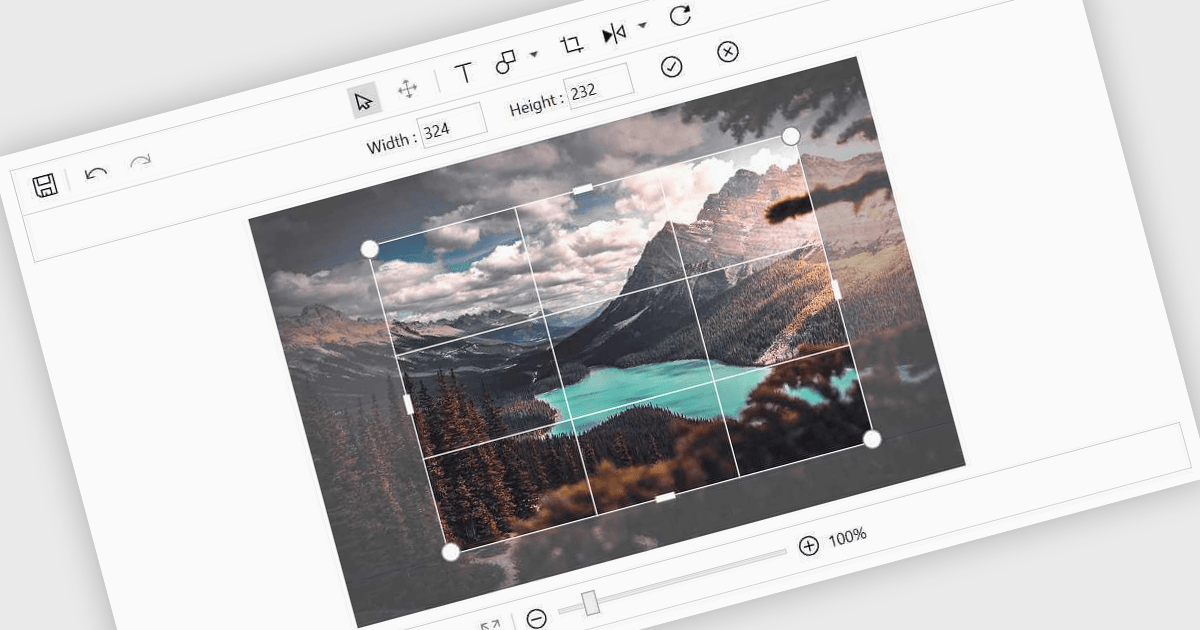
Image editing in a data editor component helps users work with images alongside other data fields. This includes basic functions like cropping, rotating, resizing, and adding annotations. It's useful for tasks such as cleaning up user-uploaded files, adjusting product photos, or marking up visual references—all without switching to another application. This keeps image handling part of the same process as your data updates.
Several .NET data editor collections provide an image editor, including:
For an in-depth analysis of features and price, visit our .NET data editors comparison.
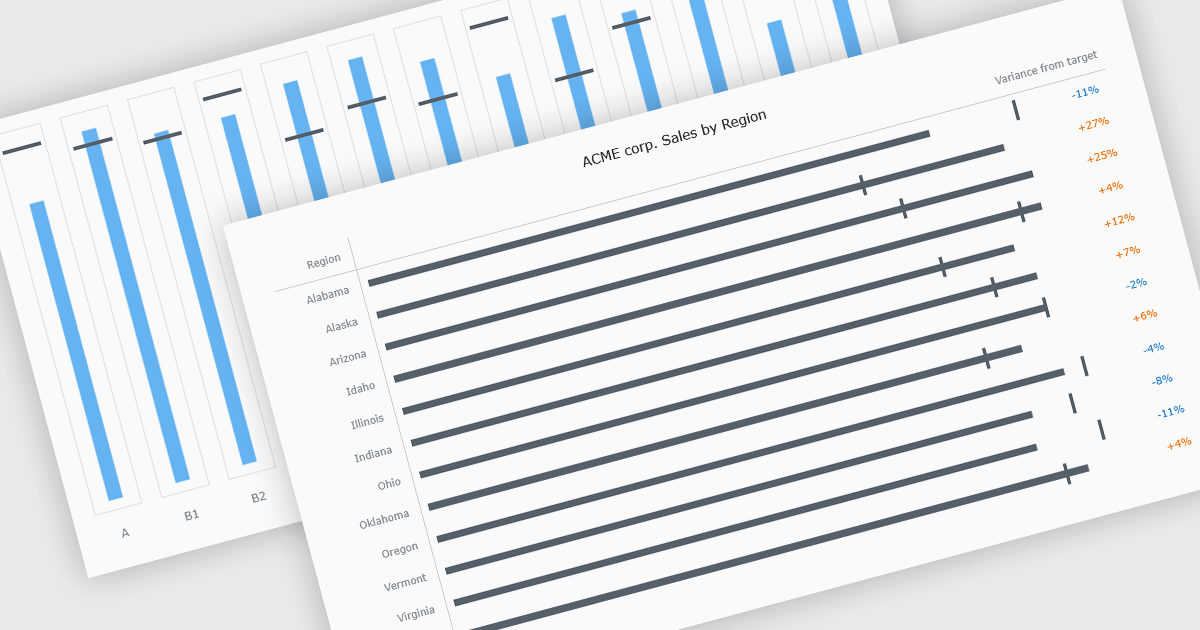
Bullet charts are goal-oriented visualizations that compare actual performance against targets and benchmarks such as budget and forecast values in a single, easy-to-read view. They offer a clear alternative to gauges and meters by showing progress toward goals while making variances and shortfalls immediately obvious. By presenting multiple reference points together, bullet charts help stakeholders interpret performance quickly and consistently across metrics. Common use cases include financial reporting, sales and margin tracking, KPI dashboards, operational scorecards, and executive summaries where fast, reliable comparisons support better decision-making.
Several JavaScript chart controls offer bullet chart support including:
For an in-depth analysis of features and price, visit our JavaScript bullet chart controls comparison.
PhpStorm by JetBrains is a sophisticated Integrated Development Environment (IDE) specifically designed for PHP and web development. It offers a range of features to enhance your coding experience, including syntax highlighting, intelligent code completion, on-the-fly error detection, built-in debugging tools, and advanced code refactoring capabilities. It also supports various web technologies like HTML, CSS, and JavaScript, making it a versatile tool for building complete web applications.
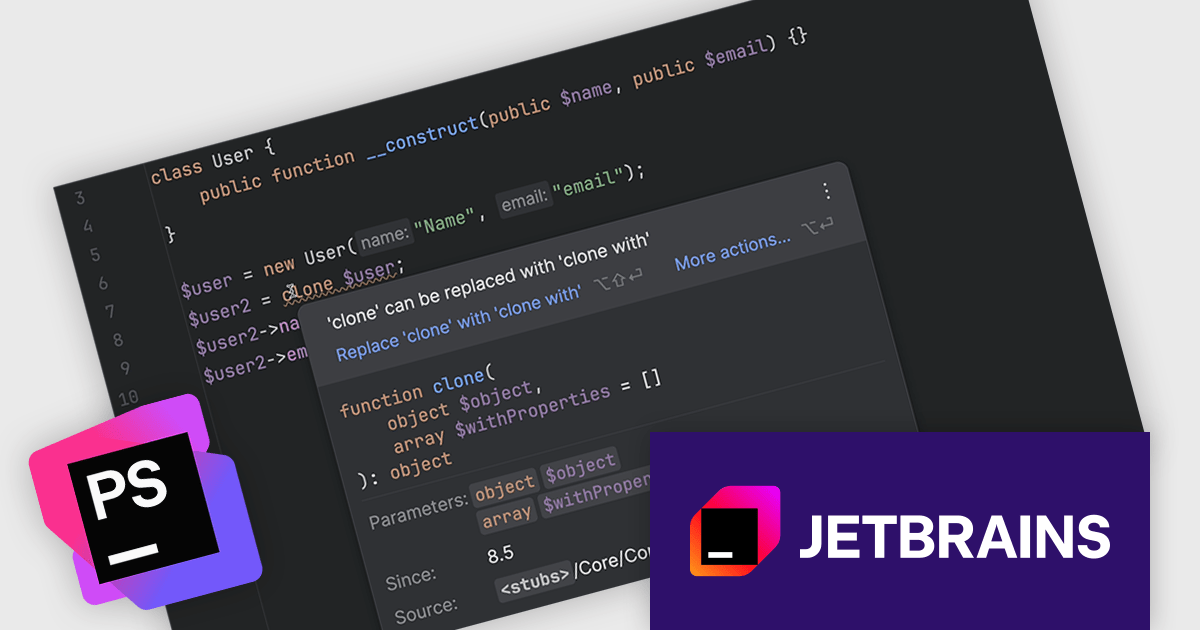
The PhpStorm 2025.3 update now fully supports PHP 8.5, incorporating all recent changes to the language. This includes updated syntax, new functions, and enhancements introduced in the latest PHP release. Developers can take advantage of intelligent code assistance, error highlighting, and refactoring tools that are fully aware of the new language features. This update ensures that teams adopting PHP 8.5 can continue working efficiently with PhpStorm's advanced development environment.
To see a full list of what's new in version 2025.3, see our release notes.
PhpStorm is licensed per user, and is available as a commercial annual subscription license. We can supply new subscriptions, subscription renewals, lapsed renewals, and additional user licenses. See our PhpStorm licensing page for full details.
PhpStorm is available to buy in the following products:
AdminStudio, by Flexera, empowers IT teams to seamlessly and securely package and deploy applications across various platforms. This comprehensive suite automates key processes, from building new packages to testing compatibility and mitigating risks, ensuring efficient and reliable software distribution within your organization. Whether managing physical or virtual applications, AdminStudio simplifies the entire journey, from initial packaging to endpoint delivery, ultimately driving greater efficiency and minimizing deployment risks.
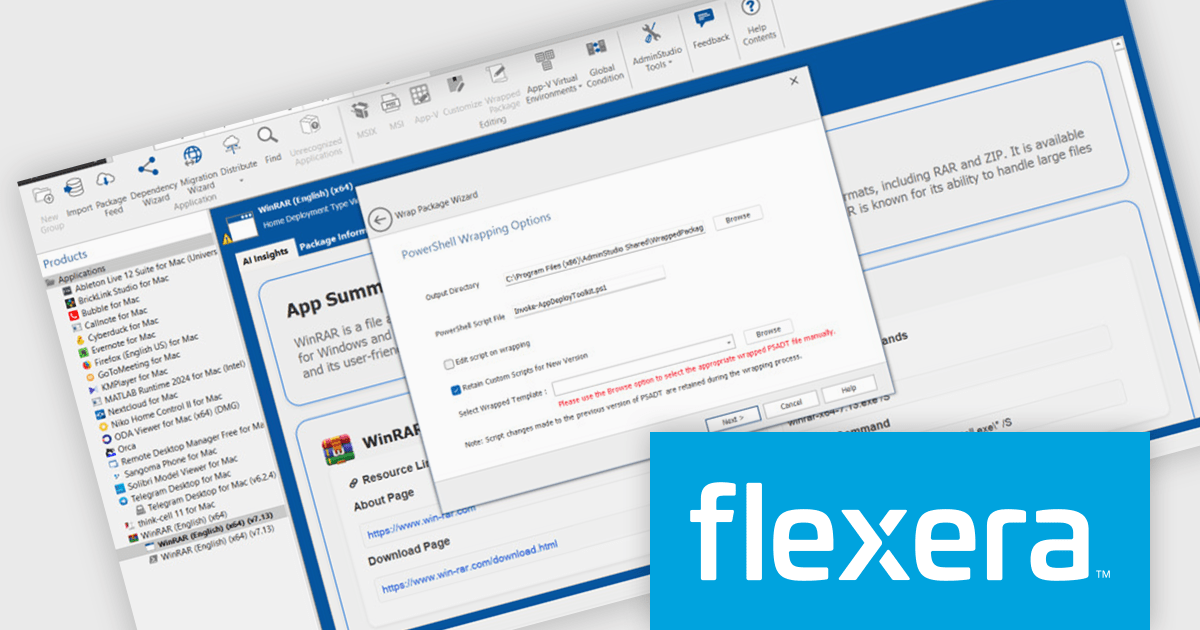
The AdminStudio 2025 R3 release introduces AI-powered enhancements designed to optimize the application packaging process. The 'App Insights' tab brings contextual summaries and actionable recommendations directly into the interface, helping teams assess packaging outcomes more effectively. These tools aim to reduce repetitive tasks, enhance decision-making, and increase confidence in deployment readiness.
To see a full list of what's new in version 2025 R3, see our release notes.
AdminStudio is licensed per user and is available as a 3 Year Timed Subscription. See our AdminStudio Professional or AdminStudio Enterprise licensing pages for full details.
For more information, visit our product pages:
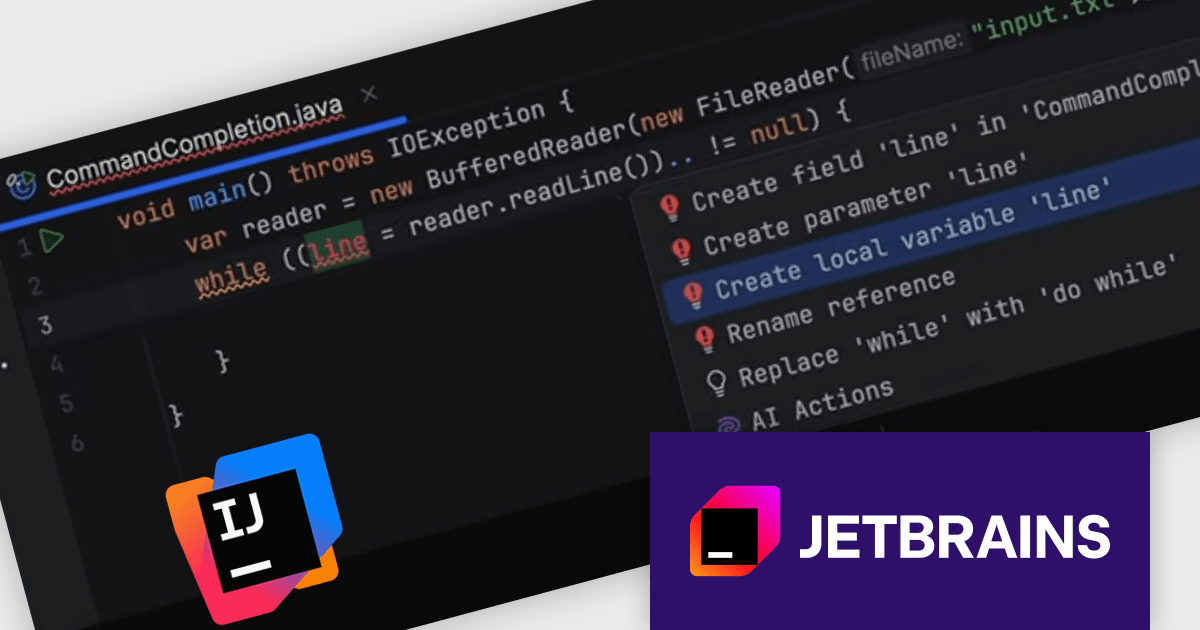
IntelliJ IDEA by JetBrains is an integrated development environment (IDE) designed to maximize developer productivity through intelligent code assistance, deep language understanding, and robust developer tools. Known for its support for Java and a wide array of other languages and frameworks, IntelliJ IDEA offers advanced code completion, on-the-fly analysis, and reliable refactoring tools that accelerate the entire development process. With a strong focus on ergonomics and performance, it enables professionals to write, test, and debug high-quality code faster and with greater confidence.
The IntelliJ IDEA 2025.3 update introduces command completion, a feature designed to surface IDE actions alongside code suggestions within the editor. Building on the familiar dot-based completion, it lets developers trigger both code elements and contextual actions. You can filter results to show only actionable commands, enabling quick access without leaving the editor. Each suggestion provides a preview, allowing users to see exactly what an action will do before applying it. This enhancement reduces friction when accessing useful features, helping developers stay focused on their code.
To see a full list of what's new in version 2025.3 see our release notes.
IntelliJ IDEA is licensed per user as a commercial annual subscription. We can supply New Subscriptions, Subscription Renewals, Lapsed Subscription Renewals, and Additional Developer Licenses. See our IntelliJ IDEA licensing page for full details.
IntelliJ IDEA is available to buy in the following products:
전화 : 00798 14 800 6332
팩스 : +1 770 250 6199


