













공식 공급 업체
200 이상의 소프트웨어 개발처와 판매 계약을 맺은 공인 디스트리뷰터로서 합법적인 라이선스를 제공합니다.
모든 브랜드 보기.
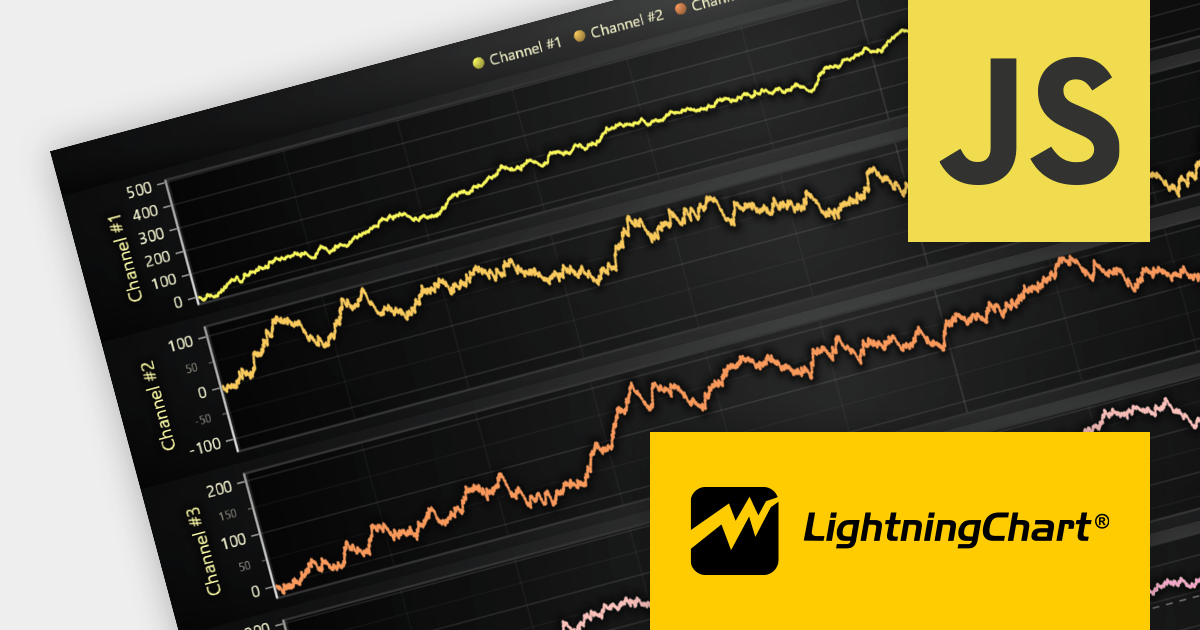
LightningChart JS is a high-performance JavaScript charting library that utilizes WebGL rendering and GPU acceleration to deliver exceptional performance for a wide range of data visualization needs. It is designed to handle large datasets and complex visualizations with ease, enabling developers to create interactive and visually appealing charts for various applications.
The LightningChart JS v5.0 release introduces WebGL context sharing, enabling the sharing of WebGL resources (e.g. textures, shaders, and buffers) across multiple WebGL contexts. This enhances the performance of multi-chart displays, minimizes memory consumption, and simplifies resource management. It optimizes the rendering of each chart, regardless of their arrangement or quantity. Developers can now employ HTML <div> elements to define chart layouts and use CSS for precise control over positioning.
To see a full list of what's new in v5.0.0, see our release notes.
For more information, see our LightningChart JS product page.
Highcharts is an industry-leading JavaScript charting library, used by tens of thousands of developers and over 80% of the world's 100 largest companies. Highcharts Core (formerly Highcharts JS) is an SVG-based, multi-platform charting library that has been actively developed since 2009.
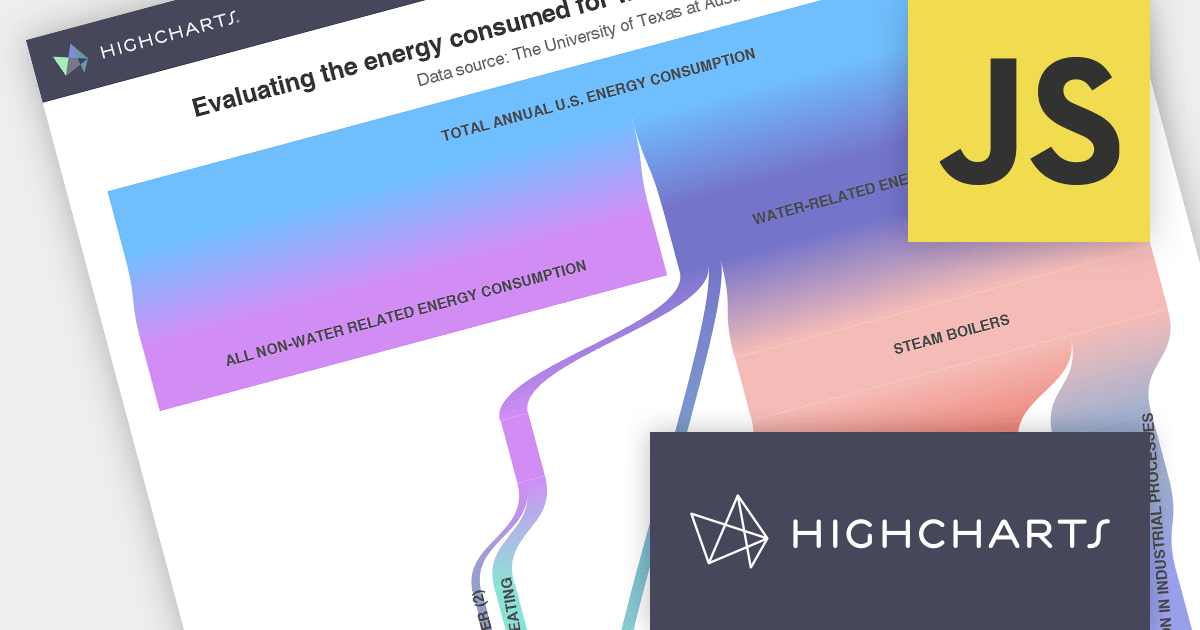
Highcharts v11.2.0 adds new options for the presentation of Sankey chart types. The nodeAlignment option lets you specify which side of the chart nodes should align to, facilitating a vertical layout. The linkColorMode option determines the color mode for Sankey links, including matching the "from" node, the "to" node, or a gradient between the two.
Sankey charts are a type of flow diagram suited to visualizing complex data that changes over time. With the added Sankey chart display options, Highcharts now offers more impactful ways to visualize your data.
To see a full list of what’s new in v11.2.0, see our release notes.
For more information, visit our Highcharts Core product page.
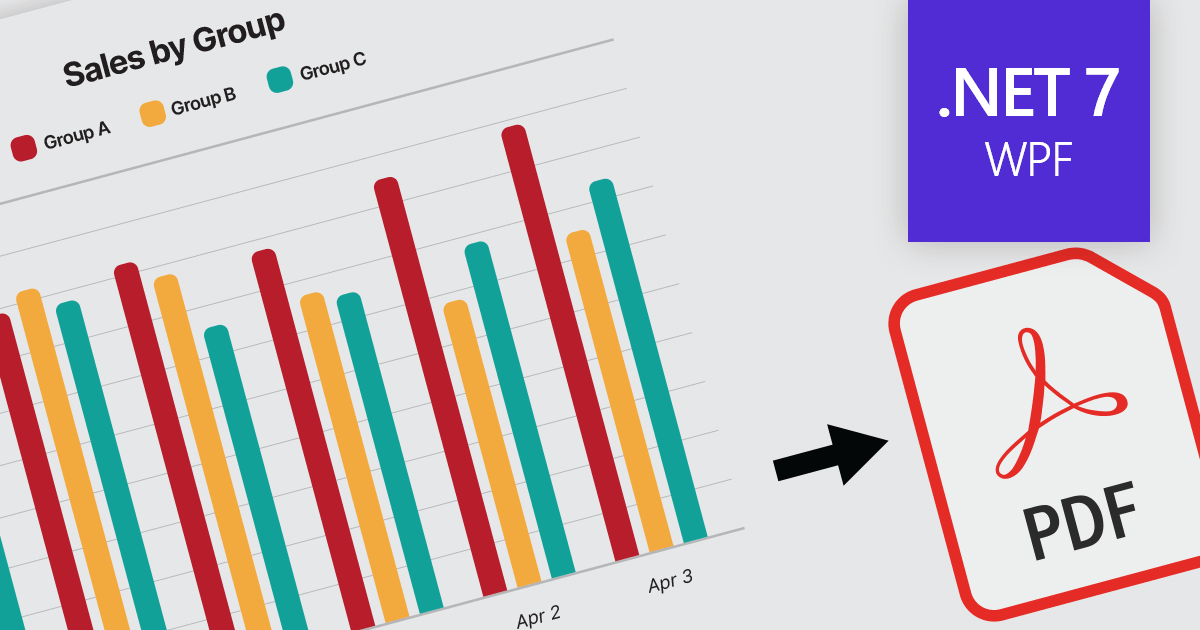
Exporting charts to PDF enables developers to save charts as PDF documents, ensuring their appearance and data are preserved for sharing, printing, or archival purposes. It allows seamless integration of charting capabilities within WPF applications and facilitates the generation of high-quality, portable chart representations in PDF format.
Here is a selection of WPF chart controls that offer PDF export support:
Additionally, the following charting components are available as part of multi-function component suites:
For an in-depth analysis of features and price, visit our comparison of .NET 7 charts.
FusionCharts Suite XT is a JavaScript charting library that provides developers with a wide range of options for creating data visualizations. The suite includes over 100 chart types, 2,000+ maps, and a variety of features for customizing charts, adding interactivity, and exporting charts to different formats. It is used by developers of all skill levels to create data visualizations for a wide range of applications, including dashboards, reports, websites, and mobile apps.
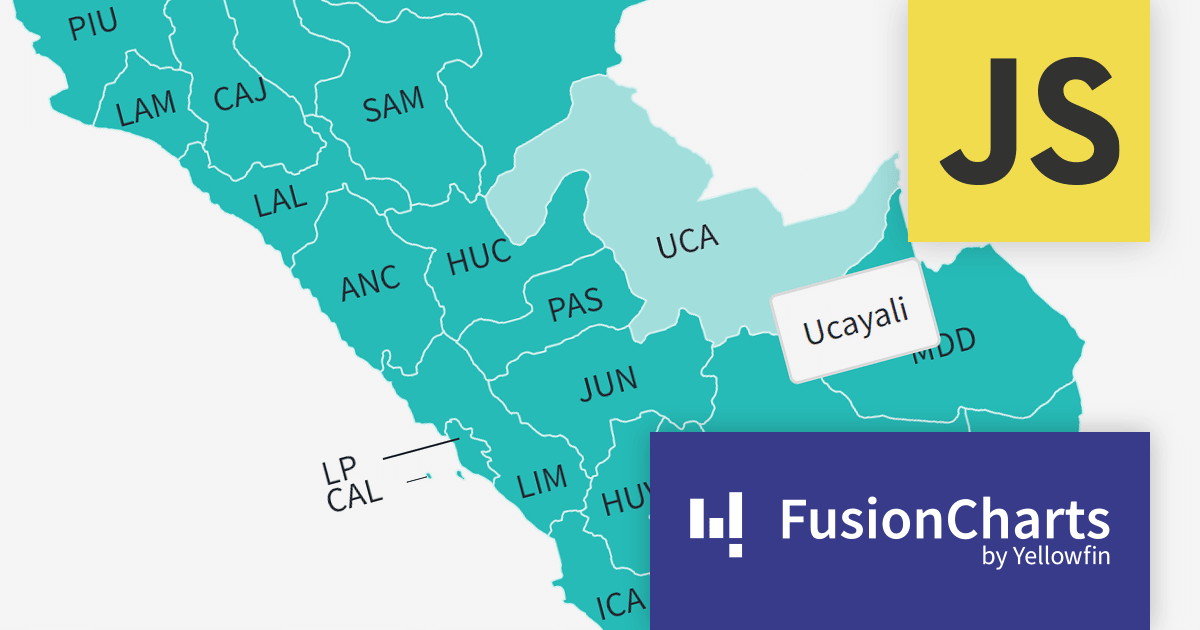
FusionCharts v3.21.0 introduces new maps for Argentina, Peru, and Costa Rica. With a total of 58 new maps, you can now drill down to each specific department within those countries. This version added all 27 Peruvian provinces, all 24 Argentinian provinces, and all 7 Costa Rican provinces.
There are many benefits to using maps in your data visualization apps. Maps are a great way to visualize spatial data, such as customer location, sales by region, or traffic patterns. You can also identify trends and patterns in your data that might otherwise be difficult to see. FusionCharts maps can be used to create interactive dashboards and reports that allow users to explore data in more depth. For example, users could click on different regions on a map to see more detailed information about sales in those regions.
To see a full list of what’s new in version 3.21.0, see our release notes.
For more information, visit our FusionCharts Suite XT product page.
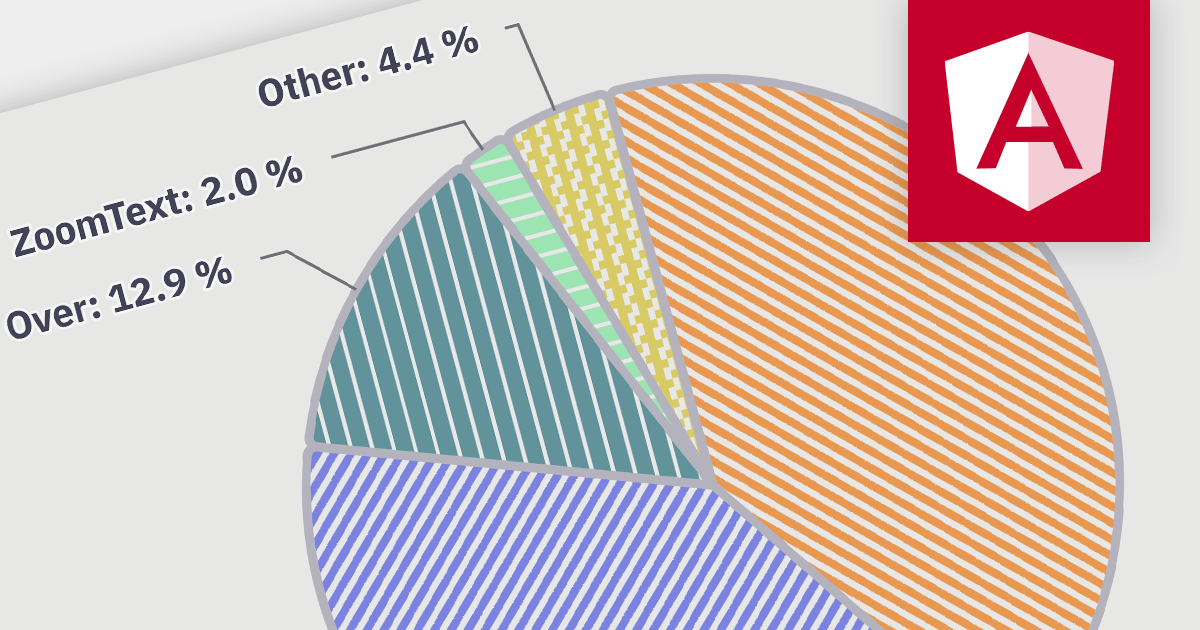
Accessibility features ensure that charts are usable by everyone, including people with disabilities. Examples include screen reader compatibility and keyboard navigation support. This ensures equal access to data visualizations, complying with accessibility standards, and enhancing user experience for all users.
Here is a selection of Angular charting components that provide accessibility features:
Many multi-function component suites also feature charting controls with accessibility support, including:
For an in-depth analysis of features and price, visit our comparison of Angular charts.
전화 : 00798 14 800 6332
팩스 : +1 770 250 6199


