













공식 공급 업체
200 이상의 소프트웨어 개발처와 판매 계약을 맺은 공인 디스트리뷰터로서 합법적인 라이선스를 제공합니다.
모든 브랜드 보기.
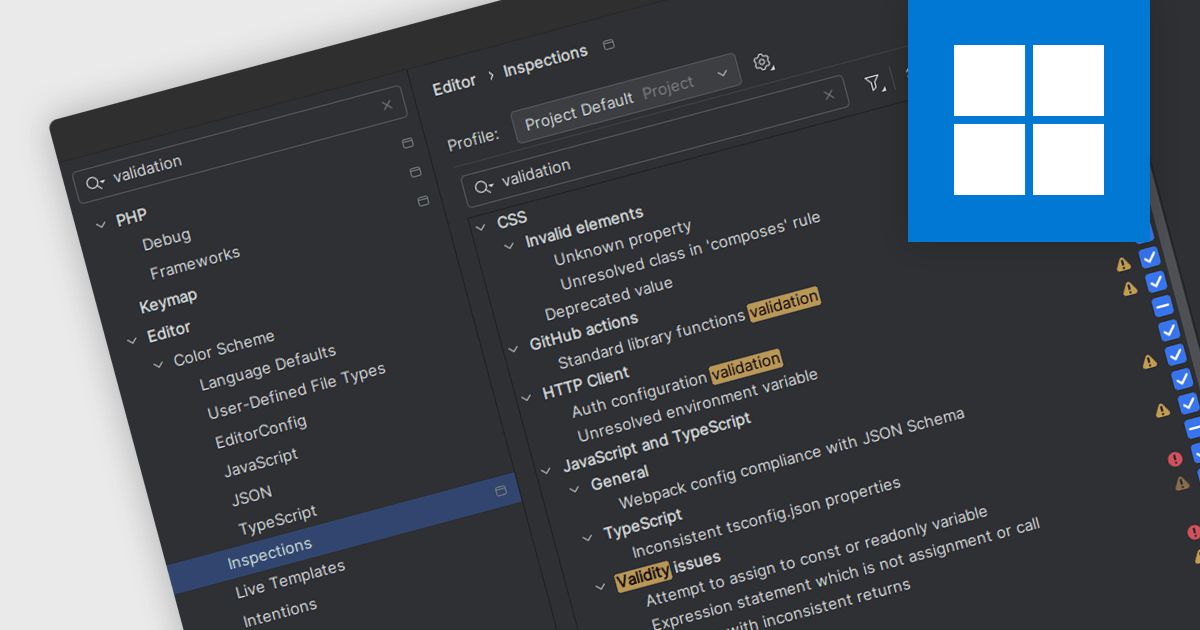
Code validation in IDEs is a real-time analysis process that scrutinizes code syntax, semantics, and adherence to coding standards, providing immediate feedback to developers. By detecting errors, potential issues, and inconsistencies early in the development cycle, it significantly enhances code quality, maintainability, and reliability. This proactive approach streamlines debugging, reduces errors, improves collaboration, and ensures code consistency across projects, ultimately leading to faster development and more robust software.
Several IDEs offer support for code validation including:
For an in-depth analysis of features and price, visit our IDEs comparison.
IntelliJ IDEA is a feature-rich Java IDE that empowers developers with a comprehensive set of tools for intelligent coding assistance, effortless navigation and search, seamless refactorings, in-depth code analysis, comprehensive Web and Enterprise development support, robust unit testing capabilities, and streamlined team collaboration features.
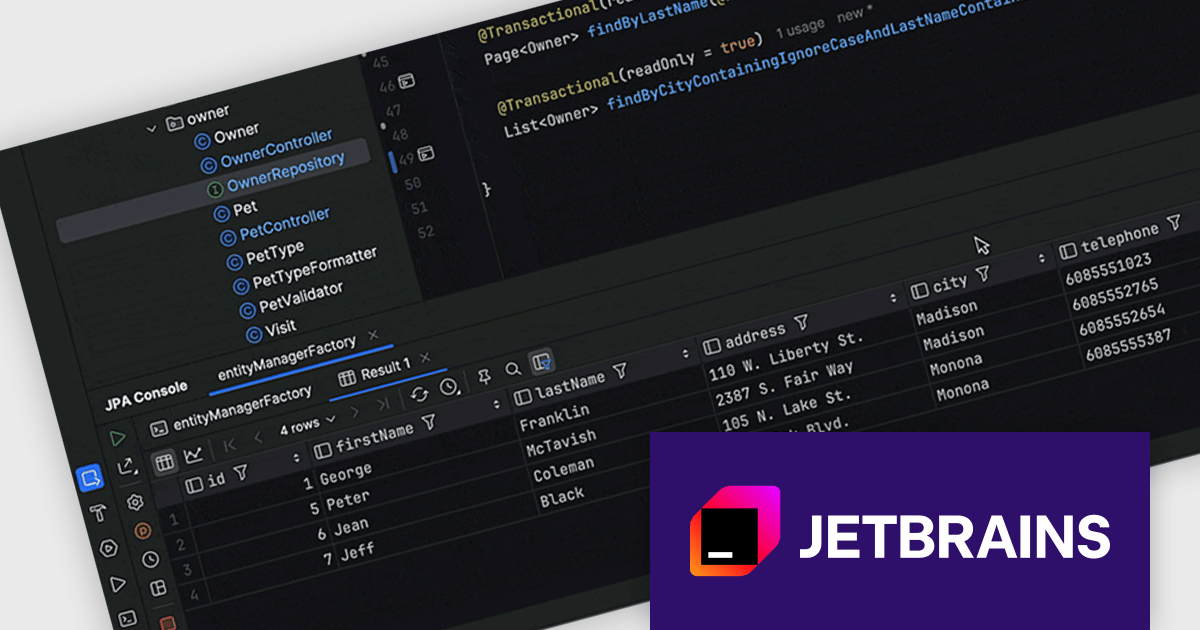
IntelliJ IDEA 2024.2 now offers enhanced Spring Data JPA (Java Persistence API) support, significantly streamlining your development workflow. By executing Spring Data JPA methods directly within the IDE, you can instantly preview the generated SQL query without the need to run your application or delve into log files. This powerful feature empowers you to thoroughly test and refine your data access logic efficiently. With a simple click on the gutter icon, you can seamlessly execute any repository method in the JPA console, providing unparalleled insight into your data interactions and accelerating your development process.
To see a full list of what's new in version 2024.2 see our release notes.
IntelliJ IDEA is licensed per user as a commercial annual subscription. We can supply New Subscriptions, Subscription Renewals, Lapsed Subscription Renewals, and Additional Developer Licenses. See our IntelliJ IDEA licensing page for full details.
IntelliJ IDEA is available to buy in the following products:
JetBrains AI Assistant is a plugin for their IDEs that uses large language models to enhance your coding experience. It can answer your questions about code, suggest completions and refactorings, and even help you write documentation and commit messages. It analyzes the context of your project to provide the most relevant suggestions, and you can chat with it directly within the IDE. It's a powerful tool for programmers looking to boost their productivity.
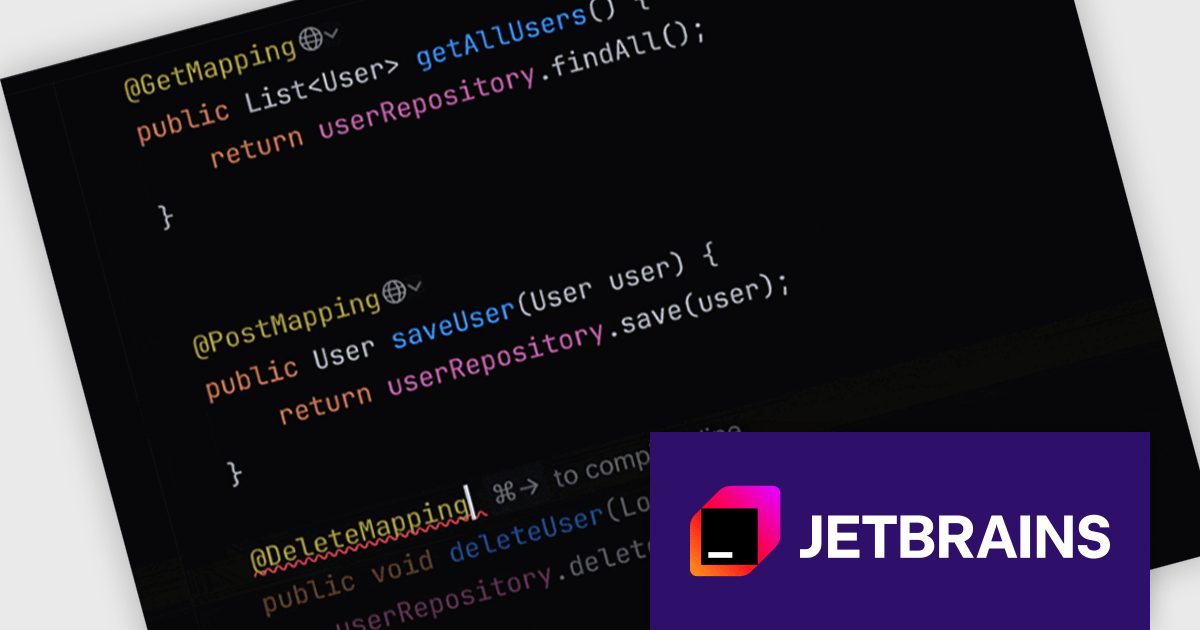
The JetBrains AI Assistant 2024.2 update has been enhanced with incremental acceptance of code suggestions, providing a more granular control over the code generation process. Multiline code suggestions are now presented in stages, with each single-line suggestion requiring explicit acceptance before the next line is displayed. This approach empowers users to carefully review and approve code changes step-by-step.
To see a full list of what's new in version 2024.2 see our release notes.
JetBrains AI Assistant requires that you already own a JetBrains IDE product with an active commercial subscription license and is licensed per user as a commercial annual subscription. We can supply new subscriptions, subscription renewals, lapsed subscription renewals, and additional developer licenses. See our JetBrains AI Assistant licensing page for full details.
For more information, visit our JetBrains AI Assistant product page.
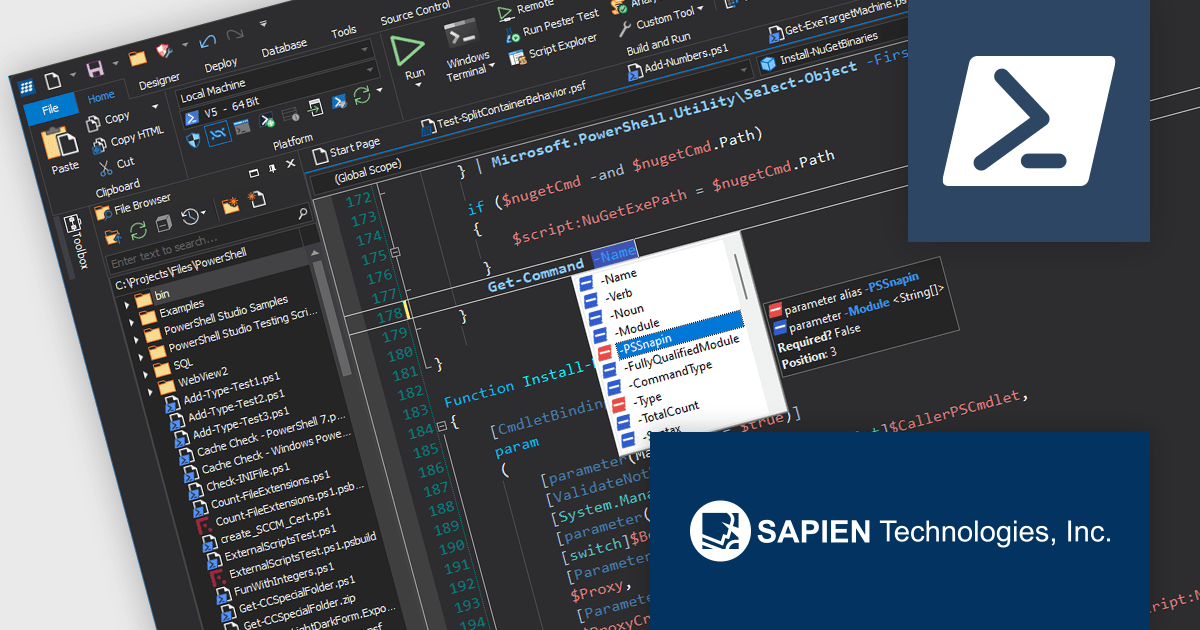
PowerShell Studio by SAPIEN is an Integrated Scripting Environment (ISE) designed specifically for PowerShell development. It offers a comprehensive editing experience with features like syntax coloring, code completion, and debugging. Beyond editing, PowerShell Studio allows you to visually design GUIs for your scripts, convert them into executables, and create modules and Windows services. This comprehensive toolset caters to developers who want to streamline PowerShell scripting and extend its functionality.
The PowerShell Studio 2024 (5.8.247) update introduces pre-built cache files for Microsoft Graph 2.20.0, significantly enhancing development efficiency by providing immediate access to comprehensive IntelliSense and object browser information without requiring manual generation, streamlining script creation and reducing development time while maintaining accurate code completion and navigation support for Microsoft Graph interactions.
To see a full list of what's new in 2024 (5.8.247), see our release notes.
PowerShell Studio is licensed per user and includes 1 year of product maintenance which may be renewed each year thereafter to continue to receive the latest updates. See our PowerShell Studio licensing page for full details.
Learn more on our PowerShell Studio product page.
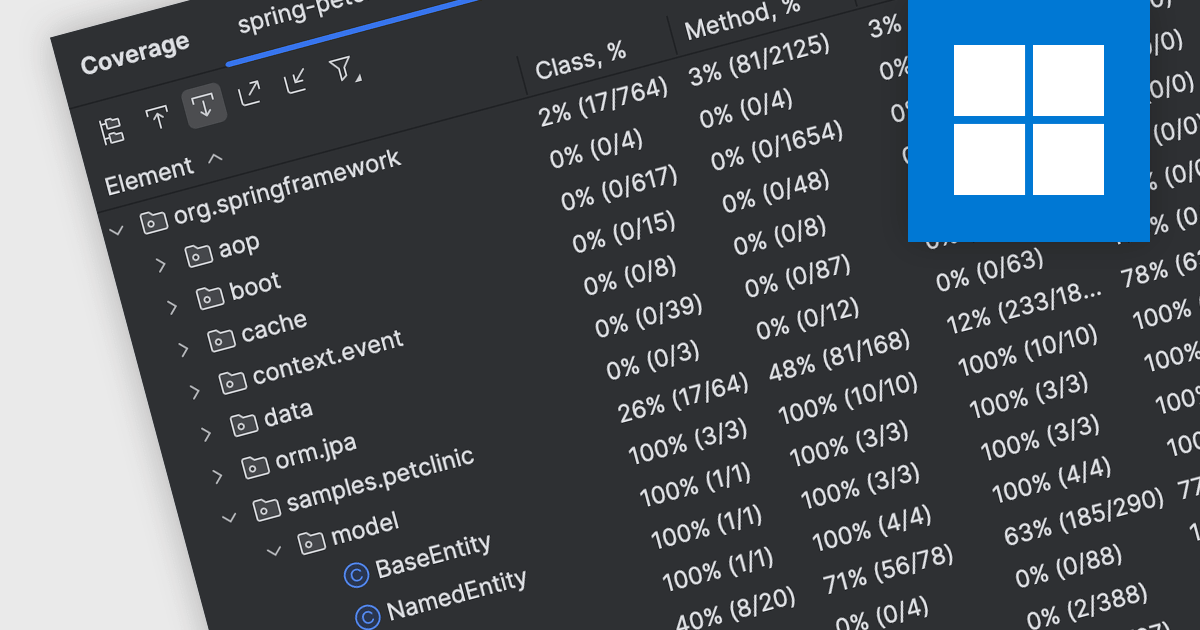
Code coverage is a software metric that measures the extent to which a codebase is exercised by a test suite. By determining which parts of the code are executed and which are not, developers can assess the effectiveness of their tests and identify areas requiring additional testing. This practice helps improve code quality, reduce the risk of defects, and enhance overall software reliability. Code coverage is particularly valuable for critical systems, where thorough testing is essential, and can be used to prioritize testing efforts, optimize test suites, and increase confidence in software releases.
Several IDEs offer support for code coverage including:
For an in-depth analysis of features and price, visit our IDEs comparison.
전화 : 00798 14 800 6332
팩스 : +1 770 250 6199


