













공식 공급 업체
200 이상의 소프트웨어 개발처와 판매 계약을 맺은 공인 디스트리뷰터로서 합법적인 라이선스를 제공합니다.
모든 브랜드 보기.
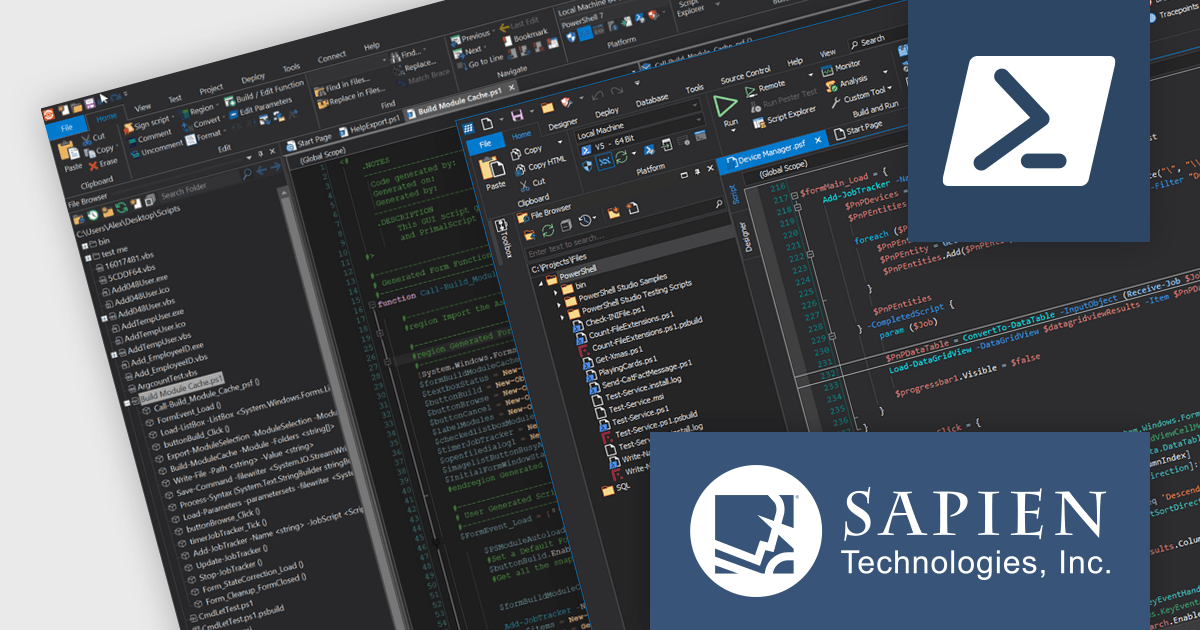
The SAPIEN DevOps Suite by SAPIEN Technologies is a comprehensive set of tools designed to enhance the productivity of software developers, particularly those engaged with PowerShell scripting and Windows automation. This suite includes advanced editing, debugging, and packaging features that streamline script development and management processes. It integrates robust version control systems and provides extensive platform support, making it versatile for a range of scripting tasks. The suite also features deployment capabilities that facilitate the distribution and installation of applications across diverse environments, helping developers manage the lifecycle of their software projects from inception to deployment.
The latest release of SAPIEN DevOps Suite with PrimalScript 2024 8.1.203 and PowerShell Studio 2024 5.8.241 offers benefits specifically for users working with the latest versions of PowerShell (7.2.19, 7.3.12 and 7.4.2). This improves compatibility and stability and can reduce errors and unexpected behavior when scripting for these PowerShell versions.
To see a full list of what's new, see the following release notes:
SAPIEN DevOps Suite is licensed per user and includes 1 year of product updates and support. Annual Premium Support is available and provides 1 Year of access to SAPIEN Technologies direct technical support ticketing system and a guaranteed response within 24 hours. The premium support package must be purchased at the same time as the initial software purchase, subscription renewal, or upgrade, and can be renewed on an annual basis. See our SAPIEN DevOps Suite licensing page for full details.
For more information visit our product pages:
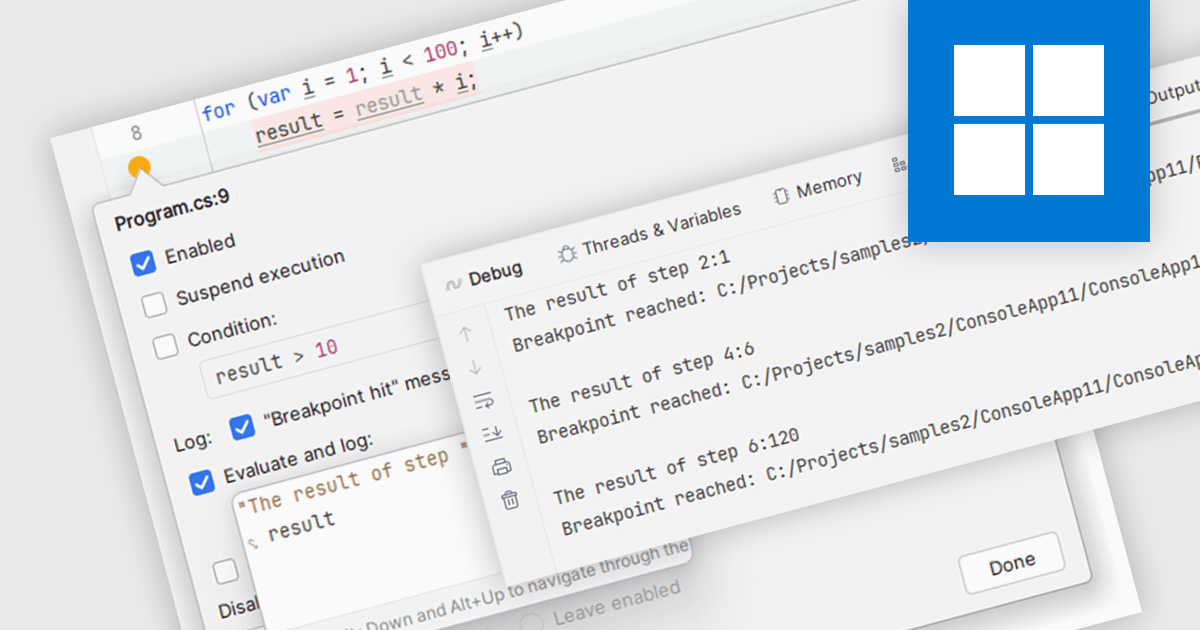
Breakpoints are strategically placed markers within your code that act as pause points during execution. When the program reaches a breakpoint, the IDE halts execution, allowing you to inspect the program's state at that specific moment. This enables you to examine variable values, analyze the call stack, and step through the code line by line. By offering this controlled environment for inspection, breakpoints become a vital tool for debugging and understanding the behavior of your software.
Several integrated development environments (IDEs) support breakpoints, including:
For an in-depth analysis of features and price, visit our comparison of IDEs.
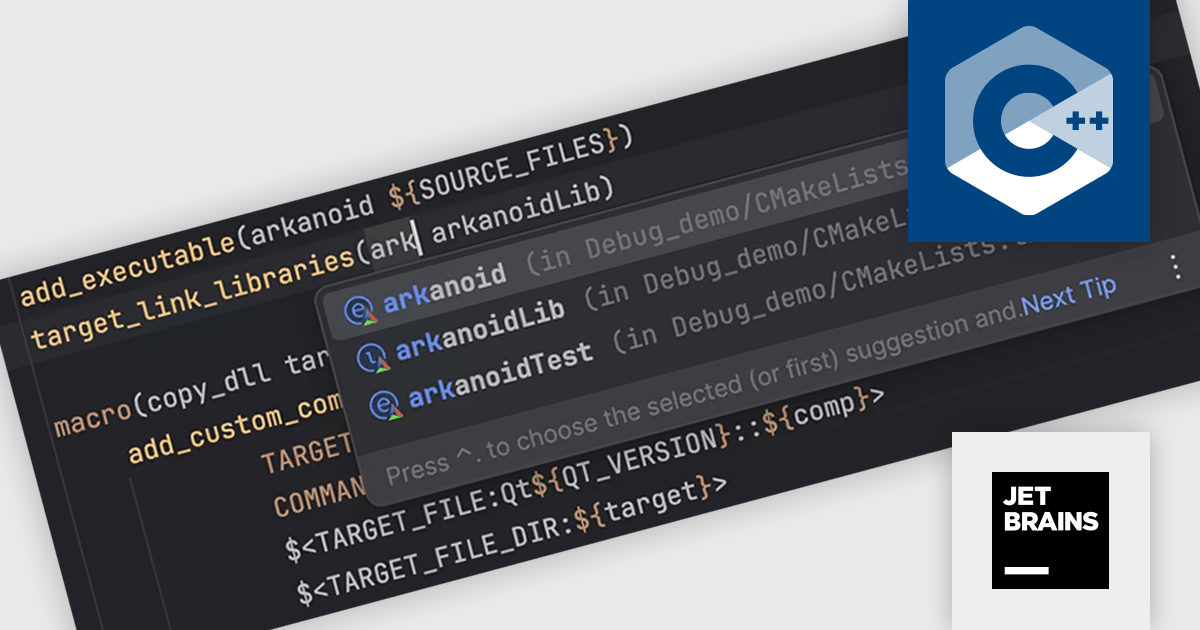
CLion is a cross-platform Integrated Development Environment (IDE) created by JetBrains specifically for C and C++ development. It boasts intelligent code completion, navigation, and refactoring features to streamline your workflow. CLion integrates with popular debuggers and testing frameworks, and supports various build systems for seamless project management.
The CLion 2024.1 update introduces several new features for CMake. These include live templates to simplify creating new targets, target name completion for easier linking, navigation to target definitions to locate where targets are specified, Find Usages to identify all instances of a target throughout a project, the ability to suggest fixes for missing minimum required CMake versions, and the option to configure which CMake preset types are imported.
To see a full list of what's new in version 2024.1, see our release notes.
CLion is licensed per user as a commercial annual subscription. We can supply New Subscriptions, Subscription Renewals, Lapsed Subscription Renewals, and Additional Developer Licenses. See our CLion licensing page for full details.
For more information, visit our CLion product page.
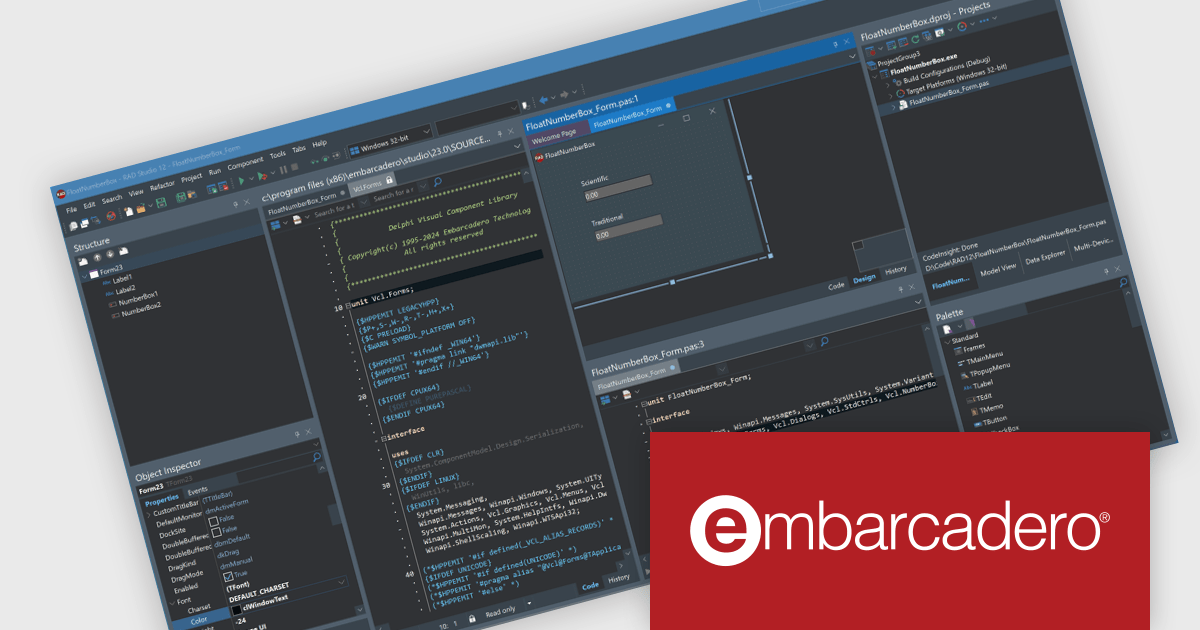
RAD Studio by Embarcadero is a integrated development environment (IDE) used to build applications for various platforms. It allows programmers to create native apps for Windows, macOS, mobile devices (Android and iOS), and more using C++ or Delphi. RAD Studio is known for its rapid application development features and is targeted towards professional developers building data-rich and visually appealing applications.
RAD Studio 12.1 Athens introduces split editor views, letting you work with multiple editor windows simultaneously. These windows can be arranged side-by-side or stacked vertically. This feature is especially helpful for editing different parts of the same file at once and viewing both the design and code for your application side-by-side.
To see a full list of what's new in version 12.1 Athens, see our release notes.
RAD Studio is licensed per Named, Network Named or Concurrent user and is available as a Perpetual License with an Update Subscription that includes support and free upgrades for 1 Year. See our RAD Studio licensing page for full details.
RAD Studio is available to buy in the following products:
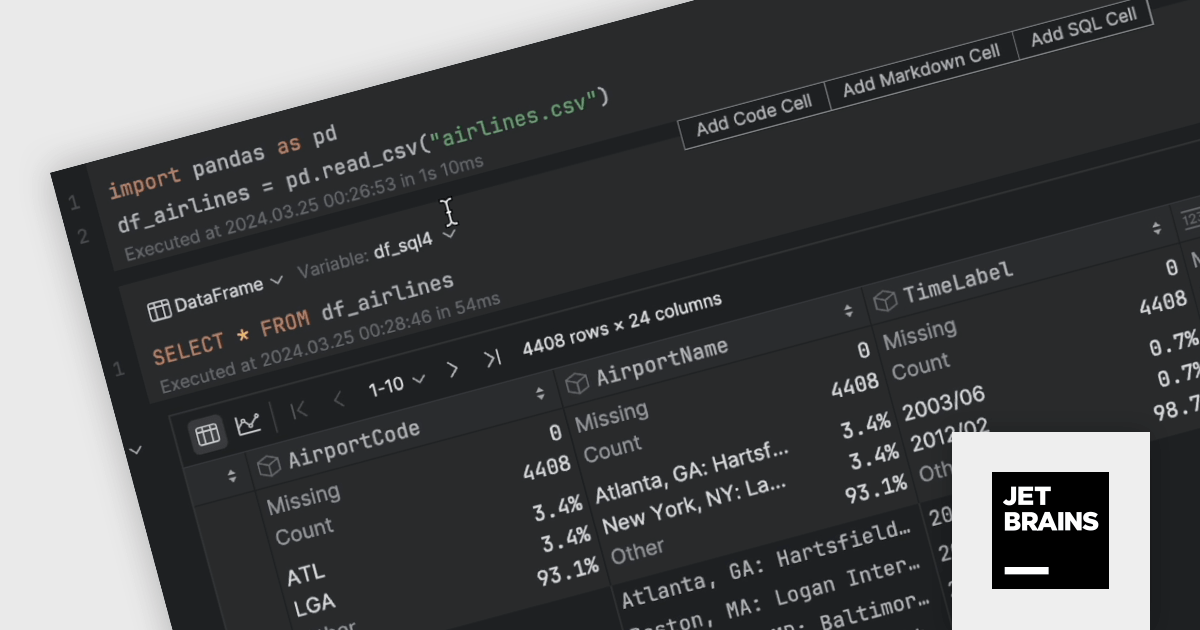
DataSpell by JetBrains is an Integrated Development Environment (IDE) specifically designed for data analysts and engineers. It allows you to write Python scripts, run SQL queries, analyze data in Jupyter notebooks, manage dbt workflows, and connect to various databases, all within one seamless interface. DataSpell empowers you to stay focused on exploring insights and delivering high-quality results by combining rich data analysis tools with features like real-time error checking, code quality analysis, and built-in support for best practices like testing and documentation.
The DataSpell 2024.1 update brings the power of SQL directly to your Jupyter Notebook. This enhancement allows you to seamlessly analyze data frames and CSV files using intuitive SQL syntax. Simply create a dedicated SQL cell, select the target data frame, and craft your queries to filter, sort, or manipulate data with ease. DataSpell's powerful coding assistance ensures a smooth and efficient workflow throughout the process.
To see a full list of what's new in version 2024.1, see our release notes.
DataSpell is licensed per user as a commercial annual subscription. See our DataSpell licensing page for full details.
For more information, visit our DataSpell product page.
전화 : 00798 14 800 6332
팩스 : +1 770 250 6199


