













공식 공급 업체
200 이상의 소프트웨어 개발처와 판매 계약을 맺은 공인 디스트리뷰터로서 합법적인 라이선스를 제공합니다.
모든 브랜드 보기.
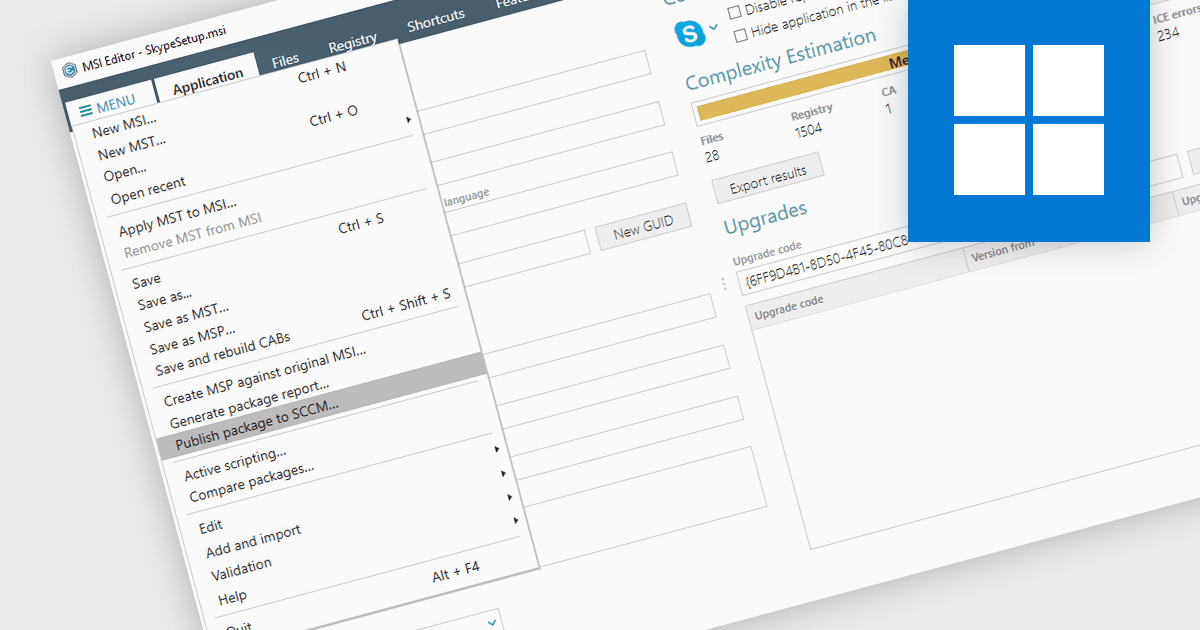
Publishing MSI packages to Microsoft System Center Configuration Manager (SCCM) enables centralized software deployment and administration across a network. SCCM can automate the packaging process by using the MSI installer's built-in features or integrating third-party solutions. This streamlines application distribution, reduces administrative overhead, and ensures consistency in software installations for all devices managed by SCCM.
Several installation tools allow you to publish MSI packages to SCCM, including:
For an in-depth analysis of features and price, visit our comparison of installation tools.

Setup themes are predefined visual styles and user interface configurations that customize the appearance and flow of the software installation process. These themes allow developers to tailor the installer's look and feel to align with their software branding, provide a seamless user experience, and potentially simplify the installation steps by offering pre-configured settings based on the selected theme. Many installation tools include a variety of built-in themes, along with the ability to create custom themes for advanced control over the installer's aesthetic and functionality. Themed installers contribute to brand recognition and foster a positive perception of the software, ultimately enhancing the software deployment process for both developers and end-users.
Several Installation Tools offer Setup Themes including:
For an in-depth analysis of features and price, visit our comparison of Installation Tools.
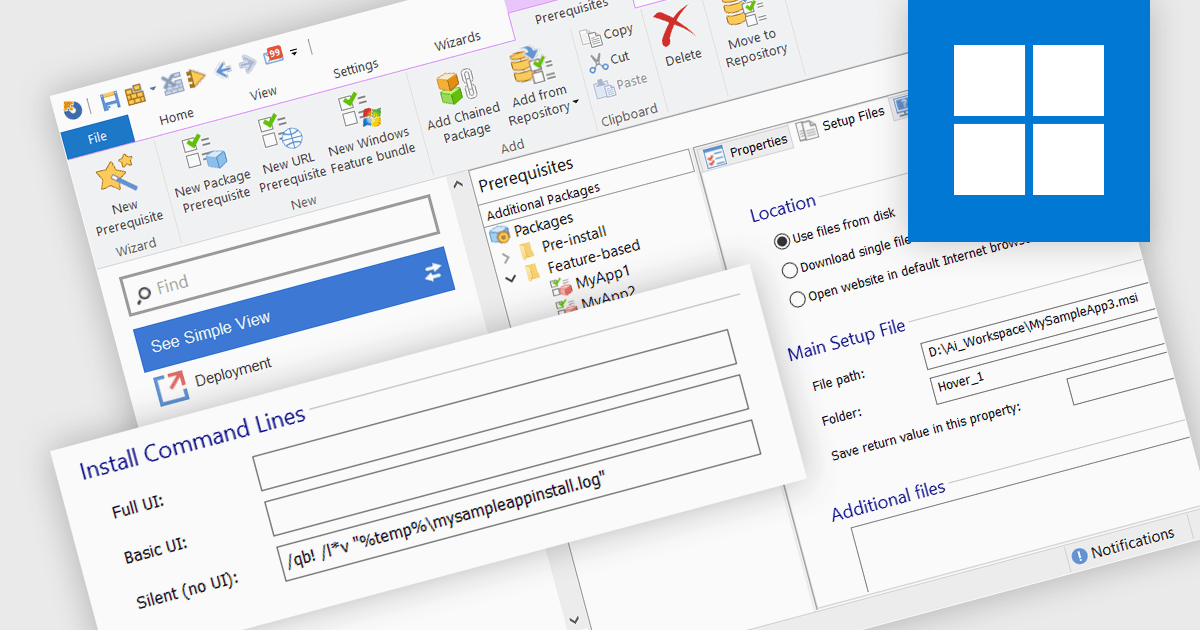
The ability to create silent installations, or unattended installations, refers to the process of deploying software onto a device without user interaction. This is achieved through pre-defined parameters that dictate installation options, configuration settings, and destination directories. This capability is valuable for IT professionals who need to automate software deployments across multiple devices, ensuring consistency and reducing manual intervention, especially in large organizations.
Several installation tools offer the ability to create silent installations including:
For an in-depth analysis of features and price, visit our installation tools comparison.
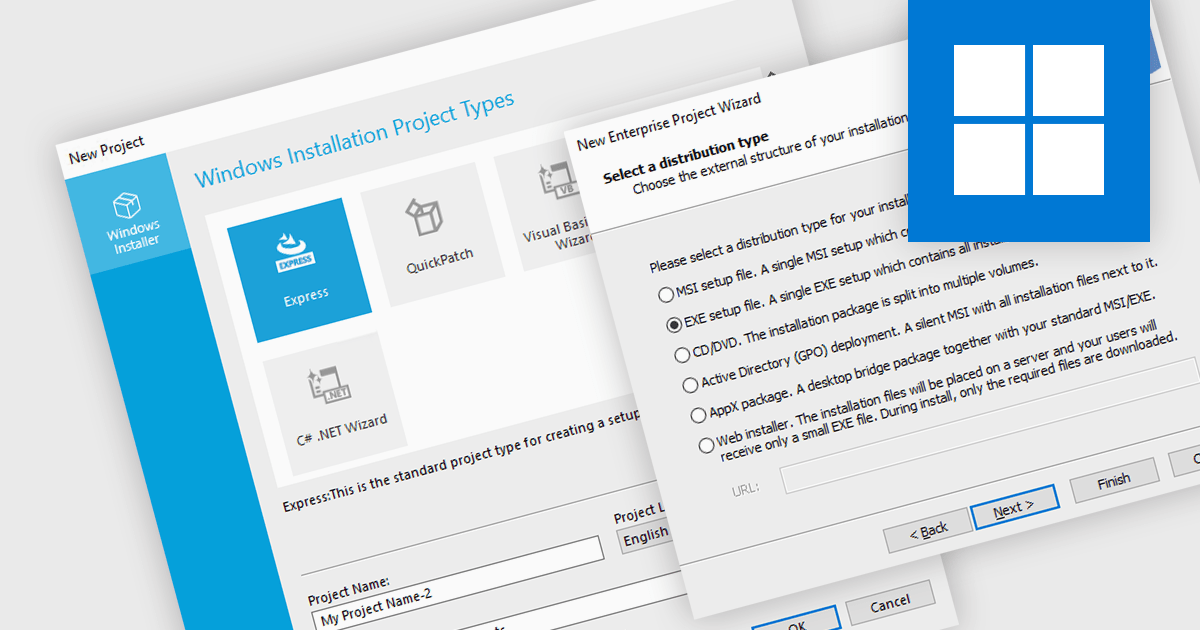
A new project wizard is a guided interface that assists users in creating an installer. It simplifies the process by presenting options and collecting necessary information step-by-step, saving time and reducing errors compared to manual configuration. They are user-friendly regardless of your experience, and are particularly helpful for complex projects with various settings, languages, or dependencies.
Several installation tools offer a new project wizard, including:
For an in-depth analysis of features and price, visit our comparison of installation tools.
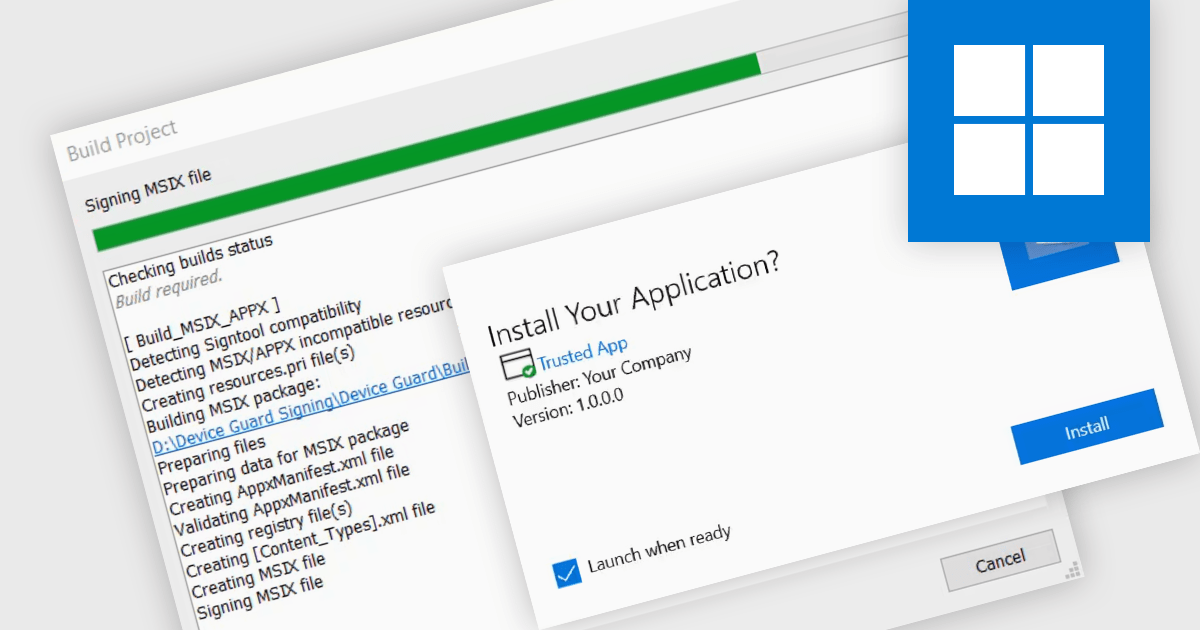
Digital signatures offer a powerful security shield against software tampering or impersonation. These electronic seals act as a digital fingerprint, verifying the software's authenticity and ensuring users download exactly what they intended. This provides several benefits including increased trust for users who will know they're installing genuine software, reduced risk of malware infections or unauthorized modifications, and enhanced compliance with industry regulations and security standards.
Several installation tools support digital signatures including:
For an in-depth analysis of features and price, visit our Installation Tools comparison.
전화 : 00798 14 800 6332
팩스 : +1 770 250 6199


