













공식 공급 업체
200 이상의 소프트웨어 개발처와 판매 계약을 맺은 공인 디스트리뷰터로서 합법적인 라이선스를 제공합니다.
모든 브랜드 보기.
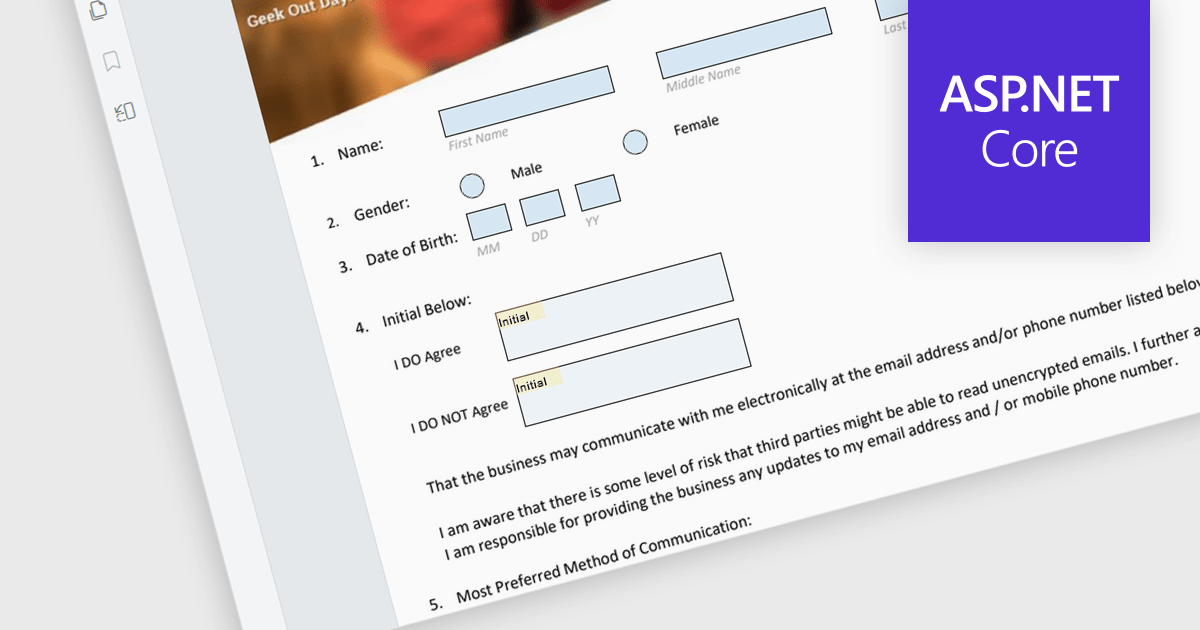
The ability to read and write form fields in a PDF viewer component enables users to interact with form elements directly within a PDF document. This functionality enables developers to create interactive forms that can be filled out, saved, and submitted online without needing additional software. It simplifies the process of collecting and managing form data by offering direct integration with ASP.NET Core applications. Developers can enhance the user experience by enabling direct interaction with PDF forms, supporting various input types like text boxes, checkboxes, radio buttons, and dropdowns, which can then be programmatically read and written. This approach improves data accuracy and accelerates workflows by allowing digital form completion, reducing the need for manual data entry and paper-based processes.
Many ASP.NET Core Assembly PDF viewer components offer support for filling form fields including:
For an in-depth analysis of features and price, visit our comparison of ASP.NET Core Assembly PDF viewer components.
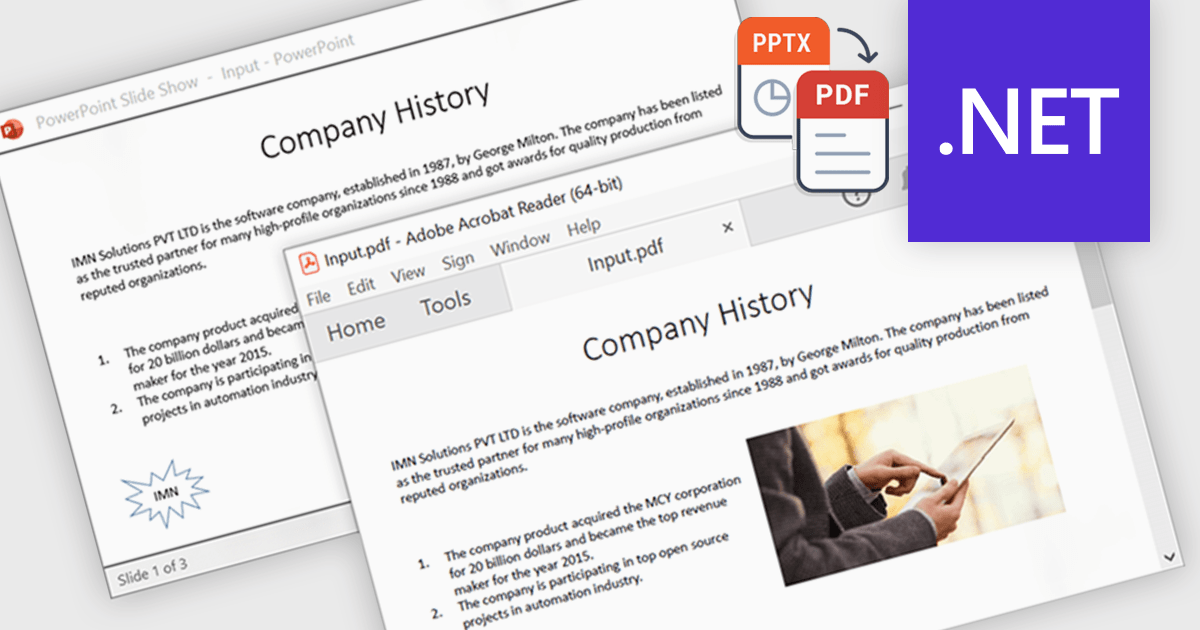
Using a .NET component to convert PowerPoint presentations (PPTX) to PDF enables developers to automate the transformation process directly within their applications. This enhances portability by ensuring consistent formatting across devices and platforms, while also offering security features like password protection and encryption to protect sensitive content. Common applications include archiving slides for long-term storage, and securely sharing presentations without requiring the recipient to have PowerPoint installed. This functionality simplifies presentation handling, ensuring both reliability and security during distribution.
Several .NET PDF controls that support PowerPoint to PDF conversion including:
For an in-depth analysis of features and price, visit our comparison of .NET PDF components.
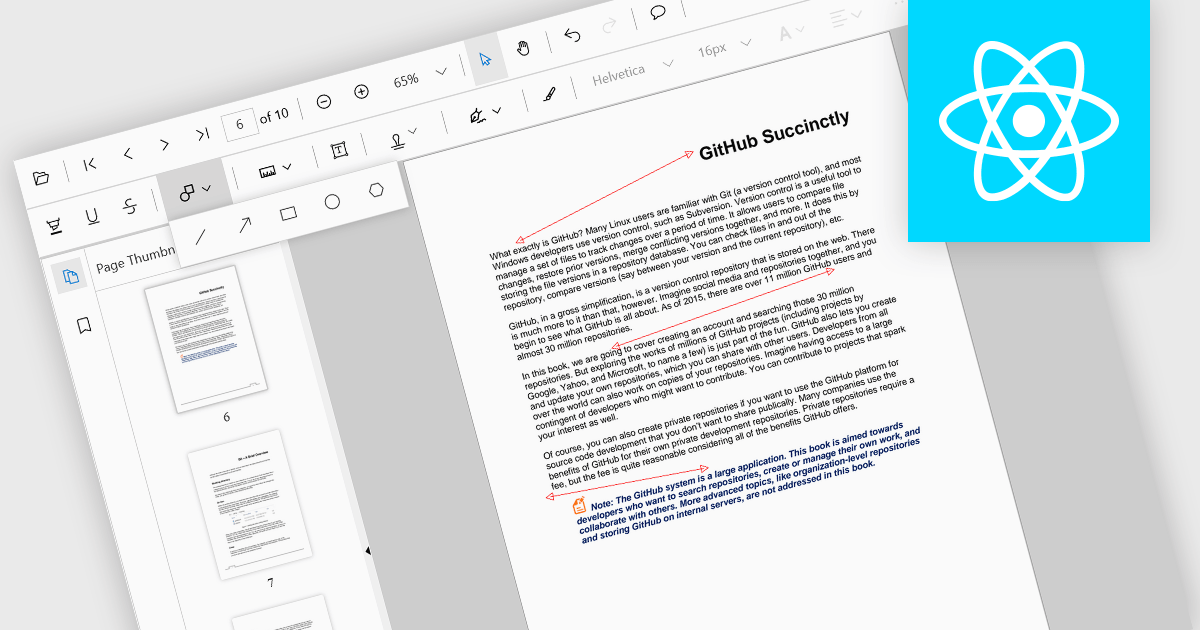
Arrow annotations are digital markings that allow users to visually indicate connections, relationships, or directions within a PDF document. They can be used to highlight specific sections, point out important details, or illustrate sequences of events. This feature is particularly valuable for collaborative work, as it enables multiple individuals to annotate the same document and share their insights effectively.
Several React PDF viewer controls offer support for arrow annotations including:
For an in-depth analysis of features and price, visit our React PDF viewer controls comparison.
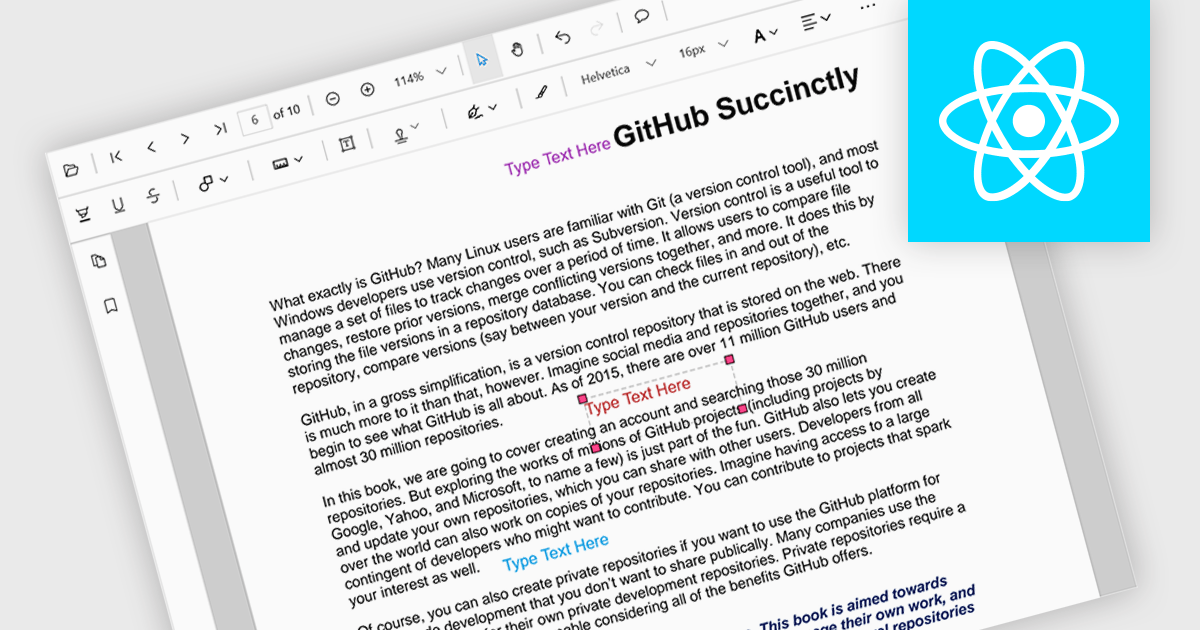
Free text annotations are textual comments or notes added to a document or image, independent of specific fields or structures. Unlike structured annotations that conform to predefined formats (e.g. highlighting, strikethrough), free text annotations provide flexibility for users to express their thoughts, questions, or observations in a more open-ended manner. This allows for richer and more personalized interactions with the content, making it valuable for tasks such as note-taking, research, and collaboration.
Several React PDF viewer controls offer support for free text annotations including:
For an in-depth analysis of features and price, visit our React PDF viewer controls comparison.
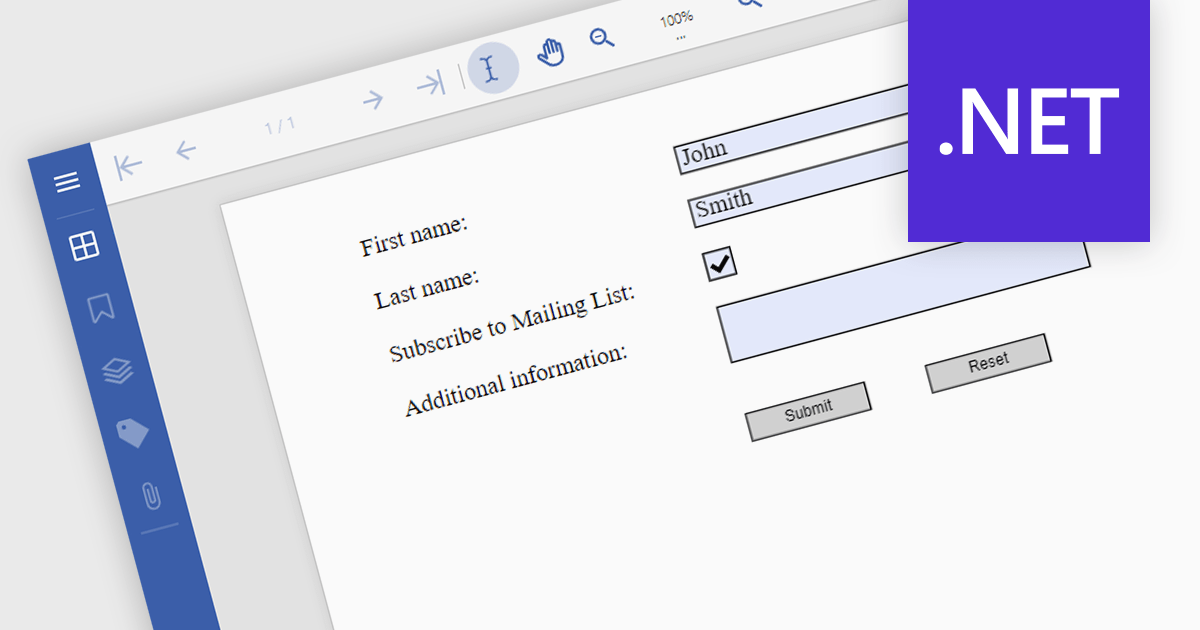
Submit actions in PDF components allows developers to define specific actions to be triggered when a user submits a form filled with data. These actions can range from sending an email with the collected data to integrating with external systems or databases. By implementing submit actions, developers can create interactive and dynamic PDF forms that automate processes, improve efficiency, and enhance user experience.
Several .NET PDF components offer submit action including:
For an in-depth analysis of features and price, visit our comparison of .NET PDF components.
전화 : 00798 14 800 6332
팩스 : +1 770 250 6199


