













공식 공급 업체
200 이상의 소프트웨어 개발처와 판매 계약을 맺은 공인 디스트리뷰터로서 합법적인 라이선스를 제공합니다.
모든 브랜드 보기.
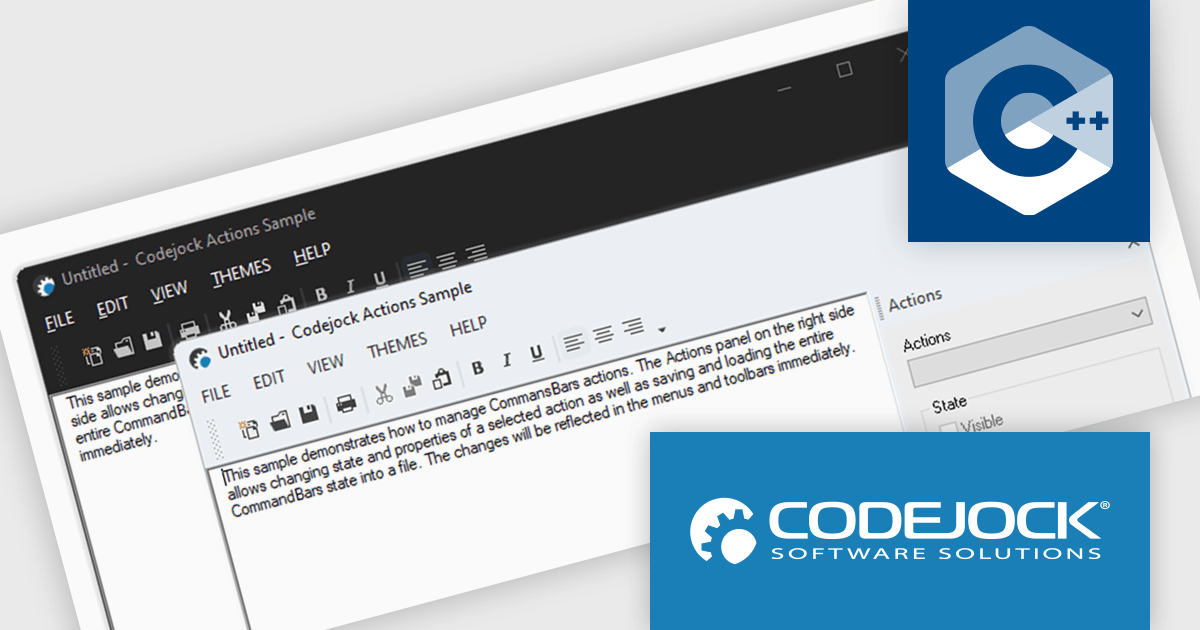
Codejock Toolkit Pro is a comprehensive suite of UI components designed to enhance the development process and create visually appealing, feature-rich applications. The toolkit offers a wide range of controls, including calendars, charts, docking windows and more, each meticulously crafted to provide exceptional performance and customization options. With features like data binding, theming and localization, developers can easily integrate the toolkit into their projects and tailor the interface to meet specific requirements. The toolkit's versatility makes it suitable for various applications, from desktop software to web-based solutions, empowering developers to deliver professional-grade user experiences.
Codejock Toolkit Pro 24.0.0 adds support for Windows 11 themes, allowing developers to give their applications a modern and up-to-date look and feel. This new feature enables developers to seamlessly integrate the latest Windows 11 visual styles into their applications, ensuring a consistent and polished user experience for their customers. With this enhancement, developers can create applications that not only function flawlessly but also align with the contemporary design language of the Windows 11 operating system.
Codejock Toolkit Pro is licensed per developer and is available as a perpetual license with 30 days or 1 year subscription (product updates and phone/email technical support). See our Codejock Toolkit Pro licensing page for full details.
For more information, visit our Codejock Toolkit Pro product page.

KWIZ Forms Enterprise enables SharePoint users to transform standard list forms into dynamic, feature-rich web tools without requiring coding skills. Built on familiar SharePoint interfaces, it eliminates the need to learn new systems while offering advanced functionality and intuitive design capabilities. Users can create intelligent, versatile forms that streamline workflows and enhance productivity, all within the Microsoft 365 ecosystem. Ideal for businesses seeking efficient form management, KWIZ Forms Enterprise saves time, boosts efficiency, and ensures seamless integration with SharePoint's native features.
KWIZ Forms Enterprise features native SharePoint integration, providing seamless compatibility with the Microsoft 365 ecosystem while ensuring robust data security. As a 100% client-side add-in, it ensures that all form data remains securely within the user’s SharePoint Online tenant, eliminating the need for external data transfers. This design allows developers to enhance and customize dynamic forms directly within SharePoint, leveraging its existing infrastructure without compromising performance or security. By aligning with SharePoint’s native architecture, KWIZ Forms Enterprise streamlines form development, making it an efficient and secure solution for modern business workflows.
KWIZ Forms Enterprise is licensed on an annual basis, requiring each user in your organization to be covered by an Annual Subscription license. Different levels are available to cater for different numbers of users. See our KWIZ Forms Enterprise licensing page for full details.
For more information, visit our KWIZ Forms Enterprise product page.
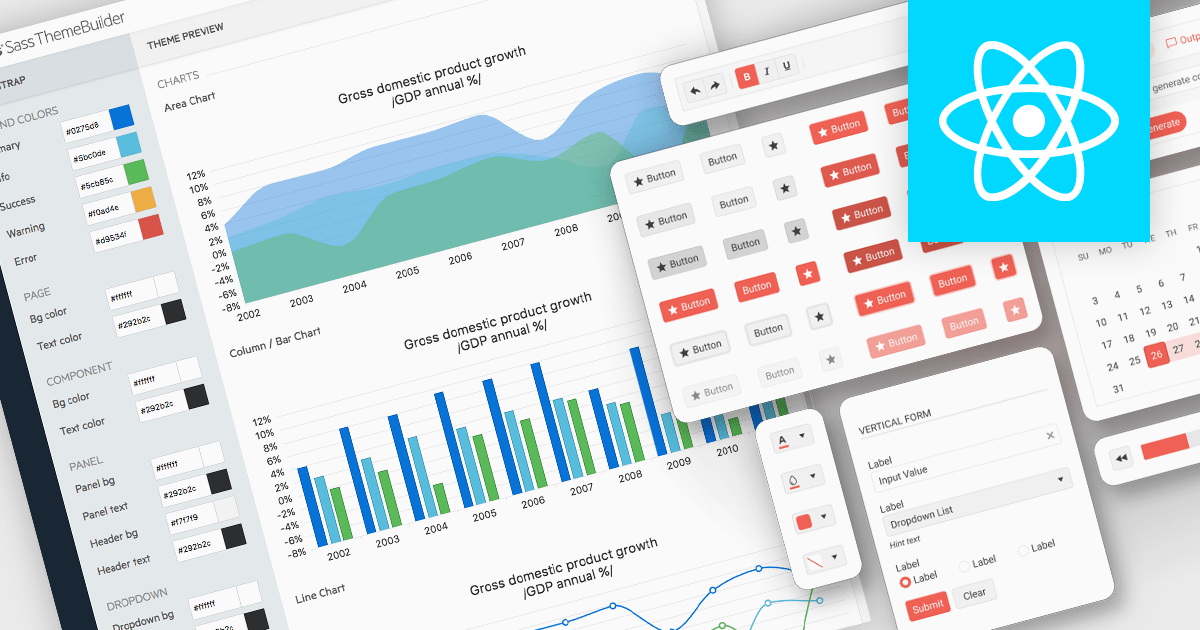
UI theming is the process of defining and applying a consistent visual style across a user interface using centralized settings for elements like colors, typography, spacing, and component styles. It allows developers to create cohesive designs that align with branding requirements, ensure cross-platform consistency, and adapt easily to user preferences or accessibility needs. By leveraging theming, software developers can streamline development workflows, reduce redundancy, and simplify maintenance while delivering customizable, scalable, and user-friendly applications.
Several React UI suites offer theming support, including:
For an in-depth analysis of features and price, visit our comparison of React UI suites.
DevExpress .NET MAUI is a comprehensive suite of high-performance UI components designed for building modern, native cross-platform applications on iOS and Android using .NET Multi-platform App UI (MAUI). It includes a wide range of tools such as advanced data grids, interactive charts, responsive data editors, and seamless PDF controls, all crafted to deliver a polished and professional user experience. With its optimized performance and extensive customization options, DevExpress .NET MAUI help developers create feature-rich applications that cater to diverse use cases, from enterprise data visualization tools to consumer-facing apps. By reducing development complexity and offering ready-to-use components, it accelerates project timelines and ensures robust, visually appealing mobile solutions.
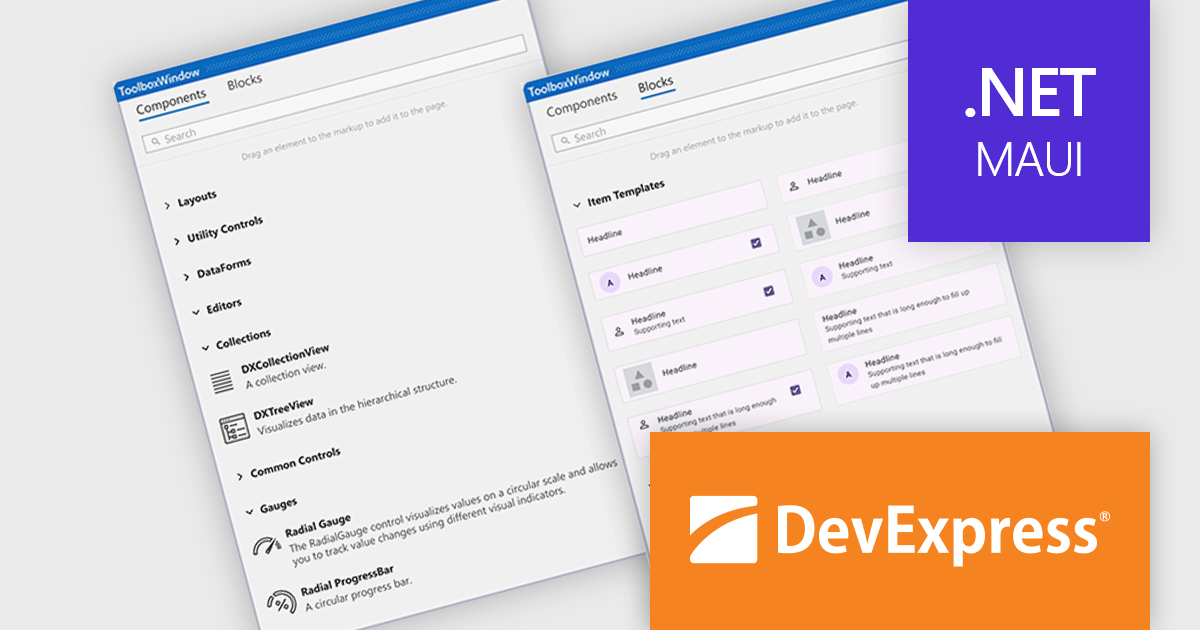
The DevExpress .NET MAUI v24.2 update introduces new building blocks designed to accelerate UI development by providing preconfigured components such as collection item templates, predefined cards, gauges, and form elements. These ready-to-use building blocks simplify the creation of views by eliminating repetitive setup tasks and automatically integrating necessary NuGet packages, namespaces, and control initializers. These components can be used as-is or customize them to meet specific application requirements, ensuring both speed and flexibility. This update streamlines the development process, reduces time-to-market, and enhances productivity by enabling developers to focus on building application-specific functionality.
For a full list of what's new in version 24.2, see our release notes.
DevExpress .NET MAUI is included with DevExpress Universal, which is licensed per developer. This license includes a 12-month subscription for technical support and updates, providing full support for all included components, including .NET MAUI. See our DevExpress Universal licensing page for full details.
DevExpress .NET MAUI is available as part of DevExpress Universal.
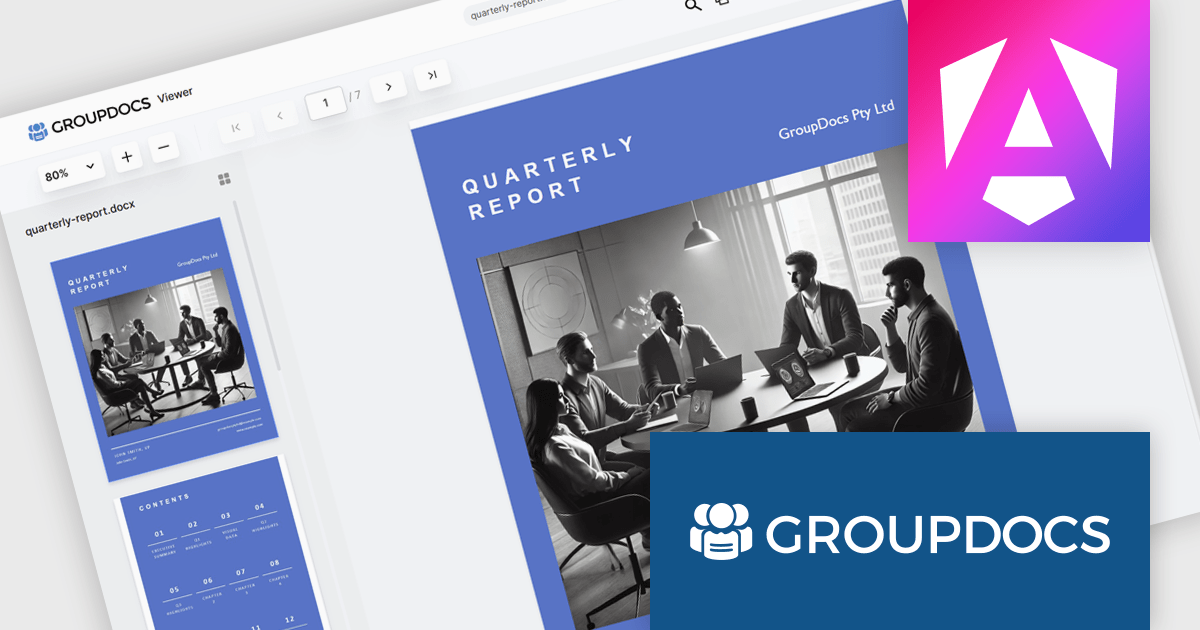
GroupDocs.Viewer for .NET gives developers the ability to create or enhance .NET applications for web and desktop with the ability to view and render documents to PDF, HTML or images, without installing any external software. This document viewer API supports detailed HTML output customization, rendering of complex documents and programming code, conversion to PDF, and secure viewing of password-protected documents with an adjustable caching system. Working across multiple operating systems, platforms, frameworks, and development environments, it facilitates the rendering of such formats as PDF, Word, Excel, PowerPoint, RTF, OpenDocument, Visio, and HTML within document viewing apps.
The GroupDocs.Viewer for .NET 24.12 update introduces a New Angular UI designed to deliver enhanced performance, greater customization flexibility, and compatibility with modern development practices. By modernizing dependencies and optimizing document viewing capabilities, this update streamlines integration into applications and ensures a smoother user experience. Developers can leverage the expanded UI customization options to tailor the viewer to specific project requirements, enabling more precise control over functionality and design. This update provides a robust and efficient solution for building modern, adaptable document viewing applications.
To see a full list of what's new in V24.12, see our release notes.
GroupDocs.Viewer for .NET is offered as Developer Small Business, Developer OEM, Site Small Business, and Site OEM licenses catering to a range of business needs. Licenses are perpetual, and include 1 year of support and maintenance. Subscription renewals are also available. See our GroupDocs.Viewer for .NET licensing page for full details.
GroupDocs.Viewer for .NET is available individually or as part of the following products:
전화 : 00798 14 800 6332
팩스 : +1 770 250 6199


