













공식 공급 업체
200 이상의 소프트웨어 개발처와 판매 계약을 맺은 공인 디스트리뷰터로서 합법적인 라이선스를 제공합니다.
모든 브랜드 보기.
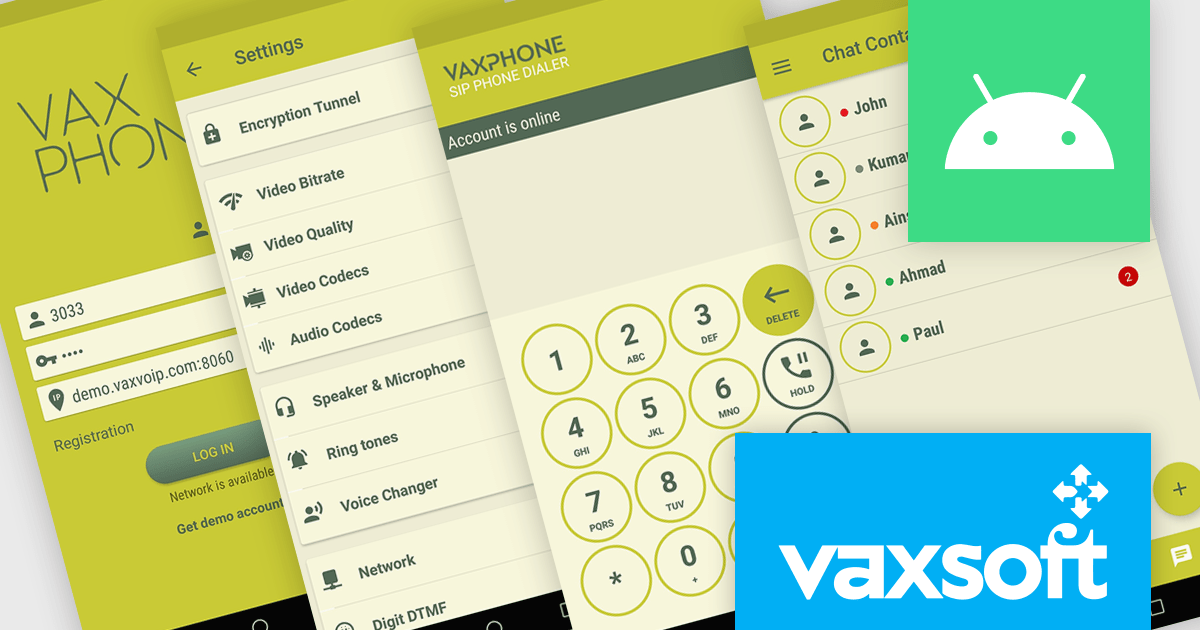
VaxVoIP Android SIP Phone SDK by VaxSoft is a comprehensive software development kit that helps developers create, customize, and distribute SIP based VoIP softphones for Android platforms. It provides all the essential tools to integrate Session Initiation Protocol functionality into mobile applications, supported by straightforward sample code and a fully customizable user interface. The SDK allows developers to build high performance communication solutions that reflect their brand identity and meet specific technical requirements.
With its SIP integration and flexible design options, the VaxVoIP Android SIP Phone SDK improves VoIP app development and shortens time to market. Developers can create tailored softphones for businesses, call centers, or service providers, delivering secure, reliable, and high quality voice communication. Whether used to build branded enterprise communication tools, customer support applications, or specialized telephony systems, the SDK provides the scalability, control, and performance needed to power VoIP experiences on Android devices.
VaxVoIP Android SIP Phone SDK is licensed per product, per year, under a single software brand license that permits use for one application with limited distribution rights. Developers may distribute compiled applications to end users but cannot redistribute the SDK or source code, and all software must operate with the license holder’s own SIP server or service. See our VaxVoIP Android SIP Phone SDK licensing page for full details.
For more information, visit our VaxVoIP Android SIP Phone SDK product page.
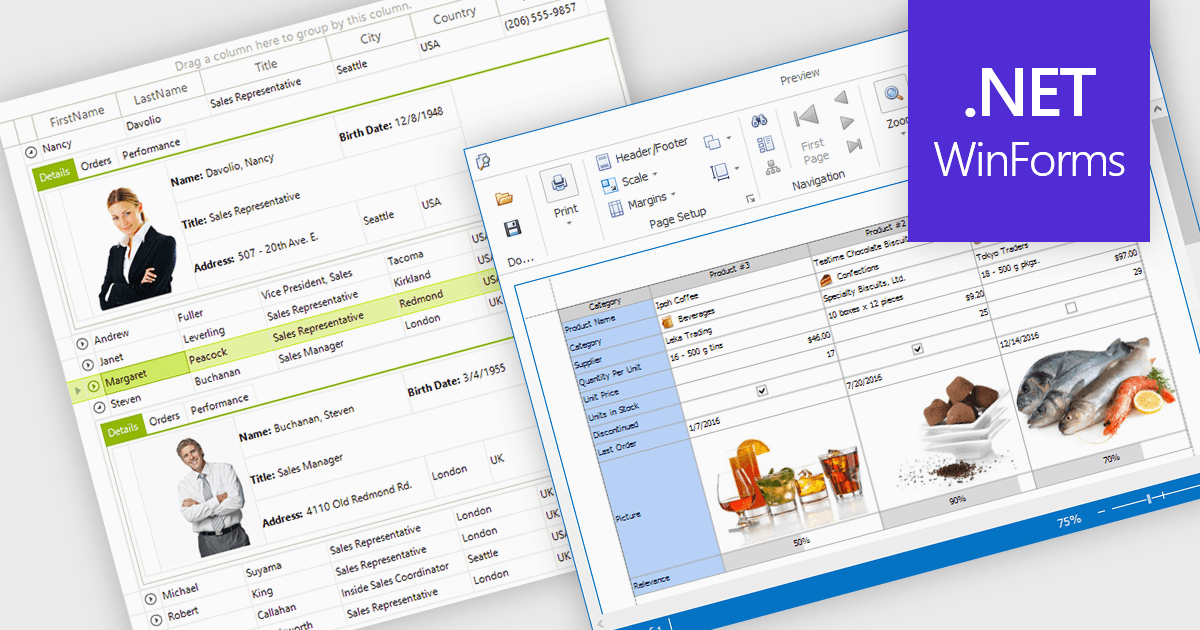
Displaying an image within a grid cell allows developers to combine visual and textual data, making information more intuitive and engaging. This feature enables images such as icons, product photos, or user avatars to appear directly alongside related values, providing immediate visual context and helping users quickly interpret complex datasets. The result is a more dynamic and user-friendly interface that enhances clarity, recognition, and overall usability. Common use cases include showing product images in inventory lists, employee photos in directories, or country flags in international sales reports, allowing users to connect visuals with data for faster understanding and improved decision-making.
Many .NET WinForms grid controls support displaying images within cells, including:
For an in-depth analysis of features and price, visit our comparison of .NET WinForms Grid Controls.
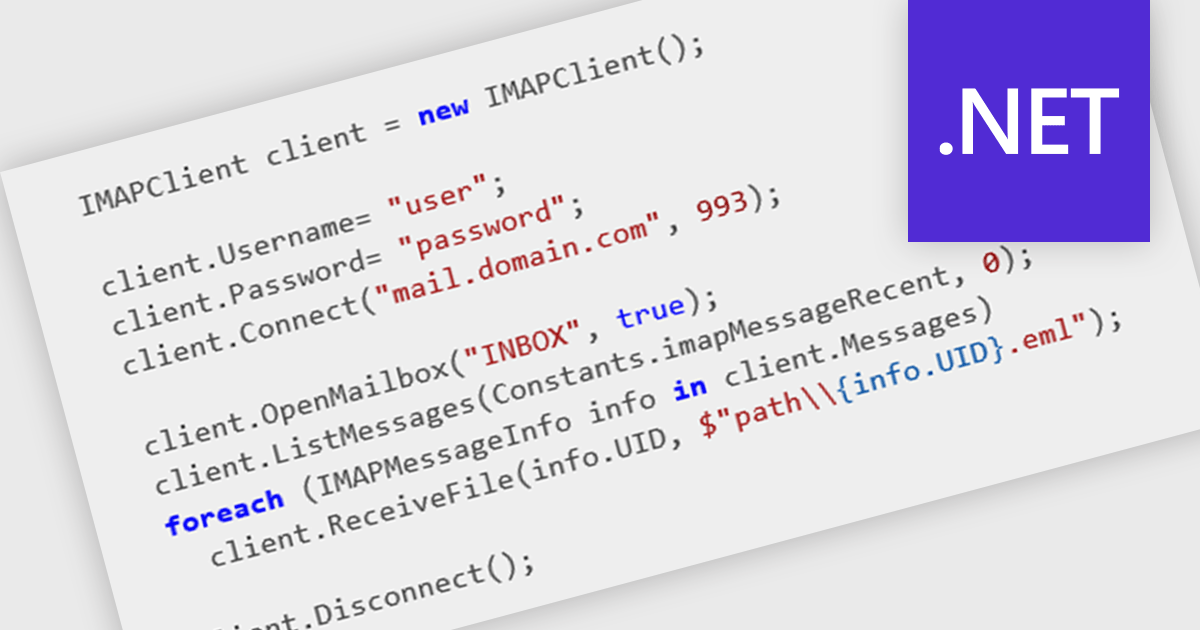
IMAP support enables applications to interact with mail servers using the Internet Message Access Protocol, allowing messages to be retrieved, searched, and managed directly on the server. This protocol maintains synchronization between the client and the server, preserving message state across multiple devices. For developers, integrating IMAP provides a consistent way to access and manipulate email data without requiring full message downloads, reducing local storage needs and improving responsiveness in applications that handle email communication.
Several .NET Comms & Messaging components offer IMAP support including:
For an in-depth analysis of features and price, visit our comparison of .NET Comms & Messaging.
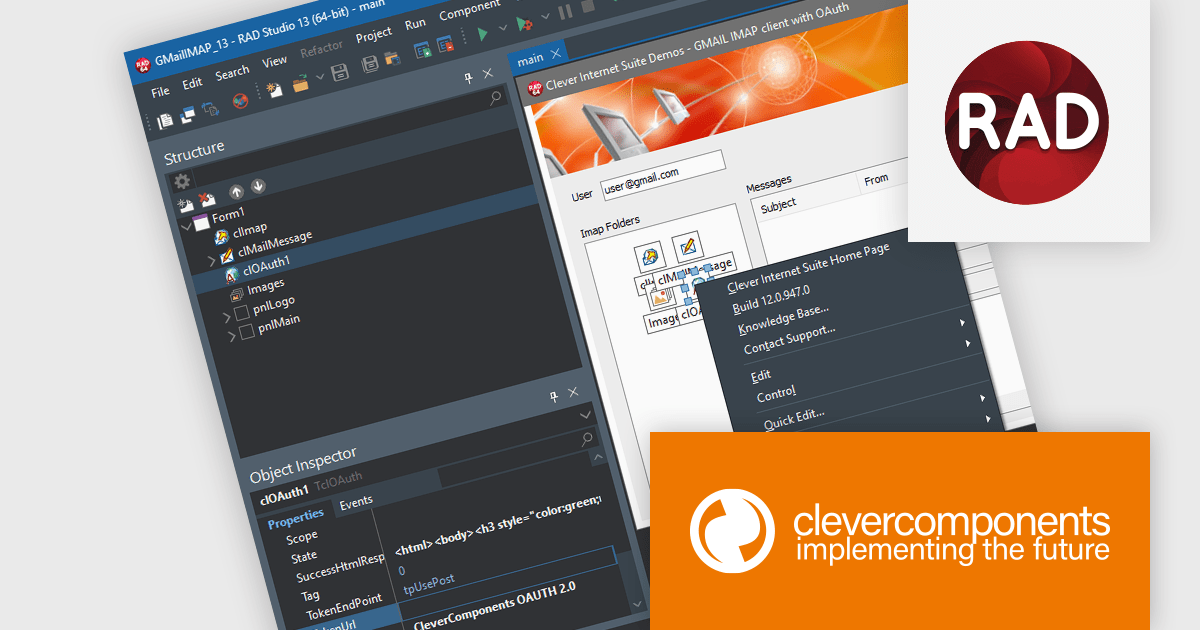
Clever Internet Suite is a comprehensive toolkit of more than fifty VCL components designed for Delphi and C++Builder developers to build full-featured internet applications. It provides native support for protocols such as HTTP, FTP, SMTP, POP3, IMAP, SFTP (SSH), WebDAV, and DNS, along with built-in SSL/TLS/SSH security, certificate management, OAuth 2.0 authorization, and multi-threaded server-client structures. The product is designed for rapid development and simplifies tasks such as file transfer, secure communication, email and web services, enabling developers to add advanced internet functionality without needing to assemble disparate libraries or implement low-level networking code.
The Clever Internet Suite for Delphi, C++Builder V12.0 release adds support for Embarcadero RAD Studio 13 Florence ensuring compatibility with the latest Delphi and C++Builder toolchains, IDE enhancements, and 64-bit build environments. This enables access to new platform features, such as improved compiler performance, updated VCL and FMX frameworks, enhanced debugging and productivity tools, while leveraging the internet components in modern architectures.
To see a full list of what's new in V12.0, see our release notes.
Clever Internet Suite for Delphi, C++Builder is licensed per developer and is available as a perpetual license with one year of updates. Update licenses are available to extend the update period for a further year. See our Clever Internet Suite for Delphi, C++Builder licensing page for full details.
Clever Internet Suite for Delphi, C++Builder is available individually or as part of the following products:
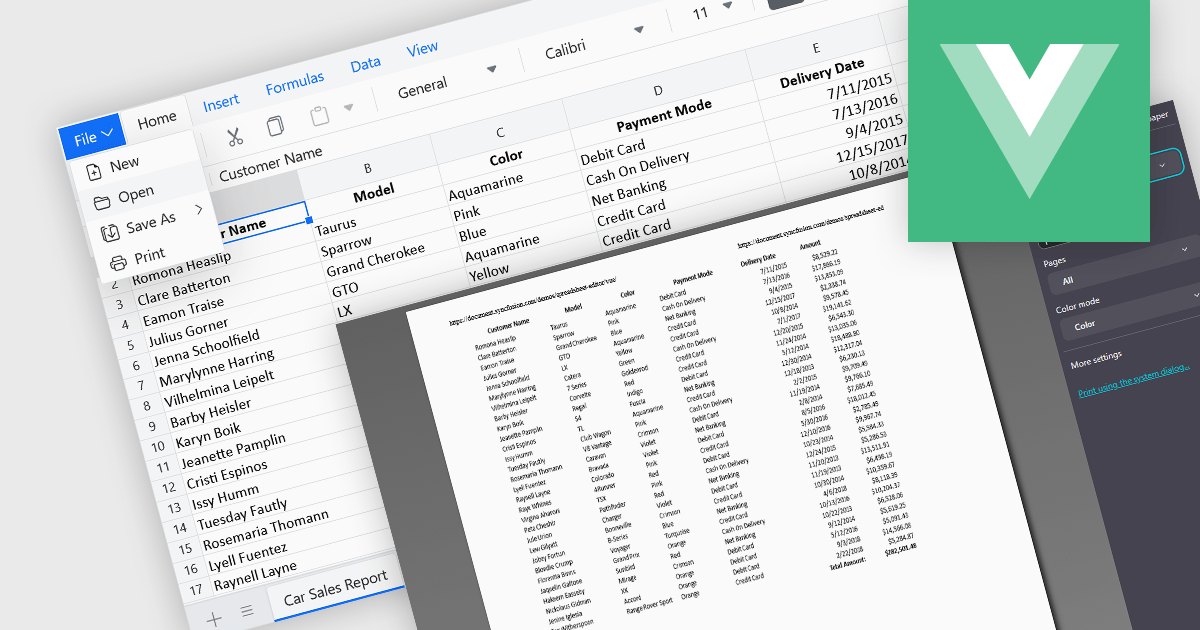
The ability to print spreadsheets is a core feature that produces a physical copy or a formatted digital version, such as a PDF, of the data and layout contained within a spreadsheet file. This function allows users to review, distribute, archive, or present the original information that preserves the structure in a readable and consistent format. By configuring print settings, such as page orientation, scaling, and headers, users can control how the content appears on paper, ensuring clarity and professionalism in the output. It is especially useful for reports, financial statements, and records that need to be reviewed offline or submitted in a formal context.
Several Vue.js spreadsheet components enable printing, including:
For an in-depth analysis of features and price, visit our comparison of Vue.js spreadsheet components.
전화 : 00798 14 800 6332
팩스 : +1 770 250 6199


