













공식 공급 업체
200 이상의 소프트웨어 개발처와 판매 계약을 맺은 공인 디스트리뷰터로서 합법적인 라이선스를 제공합니다.
모든 브랜드 보기.
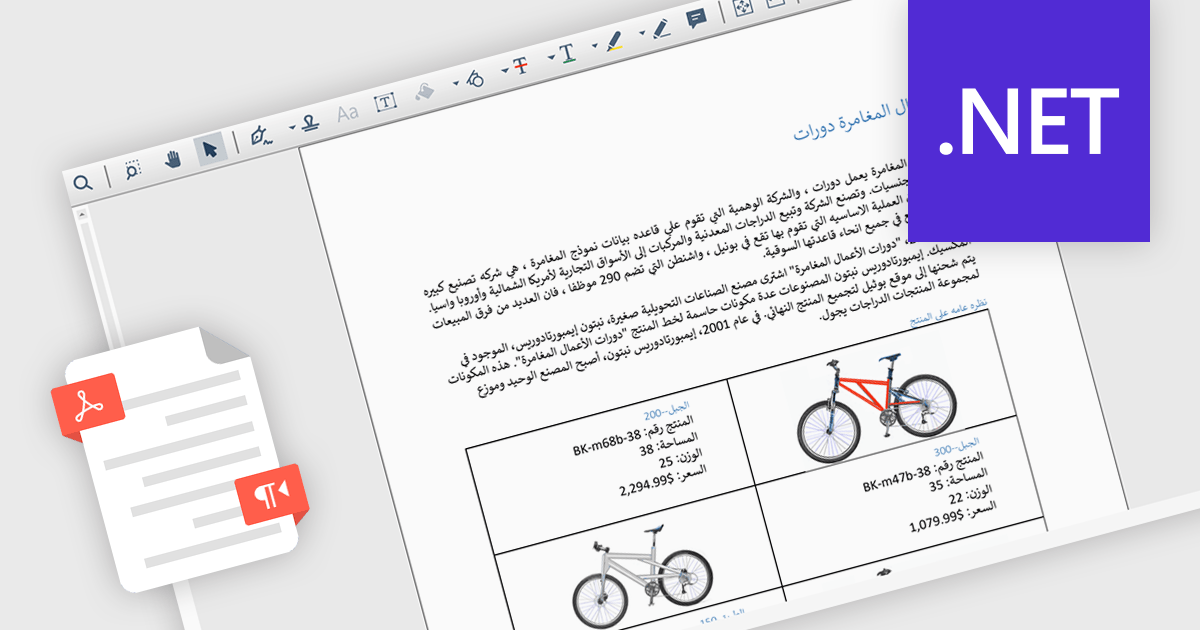
Right-to-left (RTL) language support in PDF rendering refers to the ability to correctly display and align text written in languages such as Arabic, Hebrew, Persian, and Urdu, which are read from right to left. This support ensures that when content is exported to PDF, the text direction, alignment, and overall layout reflect the natural flow of these languages. It plays a critical role in creating documents that are both readable and culturally appropriate, particularly in multilingual or region-specific applications. By maintaining proper structure and formatting, RTL support reduces the need for manual adjustments and helps developers deliver professional-quality documents. Common use cases include generating invoices, reports, or educational materials for users in the Middle East or other RTL-speaking regions, as well as supporting international communication within global organizations.
Several .NET PDF components include RTL support, including:
For an in-depth analysis of features and price, visit our comparison of .NET PDF components.
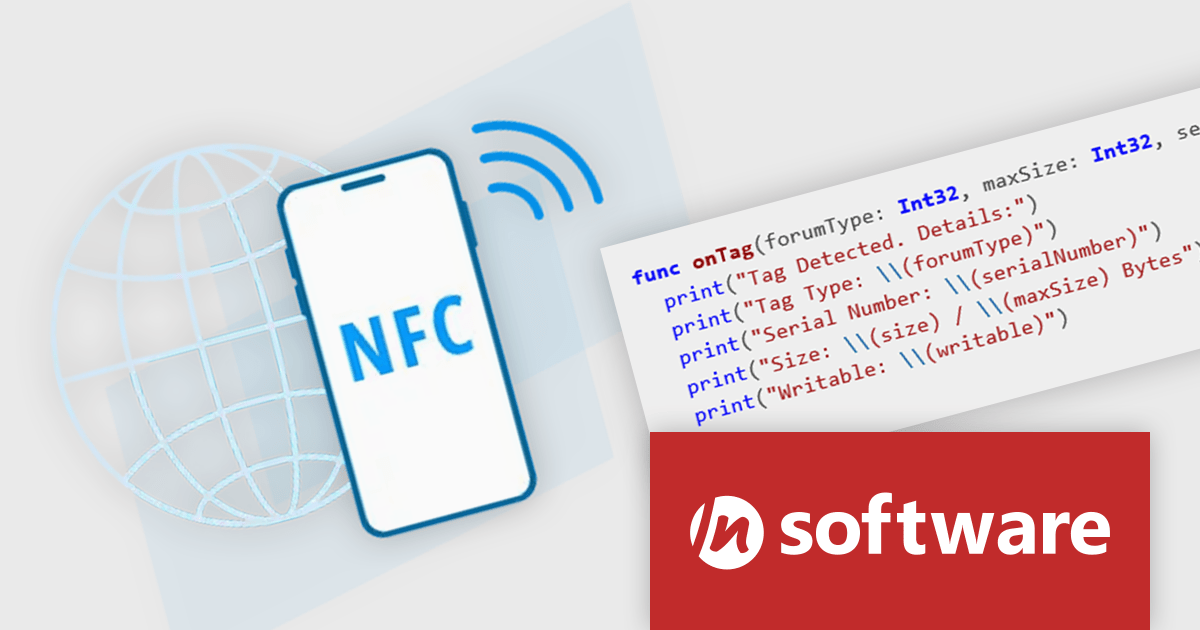
IPWorks NFC is a new beta product in the Red Carpet Subscription Vol. 3 2025 update. It offers a way to integrate Near Field Communication (NFC) features into mobile apps through a unified, cross-platform API enabling developers to easily read and write NFC tags, manage tag records, and access metadata. The component simplifies interactions by supporting all major NFC Forum tag types, including MIFARE Ultralight and NTAG, and provides built-in support for standard NDEF (NFC Data Exchange Format) record types like text and URL, as well as custom record creation.
Beyond tag reading and writing, IPWorks NFC offers full access to detailed tag metadata such as serial numbers, memory size, and capabilities. It also handles various low-level communication protocols, including NFC-A, NFC-B, NFC-F (Felica), NFC-V, and ISO-DEP. Built on Core NFC for iOS and the Android NFC framework, the toolkit abstracts platform-specific differences, offering consistent functionality across devices. Features like automatic tag detection and foreground dispatch ensure fast and responsive NFC interactions for both Android and iOS applications.
To see a full list of what's new in Red Carpet Subscription Vol. 3 2025, see our release notes.
Red Carpet Subscription is licensed per developer and is available as a Perpetual License with a 12 month support and maintenance subscription. See our Red Carpet Subscription licensing page for full details.
For more information, visit our /n software Red Carpet Subscription product page.
RubyMine by JetBrains is a powerful Integrated Development Environment (IDE) specifically designed for Ruby and Ruby on Rails development. It offers a comprehensive suite of features to boost your coding efficiency, including smart code completion, syntax highlighting, code refactoring tools, built-in debugging and testing frameworks, and seamless integration with popular libraries and databases. Whether you're a seasoned Rails developer or just starting out, RubyMine's intuitive interface and robust features can help you write cleaner, more maintainable code and accelerate your development workflow.
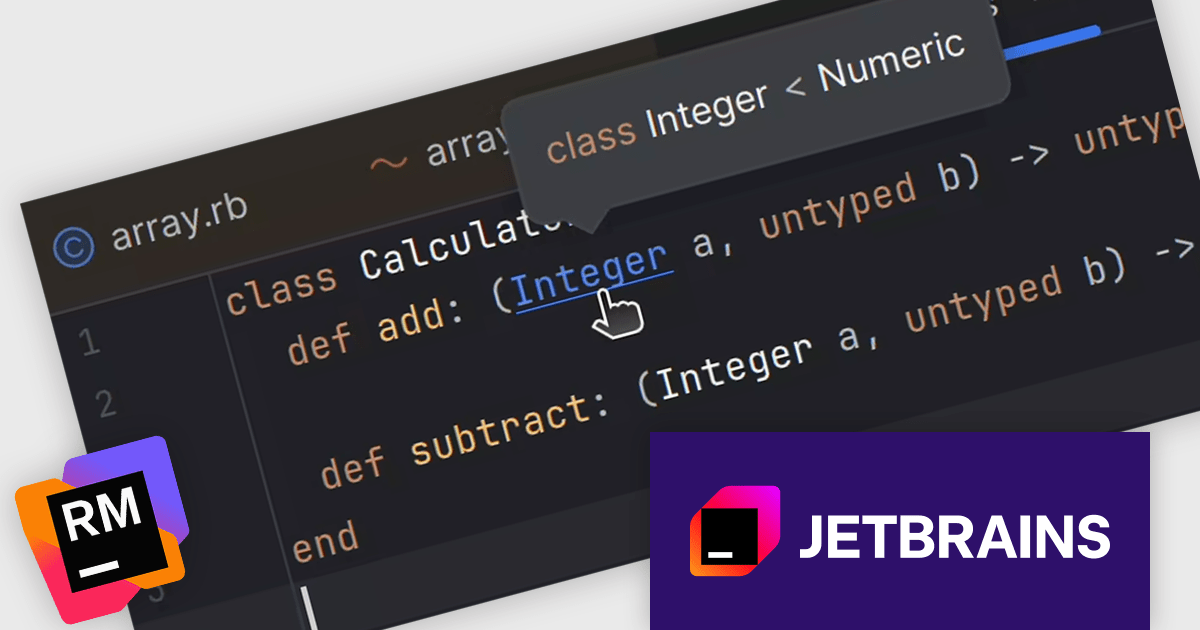
The RubyMine 2025.2 release introduces a feature that adds hover hints for Ruby Signature (RBS) declarations and references. This enhancement is especially useful for developers working with type annotations, as it enables quick access to type information directly within the editor. Instead of navigating away from your code, you can now hover over an RBS reference to instantly view details such as type alias definitions. This feature helps maintain coding focus and speeds up understanding of typed Ruby code.
To see a full list of what's new in version 2025.2, see our release notes.
RubyMine is licensed per user, and is available as a commercial annual subscription license. We can supply new subscriptions, subscription renewals, lapsed renewals, and additional user licenses. See our RubyMine licensing page for full details.
RubyMine is available to buy in the following products:
RAD Studio by Embarcadero is a integrated development environment (IDE) used to build applications for various platforms. It allows programmers to create native apps for Windows, macOS, mobile devices (Android and iOS), and more using C++ or Delphi. RAD Studio is known for its rapid application development features and is targeted towards professional developers building data-rich and visually appealing applications.
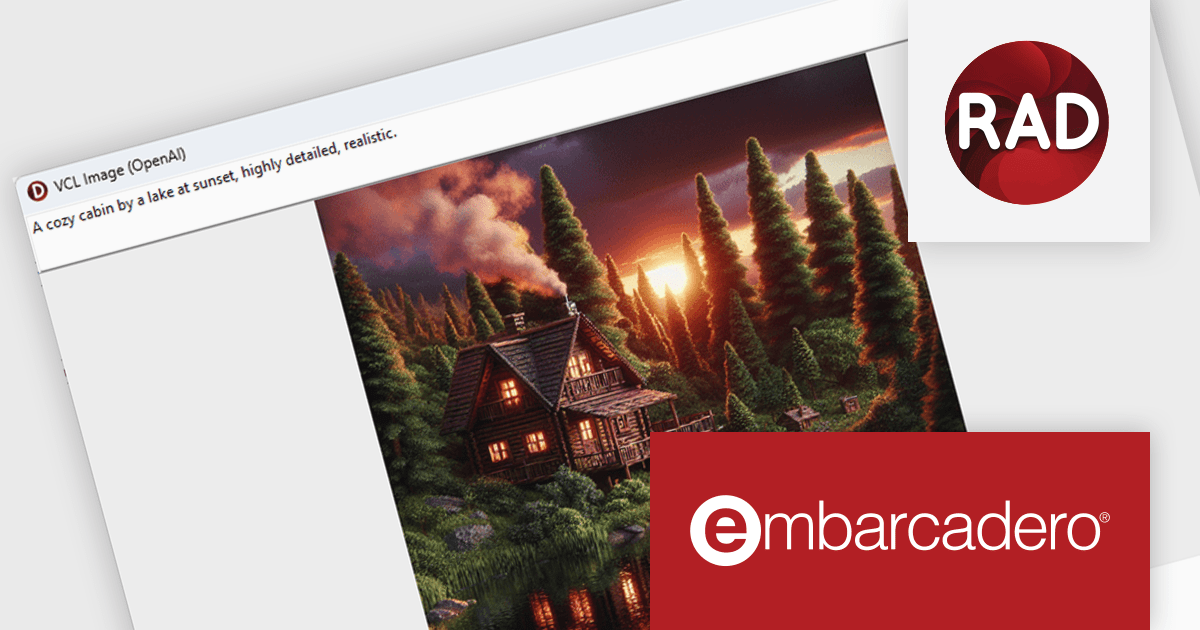
The RAD Studio 13 Florence release brings a significant step forward in application development with the introduction of the SmartCore AI Component Pack. This new feature provides runtime components that allow AI capabilities to be embedded directly into your applications. Designed as a foundation for future AI integrations, it supports building intelligent features into both new and existing apps using Delphi or C++Builder. The architecture is extensible, enabling developers and third-party vendors to expand on it with support for additional AI engines and custom user interface elements.
To see a full list of what's new in version 13 Florence, see our release notes.
RAD Studio is licensed per Named, Network Named or Concurrent user and is available as a Perpetual License with an Update Subscription that includes support and free upgrades for 1 Year. See our RAD Studio licensing page for full details.
RAD Studio is available to buy in the following products:

Chart themes provide a simple yet powerful way to standardize the appearance of charts by applying predefined color schemes, fonts, and styling options across visualizations. Instead of manually adjusting each element, users can quickly switch between themes to achieve a consistent, professional look that aligns with brand guidelines or presentation needs. The benefits include improving readability, enhancing accessibility - with inclusive color palettes - and ensuring visual consistency across multiple charts or entire dashboards. Chart themes improve the process of creating impactful, audience-ready data visualizations.
Several .NET WPF chart components offer the ability to add themes, including:
For an in-depth analysis of features and price, visit our .NET WPF charts comparison.
전화 : 00798 14 800 6332
팩스 : +1 770 250 6199


