













공식 공급 업체
200 이상의 소프트웨어 개발처와 판매 계약을 맺은 공인 디스트리뷰터로서 합법적인 라이선스를 제공합니다.
모든 브랜드 보기.
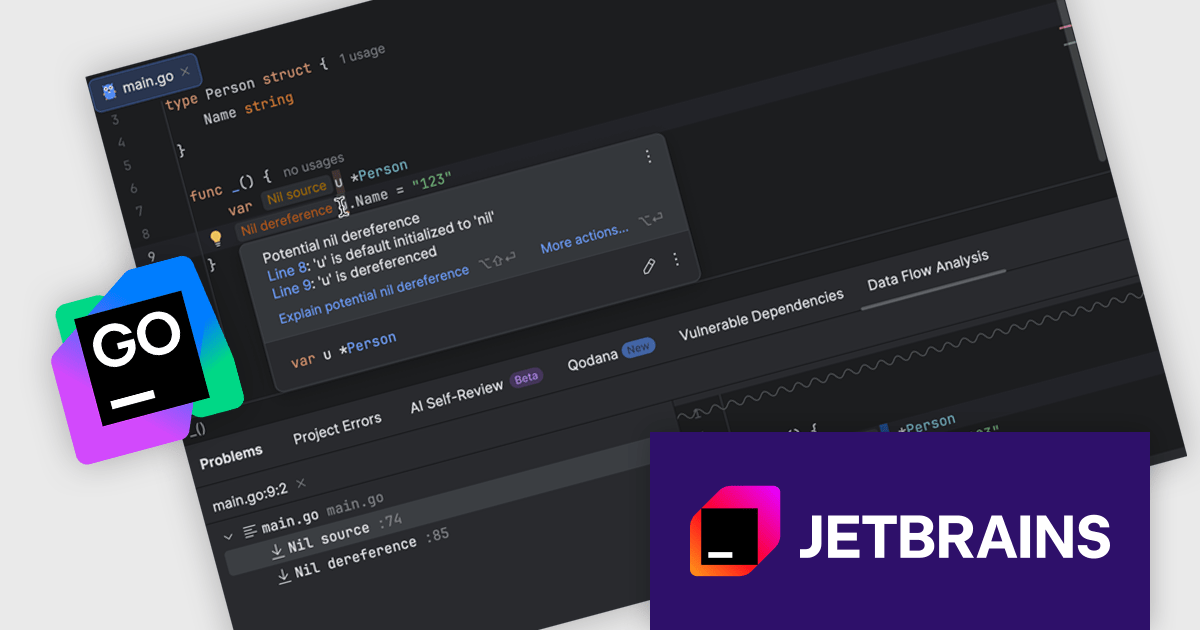
JetBrains GoLand is a dedicated integrated development environment (IDE) designed for Go programmers. It offers comprehensive features like intelligent code completion, advanced debugging tools, built-in testing frameworks, and code navigation aids for both individual and collaborative development. GoLand's focus on efficiency and productivity, along with its seamless integration with other JetBrains tools, makes it a powerful choice for professional Golang development.
The GoLand 2025.2 update enhances code safety and maintainability by introducing interprocedural 'nil' dereference analysis that detects potential nil-related issues during development. This capability tracks the flow of nil values across functions, files, and packages, providing real-time warnings, nullability hints in quick documentation, and clear explanations in the Problems tool window. By identifying unsafe pointer operations early and presenting precise information on how nil values propagate, the feature streamlines debugging, reduces the likelihood of runtime errors, and supports the creation of more robust Go applications.
To see a full list of what's new in version 2025.2, see our release notes.
GoLand is licensed per user, and is available as a commercial annual subscription license. We can supply new subscriptions, subscription renewals (including continuity discounts), lapsed renewals, and additional user licenses. See our GoLand licensing page for full details.
GoLand is available to buy in the following products:
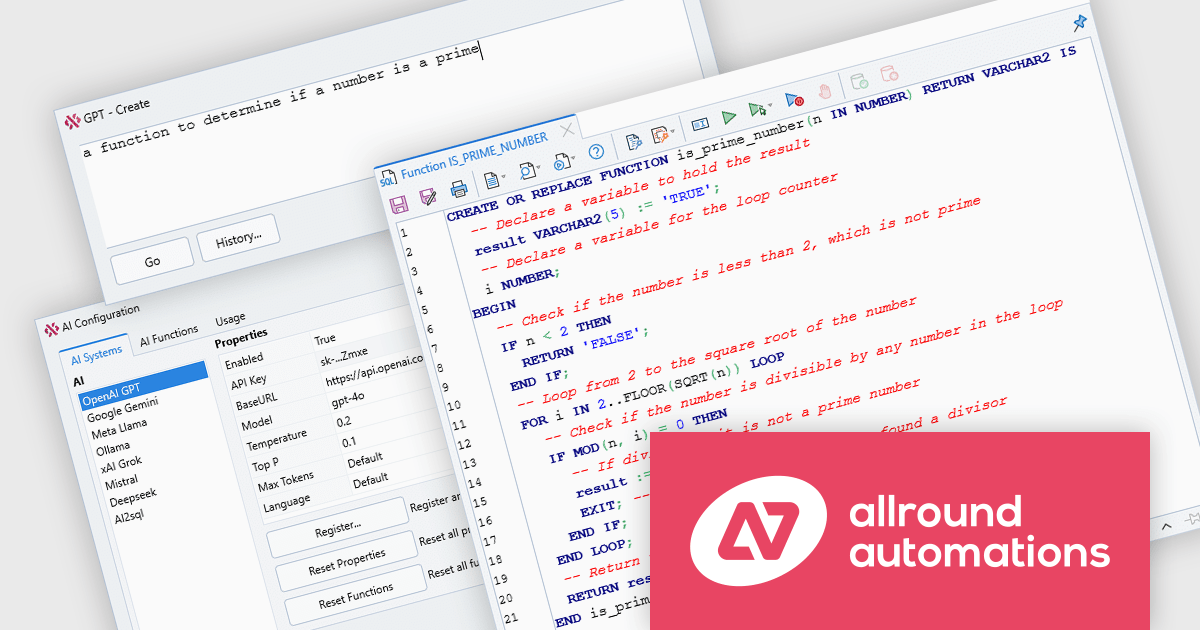
Plyxon by Allround Automations is a high-performance cross-platform Oracle PL/SQL development tool built as a native Oracle Client application that requires no third-party dependencies. Designed for writing, navigating, and debugging PL/SQL code, it includes a PL/SQL editor with features such as syntax highlighting and object descriptions, an integrated debugger offering control over program execution and state inspection, and more. Its multi-threaded design allows developers to continue working during long-running operations or while debugging, ensuring that tasks such as query execution, program testing, and troubleshooting can occur without the IDE becoming unresponsive.
The Plyxon 2.0 update introduces a built‑in AI assistant that enables developers to harness leading AI systems such as OpenAI GPT, Google Gemini or Meta Llama, among others, directly within their PL/SQL workflow, making it possible to generate, edit, optimize, explain, review, or fix SQL and PL/SQL code with predefined or custom AI functions. This capability reduces the time spent on repetitive coding tasks, accelerates troubleshooting by providing context-aware suggestions, and supports learning by offering clear explanations of complex code structures, or even about Oracle development in general.
To see a full list of what's new in 2.0, see our release notes.
Plyxon is licensed per named user. Support contracts are available, which entitle you to technical support via email for either one or three years depending on the option purchased. See our Plyxon licensing page for full details.
For more information, see our Plyxon product page.
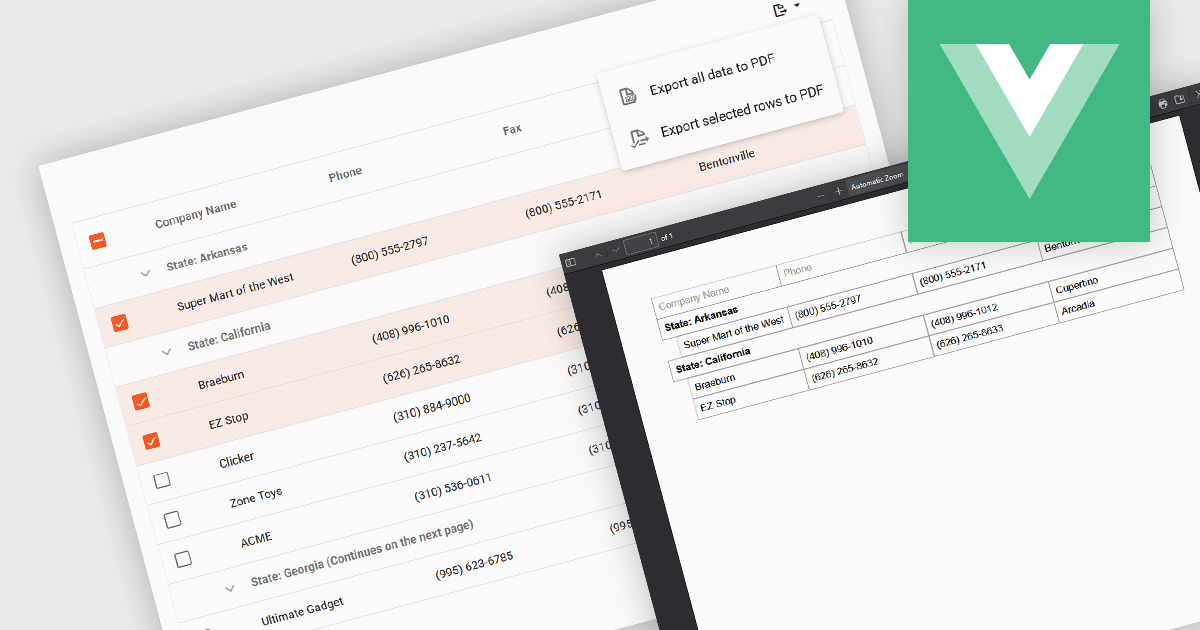
Export selection in a data grid is the ability to export only a defined range, the specific rows, columns or cells that a user has actively selected, rather than the entire dataset. This selective approach is particularly valuable when working with large data sets, as it allows users to extract and share only the most relevant subset of information without additional filtering or manual deletion after export. By reducing the volume of unnecessary data in exported files, it improves efficiency, helps maintain focus on the intended content, and can enhance security by avoiding the inclusion of sensitive or unrelated information. This targeted export capability is commonly used to output data in formats such as CSV, Excel, or PDF, supporting the integration of grid data into reporting and analysis processes.
Several Vue.js grid components allow you to export selections, including:
For an in-depth analysis of features and price, visit our comparison of Vue.js grid components.
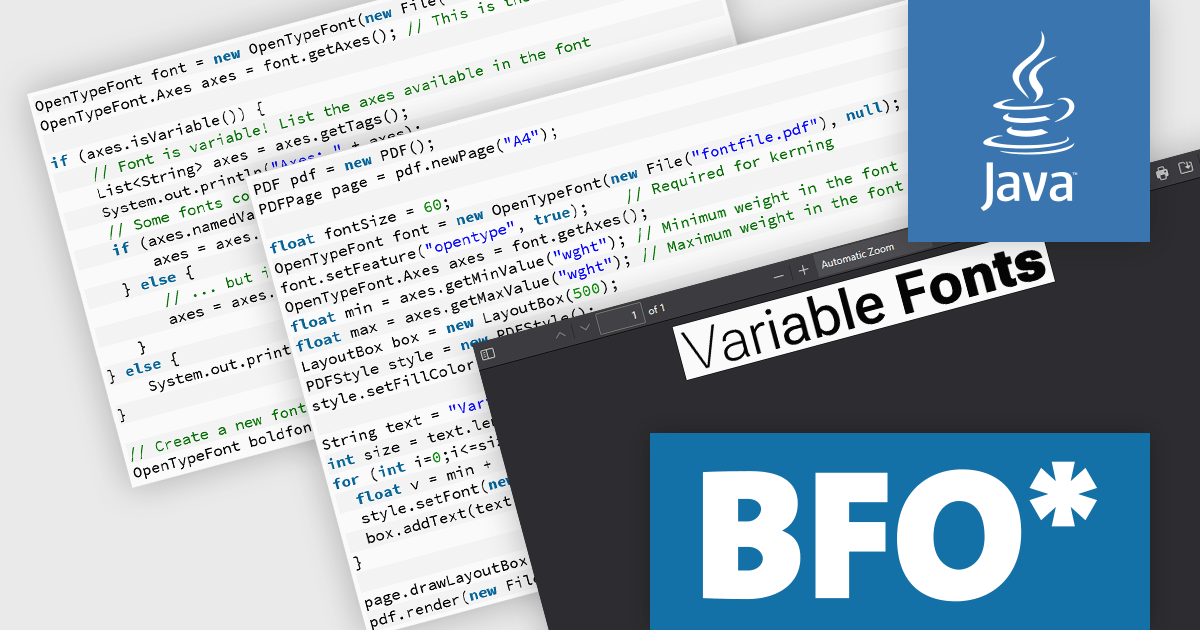
BFO Publisher is a Java-based CSS layout engine developed by Big Faceless Organization (BFO) that converts HTML or XML styled with CSS into PDF documents. Built on top of the Big Faceless PDF Library, it supports advanced layout features, including modern CSS constructs like flexbox-1, SVG2, and MathML4, and it delivers archival quality outputs compliant with PDF/A, PDF/X and PDF/UA. Designed with a streaming architecture, it can generate very large documents efficiently while keeping memory usage low, and it is flexible for deployment both via its API and as a web‑service in local or cloud environments.
The BFO Publisher v1.4 update adds support for OpenType variable fonts, enabling developers to embed and render fonts with adjustable weight, width, and other typographic axes from a single font file. These fonts are not supported in PDF format, so are converted into a static instance which gets embedded into the PDF. This reduces the need to manage multiple static font files, lowers output file sizes, and allows finer control over typography directly through CSS, leading to more precise and efficient design workflows when creating PDFs with BFO Publisher.
To see a full list of what's new in v1.4, see our release notes.
BFO Publisher is licensed per server/machine and is available as an annual or a perpetual license depending on the use case. Technical support is available. See our BFO Publisher licensing page for full details.
For more information, see our BFO Publisher product page.
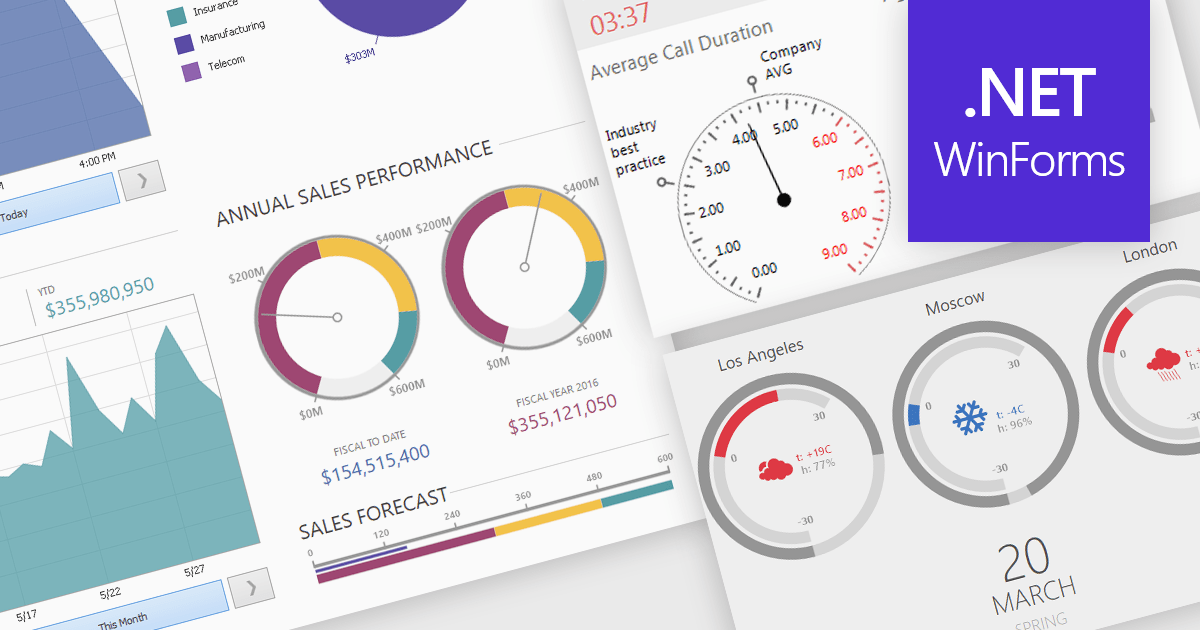
A gauge is a visual reporting element, such as a dial, meter, or progress bar, designed to display a single metric’s value in relation to defined targets or thresholds. For software developers, gauges offer a quick and intuitive way to present key performance indicators, making it immediately clear whether performance is on track, exceeding expectations, or requires attention. By transforming raw data into a simple, at-a-glance visual, gauges reduce the need for users to analyze complex tables or charts, improve the readability of dashboards and reports, and support faster, more informed decision-making.
Several .NET Winforms Reporting controls include Gauges including:
For an in-depth analysis of features and price, visit our comparison of .NET Winforms Reporting Controls.
전화 : 00798 14 800 6332
팩스 : +1 770 250 6199


