













공식 공급 업체
200 이상의 소프트웨어 개발처와 판매 계약을 맺은 공인 디스트리뷰터로서 합법적인 라이선스를 제공합니다.
모든 브랜드 보기.
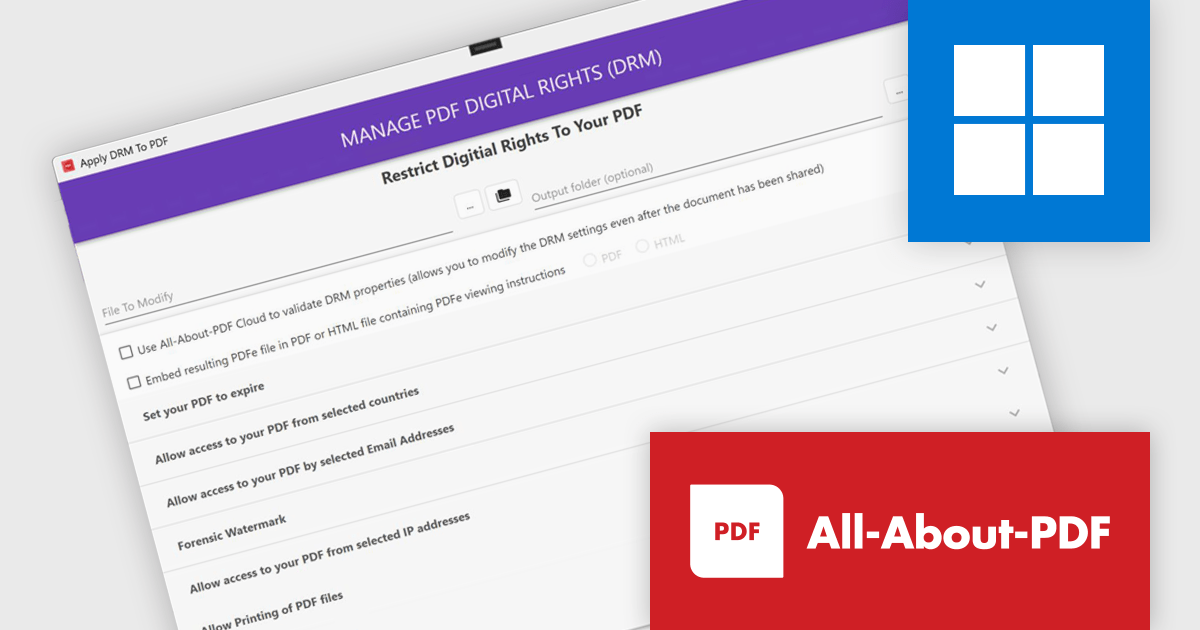
All-About-PDF is a comprehensive PDF management solution that gives users complete control over their digital documents. It allows individuals and organizations to create, protect, convert, merge, split, and compare PDFs with ease while maintaining the highest level of security. Using advanced Digital Rights Management technology, users can specify when, how, and where their shared files are accessed. Features such as password protection, expiry dates, print restrictions, and location-based locking help safeguard sensitive information. With its precision comparison tools and strong access controls, All-About-PDF is ideal for professionals who need to share documents confidently and maintain full ownership of their intellectual property.
All-About-PDF provides developers with comprehensive DRM capabilities that enable control over document access, permissions, and usage, allowing systems to dynamically enforce restrictions on viewing, editing, printing, and sharing. It ensures sensitive data remains protected and fully controlled even after documents are distributed beyond the originating system.
All-About-PDF is licensed per machine, and is available as a perpetual license. Licenses include 12 months of support and updates. See our All-About-PDF licensing page for full details.
For more information, visit our All-About-PDF product page.
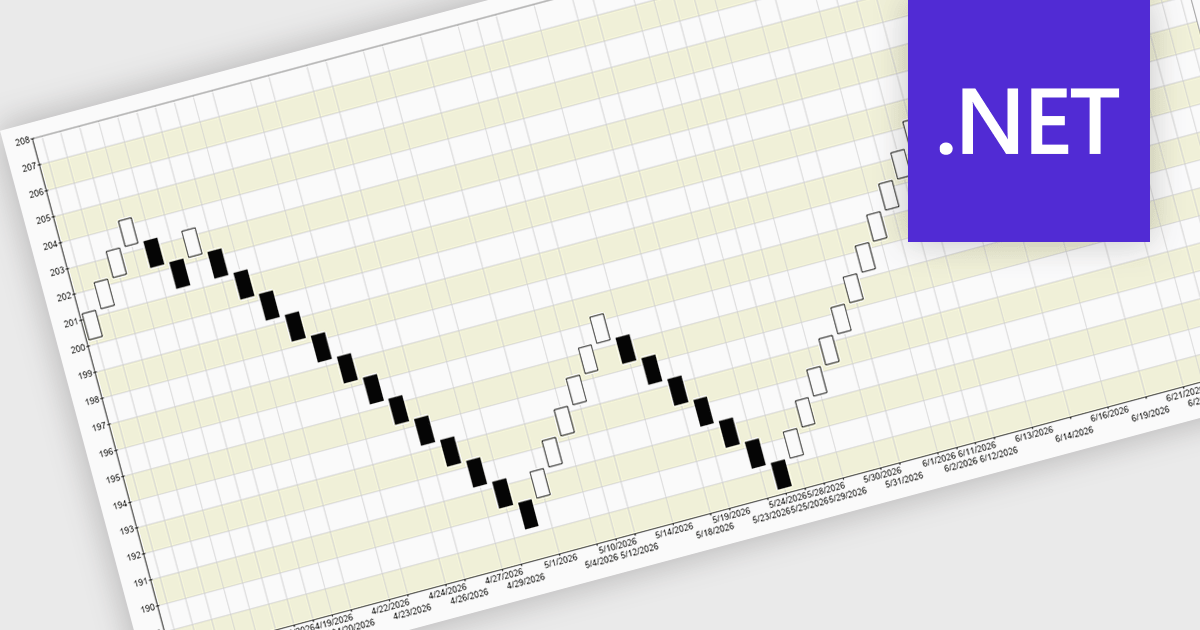
A Renko chart is a type of price chart used in technical analysis that focuses exclusively on price movement rather than time, displaying data as a series of uniform “bricks” that form only when the market moves by a predefined amount. This structure helps filter out minor price fluctuations, making trends and reversals easier to identify while reducing visual noise and improving clarity. As a result, traders can make more informed decisions, confirm trends with greater confidence, and simplify their analysis. Renko charts are commonly used in trend-following strategies, breakout trading, and support and resistance analysis, where a clear view of sustained price direction is more valuable than tracking every small market movement.
Several .NET Chart controls offer a Renko chart including:
For an in-depth analysis of features and price, visit our comparison of .NET Chart controls.
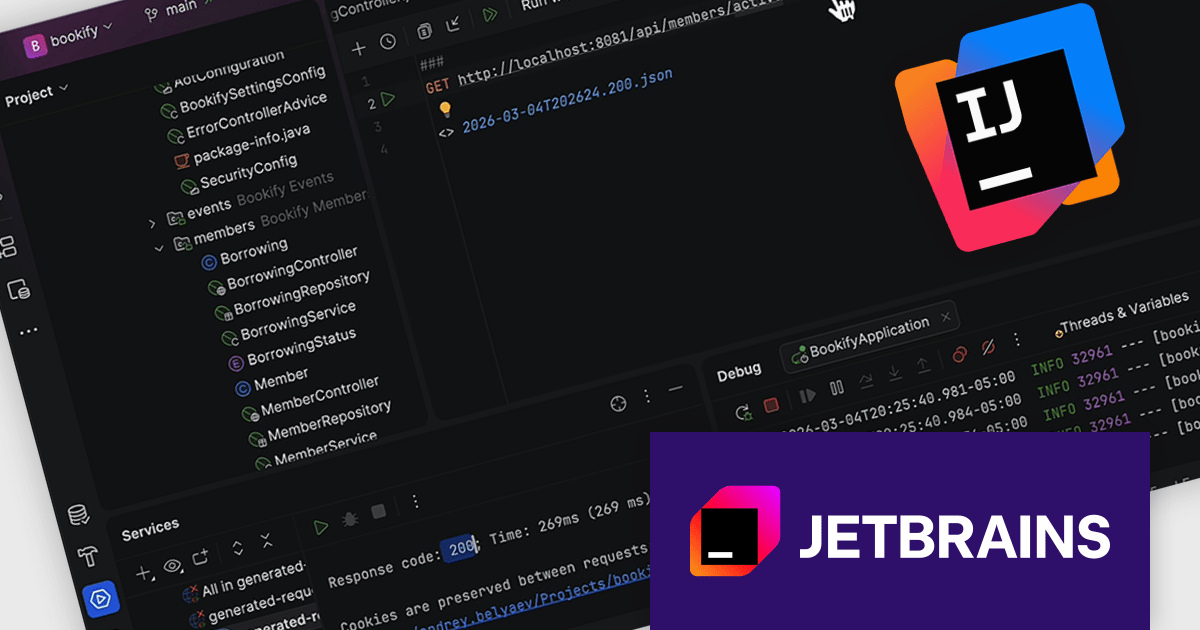
IntelliJ IDEA by JetBrains is an integrated development environment (IDE) designed to maximize developer productivity through intelligent code assistance, deep language understanding, and robust developer tools. Known for its support for Java and a wide array of other languages and frameworks, IntelliJ IDEA offers advanced code completion, on-the-fly analysis, and reliable refactoring tools that accelerate the entire development process. With a strong focus on ergonomics and performance, it enables professionals to write, test, and debug high-quality code faster and with greater confidence.
The IntelliJ IDEA 2026.1 update introduces runtime insight for Spring applications through the Spring Debugger, enabling developers to observe application state inline without interrupting execution. It provides immediate visibility into bean wiring, profile setup, and environment details, making it easier to identify incorrect injections, validate secured endpoints, and review configuration in context.
To see a full list of what's new in version 2026.1 see our release notes.
IntelliJ IDEA is licensed per user as a commercial annual subscription. We can supply New Subscriptions, Subscription Renewals, Lapsed Subscription Renewals, and Additional Developer Licenses. See our IntelliJ IDEA licensing page for full details.
IntelliJ IDEA is available to buy in the following products:
ComponentOne WinForms Edition is a collection of easy-to-use WinForms components that provides access to all updates released within your 1 year subscription period and online support. ComponentOne Winforms Edition includes FlexGrid, FlexChart, FlexReport, InputPanel, Ribbon, DockingTab, and more.
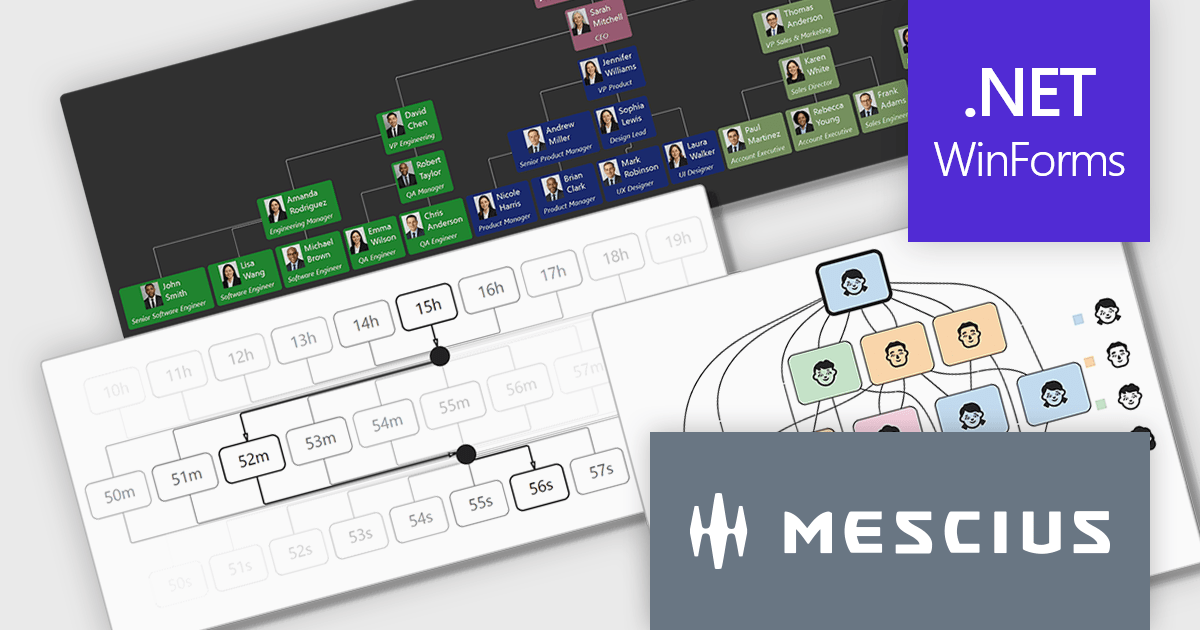
On Wednesday, April 8th at 11:00 AM EDT, MESCIUS is presenting a CodeClinic Live Webinar effecting a deep dive into how .NET developers can convert hierarchical and rule-based datasets into interactive visual diagrams in a Windows Forms application using ComponentOne FlexDiagram. MESCIUS Product Manager Greg Lutz will show you how to bind structured application data to diagram elements, define node relationships, and dynamically generate diagrams using C#. Key takeaways include:
Register for the Live Webinar today and mark your calendar for April 8th.
ComponentOne Studio WinForms is licensed per developer and is available as either a Perpetual or Annual license, depending upon geographic location. Priority Support is also available. See our ComponentOne Studio WinForms licensing page for full details.
Learn more on our ComponentOne Studio WinForms product page.
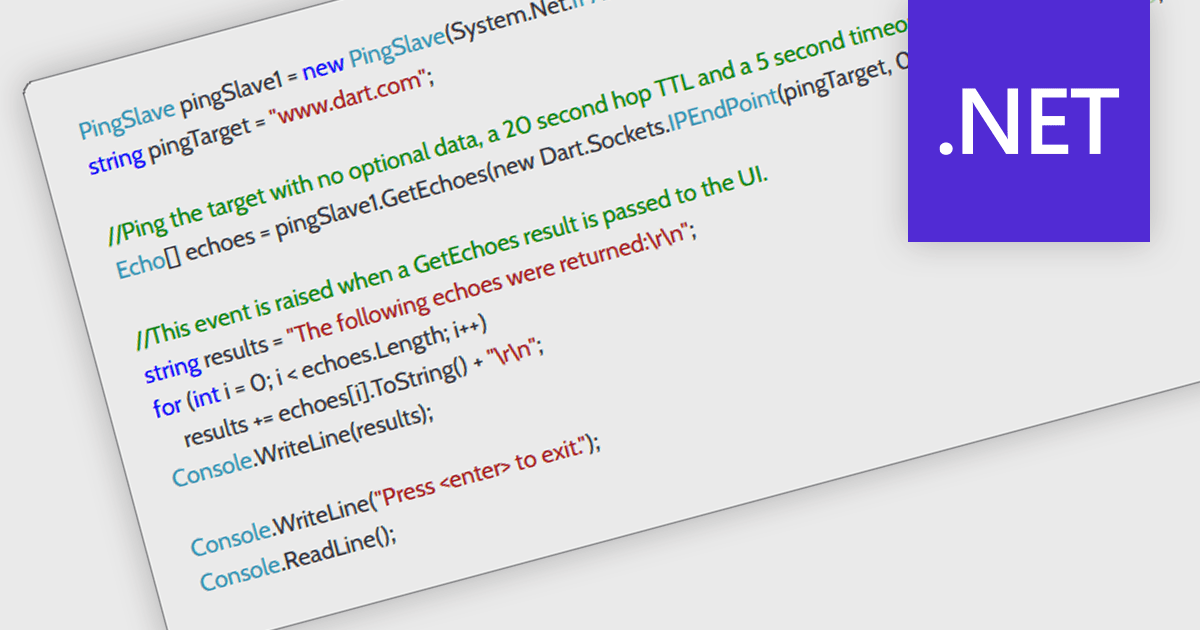
ICMP support in a .NET communication and messaging control means the component can send or handle Internet Control Message Protocol traffic, typically for functions such as network reachability checks, latency measurement, and diagnostic messaging alongside its core communication features. For software developers, this is useful because it helps applications verify whether endpoints are available, detect network issues earlier, improve monitoring and troubleshooting, and support more responsive connection logic without requiring separate tooling, which can make distributed systems and network-aware applications easier to observe and maintain.
Several .NET Comms & Messaging components offer ICMP support including:
For an in-depth analysis of features and price, visit our comparison of .NET Comms & Messaging components.
전화 : 00798 14 800 6332
팩스 : +1 770 250 6199


