













공식 공급 업체
200 이상의 소프트웨어 개발처와 판매 계약을 맺은 공인 디스트리뷰터로서 합법적인 라이선스를 제공합니다.
모든 브랜드 보기.
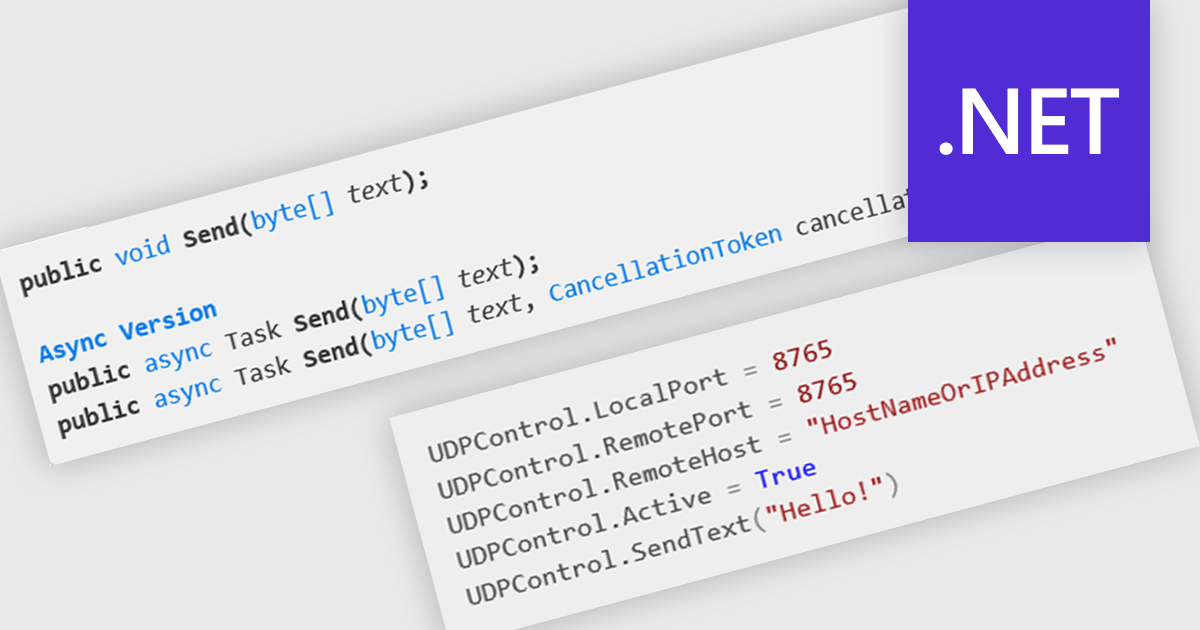
In internet communications, UDP (User Datagram Protocol) is a connectionless, message-oriented protocol that transmits data in the form of datagrams. It operates at the transport layer and prioritizes speed and efficiency over guaranteed delivery or ordered arrival of data. For .NET developers, UDP offers a lightweight alternative to TCP, enabling rapid data transfer for scenarios like streaming or real-time data feeds where performance is critical.
Several .NET communications and messaging components offer UDP features including:
For an in-depth analysis of features and price, visit our comparison of .NET communications & messaging components.
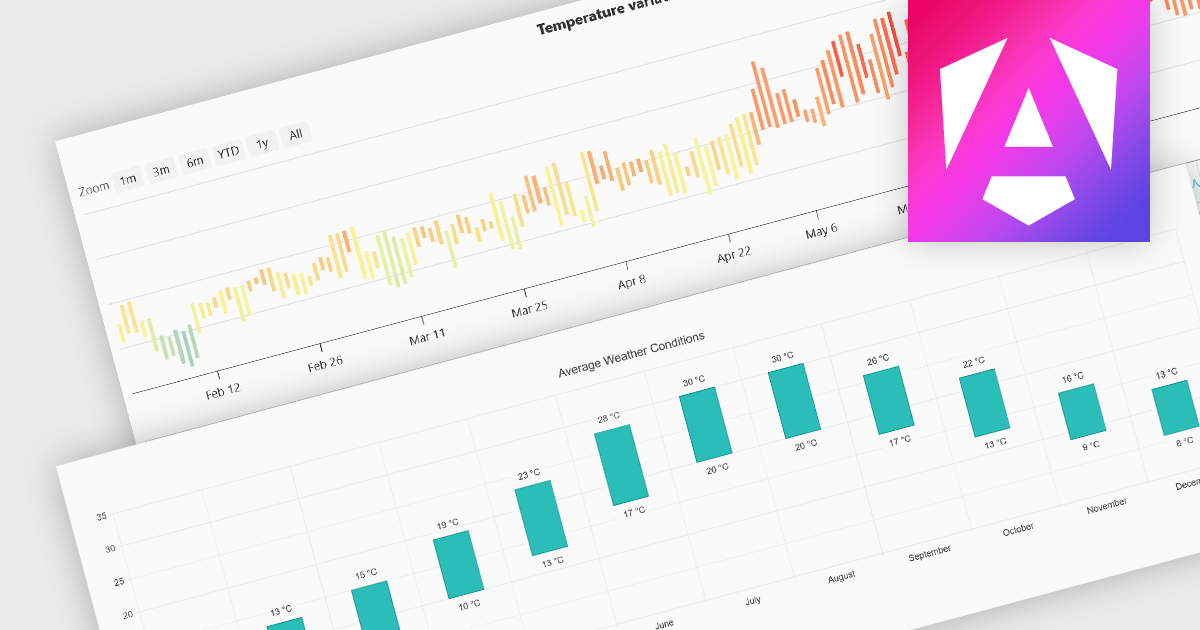
Range bar charts provide a way to visualize data that includes both minimum and maximum values. The bars displayed represent a value range, spanning between the minimum and maximum levels, rather than a single point. This type of chart makes it easier for users to compare variations across different categories or time periods, detect anomalies, and identify trends. This makes them particularly useful for scenarios where understanding variations within a range is important, such as stock price fluctuations, project timelines, or performance metrics. Their structured layout improves readability, making them a valuable tool in financial analysis, scheduling, and business intelligence applications.
Several Angular charting components provide you with range bar charts, including:
For an in-depth analysis of features and price, visit our Angular chart controls comparison.
Kendo UI by Telerik is a comprehensive suite of JavaScript UI components designed to accelerate web application development. Offering pre-built, customizable elements for grids, charts, schedulers, and more, it streamlines UI creation across popular frameworks like jQuery, Angular, React, and Vue. Key features include responsive design, accessibility, and high performance, enhancing user experience. Developers benefit from reduced development time, consistent UI patterns, and the ability to build feature-rich applications faster.
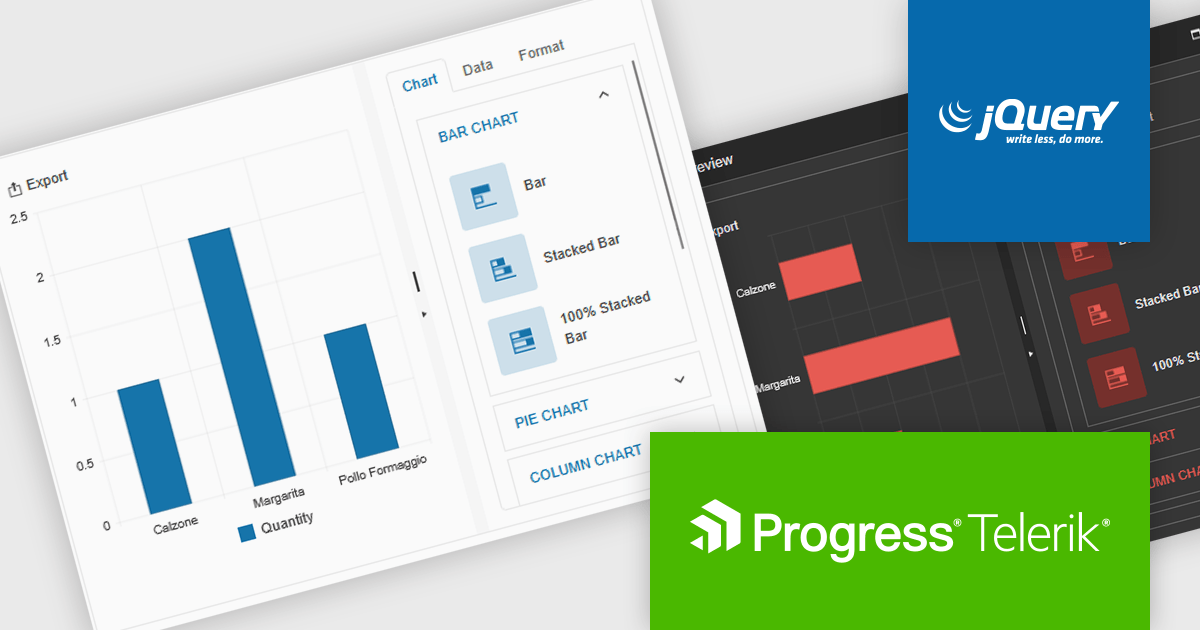
The Kendo UI for jQuery v2025 Q1 update introduces the Chart Wizard, a streamlined tool that simplifies chart creation by allowing developers to generate data-driven visualizations directly from grids, data-bound components, or external sources. This feature reduces manual configuration, enhances workflow efficiency, and ensures a seamless integration process, enabling developers to quickly transform raw data into meaningful insights while maintaining full customization control.
To see a full list of what’s new in v17.1.0 (2025 Q1), see our release notes.
Kendo UI is licensed per developer and has two licensing models: an annual Subscription License and a Perpetual License. The Subscription license provides access to the latest product updates, technical support, and exclusive benefits for a flat annual fee, and must be renewed to continue using the software. The Perpetual license is a one-time purchase granting access to the current released version and includes a one-year subscription for product updates and technical support. After this initial period, users can choose to renew the subscription element to continue receiving updates and support; otherwise, they may continue using the installed version available during their active subscription term but will forgo future updates and support. See our Kendo UI licensing page for full details.
Kendo UI is also available to buy individually or as part of:
The JetBrains All Products Pack provides access to a comprehensive suite of JetBrains tools, including 12 IDEs, 3 extensions, and 2 profilers, all under one unified license. This flexible solution allows users to switch between tools across multiple machines, adapting to different projects with ease. With a single license, you benefit from simplified license management and significant cost savings - 12 IDEs for the price of two. The All Products Pack is designed to advance your skills by giving you unlimited access to industry-leading professional tools, empowering efficient, high-quality development across a variety of languages and platforms.
The JetBrains All Products Pack includes advanced instant search and navigation tools designed to optimize the way developers interact with their projects. These tools enable quick and precise access to code, files, symbols, and resources, even within the most complex and expansive codebases. By providing context-aware results and intuitive filtering, developers can effortlessly switch between tasks, identify dependencies, and locate specific elements with minimal effort. This functionality significantly reduces the time spent searching for information, eliminates workflow interruptions, and enhances overall productivity. Whether working on a small feature or navigating a large enterprise application, these tools ensure that developers can focus on writing high-quality code without being slowed down by navigation challenges. These integrated search and navigation features are available in all JetBrains IDEs.
JetBrains All Products Pack is licensed per user as a commercial annual subscription. We can supply new subscriptions, subscription renewals, lapsed subscription renewals, and additional developer licenses. See our JetBrains All Products Pack licensing page for full details.
For more information, see our JetBrains All Products Pack product page.
.NET Data Editor components provide a versatile set of tools for handling text, numeric, and Boolean data input within applications. These components enable developers to create user-friendly interfaces that accommodate various data entry needs, from simple text input to structured numeric formats and binary (true/false) selections. By integrating these editors, applications can ensure accuracy, enhance user experience, and streamline data validation. Whether used in forms, reports, or interactive dashboards, these components are essential for building efficient and responsive applications.
Common text, numeric and boolean data editor .NET controls include:
For an in-depth analysis of features and price, visit our .NET Data Editors comparison.
전화 : 00798 14 800 6332
팩스 : +1 770 250 6199


