













공식 공급 업체
200 이상의 소프트웨어 개발처와 판매 계약을 맺은 공인 디스트리뷰터로서 합법적인 라이선스를 제공합니다.
모든 브랜드 보기.

Integrated Development Environments (IDEs) are comprehensive software applications designed to streamline and enhance the coding process by providing a range of powerful tools and features. These coding features assist developers in writing, organizing, and managing code more efficiently through features like intelligent suggestions, automated formatting, and visual aids. They reduce repetitive tasks with templating, improve code clarity with syntax highlighting, and enable swift navigation and editing within large projects. Advanced capabilities like refactoring ensure clean and maintainable code structures, while remote development fosters collaboration and flexibility. Together, these features minimize errors and save time, enabling developers to write high-quality and efficient code more easily.
Common coding features include:
For an in-depth analysis of features and price, visit our Integrated Development Environments (IDEs) comparison.
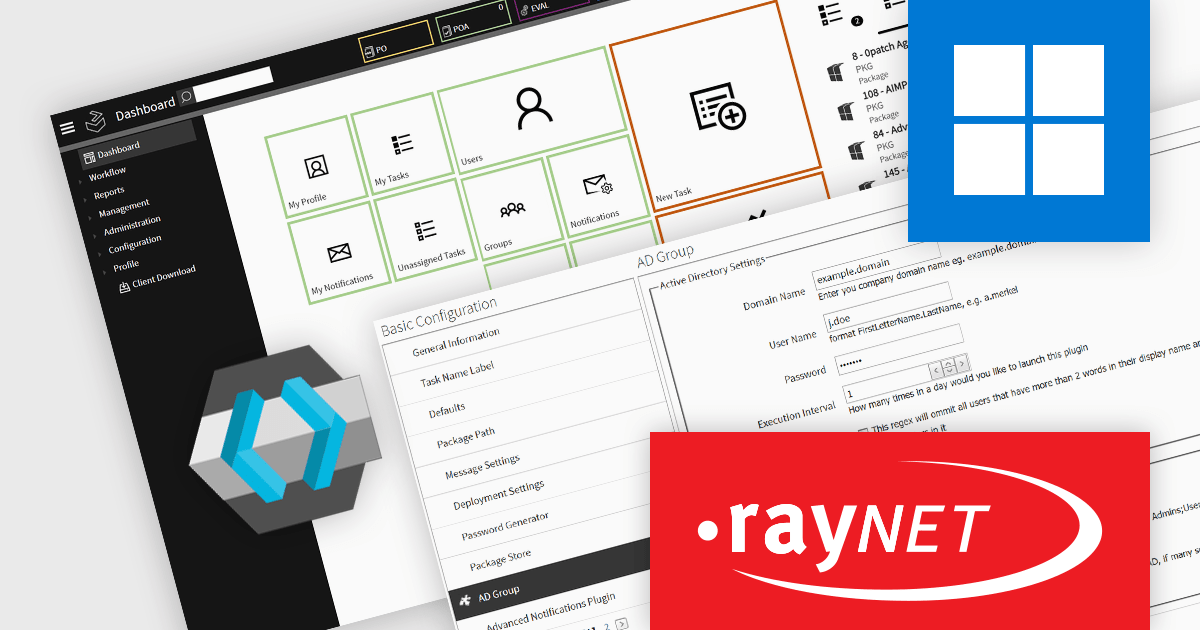
RayFlow by Raynet is a workflow management solution designed to streamline and optimize software packaging and deployment processes. It provides end-to-end support for application lifecycle management, enabling teams to coordinate tasks, track progress, and ensure transparency across packaging projects. With its centralized platform, RayFlow integrates seamlessly with other Raynet tools and third-party solutions, facilitating efficient collaboration between stakeholders such as software developers, IT administrators, and project managers. Its ability to automate workflows, manage complex dependencies, and provide real-time reporting makes it a valuable asset for organizations looking to improve productivity and maintain consistency in software delivery pipelines.
The RayFlow 8.0 update adds an integration with Keycloak, a solution for identity and access management, enhancing the platform’s security and flexibility. By leveraging its authentication and authorization capabilities, RayFlow now supports a variety of two-factor authentication methods, including SMS, email, and Google Authenticator, enabling teams to adopt authentication processes that best fit their needs. This integration ensures secure access management without disrupting existing workflows, as it is opt-in and not enabled by default. Keycloak's intuitive interface simplifies the management of user accounts and authentication settings, improving both user experience and administrative control.
To see a full list of what's new in 8.0, see our release notes.
RayFlow is licensed per device/machine and is available as a perpetual license or a subscription license. Both licenses come with Silver Maintenance for support and updates. See our RayFlow licensing page for full details.
Learn more on our RayFlow product page.
Syncfusion Essential Studio .NET MAUI (available as part of Syncfusion Essential Studio Enterprise) empowers developers with a comprehensive suite of native UI controls, data visualization tools, and performance optimizations for building modern, cross-platform mobile and desktop applications. This professional-grade toolkit leverages the power of C# and XAML, enabling rapid development of stunning and responsive experiences across diverse platforms.
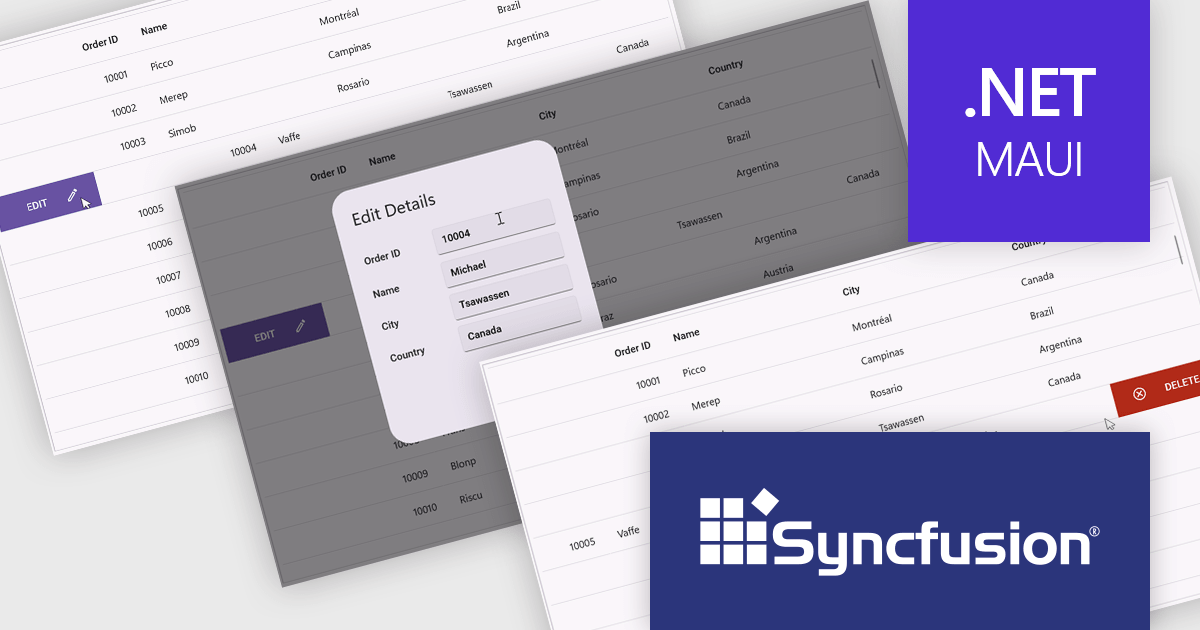
The Syncfusion Essential Studio .NET MAUI 2024 Volume 4 update introduces a new swiping feature in the DataGrid, enabling users to perform actions efficiently by swiping rows either to the left or right. This functionality enhances usability in mobile and touch-based applications by offering a streamlined way to interact with data, such as triggering actions like edit or delete directly through intuitive swipe gestures. With its flexibility, developers can customize the swipe behavior to align with their application's requirements, improving workflow efficiency and delivering a modern, touch-friendly user experience.
To see a full list of what's new in 2024 Volume 4, see our release notes.
Syncfusion Essential Studio .NET MAUI is available as part of Syncfusion Essential Studio Enterprise which is licensed per developer starting with a Team License of up to five developers. It is available as a 12 Month Timed Subscription License which includes support and maintenance. See our Syncfusion Essential Studio Enterprise licensing page for full details.
Learn more on our Syncfusion Essential Studio .NET MAUI product page.
ComponentOne WinUI and MAUI Edition is a comprehensive suite of UI components designed for cross-platform .NET development, supporting WinUI, MAUI, UWP, and Xamarin with a single license. It empowers developers to create modern and high-performance applications for business and enterprise use. With versatile controls and seamless integration, the suite simplifies the development process, enhances productivity, and ensures compatibility with the latest .NET platforms, making it an essential tool for delivering exceptional user experiences.
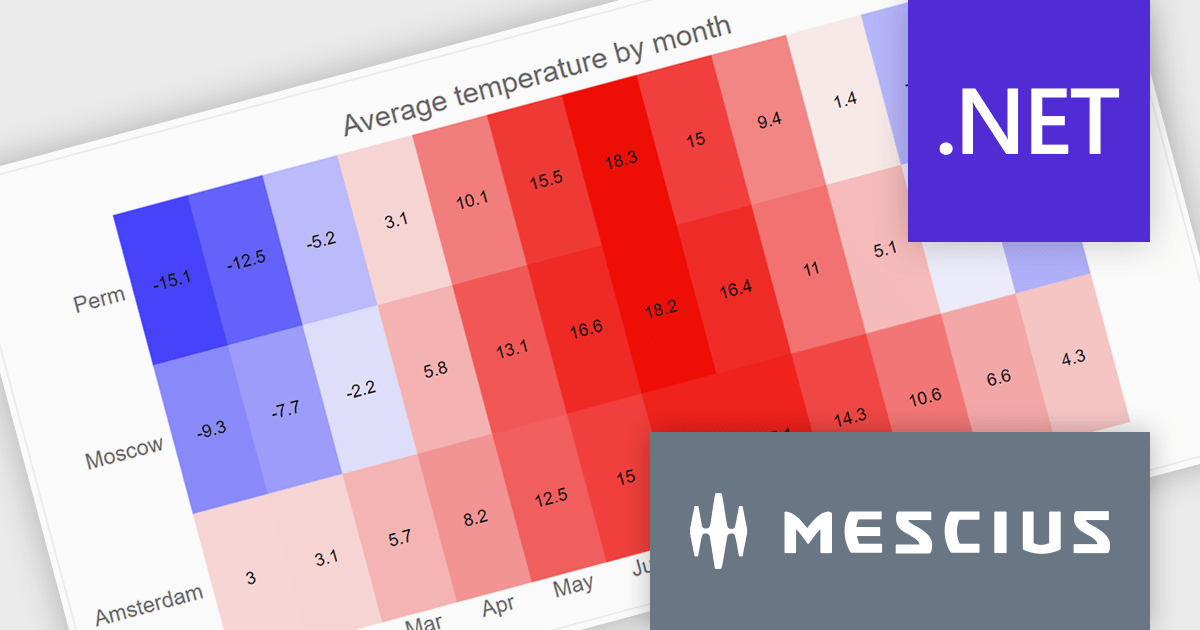
The ComponentOne Studio WinUI & MAUI Edition 2024 v2 update introduces new heatmap charts, providing developers with a robust tool for visualizing dense datasets in a clear and structured manner. With support for both discrete and gradient color options, along with the ability to display data labels, these charts enhance the readability of complex information. This feature is ideal for scenarios requiring quick data analysis, offering developers a versatile and efficient way to present large volumes of data in visually impactful 2D layouts.
To see a full list of what's new in 2024 v2, see our release notes.
ComponentOne Studio WinUI and MAUI is licensed per developer on a perpetual basis and includes a 12 month subscription. See our ComponentOne Studio WinUI and MAUI licensing page for full details.
Learn more on our ComponentOne Studio WinUI and MAUI product page.
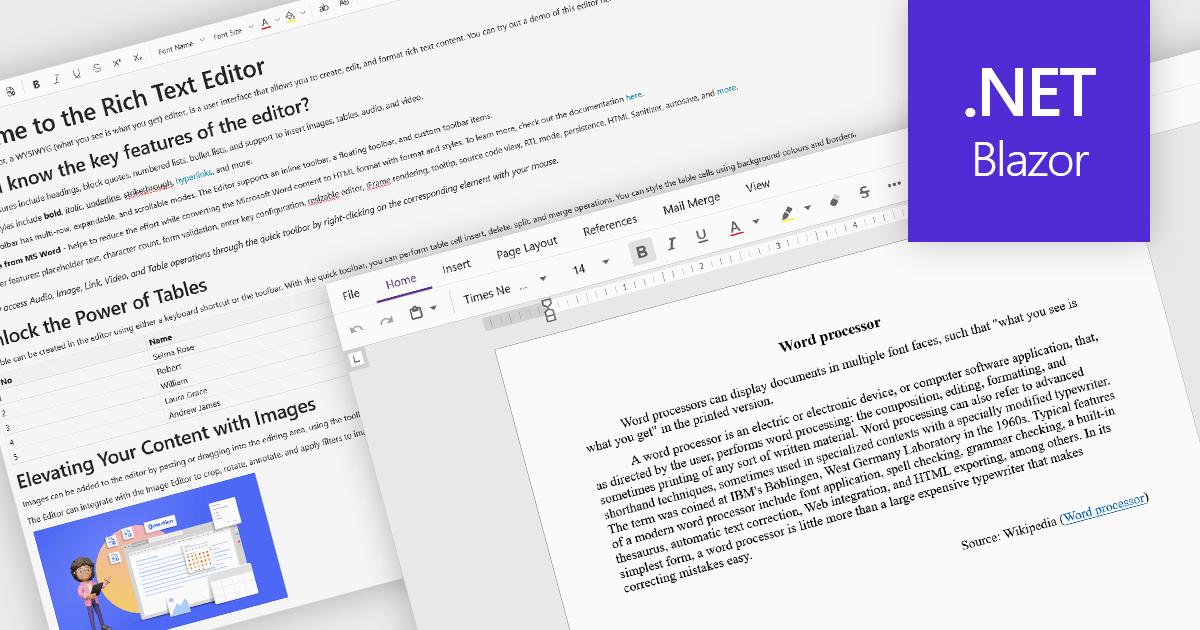
Rich Text Format (RTF) are specialized tools that enable the creation and manipulation of richly formatted text within development environments. The WYSIWYG (What You See Is What You Get) interface allows end users to easily design and format content visually without needing to write code, enhancing usability and reducing the learning curve. These editors commonly offer features such as text formatting, alignment options, list creation, image embedding, and table support, facilitating seamless incorporation of formatted content into applications, documentation, and user interfaces. Benefits include increased productivity, consistent cross-platform formatting, and minimized coding effort for managing text styles. Common use cases involve designing user documentation, generating dynamic web and mobile content, creating rich-text emails, and developing content management systems. By providing intuitive WYSIWYG capabilities, RTF editors are essential for developers aiming to integrate sophisticated text features efficiently into their projects.
Several Blazor data editor collections offer RTF editing capabilities including:
For an in-depth analysis of features and price, visit our Blazor data editors comparison.
전화 : 00798 14 800 6332
팩스 : +1 770 250 6199


