













공식 공급 업체
200 이상의 소프트웨어 개발처와 판매 계약을 맺은 공인 디스트리뷰터로서 합법적인 라이선스를 제공합니다.
모든 브랜드 보기.
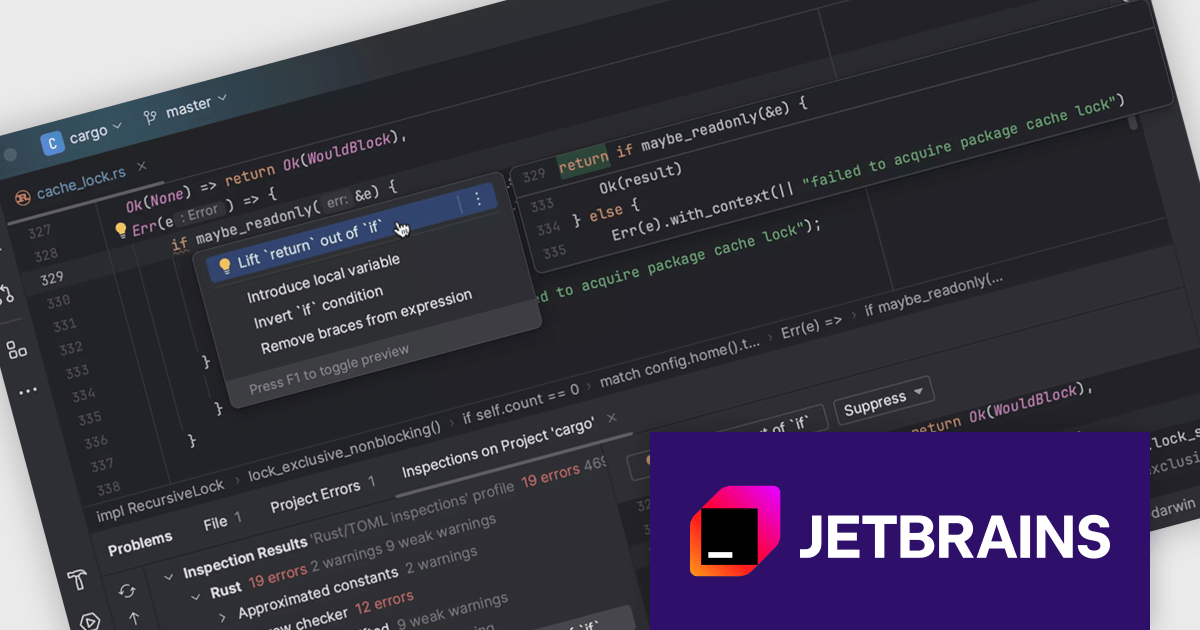
The JetBrains All Products Pack offers a unified subscription to a complete suite of development tools, including 12 Integrated Development Environments (IDEs), 3 extensions, and 2 profilers, all accessible with a single license. This all-in-one solution is tailored for developers, teams, and organizations seeking flexibility and efficiency, allowing seamless transitions between tools and machines to accommodate diverse projects and workflows. By consolidating licenses, users benefit from streamlined management, significant cost savings - effectively gaining access to 12 IDEs for the price of two - and the ability to explore new tools without additional expense. With unlimited access to JetBrains’ industry-leading software, the All Products Pack empowers high-quality, efficient development across multiple languages and platforms, making it an invaluable resource for advancing skills and productivity.
The code editor feature included in the JetBrains All Products Pack delivers advanced code analysis and quick-fix capabilities, enabling developers to identify and resolve issues in real time. With contextual quick-fixes, intelligent refactoring tools, and seamless multi-language support for languages such as Java, Python, Kotlin, JavaScript, PHP, C++, and more, it enhances code quality and streamlines workflows. Designed to integrate with CI/CD pipelines, this feature ensures consistent, high-quality code delivery, making it ideal for maintaining clean, efficient, and reliable codebases across diverse projects.
This code editor is available in the following products, all of which are included in the JetBrains All Products Pack:
The JetBrains All Products Pack is licensed per user as a commercial annual subscription. We can supply New Subscriptions, Subscription Renewals, Lapsed Subscription Renewals, and Additional Developer Licenses. See our JetBrains All Products Pack licensing page for full details.
For more information, see our JetBrains All Products Pack product page.
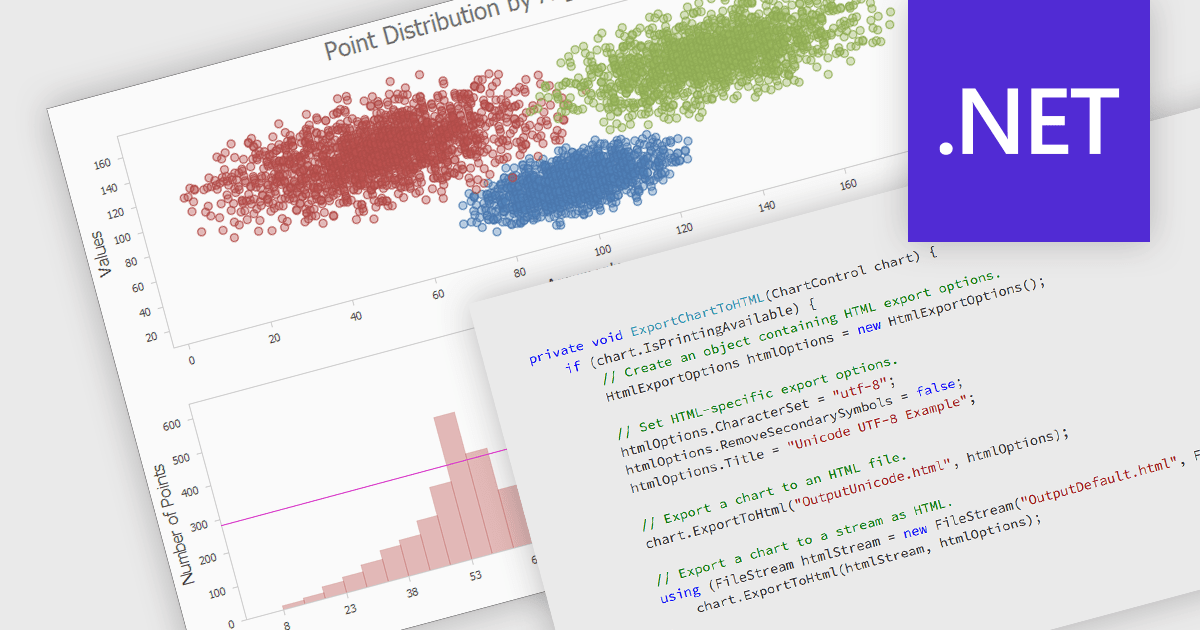
Exporting a chart to HTML transforms it into a format that can be embedded in web pages or applications as either an interactive or static element. This approach enhances accessibility, allowing charts to be viewed on any device without specialized software. HTML export often includes dynamic features like zooming, tooltips, and interactivity, making data more engaging and easier to understand. It also supports seamless integration with web applications, offering a scalable and user-friendly solution for sharing and analyzing visual data online.
Several .NET charting components allow you to export charts to HTML, including:
For an in-depth analysis of features and price, visit our .NET chart controls comparison.
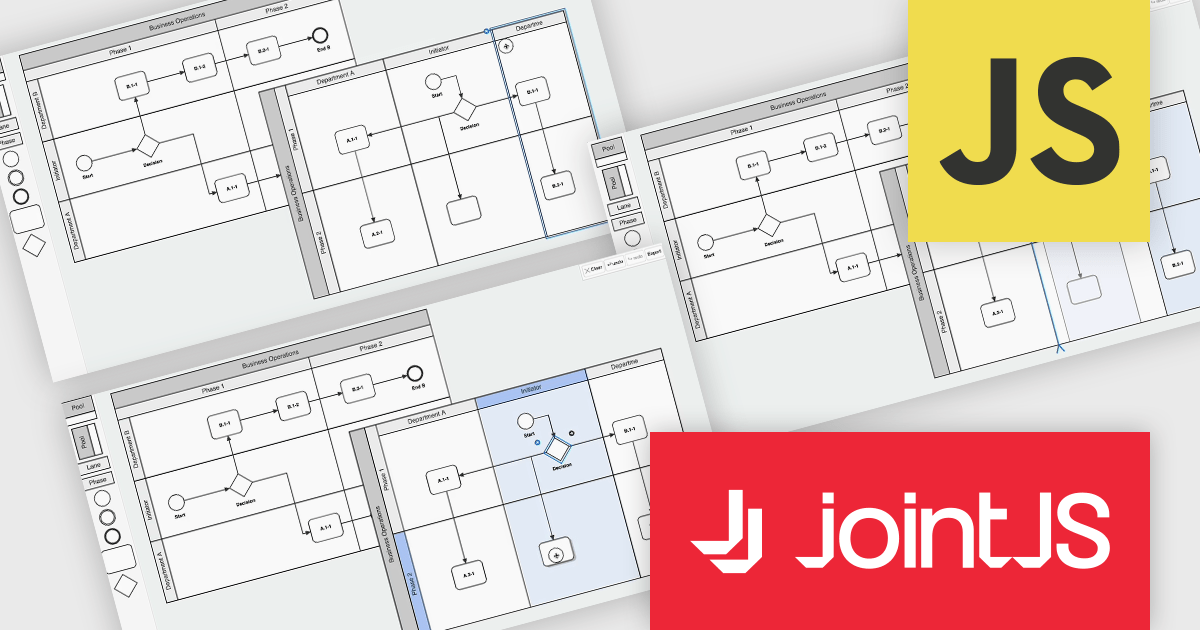
JointJS+ is a diagramming library that offers advanced features like custom shapes, data binding, and advanced layout algorithms, enabling you to create complex, interactive, and visually appealing diagrams. It includes a ready-to-use demo application that showcases its functionality and serves as a starting point for your own diagramming projects.
The JointJS+ v4.1 update introduces significant improvements to Business Process Model and Notation (BPMN) modeling, enabling developers to work more efficiently with enhanced pools, swimlanes, and milestones. These enhancements streamline the process of inserting, resizing, and reordering elements while maintaining content alignment and preventing out-of-bound resizing. The addition of vertical pools and milestones with drag-and-drop functionality further expands modeling capabilities, offering greater flexibility to meet diverse design requirements. Features like content awareness, automatic adjustments, and real-time previews ensure accuracy and ease of use, empowering developers to create precise and dynamic process diagrams with minimal effort.
To see a full list of what's new in v4.1, see our release notes.
JointJS+ is licensed per developer and is available as a Perpetual license with 1 year support and maintenance. See our JointJS+ licensing page for full details.
Learn more on our JointJS+ product page.
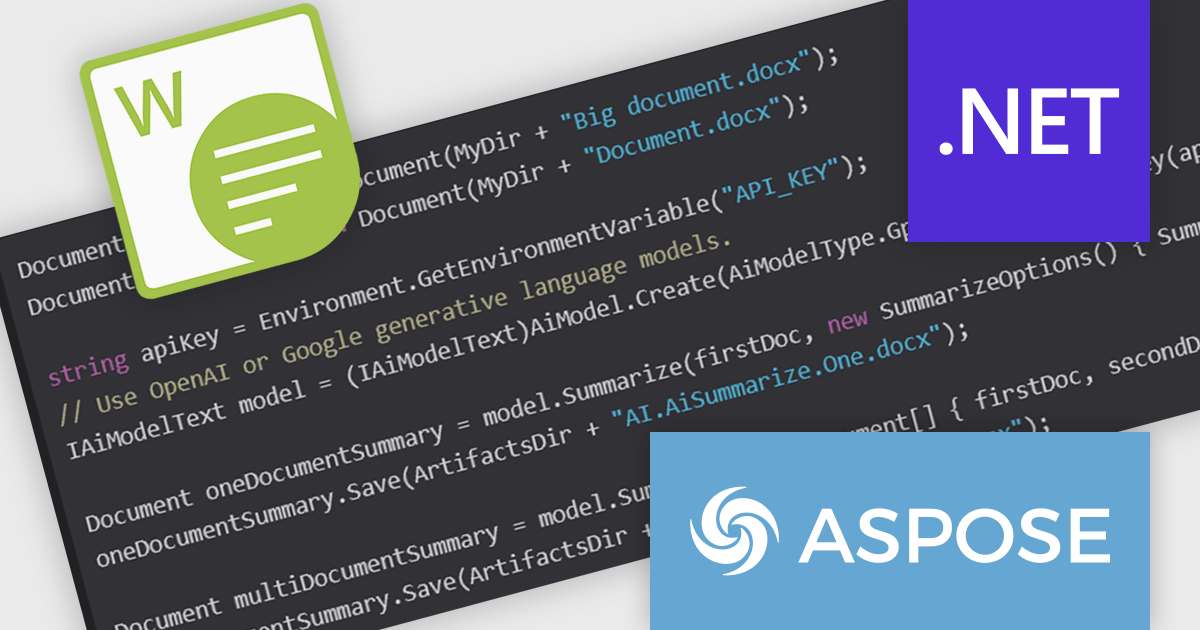
Aspose.Words for .NET is a software development library that empowers developers to build document processing functionalities into their applications. It supports a wide range of document formats, including Microsoft Word (DOC, DOCX), OpenOffice (ODT), PDF, and HTML, allowing applications to generate, edit, convert, render, and print documents without relying on external programs like Microsoft Word. This streamlines development and ensures applications can handle various document needs.
The Aspose.Words for .NET 24.11 release adds a new AI-powered document summarization feature that revolutionizes the way you process and understand lengthy documents. By harnessing the power of advanced generative AI models from industry leaders like OpenAI and Google, this innovative tool enables you to swiftly generate concise summaries of complex texts. Document summarization empowers you to extract the core meaning of your documents in mere seconds. This cutting-edge functionality significantly enhances efficiency and comprehension, making it an invaluable asset for anyone working with extensive textual data.
To see a full list of what's new in Aspose.Words for .NET version 24.11 see our release notes.
Aspose.Words for .NET is offered as Developer Small Business, Developer OEM, Developer SDK, Site Small Business, Site OEM and Site SDK licenses catering to a range of business needs. Licenses are perpetual, and include 1 year of support and maintenance. Subscription renewals are also available. See our Aspose.Words for .NET licensing pages for full details.
Aspose.Words for .NET is available individually or as part of the following products:
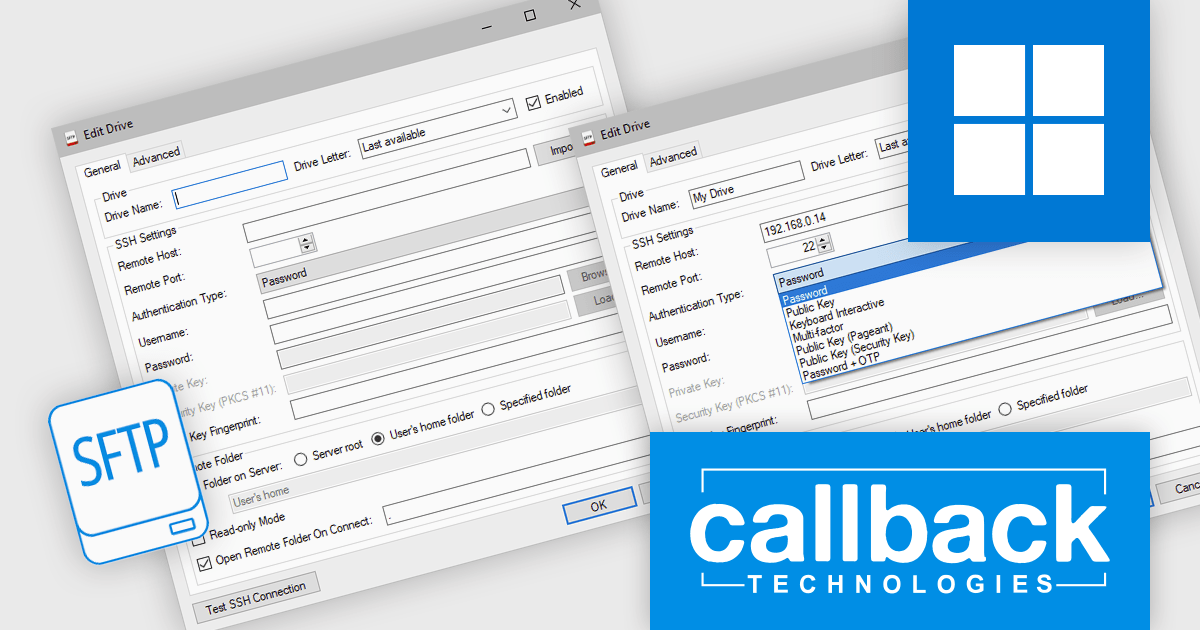
SFTP Drive from Callback Technologies allows you to map remote SFTP servers as local drives on your Windows system. By assigning a drive letter (e.g., "S:" or "Z:") to your SFTP server, you can read, write, and modify remote files directly from Windows Explorer or any application as if they were on your local machine. This seamless integration preserves directory structures and requires no changes to your existing applications.
All communications between your system and the remote server are encrypted using the robust SFTP protocol, ensuring secure data transfer. The connection and data handling occur smoothly in the background, eliminating the need for manual file transfers or specialized SFTP clients. Applications designed for local filesystems can access remote files transparently via SFTP Drive, enhancing productivity without additional complexity. SFTP Drive integrates smoothly with Windows and supports various Windows platforms. It scales effortlessly to meet the requirements of individual users or teams, providing a flexible solution for secure remote file access.
Callback Technologies SFTP Drive is licensed per user or per server and is available with one year of free upgrades and priority support. See our Callback Technologies SFTP Drive licensing page for full details.
For more information, visit our Callback Technologies SFTP Drive product page.
전화 : 00798 14 800 6332
팩스 : +1 770 250 6199


