













공식 공급 업체
200 이상의 소프트웨어 개발처와 판매 계약을 맺은 공인 디스트리뷰터로서 합법적인 라이선스를 제공합니다.
모든 브랜드 보기.
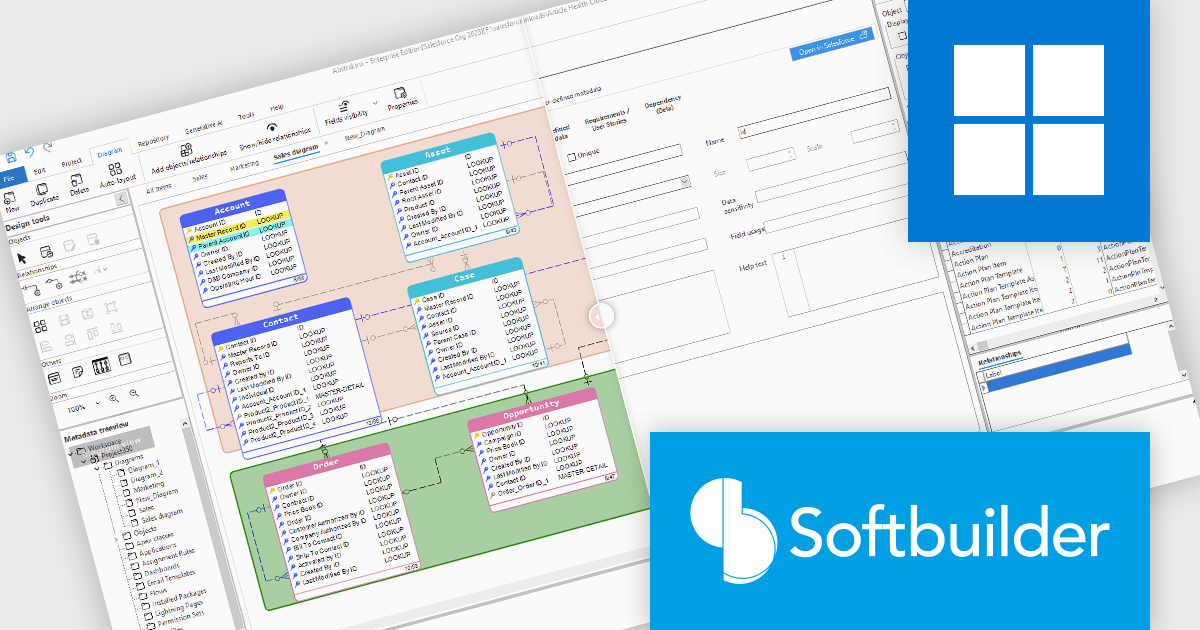
AbstraLinx (formerly ERBuilder for Salesforce) by Softbuilder is a data modeling and management tool that simplifies complex database workflows for developers and data professionals. With features like dynamic modeling, customizable templates, and responsive building blocks, AbstraLinx enhances productivity and streamlines database-driven application development. Ideal for tasks such as database design, system architecture, and data visualization, it helps teams efficiently manage and interact with large-scale data environments.
The AbstraLinx v5.1.29 update brings significant benefits by enabling users to customize their workflows for increased efficiency. Industries such as finance, healthcare, and retail will find the flexible viewing modes particularly useful for handling complex data environments. Whether managing large data sets or optimizing CRM systems, professionals can work more effectively, improve documentation, and streamline processes, enhancing overall productivity across various sectors.
AbstraLinx is licensed per workstation and is available as a Annual License. See our AbstraLinx licensing page for full details.
To see a full list of what's new in AbstraLinx v5.1.29, see our release notes.
Learn more on our AbstraLinx product page.

Stimulsoft Dashboards.PHP is a powerful dashboarding and reporting tool designed for PHP web applications. It enables developers to create interactive and visually appealing dashboards that provide real-time insights into data. With its intuitive interface and extensive features, Stimulsoft Dashboards.PHP empowers users to analyze complex data sets, visualize trends, and make data-driven decisions effectively.
The Stimulsoft Dashboards.PHP 2024.4.1 release adds support for interactive actions to the Cards and Gauge dashboard elements. By incorporating features like Show Tooltip, Show Hyperlink, Show Dashboard, and Open Hyperlink, users can delve deeper into specific data points, access related information, and navigate seamlessly within the dashboard. This not only improves the overall user experience but also facilitates more informed decision-making based on the available data.
To see a full list of what's new in 2024.4.1, see our release notes.
Stimulsoft Dashboards.PHP is licensed per developer and is available as a perpetual license with 1 year support and maintenance. See our Stimulsoft Dashboards.PHP licensing page for full details.
Stimulsoft Dashboards.PHP is available in the following products:
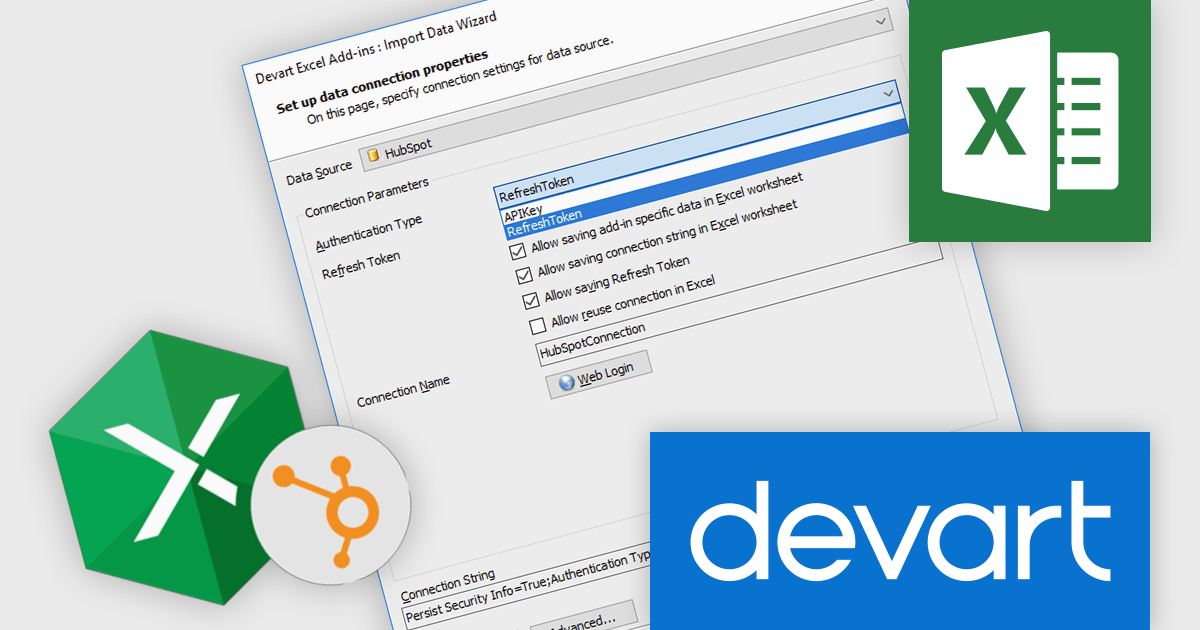
Devart Excel Add-in for HubSpot is a powerful tool that seamlessly integrates HubSpot CRM with Microsoft Excel, enabling users to efficiently manage and analyze HubSpot data directly within their familiar spreadsheet environment. This add-in streamlines tasks such as importing and exporting contacts, leads, companies, and deals, as well as performing data cleansing, validation, and enrichment. By eliminating the need for manual data entry and transfer, Devart Excel Add-in significantly enhances productivity and accuracy in HubSpot data management.
The Devart Excel Add-in for Hubspot 2.10.1404 release adds the Invoices, InvoiceLineItems, LineItemInvoices, Teams, and Users read-only tables. By accessing these additional data points, you can gain deeper insights into customer interactions, team performance, and financial health. This information can be used to optimize sales processes, improve customer satisfaction, and make data-driven decisions regarding resource allocation and team management. Moreover, having these read-only tables available can simplify the development of custom applications or integrations that require a comprehensive view of your HubSpot data.
To see a full list of what's new in 2.10.1404, see our release notes.
Devart Excel Add-in for Hubspot is licensed per user and is available as a Perpetual license with 1 year support and maintenance. See our Devart Excel Add-in for Hubspot licensing page for full details.
Devart Excel Add-in for Hubspot is available in the following products:
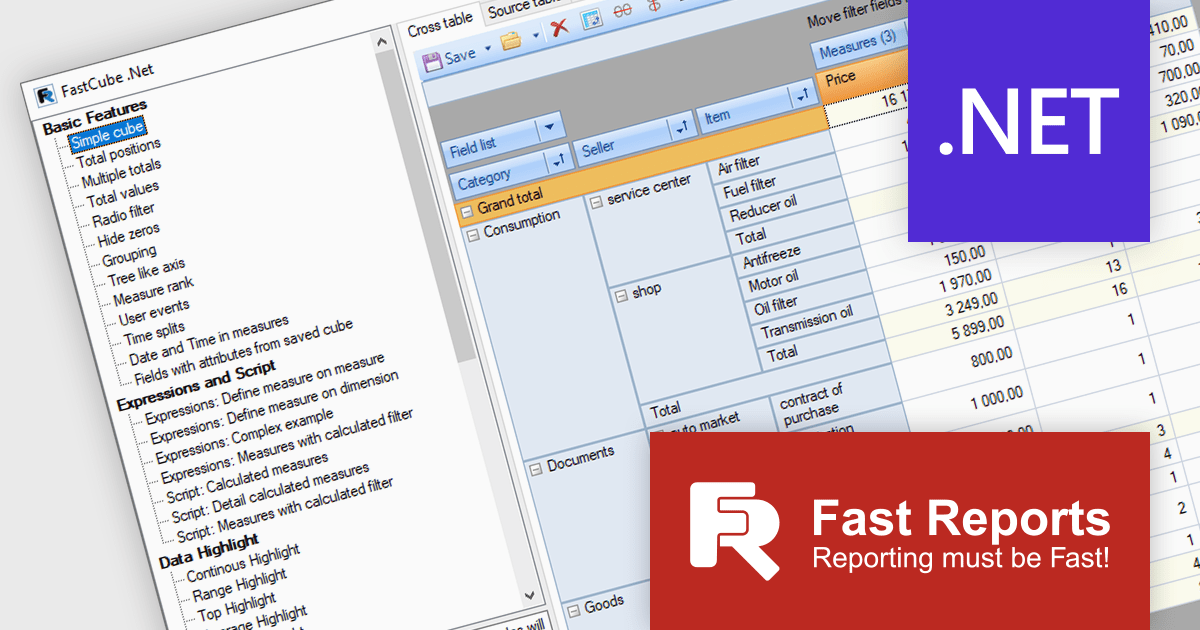
FastCube .NET is a powerful data analysis tool designed for .NET applications, offering rapid and efficient OLAP (Online Analytical Processing) capabilities. It enables developers to integrate interactive pivot tables, charts, and data visualization features into desktop and web-based applications. With FastCube .NET, users can analyze and process data from various sources, including databases, without the need for additional servers or services. Key features include data slicing and dicing, customizable reports, hierarchical data representation, calculated measures, and support for large datasets. The tool is highly customizable and offers advanced data filtering, sorting, and grouping functionalities, making it ideal for business intelligence and reporting solutions.
The FastCube .NET 2025.1 update introduces macOS and Linux support for FastCube.Core.Web, significantly expanding the platform’s versatility and deployment options for software developers. This enables cross-platform development and simplifies the integration of FastCube's sophisticated data analysis and visualization capabilities into web applications running on several operating systems. Developers can now create and deploy web apps that use FastCube's OLAP capability across a wider range of settings, giving users a more seamless experience.
To see a full list of what's new in 2025.1, see our release notes.
FastCube .NET is available as part of FastReport Ultimate .NET and is licensed per named user. See our FastReport .NET Component Packages licensing page for full details.
Learn more on our FastCube .NET product page.
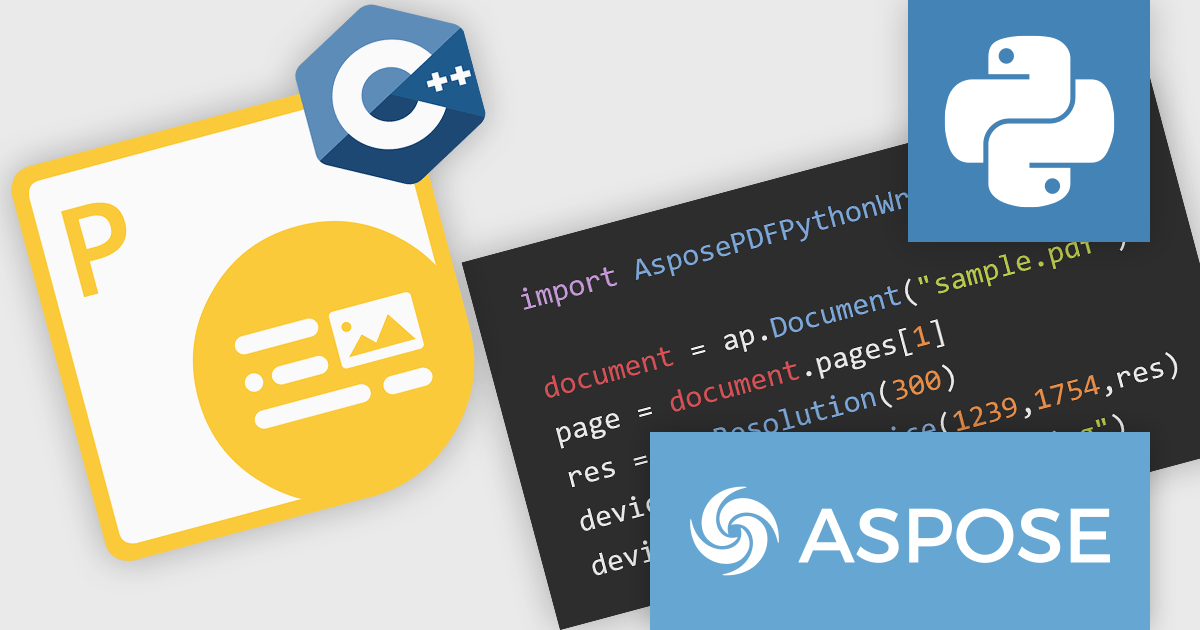
Aspose.PDF for Python via C++ is a powerful library that enables developers to create, manipulate, and convert PDF documents within Python applications. This new solution leverages the capabilities of the Aspose.PDF for C++ engine, providing a seamless interface for Python developers to interact with PDF files.
Aspose.PDF for Python via C++ offers a wide range of features including the ability to extract text, images, and metadata from PDF documents, merge and split PDFs, add annotations and watermarks, and convert PDFs to Word, Excel, and various images formats. These capabilities make it a valuable tool for various applications, such as document automation, data extraction, and PDF generation within Python-based systems.
Aspose.PDF for Python via C++ is offered as Developer Small Business, Developer OEM, Developer SDK, Site Small Business, Site OEM, and Site SDK licenses catering to a range of business needs. Licenses are perpetual, and include 1 year of support and maintenance. Subscription renewals are also available. See our Aspose.PDF for Python via C++ licensing page for full details.
Aspose.PDF for Python via C++ is available in the following products:
전화 : 00798 14 800 6332
팩스 : +1 770 250 6199


