













공식 공급 업체
200 이상의 소프트웨어 개발처와 판매 계약을 맺은 공인 디스트리뷰터로서 합법적인 라이선스를 제공합니다.
모든 브랜드 보기.
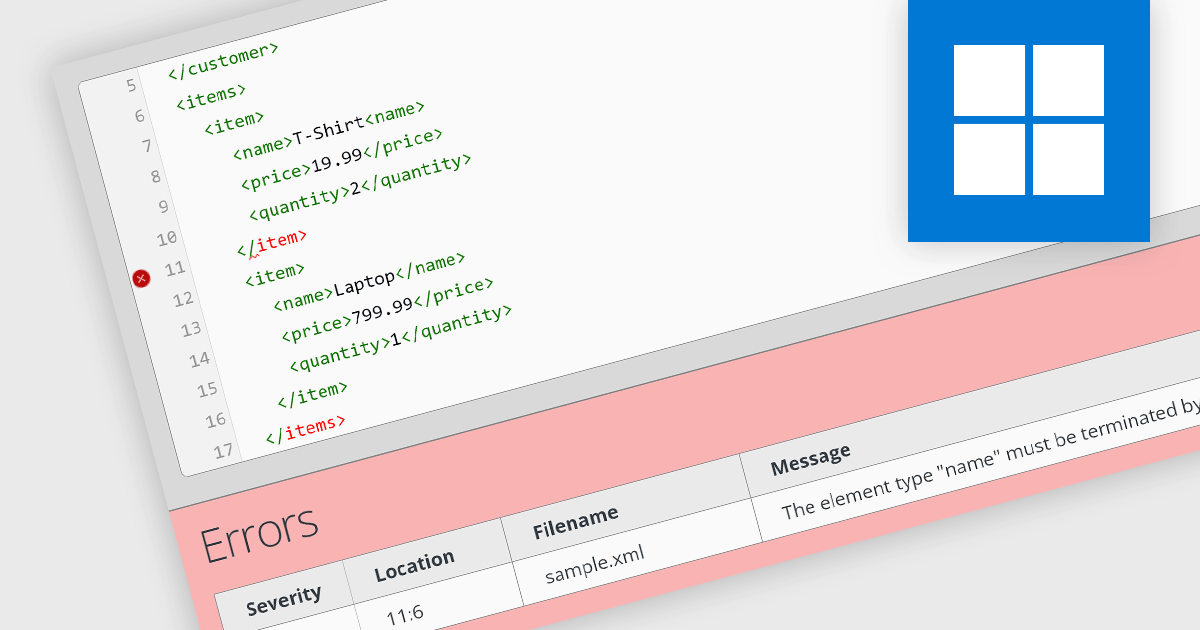
An XML well-formedness checker is a tool that verifies if an XML document adheres to the basic structural rules of XML. This includes elements having properly closed tags, following a nesting hierarchy, and containing valid characters. A well-formed document ensures it can be processed by any XML parser, but doesn't necessarily guarantee that it meets specific data requirements.
Several structured document tools offer an XML-well formedness checker including:
For an in-depth analysis of features and price, visit our structured document tools comparison.
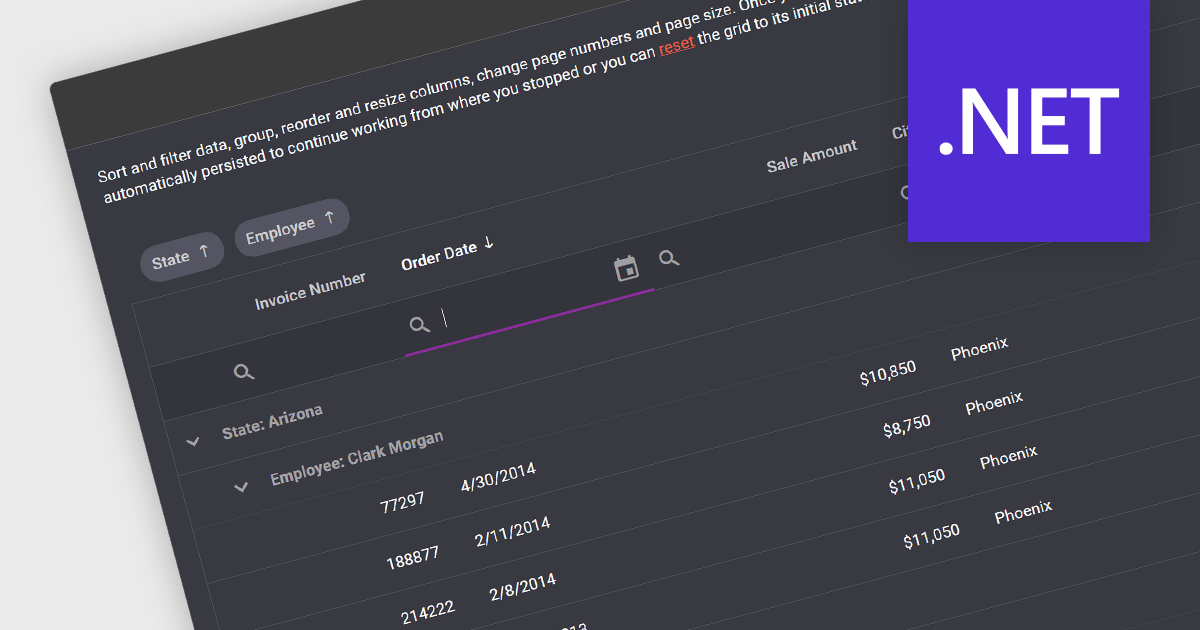
In .NET development, a grid control with state persistence empowers applications with datagrid functionality while enabling users to personalize their experience. These components remember user-applied settings like sorting, filtering, and column resizing, automatically restoring them upon subsequent grid loads. This continuity eliminates the need for repeated configuration, boosting productivity and user satisfaction, especially in data-intensive applications where users frequently interact with complex datasets.
Several .NET grid components support state persistence, including:
For an in-depth analysis of features and price, visit our comparison of .NET grid components.
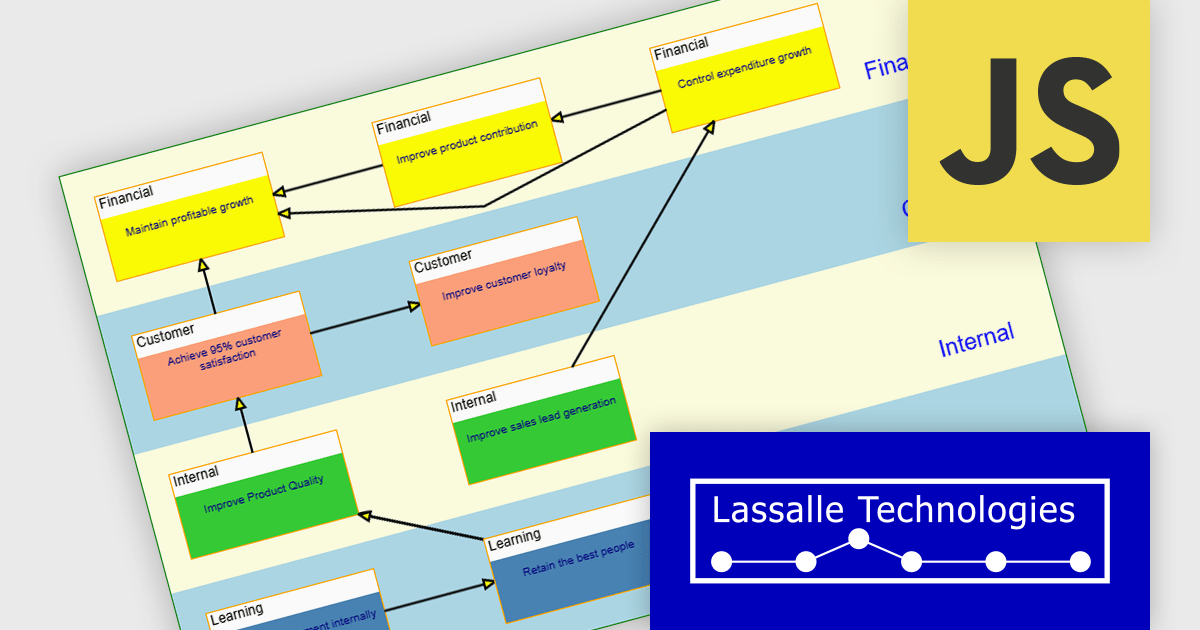
AddFlow Script by Lassalle Technologies is a web-based diagramming component designed for web developers. It empowers users to create interactive flowcharts directly within JavaScript or TypeScript applications. This versatile component allows for the programmatic or interactive generation of two-dimensional diagrams which consist of connected nodes and links.
Primary benefits of AddFlow Script include its ease of use and comprehensive customization options. Due to its lightweight design and royalty-free runtime distribution, developers can seamlessly integrate this flowchart functionality into their web applications. This allows developers to creating a wide range of visualizations, including workflow diagrams, database structures, communication networks, and even quality control charts. Essentially, any process or system that can be broken down into steps and connections can be effectively represented using AddFlow Script.
AddFlow Script is licensed per developer and is runtime royalty free. Site and Enterprise License options are also available. See our AddFlow Script licensing page for full details.
Learn more on our AddFlow Script product page.
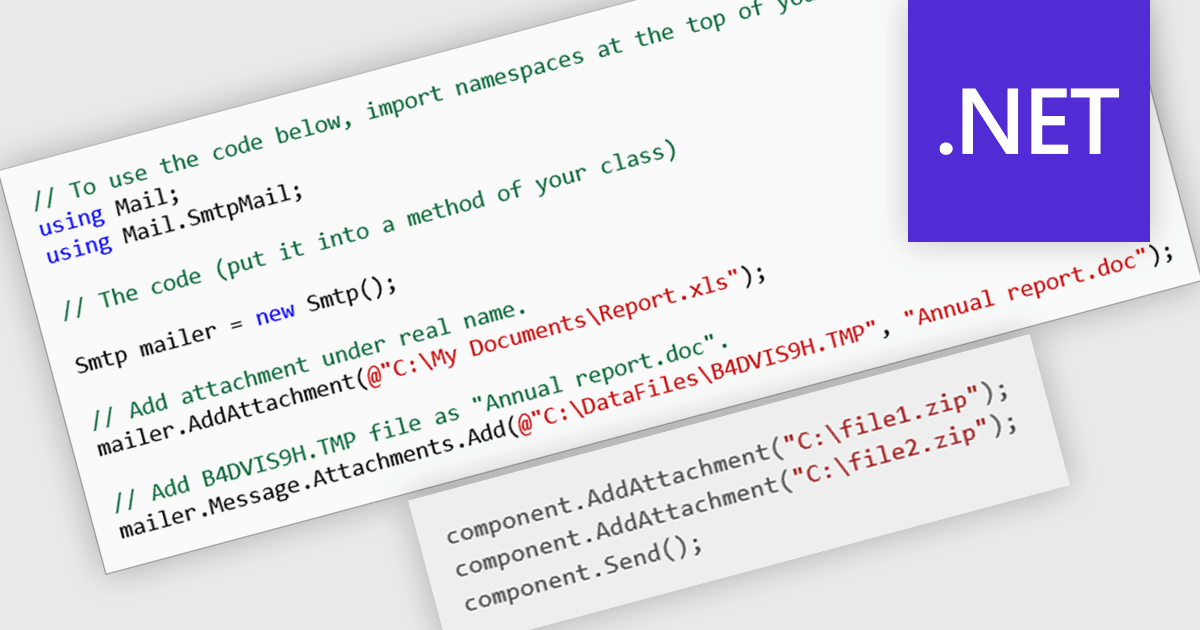
Enhance your communication workflow with communications and messaging components that seamlessly integrate email attachment capabilities. These pre-built modules offer a user-friendly experience for composing emails and adding various file types as attachments. This functionality streamlines information sharing, allowing users to effortlessly include relevant documents, images, or other files within their messages. Ideal for businesses of all sizes, these components boost collaboration and efficiency across teams, particularly when sharing essential files directly through email communication channels.
Several .NET comms and messaging components offer email attachment support including:
For an in-depth analysis of features and price, visit our comparison of .NET communications and messaging components.
CodeRush Ultimate is a Visual Studio extension designed to improve developer productivity and creativity. It empowers you to generate sophisticated code, automate tedious tasks, and navigate your codebase effortlessly, all while boosting code quality and readability. By eliminating repetitive coding and providing intelligent assistance, CodeRush Ultimate frees you to focus on the big picture, helping you deliver more features faster and with higher quality.
The CodeRush Ultimate 24.1 release introduces 'Voice for Copilot' a revolutionary feature that lets you interact with the popular GitHub Copilot Chat service using natural spoken prompt. Simply hold down the left Ctrl key and say "Hey Copilot" followed by your coding question to trigger the assistant. If you need help understanding a specific method or class in your code you can refer to "this method" or "this class" in your voice query, and CodeRush will select the relevant method in order to provide Copilot with the necessary context for a seamless conversation. Voice for Copilot streamlines your workflow, eliminates tedious typing, and fosters a more intuitive way to leverage the artificial intelligence expertise of Copilot, boosting your coding efficiency and productivity.
To see a full list of what's new in version CodeRush Ultimate 24.1, see our release notes.
CodeRush Ultimate is licensed per developer and is available as a Perpetual License with a 12 month support and maintenance subscription. See our CodeRush Ultimate licensing page for full details.
CodeRush Ultimate is available to buy in the following products:
전화 : 00798 14 800 6332
팩스 : +1 770 250 6199


