













공식 공급 업체
200 이상의 소프트웨어 개발처와 판매 계약을 맺은 공인 디스트리뷰터로서 합법적인 라이선스를 제공합니다.
모든 브랜드 보기.
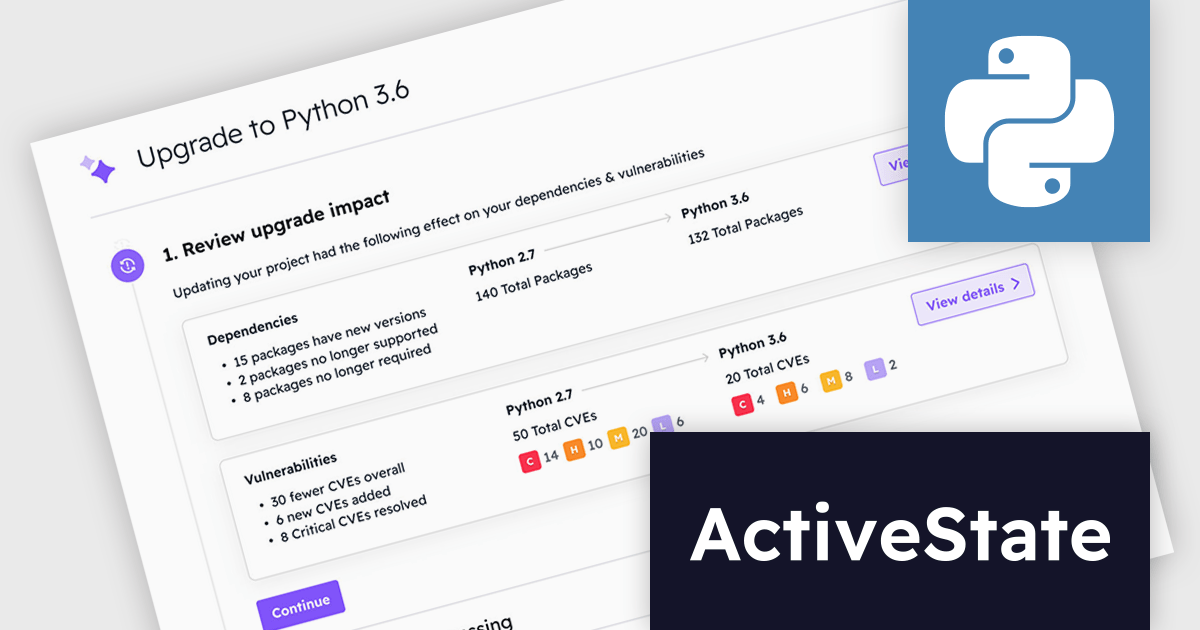
ActiveState Platform is a cloud-based solution that streamlines the secure development, management, and deployment of applications built on Python, Perl, and Tcl. It offers a curated catalog of open-source packages vetted for security and licensing, along with secure build services that create isolated and verifiable runtime environments. This empowers developers to ensure application integrity throughout the development process, from Dev environments to CI/CD pipelines. By simplifying dependency management and guaranteeing consistent environments, ActiveState Platform helps developers improve efficiency, reduce development time, and deliver reliable applications.
ActiveState Platform Enterprise now includes a groundbreaking solution for enterprises struggling to keep pace with the ever-evolving landscape of open-source software. Get Current, Stay Current (GCSC) is a continuous code refactoring service specifically designed to automate updates to Python libraries. This innovative service tackles the challenge of breaking changes, which often occur when libraries are updated and can render existing code inoperable. By automating the refactoring process, GCSC empowers organizations to seamlessly update their software dependencies without sacrificing developer productivity or introducing security vulnerabilities from outdated code.
ActiveState Platform is licensed per developer as an Annual license. See our ActiveState Platform licensing page for full details.
Learn more on our ActiveState Platform product page.
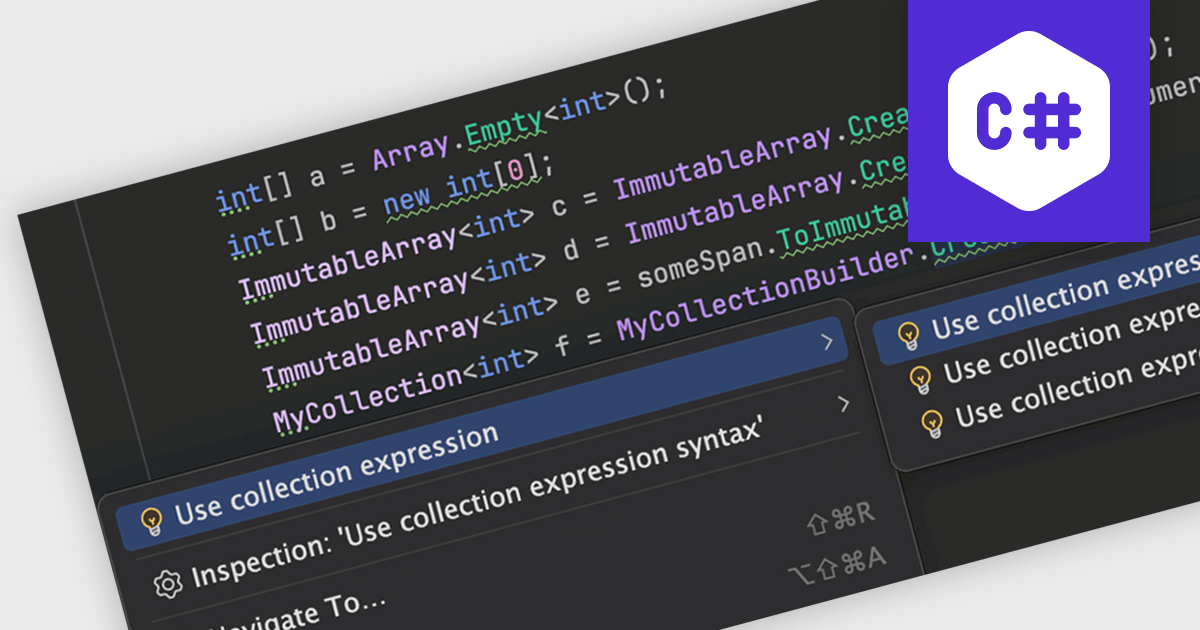
Many Integrated Development Environments (IDEs) offer support for the popular C# programming language. This often includes functionalities such as intelligent code completion, syntax highlighting, debugging, and project management. These features streamline the development process by automating repetitive tasks, catching errors early on, and offering a cohesive workspace for writing, testing, and deploying C# applications. This makes IDEs with strong C# support ideal for both beginners learning the language and professional developers working on complex projects.
Several integrated development environments offer C# support, including:
For an in-depth analysis of features and price, visit our comparison of IDEs.
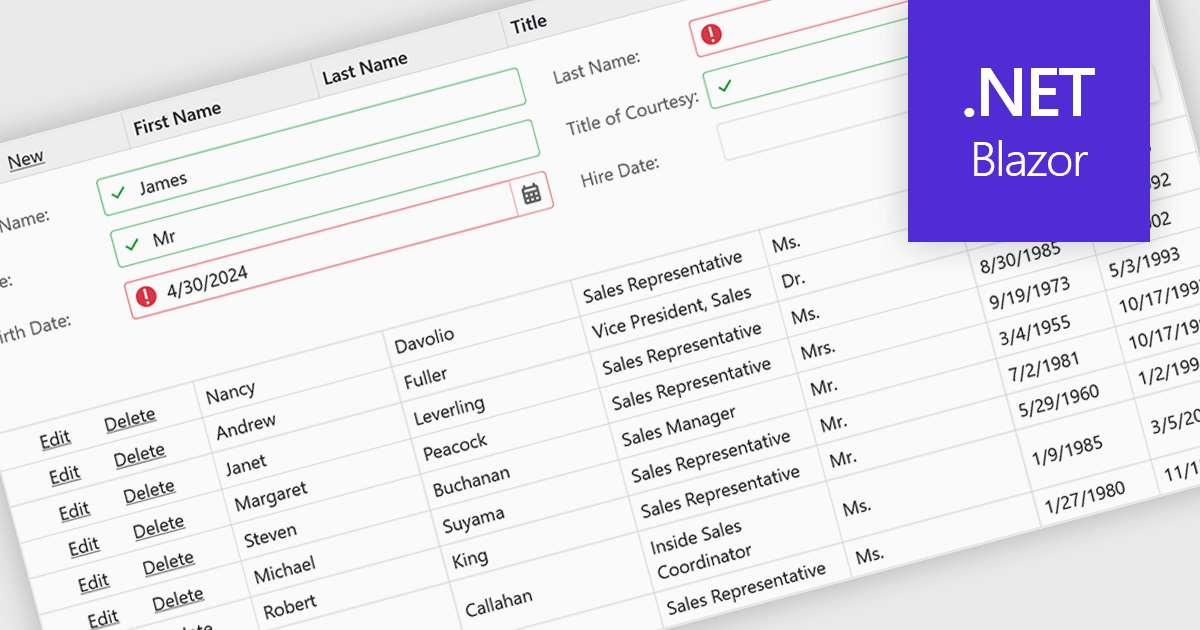
Data validation ensures the accuracy and integrity of information entered by users. It involves implementing rules to verify data against specific criteria, such as data type, format, or range. This helps prevent errors during data entry, improves data consistency, and safeguards against invalid information skewing analysis or downstream processes. Data validation is crucial in various scenarios, including managing financial records, maintaining customer databases, and ensuring data quality for scientific research.
Several Blazor grid controls offer data validation support including:
For an in-depth analysis of features and price, visit our Blazor Grid controls comparison.
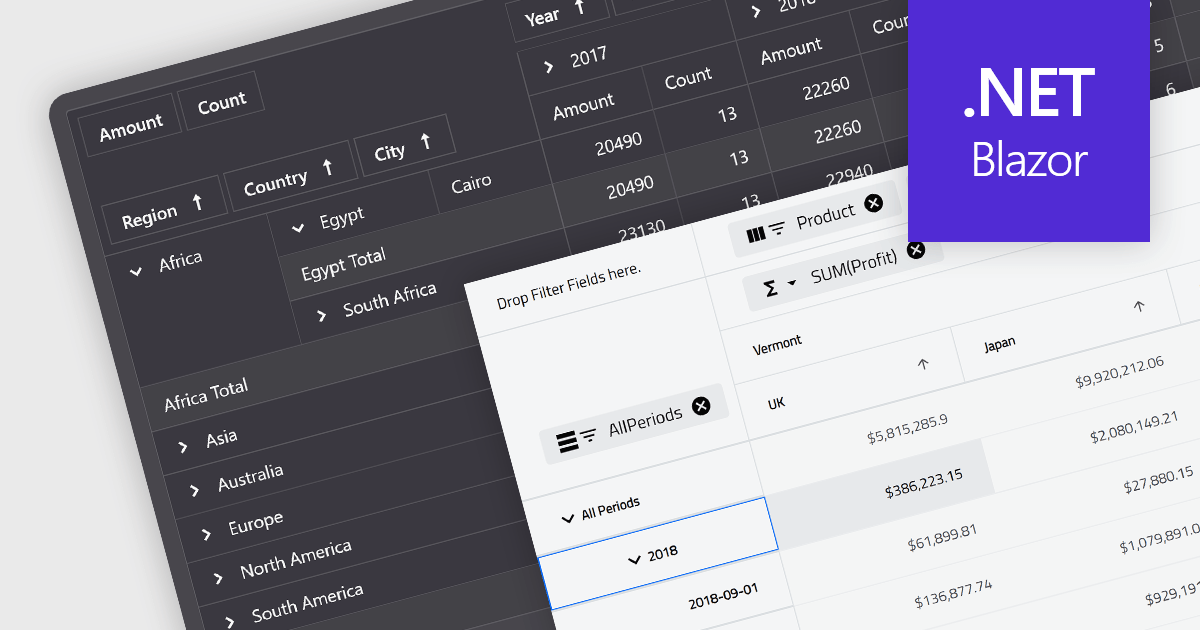
A pivot grid is a powerful data analysis tool that allows you to dynamically summarize and reorganize large datasets. By dragging and dropping fields, you can quickly create a new table that groups and calculates values based on different categories, revealing trends and patterns within your data. This interactive functionality makes pivot grids ideal for gaining insights and informing data-driven decisions. Common use cases include financial analysis, marketing campaign evaluation, and sales performance exploration.
Several Blazor UI suites feature a pivot grid control including:
For an in-depth analysis of features and price, visit our Blazor UI suites comparison.
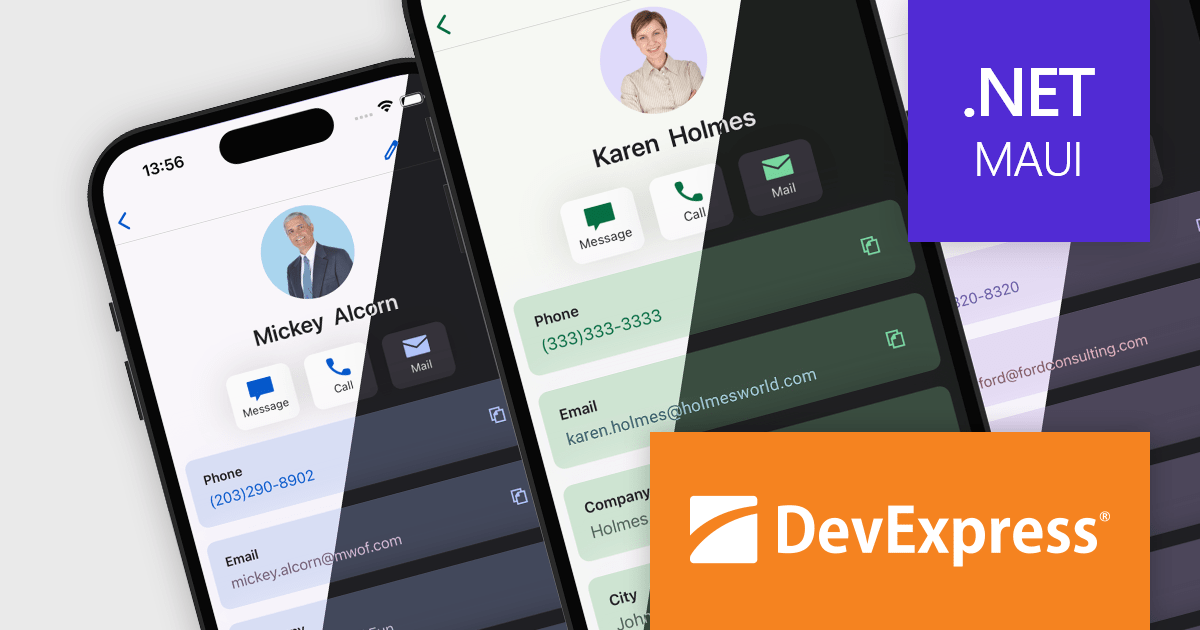
DevExpress .NET MAUI is a UI component library specifically designed to enhance the development of native mobile applications for iOS and Android using .NET MAUI and C#. It offers a rich set of pre-built controls like data grids, charts, schedulers, and various data editors, allowing developers to focus on application logic and deliver feature-rich mobile experiences with a faster development cycle.
In this blog post, DevExpress technical writer Anthony Sameishchev shows you how to use DevExpress .NET MAUI to implement Material Design 3 themes in your mobile applications. Detailed sample code is included, demonstrating how to:
Material Design 3 principles help you deliver mobile solutions with a consistent and modern appearance. The 10 built-in Material Design 3 color themes included in DevExpress .NET MAUI enable you to easily support these themes in applications using DevExpress or standard MAUI controls.
Read the complete blog and learn how to create stunning UIs with balanced colors and enhanced usability.
DevExpress .NET MAUI is included as part of DevExpress Universal which is licensed per developer and is available as a Perpetual License with a 12 month support and maintenance subscription. See our DevExpress Universal licensing page for full details.
For more information, visit our DevExpress .NET MAUI product page.
전화 : 00798 14 800 6332
팩스 : +1 770 250 6199


