













공식 공급 업체
200 이상의 소프트웨어 개발처와 판매 계약을 맺은 공인 디스트리뷰터로서 합법적인 라이선스를 제공합니다.
모든 브랜드 보기.
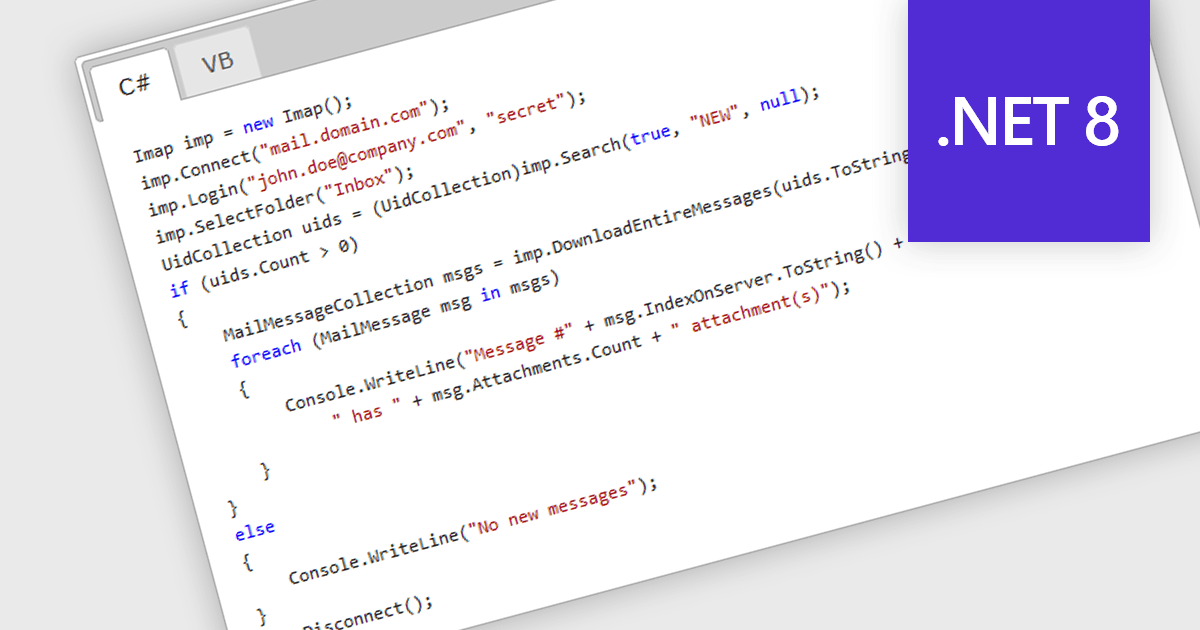
IMAP, or Internet Message Access Protocol, is a software communications protocol that allows email clients to retrieve, organize, and manipulate email messages stored on a remote server. Unlike POP3, another common protocol, IMAP enables multiple devices to access and manage the same mailbox simultaneously, keeping all copies in sync. This provides developers with greater flexibility when building applications that require real-time access and centralized email management.
Several .NET 8 Comms & Messaging components offer IMAP support including:
For an in-depth analysis of features and price, visit our comparison of .NET 8 Comms & Messaging.
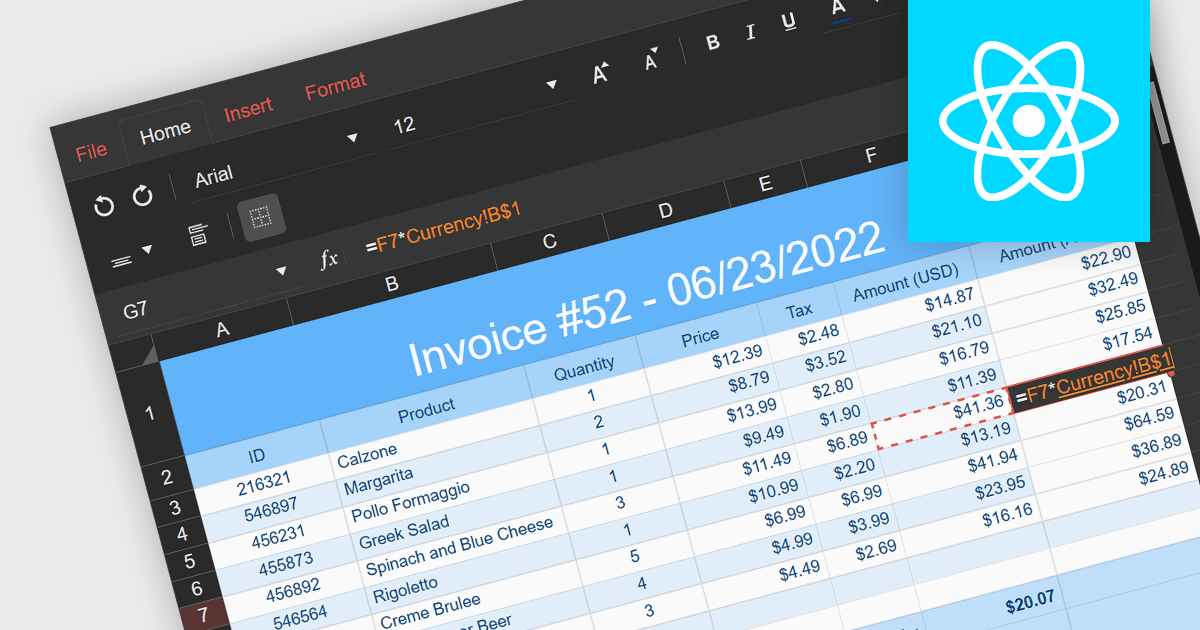
Cross-worksheet calculations involve using formulas within spreadsheet applications to reference and manipulate data across multiple worksheets within the same workbook. This allows you to consolidate and analyze information from various sections of your spreadsheet without consolidating it into a single worksheet. The ability to carry out such calculations simplifies complex operations enhances the efficiency and effectiveness of data organization and analysis.
Several React spreadsheet components support cross-worksheet calculations, including:
For an in-depth analysis of features and price, visit our comparison of React spreadsheet components.
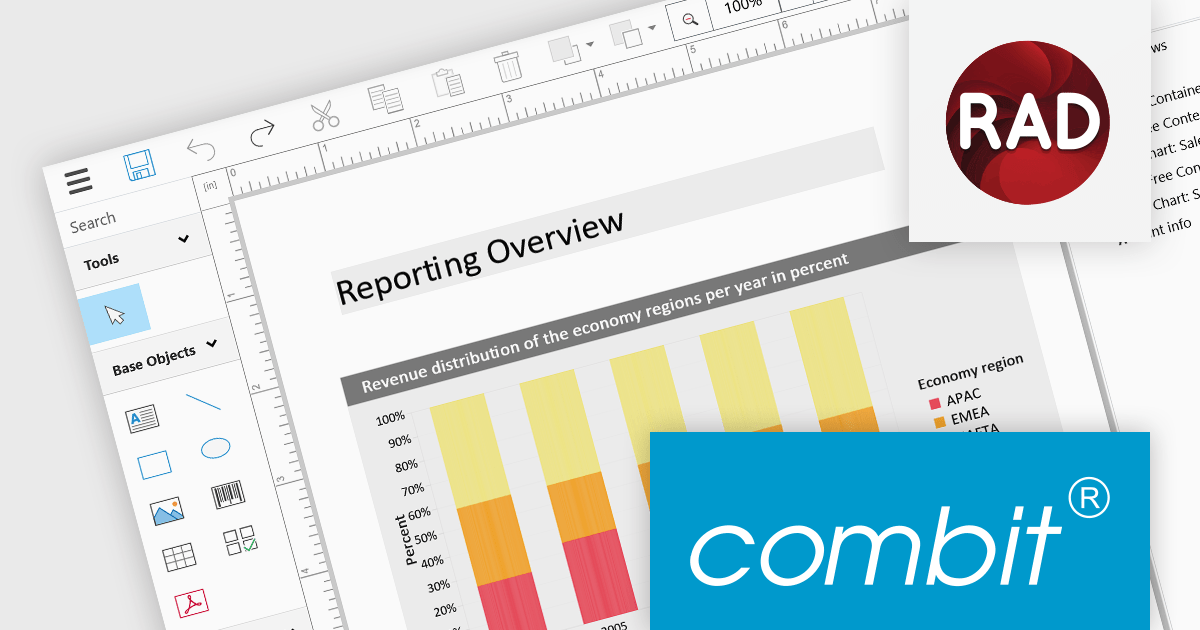
List & Label by combit is a software development toolkit that empowers software developers to integrate comprehensive reporting functionalities into their desktop, web, and cloud applications. It offers features such as data binding, complex data visualization, and a user-friendly report designer, along with printing, exporting, and previewing capabilities. List & Label operates independently of programming languages and data sources, providing developers with the flexibility to design and deliver informative reports within their development environment.
The List & Label 29.002 service pack adds support for Embarcadero RAD Studio 12.1. This compatibility allows developers to utilize List & Label’s VCL components with the new version of RAD Studio to seamlessly integrate its reporting functionalities into their RAD Studio projects. This support enhances the development experience for users creating Windows reporting applications using the RAD Studio IDE.
To see a full list of what's new in 29.002, see our release notes.
List & Label is licensed per developer and is available as a Perpetual License with a 12 month support and maintenance subscription. See our List & Label licensing page for full details.
List & Label is available in the following products:
XFINIUM is a software company specializing in developer tools. Its core product, the XFINIUM.PDF library, allows software developers to create, edit, and manipulate PDF documents within their .NET applications. This library boasts a wide range of functionalities, catering to both basic and complex PDF development needs, and offers cross-platform compatibility for various development environments. ComponentSource has been in partnership with XFINIUM since 2013, helping to distribute its award-winning products to the global developer community.
Congratulations to XFINIUM on winning a Top 100 Publisher Award in this year's ComponentSource Awards. We're pleased to once again recognize XFINIUM's ongoing excellence in developing PDF tools.
Each year, the ComponentSource Awards leverage real global sales data to identify the top 100 bestselling software components and development tools. This recognition not only reflects real-world adoption by developers but also provides valuable insights into current market trends and preferred solutions, making it a trusted source for gauging developer preferences. For full details on this year's awards see:

WPCubed, a German software company founded in 1996, caters to developers by providing word processing and PDF component tools. Its core product, WPTools, enables developers to integrate rich text editing functionality into their applications, while it also offers additional tools for PDF creation, viewing, and manipulation. ComponentSource has been in partnership with WPCubed since 2002, helping to distribute its award-winning products to the global developer community.
Congratulations to WPCubed on winning a Top 100 Publisher Award in this year's ComponentSource Awards. We're pleased to once again recognize WPCubed's ongoing excellence in developing PDF and document tools.
Each year, the ComponentSource Awards leverage real global sales data to identify the top 100 bestselling software components and development tools. This recognition not only reflects real-world adoption by developers but also provides valuable insights into current market trends and preferred solutions, making it a trusted source for gauging developer preferences. For full details on this year's awards see:
전화 : 00798 14 800 6332
팩스 : +1 770 250 6199


