













공식 공급 업체
200 이상의 소프트웨어 개발처와 판매 계약을 맺은 공인 디스트리뷰터로서 합법적인 라이선스를 제공합니다.
모든 브랜드 보기.
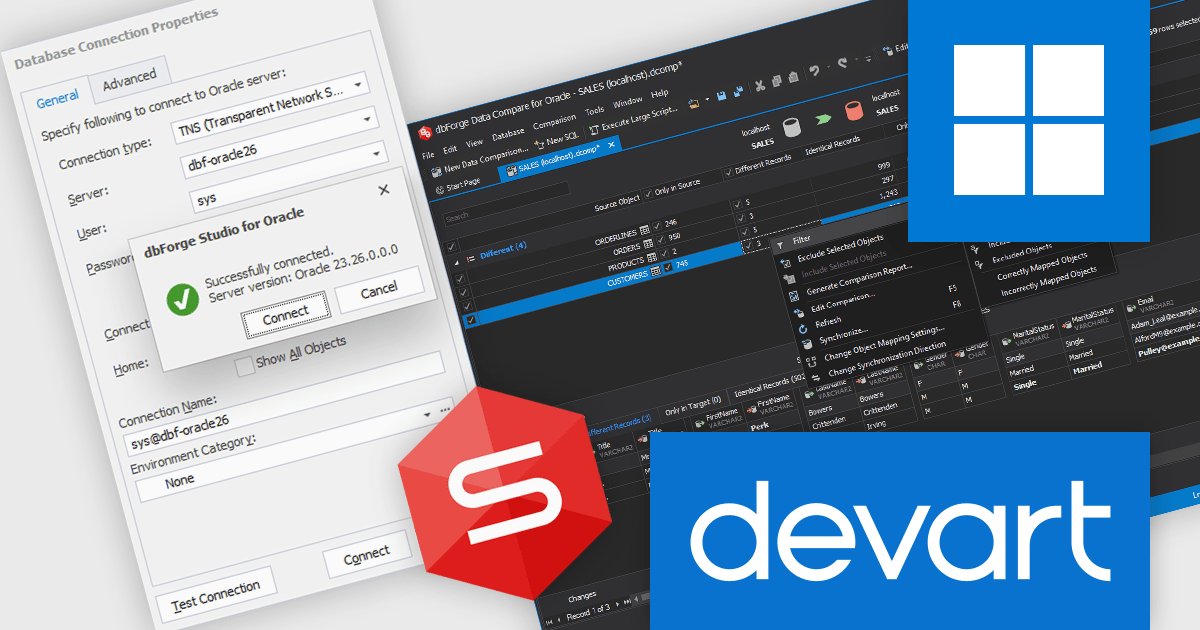
dbForge Studio for Oracle by Devart is an integrated development environment (IDE) designed to support Oracle database development, administration, and maintenance tasks within a unified interface. It provides tools for writing and debugging SQL and PL/SQL code, designing and modifying database objects, managing schema and data changes, and comparing and synchronizing databases. The product also includes features for query optimization, performance analysis, data import and export, and automated database deployment processes. By consolidating development and administrative capabilities into a single environment, it helps software developers and database administrators work more efficiently with Oracle Database systems across development, testing, and production scenarios..
The latest dbForge Studio for Oracle release provides support for Oracle AI Database 26ai, enabling software developers to build, test, debug, and deploy against the latest Oracle database release with full compatibility. This support ensures access to new AI-driven features, database objects, and performance enhancements introduced in Oracle 26ai. By eliminating version-related limitations and reducing upgrade complexity, teams can confidently modernize their environments, improve database management tasks, and maintain productivity across the entire development lifecycle.
dbForge Studio for Oracle is licensed per developer or per server and is available as an Annual or Perpetual License with a 12 month support and maintenance subscription. See our Devart dbForge Studio for Oracle licensing page for full details.
For more information, visit our dbForge Studio for Oracle product page.
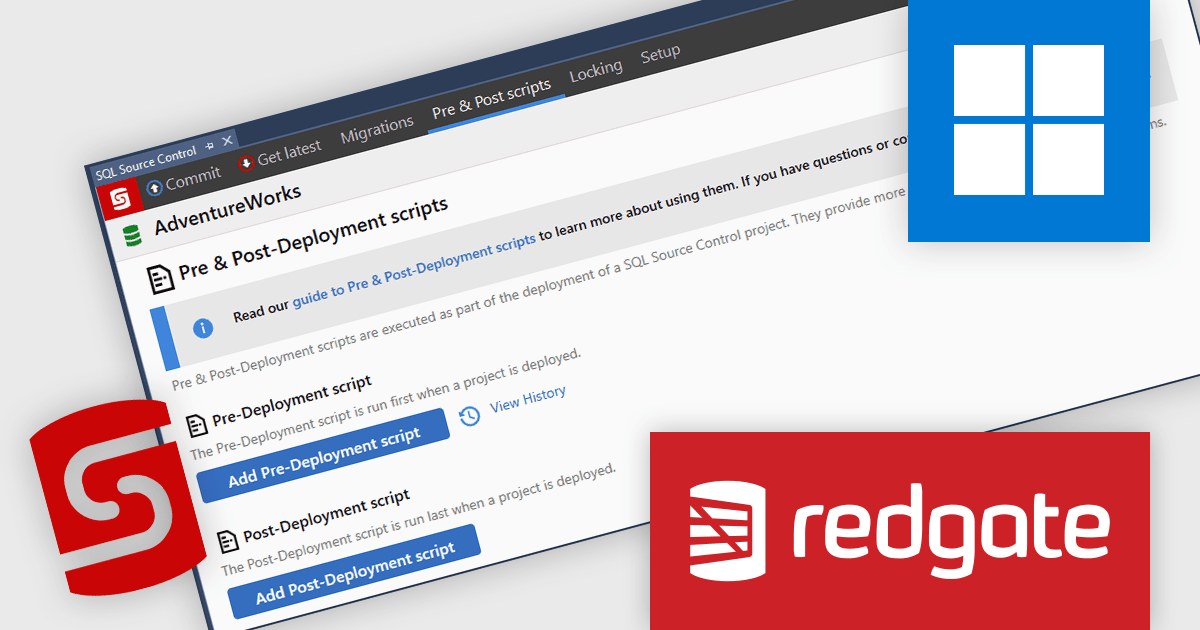
SQL Source Control enables teams to manage SQL Server database changes through version control, bringing the same discipline to databases as application code. Integrated directly into SQL Server Management Studio (SSMS) and compatible with Team Foundation Server and Subversion, it allows developers and DBAs to commit, track, and share changes without altering their workflow. By providing clear change tracking and version history, it reduces deployment risk, improves collaboration, and ensures consistency across development and production environments, making it ideal for teams adopting DevOps and structured release processes.
Redgate Software SQL Source Control automates SQL changes during deployments through pre- and post-deployment scripts, enabling developers to execute required data migrations, configuration updates, and custom logic in a controlled and repeatable manner. By managing these scripts within version control and integrating them into the deployment process, teams can ensure that all necessary changes are applied in the correct sequence alongside schema updates. This reduces manual intervention, minimizes deployment errors, improves consistency across environments, and supports more reliable, auditable release processes.
Redgate Software SQL Source Control is available as part of SQL Toolbelt Essentials or Flyway. Both are licensed per developer and are available as a 1, 2 or 3 year subscription license which includes full support plus all major versions of the software released during the subscription period. See our SQL Toolbelt Essentials licensing page or Flyway licensing page for full details.
For more information, visit our SQL Source Control product page.
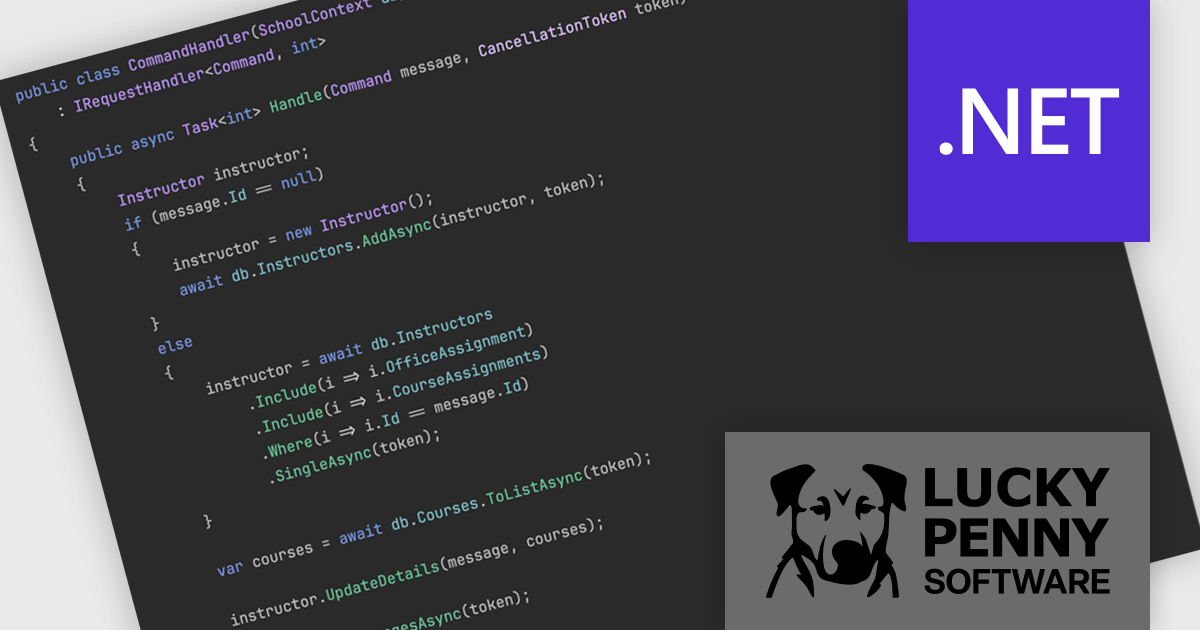
MediatR, by Lucky Penny Software, is a .NET library that implements the mediator and command dispatcher patterns to simplify in-process messaging within applications. It provides a clean and consistent way to handle requests, commands, queries, and notifications, while reducing direct dependencies between components. MediatR integrates with Clean and Vertical Slice architectures, making it a trusted solution for modern .NET development.
By decoupling components and centralizing message handling, MediatR improves maintainability, testability, and code organization. It helps teams manage growing applications without unnecessary complexity and supports clear separation of concerns. Suitable for everything from modern APIs and microservices to large enterprise systems, MediatR enables developers to build scalable, flexible architectures that can evolve with business needs.
MediatR is licensed on an annual subscription basis per development team, with Standard (1–10 developers), Professional (11–50 developers), and Enterprise (unlimited developers) tiers. See our MediatR licensing page for full details.
For more information, visit our MediatR product page.
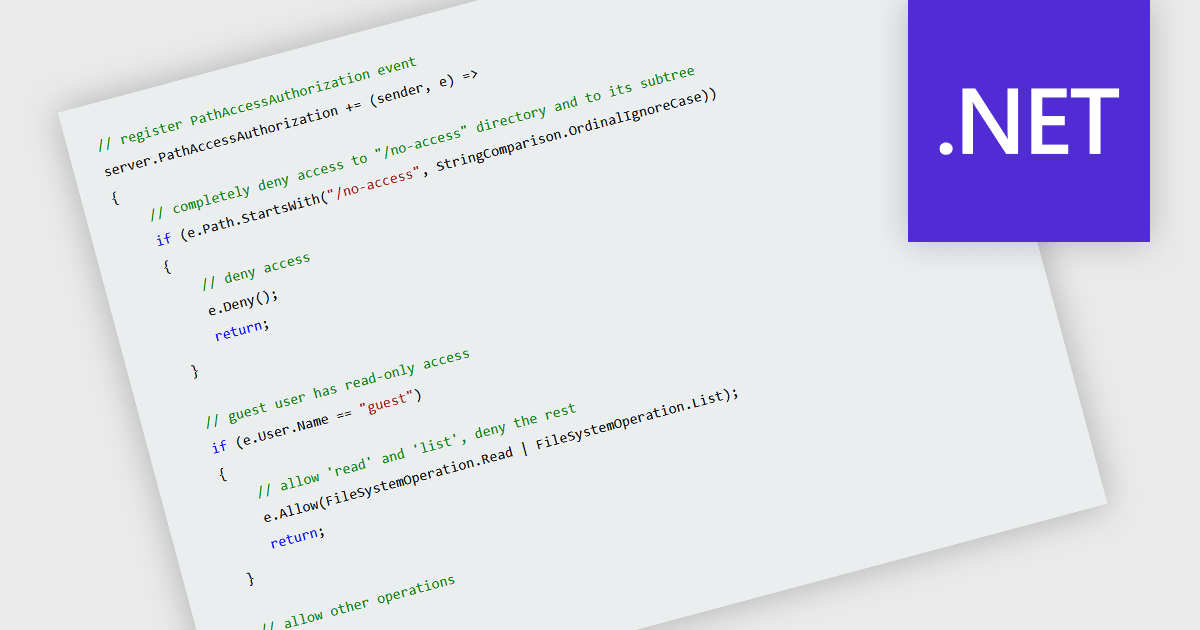
Access control for server files is the practice of restricting who can view, modify, create, or delete data stored on a server. It is typically implemented through authentication mechanisms that verify user identity and authorization rules that define permitted actions. By enforcing clearly defined permissions, organizations can reduce the risk of unauthorized access, protect sensitive information, support regulatory compliance, and maintain data integrity. Effective access control also improves operational oversight by ensuring that users and systems interact only with the resources necessary for their roles.
Several .NET communication and messaging components grant you access control, including:
For an in-depth analysis of features and price, visit our comparison of .NET communication and messaging components.
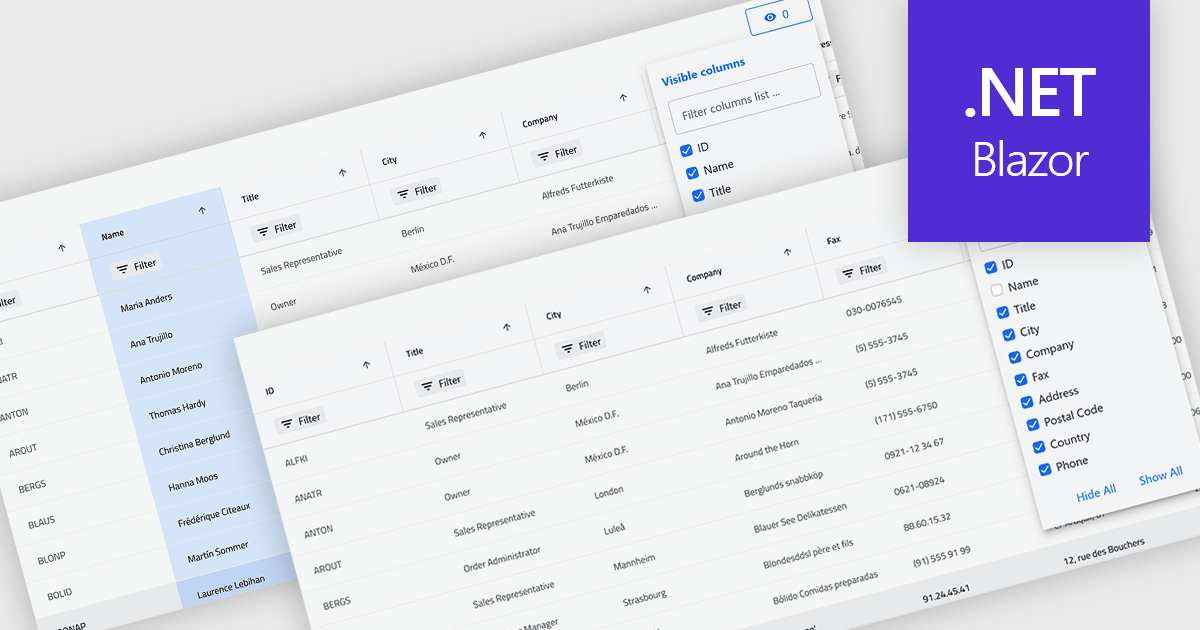
Column hiding in grids allows users to temporarily remove selected columns from view without deleting the underlying data. This provides a more focused and flexible way to work by showing only the fields relevant to a specific task or role. By reducing visual clutter and optimizing screen space, it improves readability and makes data easier to scan and analyze. For example, a financial analyst might display only revenue and profit columns for performance review, while a project manager may hide technical fields to focus on timelines and resources. Because columns can be restored at any time, the feature supports personalized, non-destructive customization.
Several .NET Blazor Grid controls offer the ability to hide columns including:
For an in-depth analysis of features and price, visit our .NET Blazor Grid controls comparison.
전화 : 00798 14 800 6332
팩스 : +1 770 250 6199


