













공식 공급 업체
200 이상의 소프트웨어 개발처와 판매 계약을 맺은 공인 디스트리뷰터로서 합법적인 라이선스를 제공합니다.
모든 브랜드 보기.

ActiveReportsJS by MESCIUS is a comprehensive JavaScript reporting solution that empowers developers to create interactive and dynamic reports within web applications. It offers a user-friendly design interface, a rich set of data visualization tools, and a flexible API, enabling the creation of reports that effectively present and analyze data for informed decision-making.
The ActiveReportsJS 4.2 release introduces a comprehensive customization API for the Report Designer which enables precise configuration of the user interface. This provides control over the visibility and layout of sidebar items, fine-tuning of menus and toolbars, and the ability to modify numerous UI elements to meet your users' needs.
To see a full list of what’s new in version 4.2, see our release notes.
ActiveReportsJS is licensed on an annual subscription or perpetual basis and is available as a Single Deployment License for non-commercial use, and as a Single Domain License or Unlimited Domain License for commercial and/or SaaS use. See our ActiveReportsJS licensing page for full details.
For more information, visit our ActiveReportsJS product page.
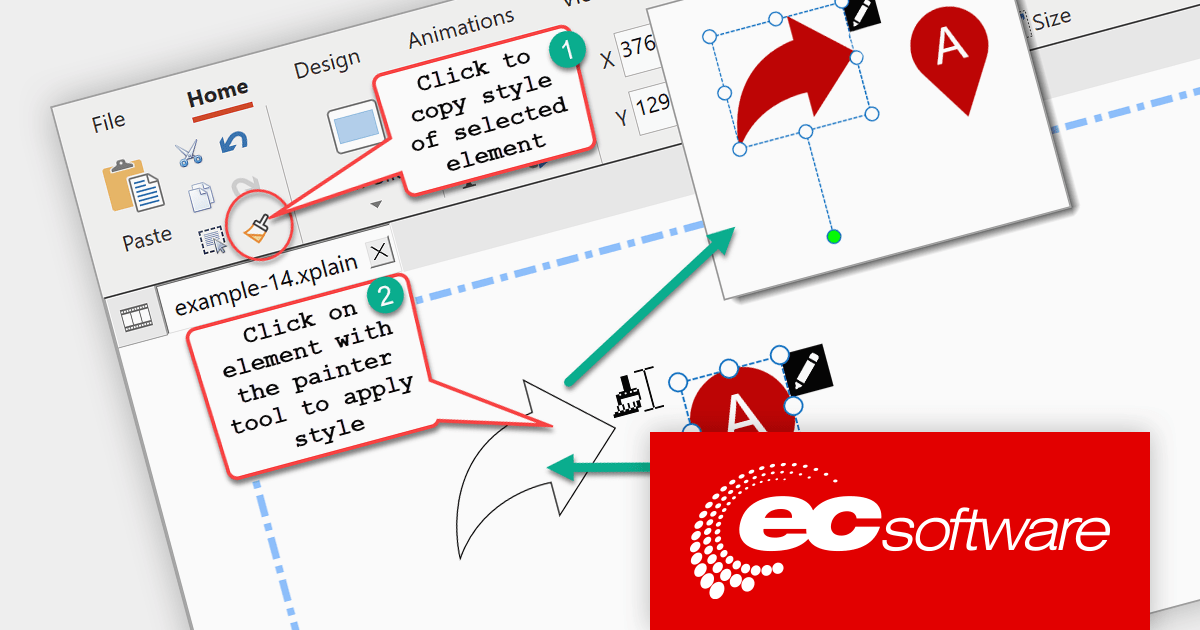
HelpXplain is a comprehensive tool for creating animated step-by-step tutorials, infographics, and screencasts. It combines the features of a screenshot utility, a graphics editor, and an animation engine to make the process of creating these engaging visuals more efficient.
The HelpXplain 1.8.0 release adds a new Format Painter tool that allows you to quickly copy and apply the formatting of one object to another. It simplifies the process of formatting multiple elements in your HelpXplain projects, ensuring consistency and saving you time. The format painter operates similarly to Microsoft Office. Begin by selecting the source element whose style you wish to replicate, then click the format painter tool, followed by the destination element where you want to apply the style. Double-clicking on the destination element allows you to quickly apply the styling to multiple elements.
To see a full list of what's new in version 1.8.0, see our release notes.
For more information, visit our HelpXplain product page.
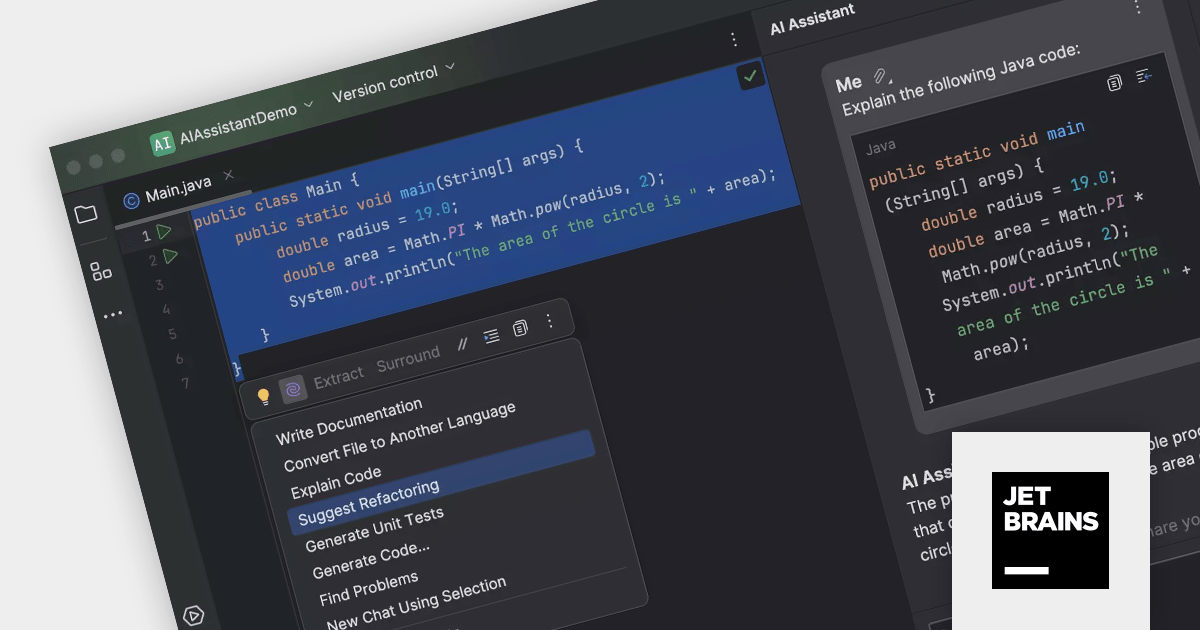
JetBrains AI Assistant is an innovative AI-powered coding companion add-on that integrates with IntelliJ IDEA, PyCharm, PhpStorm, ReSharper, and other JetBrains IDEs. It employs multiple large language models (LLMs) including OpenAI and proprietary JetBrains models in order to provide developers with the assistance they need, when they need it.
The AI Assistant's abilities include:
JetBrains AI Assistant is licensed per user as a commercial annual subscription. It requires that you already own a JetBrains IDE product with an active commercial subscription license.
For more information, visit our JetBrains AI Assistant product page.
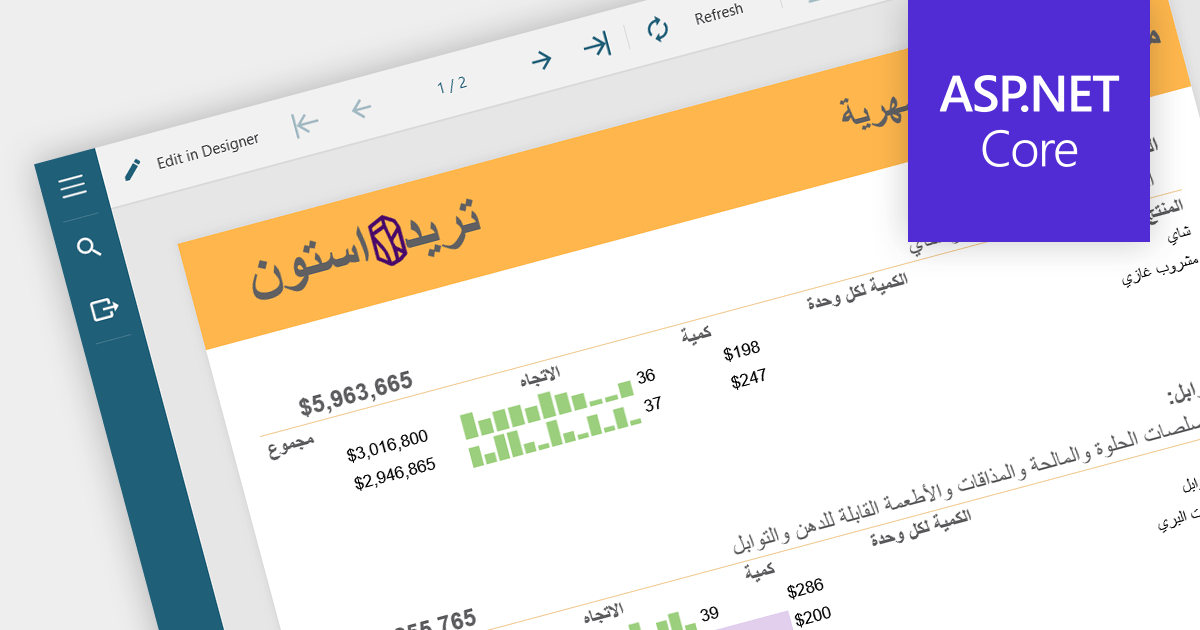
RTL (Right-to-Left) support refers to the ability to accommodate languages that are read from right to left, such as Arabic, Hebrew, Persian, Urdu, Kashmiri, Pashto, Uighur, Sorani Kurdish, and Sindhi. This feature ensures that reports can be created, displayed and printed correctly in RTL languages, which is essential for global applications and for users of RTL languages. It involves mirroring the layout and ensuring proper alignment and ordering of text.
Several ASP.NET Core Reporting components provide RTL (Right-to-Left) support including:
For an in-depth analysis of features and price, visit our ASP.NET Core Reporting Component comparison.
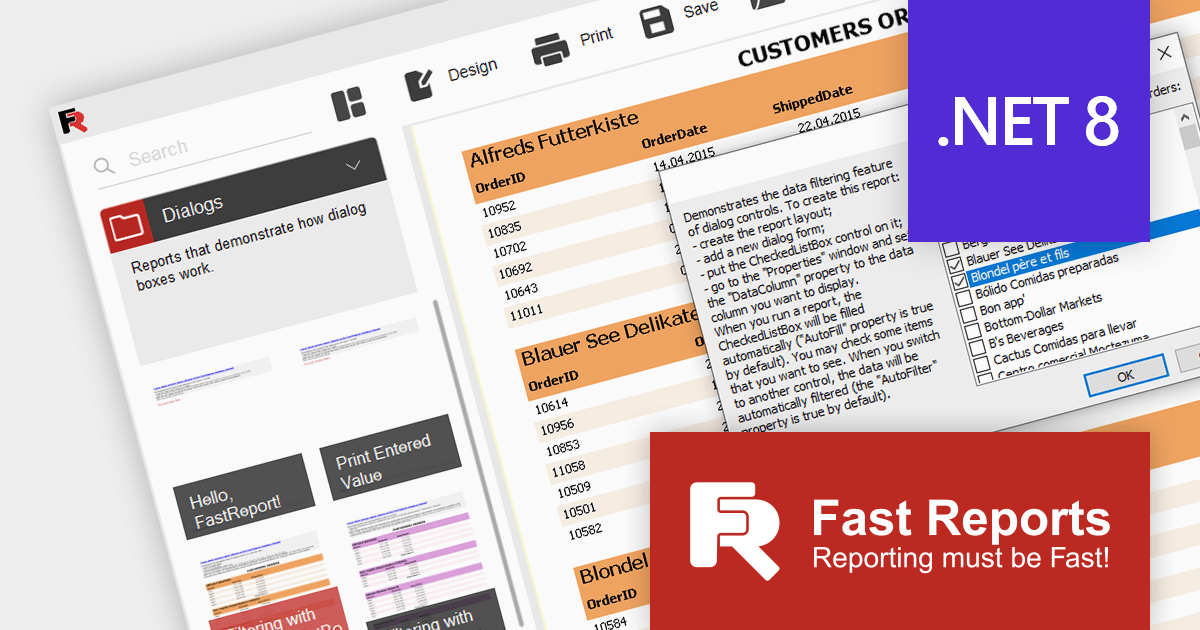
FastReport.NET is a reporting and document creation library specifically designed for the .NET framework. It provides developers with a powerful tool for creating application-independent reports within .NET applications. This library can be utilized as a standalone reporting tool or seamlessly integrated into existing applications. FastReport.NET includes a robust visual report designer that simplifies the process of creating and modifying reports.
FastReport .NET 2024.1 adds support for .NET 8, allowing developers to build reporting applications in the new release of Microsoft's popular .NET ecosystem. .NET 8 support has been added for FastReport.NET, FastReport.Core, FastReport.Core.Skia, and FastReport.WPF. The .NET 8 platform improves application performance and adds many new features that can now be utilized in your reporting projects.
To see a full list of what's new in the 2024.1 release, see our release notes.
For more information, visit our FastReport .NET product page.
전화 : 00798 14 800 6332
팩스 : +1 770 250 6199


