Eleve relatórios com mapas interativos
Adicione mapas aos relatórios para transformar os dados em insights visualmente envolventes e sensíveis à localização, que revelam tendências e trazem contexto geográfico para a análise.
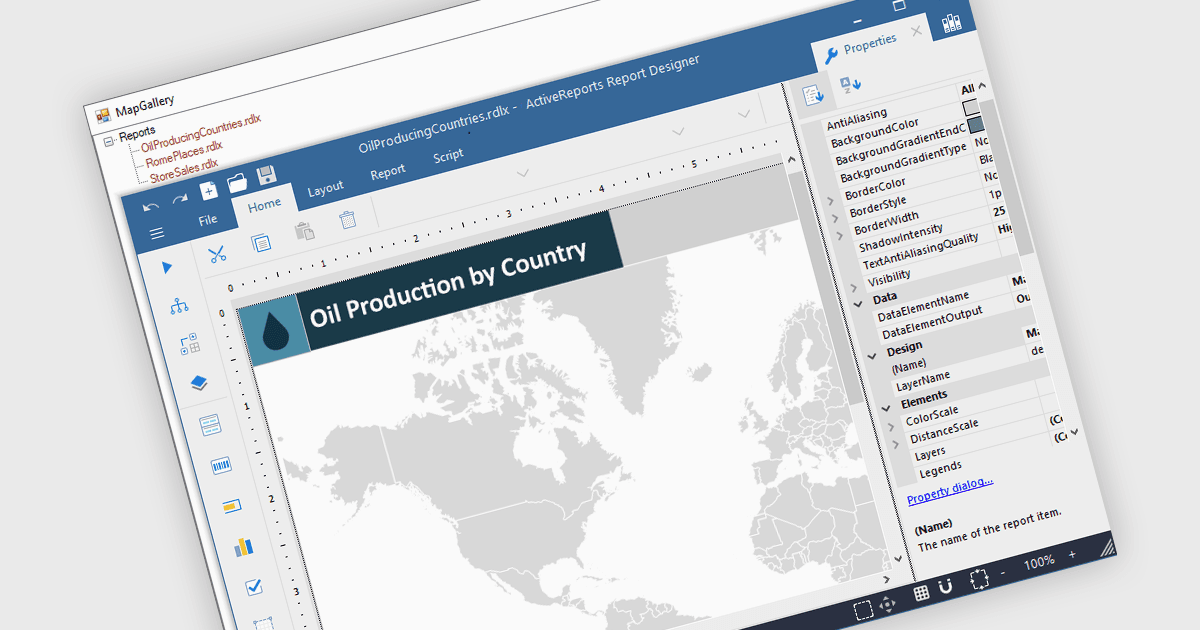
Mapas em relatórios permitem que os dados sejam visualizados geograficamente, transformando números brutos em insights claros e baseados em localização, fáceis de interpretar. Ao integrar mapas, os relatórios podem destacar tendências regionais, padrões e relações que talvez passem despercebidos em gráficos ou tabelas tradicionais. Essa perspectiva espacial apoia uma tomada de decisão melhor ao revelar onde o desempenho é mais forte, onde existem oportunidades e onde os desafios podem estar começando a surgir. Casos de uso comuns incluem visualizar o desempenho de vendas por região, acompanhar áreas de cobertura de serviços, monitorar rotas de logística e apresentar dados demográficos ou ambientais. Incluir mapas adiciona profundidade, contexto e apelo visual, tornando os relatórios mais informativos e envolventes para qualquer público.
Diversos controles de relatórios .NET WPF oferecem mapas, incluindo:
- ActiveReports.NET da MESCIUS permite que os usuários integrem mapas interativos aos relatórios, visualizando dados geográficos para obter insights regionais mais claros e análise de tendências.
- Telerik Reporting permite que profissionais incorporem mapas personalizáveis nos relatórios, transformando dados espaciais em histórias visuais significativas que aprimoram a compreensão do negócio.
- Stimulsoft Reports.WPF facilita a exibição de informações baseadas em localização com mapas detalhados, permitindo que os usuários comparem regiões e descubram relações geográficas.
- FastReport .NET WPF possibilita a criação de relatórios visualmente ricos com mapas que ilustram padrões de distribuição, desempenho e dados espaciais de forma eficaz.
Para uma análise aprofundada de recursos e preço, visite nossa comparação de controles de relatórios .NET WPF.