













Fornecedor oficial
Como distribuidores oficiais e autorizados, nós fornecemos licenças legítimas diretamente de mais de 200 editores de software.
Ver todas as nossas marcas.
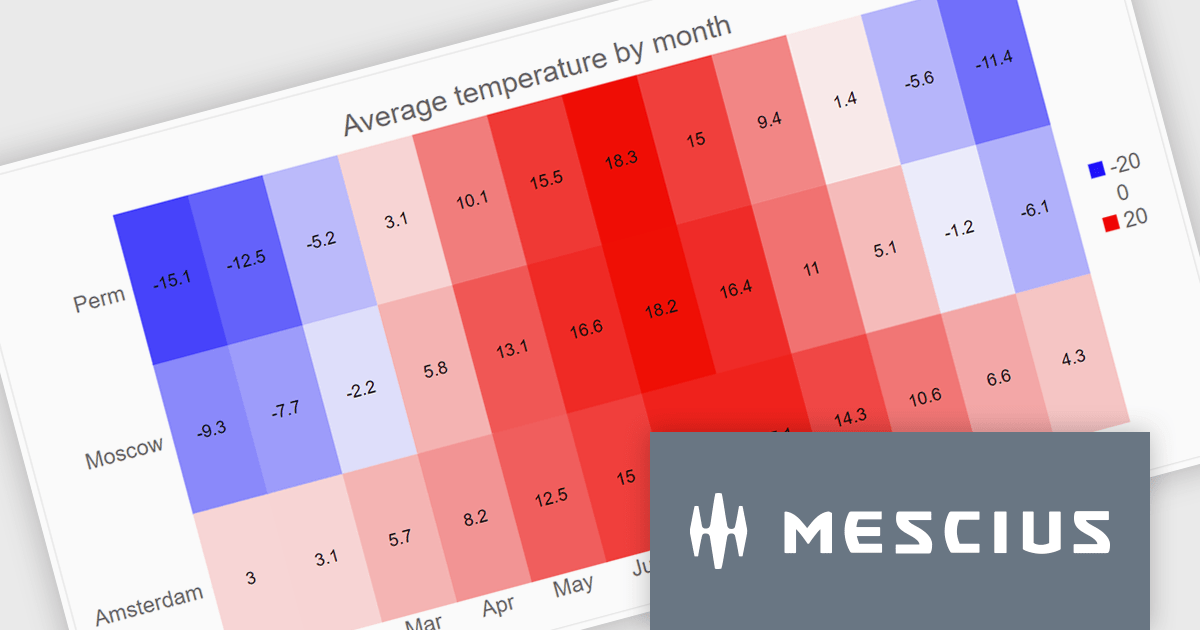
ComponentOne WinUI and MAUI Edition is a comprehensive suite of UI components designed for cross-platform .NET development, supporting WinUI, MAUI, UWP, and Xamarin with a single license. It empowers developers to create modern and high-performance applications for business and enterprise use. With versatile controls and seamless integration, the suite simplifies the development process, enhances productivity, and ensures compatibility with the latest .NET platforms, making it an essential tool for delivering exceptional user experiences.
The ComponentOne Studio WinUI & MAUI Edition 2024 v2 update introduces new heatmap charts, providing developers with a robust tool for visualizing dense datasets in a clear and structured manner. With support for both discrete and gradient color options, along with the ability to display data labels, these charts enhance the readability of complex information. This feature is ideal for scenarios requiring quick data analysis, offering developers a versatile and efficient way to present large volumes of data in visually impactful 2D layouts.
To see a full list of what's new in 2024 v2, see our release notes.
ComponentOne Studio WinUI and MAUI is licensed per developer on a perpetual basis and includes a 12 month subscription. See our ComponentOne Studio WinUI and MAUI licensing page for full details.
Learn more on our ComponentOne Studio WinUI and MAUI product page.
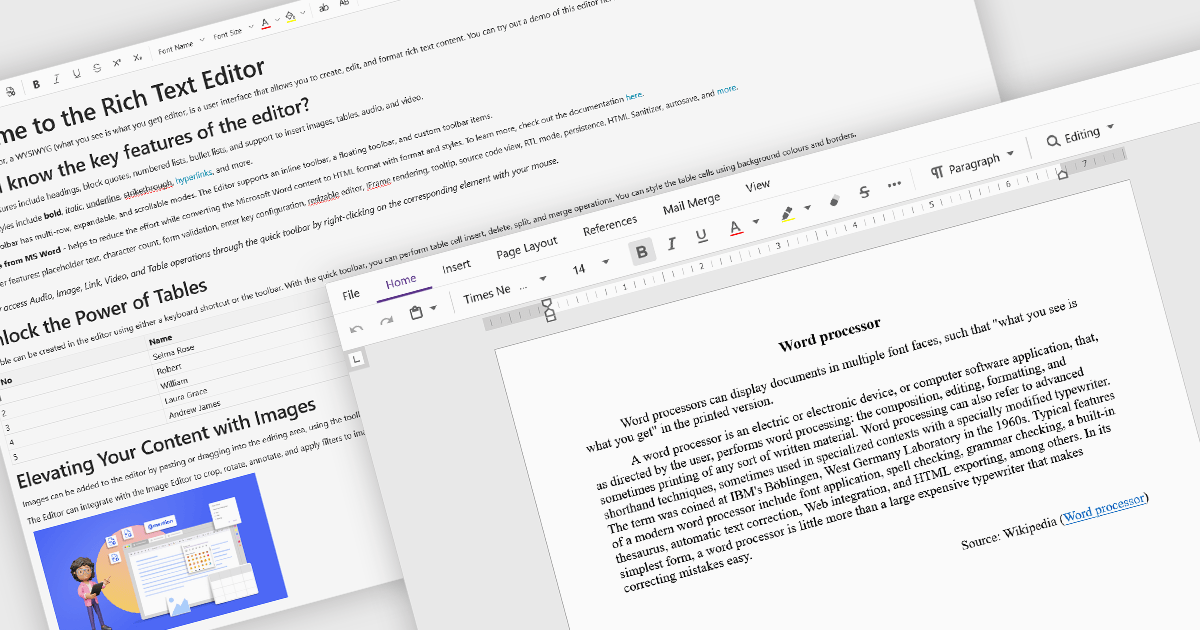
Rich Text Format (RTF) are specialized tools that enable the creation and manipulation of richly formatted text within development environments. The WYSIWYG (What You See Is What You Get) interface allows end users to easily design and format content visually without needing to write code, enhancing usability and reducing the learning curve. These editors commonly offer features such as text formatting, alignment options, list creation, image embedding, and table support, facilitating seamless incorporation of formatted content into applications, documentation, and user interfaces. Benefits include increased productivity, consistent cross-platform formatting, and minimized coding effort for managing text styles. Common use cases involve designing user documentation, generating dynamic web and mobile content, creating rich-text emails, and developing content management systems. By providing intuitive WYSIWYG capabilities, RTF editors are essential for developers aiming to integrate sophisticated text features efficiently into their projects.
Several Blazor data editor collections offer RTF editing capabilities including:
For an in-depth analysis of features and price, visit our Blazor data editors comparison.
DevExpress WinForms is a comprehensive suite of 190+ UI controls and development tools designed for building high-performance desktop applications. It offers a broad array of customizable controls, from data grids and ribbon interfaces to advanced charts, maps, and diagramming components. This empowers developers to rapidly create functionally rich applications, while adhering to accessibility guidelines and touch-enabled technology for modern Windows environments.
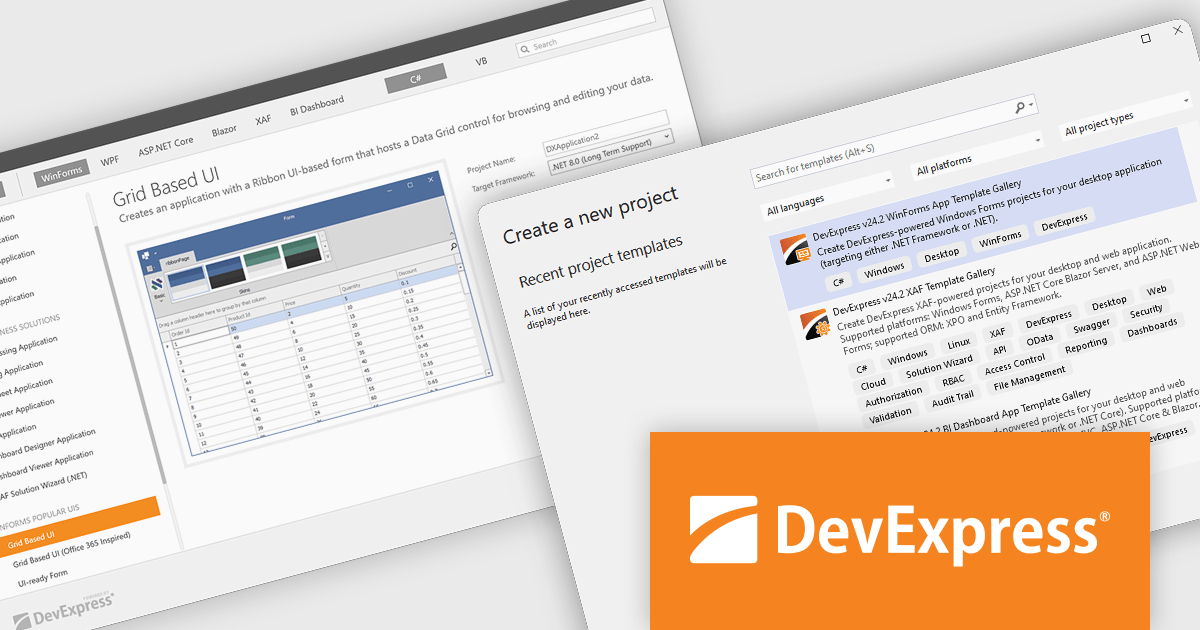
The DevExpress WinForms v24.2 update adds the Project Template Gallery, offering a variety of pre-built project templates tailored for common use cases. It includes layouts such as grid-based, Ribbon, toolbar, and hybrid app designs, enabling developers to quickly set up projects with a solid foundation. The gallery supports .NET Framework and .NET Core, ensuring compatibility with modern development environments like Visual Studio. By reducing setup time and providing ready-to-use project structures, the Template Gallery allows developers to focus on adding functionality and delivering high-quality applications.
To see a full list of what's new in version 24.2, see our release notes.
DevExpress WinForms is licensed per developer and is available as a Perpetual License with a 12 month support and maintenance subscription. See our DevExpress WinForms licensing page for full details.
DevExpress WinForms is available individually or in the following products:
ComponentOne Studio Blazor Edition by MESCIUS empowers developers to leverage their existing C# skills to build rich web applications. This comprehensive suite includes high-performance, native Blazor UI controls like FlexGrid, a powerful datagrid with data virtualization, and 50+ chart types for data visualization. It also offers essential input controls like Autocomplete and Combobox, boosting development efficiency and creating a seamless experience for both developers and users.
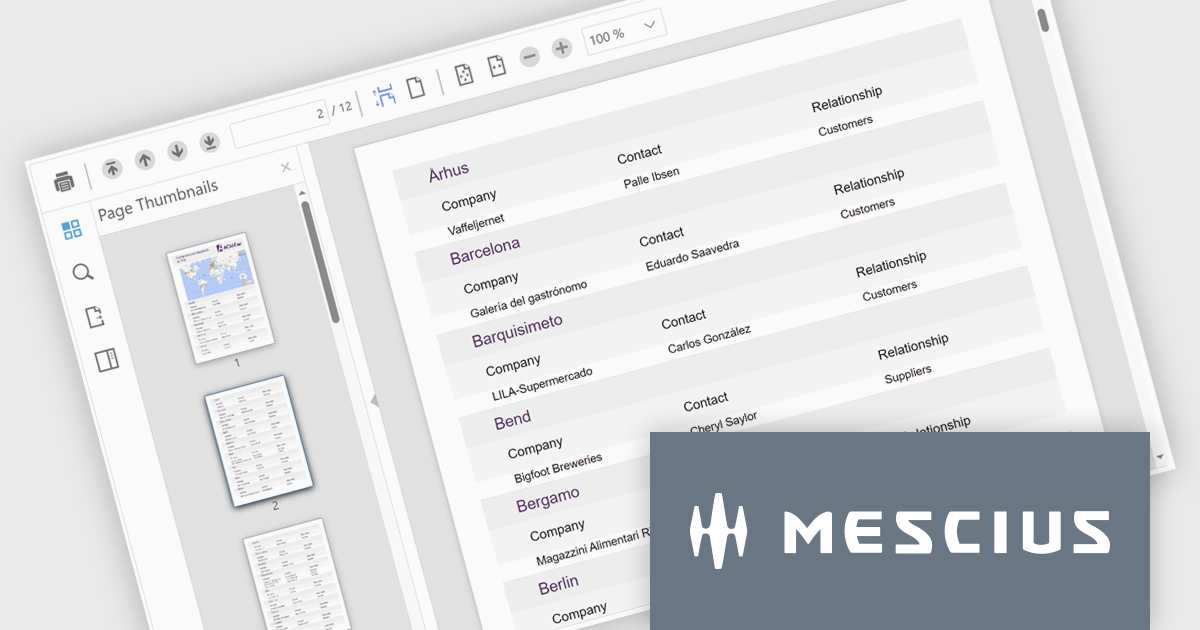
The ComponentOne Studio Blazor Edition 2024 v2 update enhances productivity with the production-ready FlexViewer for Blazor Server applications, enabling developers to integrate a powerful cross-platform document and report viewer into their projects. This update introduces essential features such as a document outline for streamlined navigation, a page setup panel for effortless customization, and interactive report parameters for dynamic filtering. These additions simplify the management and presentation of complex documents and reports while ensuring a seamless user experience.
To see a full list of what's new in 2024 v2, see our release notes.
ComponentOne Studio Blazor Edition is licensed per developer on a perpetual basis and includes a 12 month subscription. See our ComponentOne Studio Blazor Edition licensing page for full details.
ComponentOne Studio Blazor Edition is available individually or as part of ComponentOne Studio Enterprise.
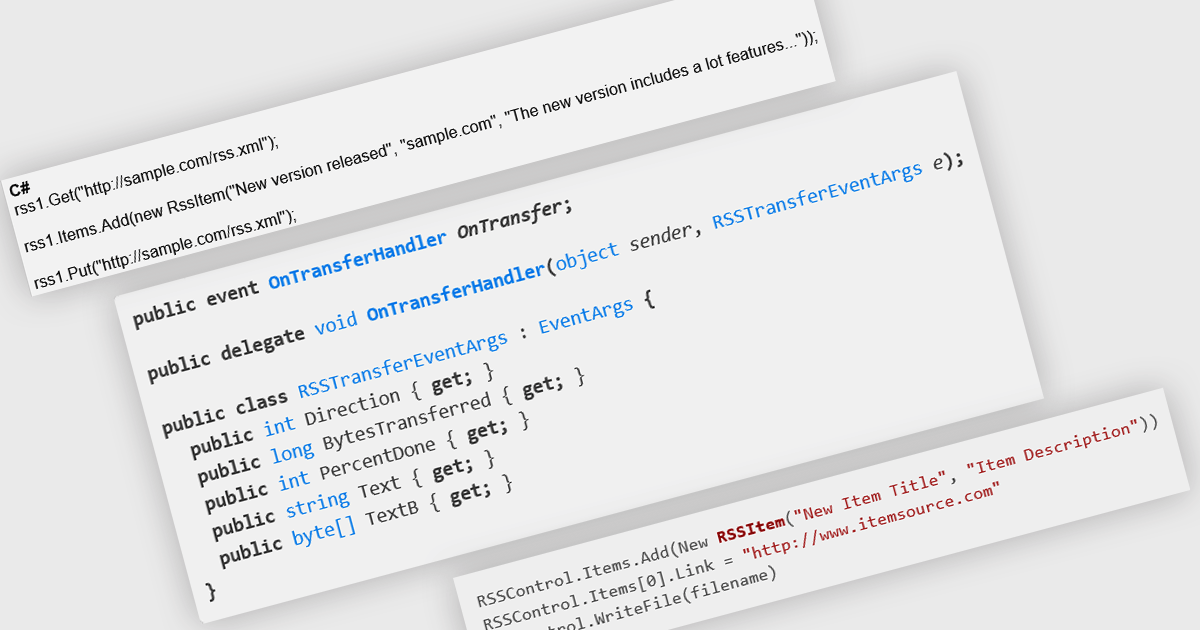
RSS, or Really Simple Syndication, is a web feed format used to publish frequently updated content. RSS support enables developers to create apps that easily distribute updates, news, or other information to users in a standardized format. This can be particularly useful for libraries, frameworks, or tools that need to inform users about new releases, security patches, or important announcements. By subscribing to an RSS feed, users can stay up-to-date with the latest information without manually checking for updates, streamlining their workflow and ensuring they are always using the most current versions of software.
Several .NET communications and messaging components offer RSS support including:
For an in-depth analysis of features and price, visit our comparison of .NET comms and messaging components.
Tel: (888) 850 9911
Fax: +1 770 250 6199


