













Fornecedor oficial
Como distribuidores oficiais e autorizados, nós fornecemos licenças legítimas diretamente de mais de 200 editores de software.
Ver todas as nossas marcas.
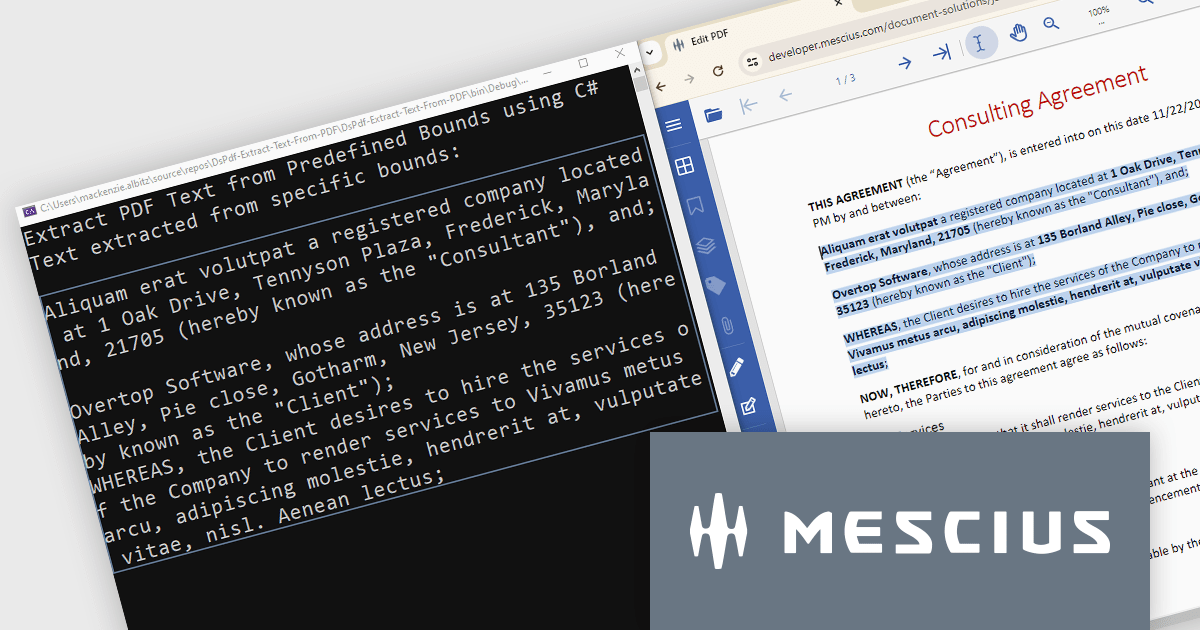
Document Solutions for PDF (DsPdf) is a high-speed, feature-rich, server-side PDF API Library for .NET with no dependencies on Adobe Acrobat. DsPdf allows developers to programmatically create, manipulate, import/export, and deploy PDF documents, including AcroForms, across desktop and web applications at scale. With full .NET support, you can generate, load, modify, and convert PDFs directly within your .NET, Mono, Xamarin.iOS, and Xamarin.Android apps. It also includes a fast JavaScript-based client-side viewer/editor that allows users to view/optionally edit PDF documents in desktop/web applications.
In this blog post, MESCIUS Product Marketing Specialist Mackenzie Albitz demonstrates how to use DsPdf to unlock PDF content seamlessly by parsing and extracting text from PDFs for a variety of scenarios, including:
Sample code is included and there's even a link to a Quick Start Demo and a complete sample application to assist you in getting started.
Read the full blog to learn how to unlock PDF content.
Document Solutions for PDF is licensed per developer and is available in several license options for differing distribution needs. Team licenses are also available for multiple developers within the same organization. See our Document Solutions for PDF licensing page for full details.
Learn more on our Document Solutions for PDF product page.
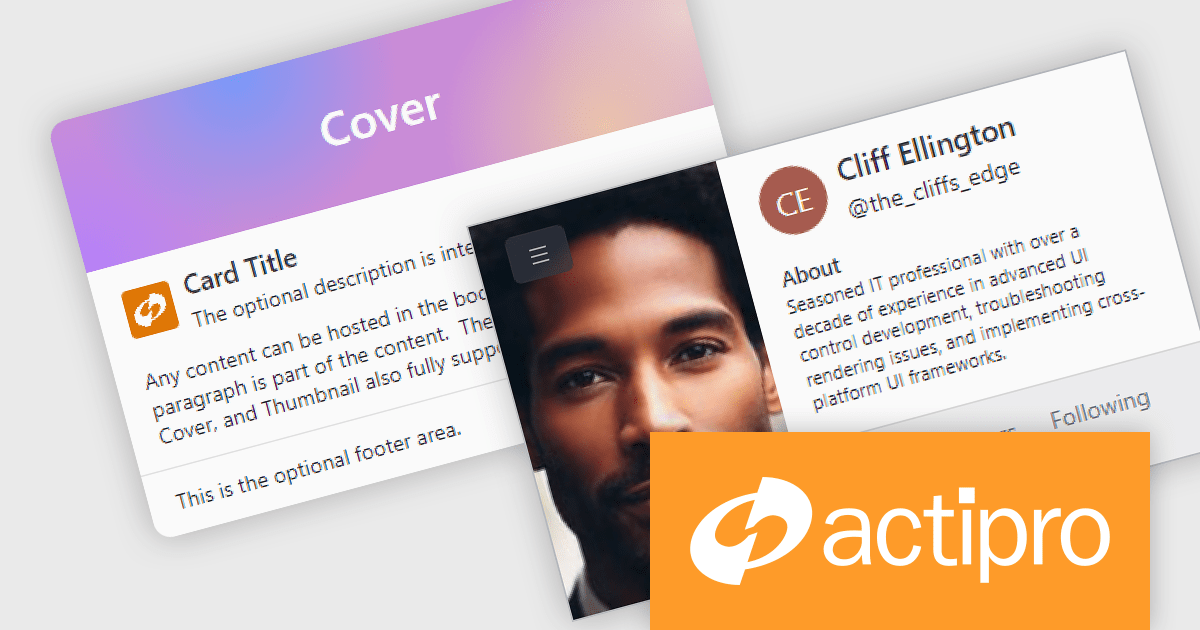
Actipro Avalonia UI Pro is a suite of professionally designed UI controls, themes, and components specifically built for the Avalonia UI framework. It empowers developers to craft beautiful, modern cross-platform applications while leveraging their existing C# and WPF skills. Actipro offers a range of controls from essential navigation and data visualization components to advanced charting and scheduling features, all adhering to its signature high-quality design and seamless integration with Avalonia.
The Actipro Avalonia UI Pro 24.1.0 update introduces the Card control, designed to present information about a single subject in a visually grouped and actionable way. This control offers flexibility through optional cover, thumbnail, header, and footer sections, allowing developers to effectively organize content within the card. Additionally, cards can be made interactive, enabling users to directly engage with the presented information.
To see a full list of what's new in 24.1.0, see our release notes.
Actipro Avalonia UI Pro is licensed per developer and is available as a Perpetual license with 1 year support and maintenance. See our Actipro Avalonia UI Pro licensing page for full details.
Learn more on our Actipro Avalonia UI Pro product page.

Incorporating a PDF component with search functionality into your application offers significant advantages. Users can locate specific information within complex documents with ease, streamlining their experience and enhancing productivity. This translates to a more user-friendly and efficient app, reducing frustration and allowing users to find what they need quickly, without the needing to install additional software.
Several WPF PDF Viewer controls allow you to search for text in PDF files including:
For an in-depth analysis of features and price, visit our WPF PDF Viewer controls comparison.
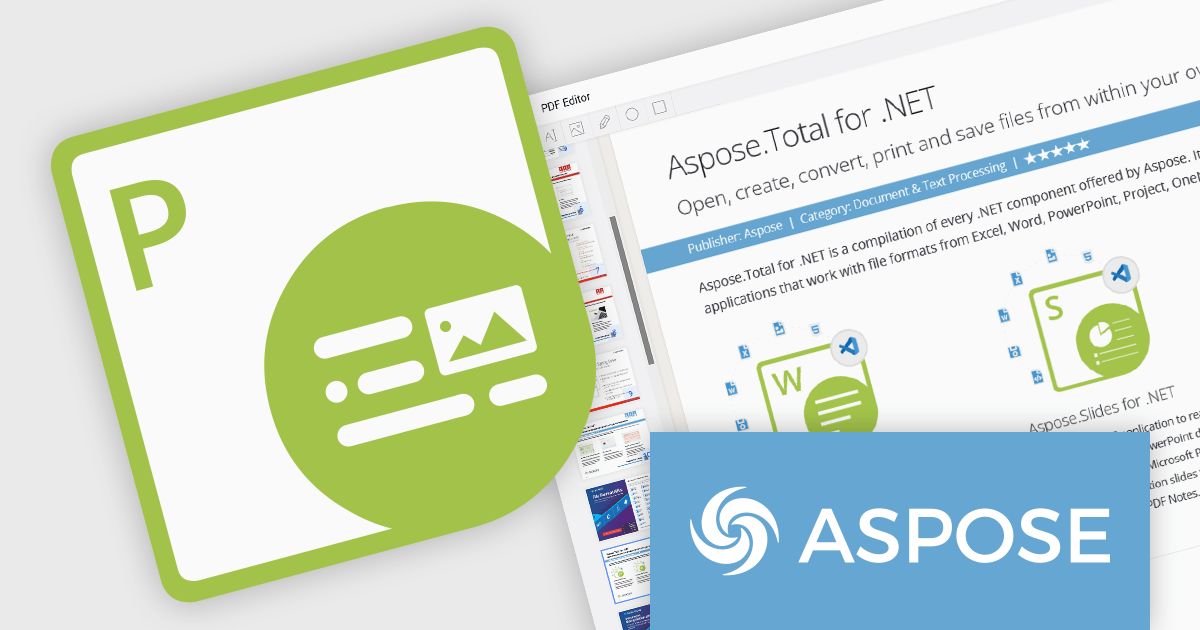
Aspose.PDF for .NET empowers developers to seamlessly integrate PDF generation, manipulation, and conversion functionalities within their applications. It eliminates the dependency on Adobe Acrobat by providing a programmatic interface for working with PDF documents, allowing for tasks like creating PDFs from scratch, editing existing ones, adding elements like images and watermarks, and managing security features.
Aspose.PDF for .NET V24.5 adds the ability to flatten a layered PDF file, streamlining document sharing and archiving by converting editable layers into a static, unalterable format. This ensures consistent presentation and prevents unintended modifications.
To see a full list of what's new in V24.5, see our release notes.
Aspose.PDF for .NET is offered as Developer Small Business, Developer OEM, Site Small Business, and Site OEM licenses catering to a range of business needs. Licenses are perpetual, and include 1 year of support and maintenance. Subscription renewals are also available. See our Aspose.PDF for .NET licensing page for full details.
Aspose.PDF for .NET is available in the following products:
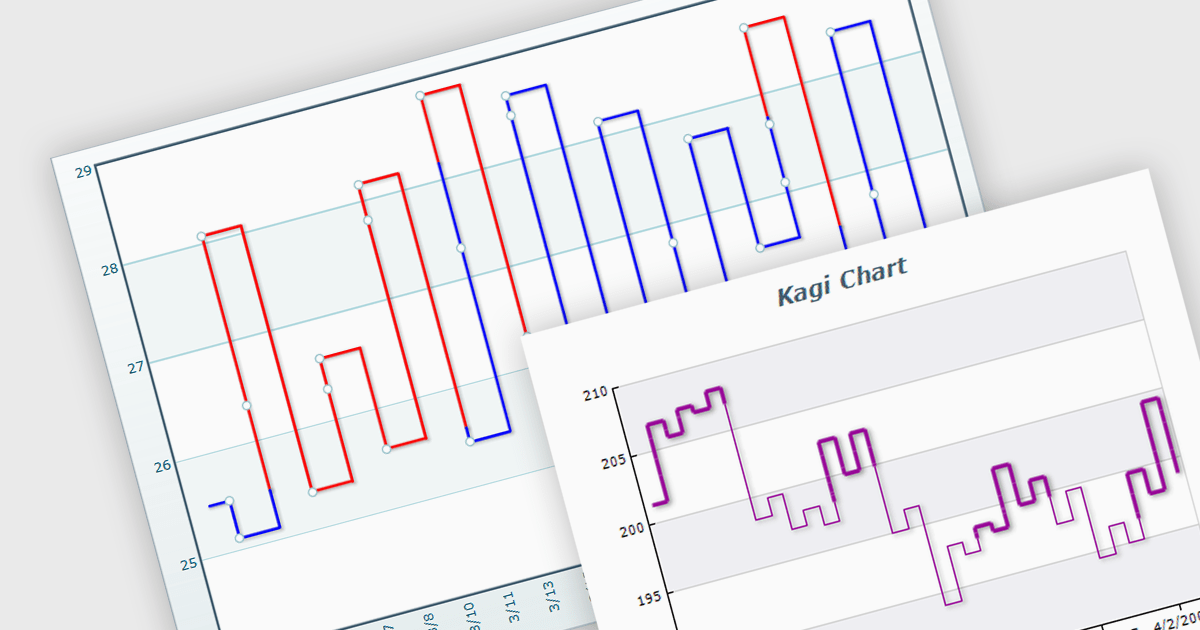
A Kagi chart is a type of financial chart used to track price movements, with a focus on significant trends and reversals rather than minor fluctuations, to inform stock purchasing decisions. It features a series of vertical lines that reflect changes in price. The direction of these lines shifts only when the price moves by a predetermined amount, known as the reversal amount. Thin lines indicate that the price has fallen below the previous low while thick lines indicate that the price has surpassed the previous high. By filtering out minor price fluctuations it emphasises substantial price movements, offering a clearer perspective on market trends.
Several WinForms chart components provide Kagi charts, including:
For an in-depth analysis of features and price, visit our WinForms charts comparison.
Tel: (888) 850 9911
Fax: +1 770 250 6199


