













Fornecedor oficial
Como distribuidores oficiais e autorizados, nós fornecemos licenças legítimas diretamente de mais de 200 editores de software.
Ver todas as nossas marcas.
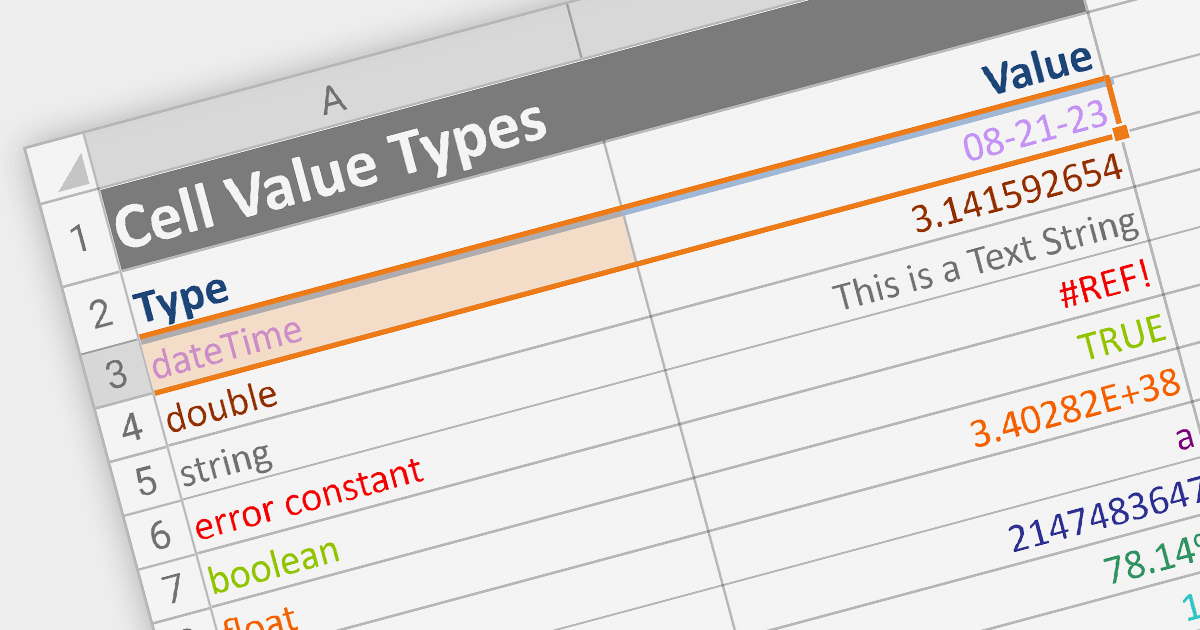
Cell types allow different data formats to be added to cells or ranges within a spreadsheet. Examples include text, number, date, formula, and sparkline. Cell types determine how data is displayed, validated, and interacted with in the spreadsheet. By using specific cell types, developers can customize the behavior and appearance of cells, allowing users to input and manipulate data accurately and efficiently in their applications.
Here are some ASP.NET Core spreadsheet controls that allow you to use multiple cell types:
For an in-depth analysis of features and price, visit our comparison of ASP.NET Core spreadsheets.
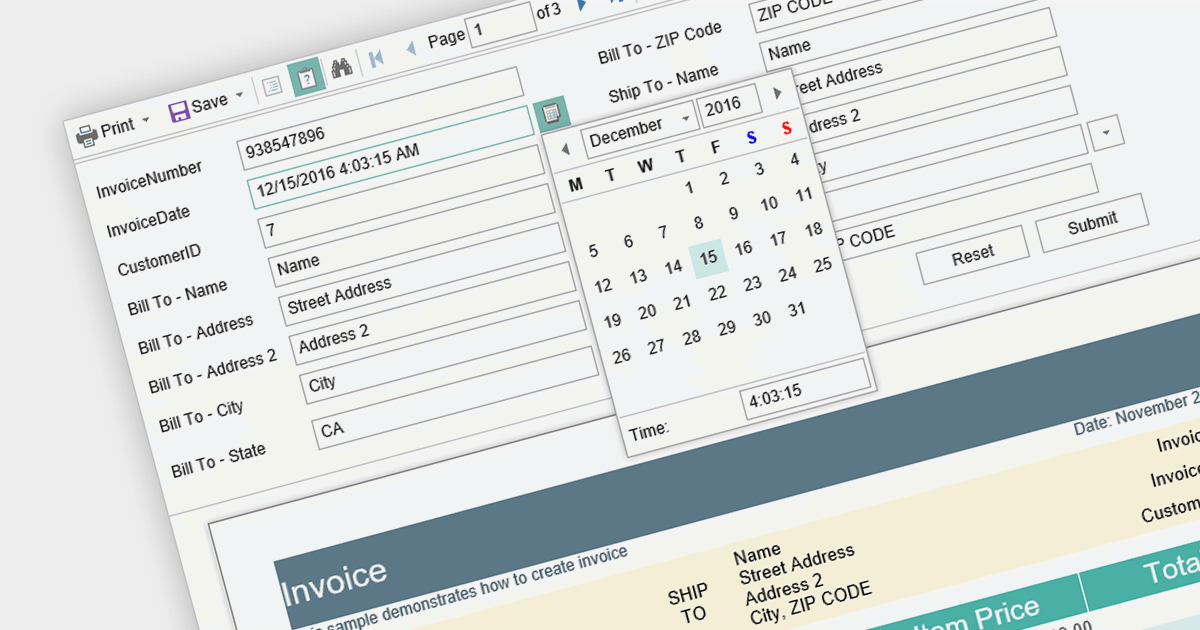
Report parameters are dynamic values that users can input or select when requesting a report. These parameters allow users to customize the report's content, appearance, and data filtering according to their specific needs. This helps to make reports more versatile, catering to various scenarios without requiring developers to create separate report templates.
Here is a selection of Blazor reporting controls that include support for parameters:
For an in-depth analysis of features and price, visit our comparison of Blazor reporting controls.
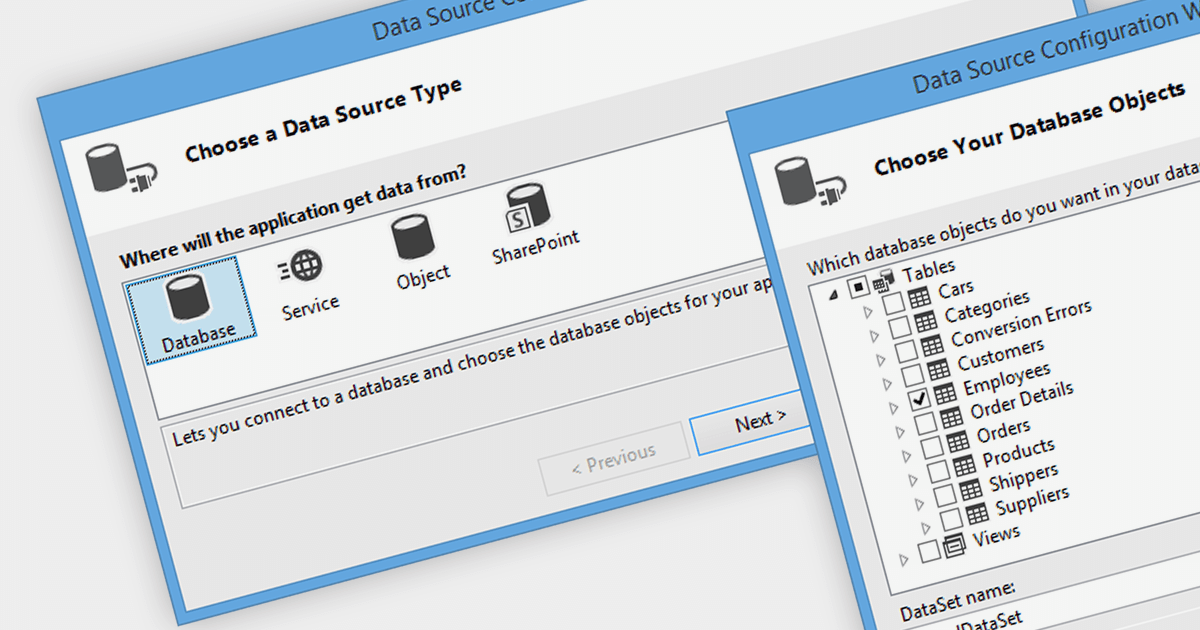
Data binding is a mechanism that connects data from a data source, such as a database or collection, to controls in a user interface such as a spreadsheet. It enables automatic synchronization of data between the source and the UI controls, allowing changes in one to be reflected in the other.
The following .NET 7 Windows Forms spreadsheet controls include support for data binding:
For an in-depth analysis of features and price, visit our comparison of .NET 7 spreadsheets.
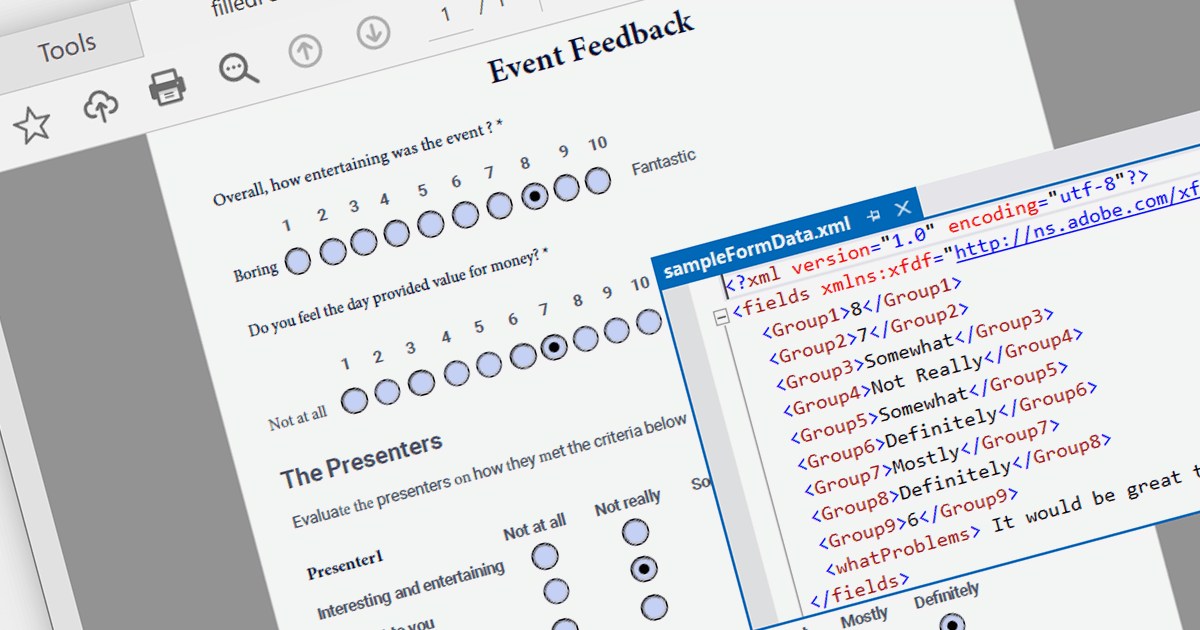
PDF data extraction is the process of programmatically extracting textual and visual information from PDF documents. It enables developers to parse files, extract text, images, and other elements, facilitating tasks like document indexing, and text mining.
Several .NET PDF components provide content extraction capabilities, including:
For an in-depth analysis of features and price, visit our comparison of .NET PDF components.
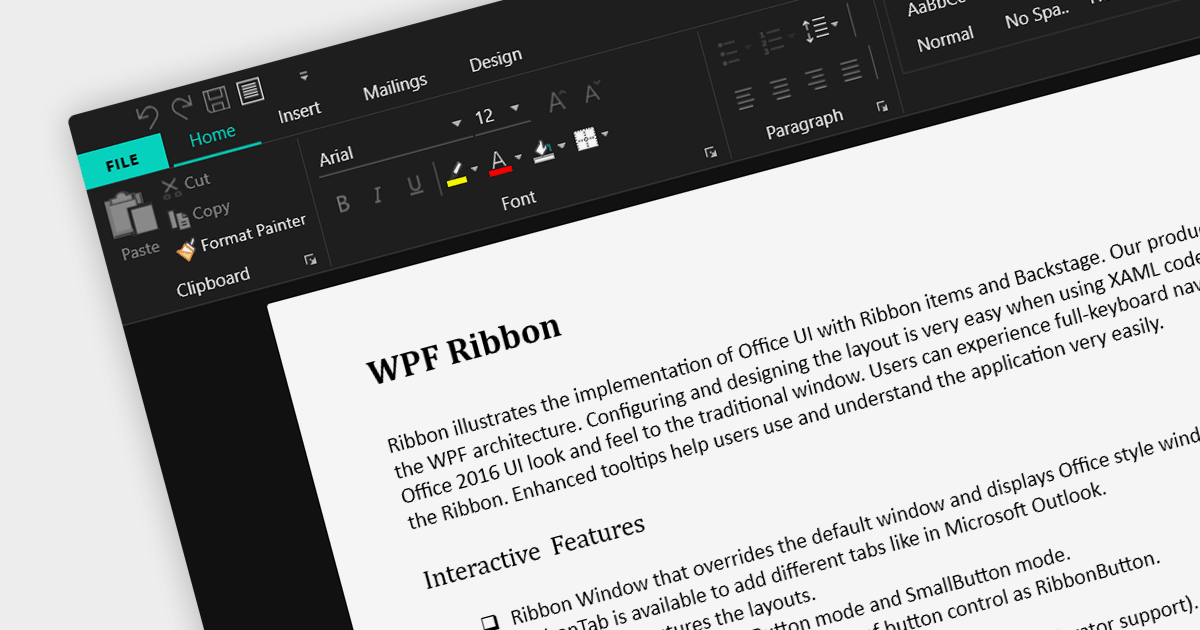
A ribbon control is a graphical user interface element that consists of a horizontal strip displaying various commands and functions organized into tabs and groups for easy access and navigation. Ribbons are designed to be easy to use and understand. Tools are grouped together in a logical way, making it easy for users to find the commands they need, even if they are not familiar with the application.
Here are some example WPF UI suites that offer a ribbon control:
For an in-depth analysis of features and price, visit our comparison of WPF UI suites.
Tel: (888) 850 9911
Fax: +1 770 250 6199


