













Fornecedor oficial
Como distribuidores oficiais e autorizados, nós fornecemos licenças legítimas diretamente de mais de 200 editores de software.
Ver todas as nossas marcas.
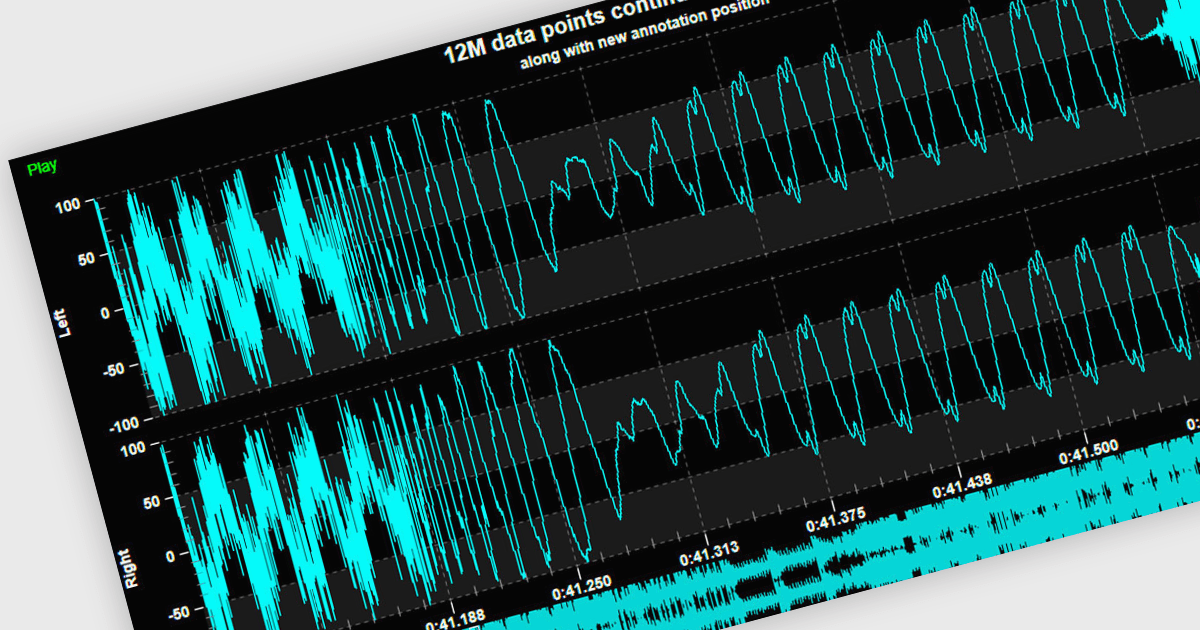
Live data support provides real-time updating of data points on a chart as new information becomes available, without the need for manual refresh or reloading. This feature allows developers to create responsive, interactive applications that can display dynamic data streams, such as financial market data, IoT sensor outputs, or real-time user metrics, directly within a chart interface. Live data enhances the user experience by providing immediate feedback and insight, improving decision-making and performance in applications that require constant data monitoring and analysis.
Several .NET 8 WPF chart controls support live data including:
For an in-depth analysis of features and price, visit our .NET 8 WPF chart controls comparison.
GitKraken is a suite of developer tools built around Git, a popular version control system. It offers a graphical user interface (GUI) that allows developers to interact with Git repositories visually instead of relying on command lines. This simplifies complex Git workflows like resolving merge conflicts and visualizing code history, making Git more accessible and efficient for developers of all experience levels.
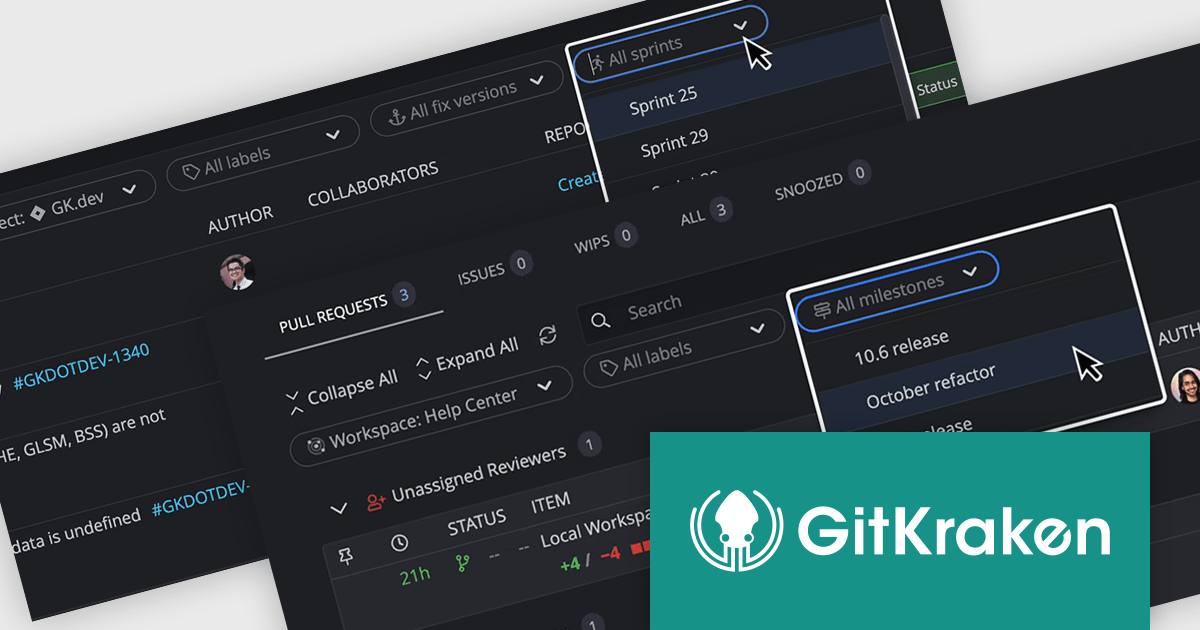
The GitKraken Desktop V10.4.0 release adds new filtering options to Launchpad that let you see specific tasks for your upcoming projects. You can filter by Jira versions and sprints, as well as GitHub and GitLab milestones. By filtering tasks, users can concentrate on the most relevant work for their current goals.
To see a full list of what's new in 10.4.0, see our release notes.
GitKraken Desktop is licensed per user as an Annual license with free updates and technical support. See our GitKraken licensing page for full details.
Learn more on our GitKraken product page.
dbForge Index Manager is a SQL Server Management Studio add-in that streamlines index management tasks. It offers intelligent methods for identifying and fixing index fragmentation issues, providing features such as index analysis, sorting fragmentation troubles by severity, rebuilding and reorganizing indexes, generating SQL scripts, and exporting index analysis results as reports. This tool helps database administrators maintain optimal database performance by ensuring efficient index management.
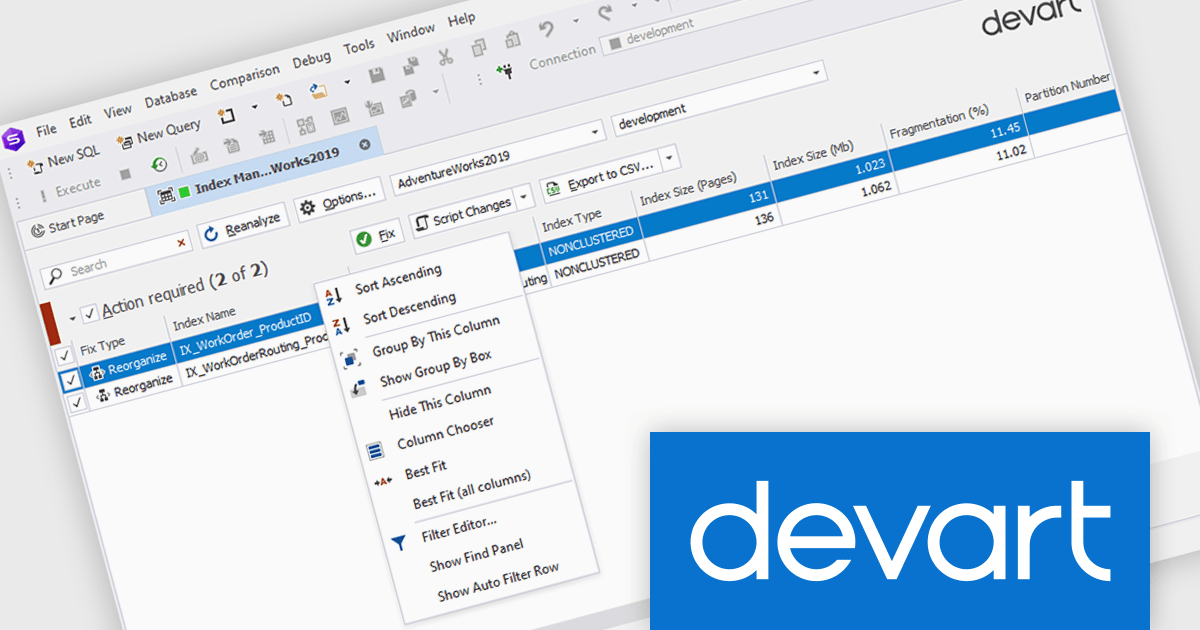
The dbForge Index Manager V7.0.158 release adds a new standard shortcut menu, providing you with a way to quickly arrange, sort, group, and filter entries in the grid. By providing quick access to commands for arranging, sorting, grouping, and filtering entries, database administrators can easily organize their data according to specific criteria, enhancing productivity and streamlining the process of identifying and addressing index-related performance issues.
To see a full list of what's new in V7.0.158, see our release notes.
dbForge Index Manager is licensed per developer and is available as an Annual or Perpetual License with a 12 month support and maintenance subscription. See our dbForge Index Manager licensing page for full details.
dbForge Index Manager is available in the following products:
Syncfusion Essential Studio WinUI, available as part of Syncfusion Essential Studio Enterprise, is a comprehensive toolkit for building high performance native Windows desktop applications. It offers tools for crafting modern UI elements like charts, data grids, and ribbon interfaces, alongside powerful editing tools for Word, Excel, and PDF documents.
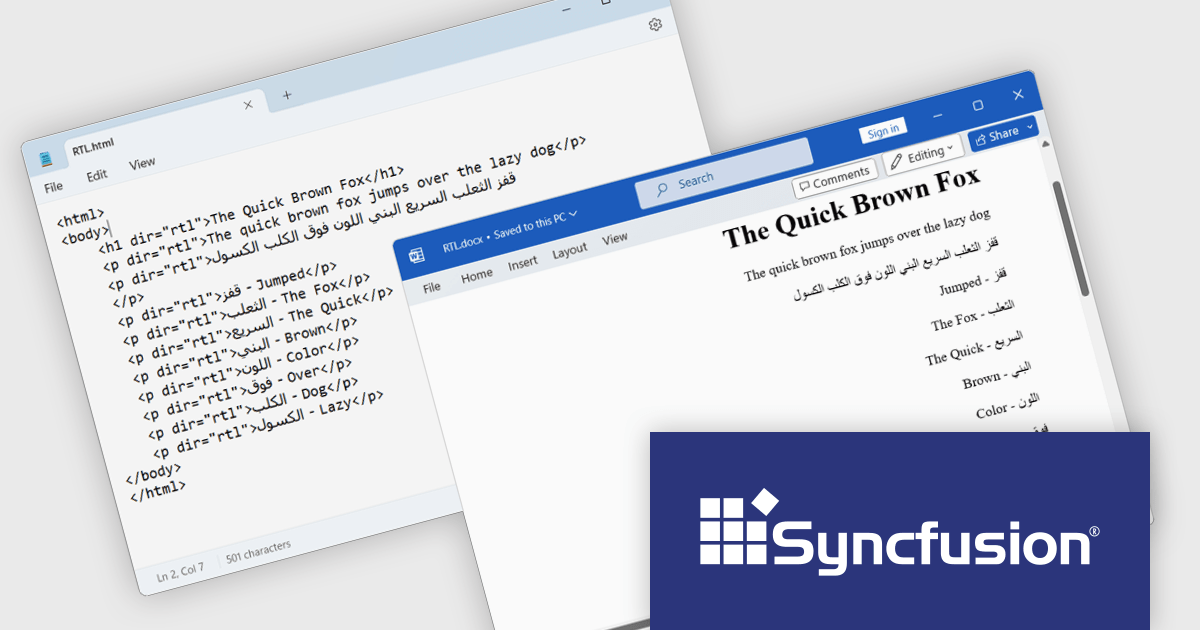
The Syncfusion Essential Studio WinUI 2024 Volume 3 release adds new RTL (right-to-left) text preservation feature which ensures that text direction is accurately maintained during HTML-to-Word and Word-to-HTML conversions. This allows users to convert documents containing RTL languages, such as Arabic or Hebrew, without losing proper formatting or alignment. The feature guarantees that the text direction remains consistent throughout the conversion process, eliminating the need for manual adjustments and ensuring a smooth and efficient workflow.
To see a full list of what's new in 2024 Volume 3, see our release notes.
Syncfusion Essential Studio WinUI is available as part of Syncfusion Essential Studio Enterprise which is licensed per developer starting with a Team License of up to five developers. It is available as a 12 Month Timed Subscription License which includes support and maintenance. See our Syncfusion Essential Studio Enterprise licensing page for full details.
Learn more on our Syncfusion Essential Studio WinUI product page.
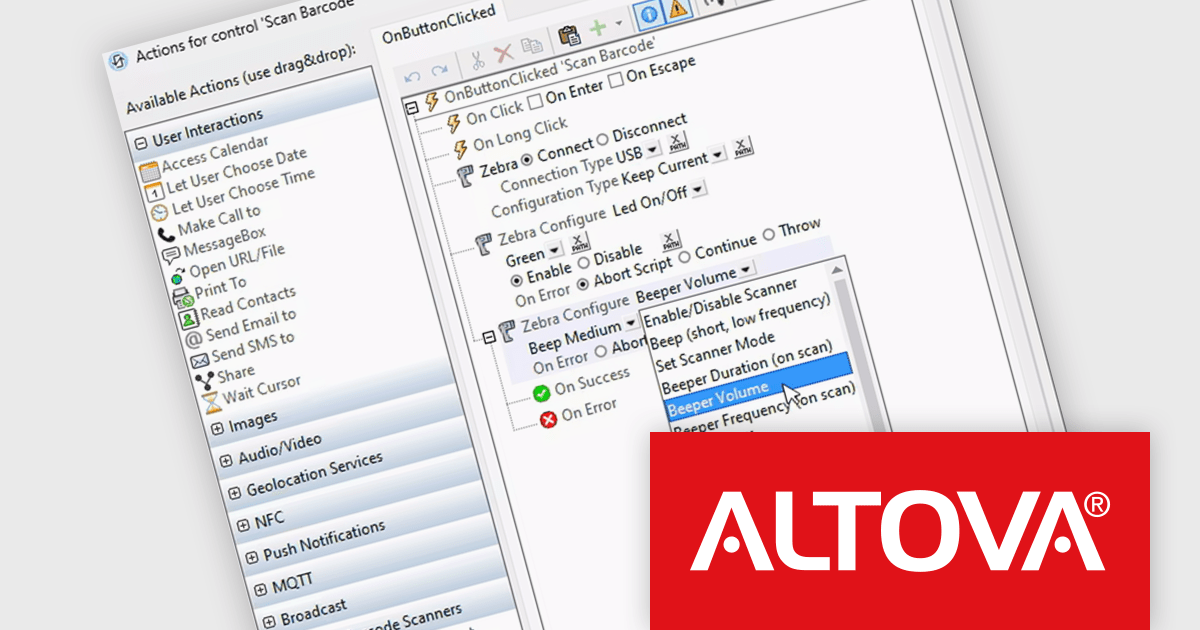
Altova MobileTogether is a rapid app development platform that empowers anyone, regardless of coding experience, to build sophisticated data-driven apps for all mobile and desktop platforms. With its visual UI design, drag-and-drop functionality, and powerful Action Tree programming language, MobileTogether streamlines the development process, enabling you to create custom database apps, integrate with backend systems, and deploy secure solutions swiftly and cost-effectively.
The MobileTogether 10.0 release now supports handheld scanners, expanding its barcode and QR code scanning capabilities beyond device cameras. Popular models like Zebra, Zebra Mobile Computer and Datalogic Mobile Computer are supported, allowing for seamless data storage and processing. Developers can also simulate scanner usage with sample data during testing, ensuring functionality before deployment. This update enhances MobileTogether's flexibility for industries like retail and logistics, where handheld scanners are widely used.
To see a full list of what's new in version 10.0, see our release notes.
MobileTogether is licensed per server core as an annual subscription. See our MobileTogether licensing page for full details.
For more information, visit our MobileTogether product page.
Tel: (888) 850 9911
Fax: +1 770 250 6199


