













Fornecedor oficial
Como distribuidores oficiais e autorizados, nós fornecemos licenças legítimas diretamente de mais de 200 editores de software.
Ver todas as nossas marcas.
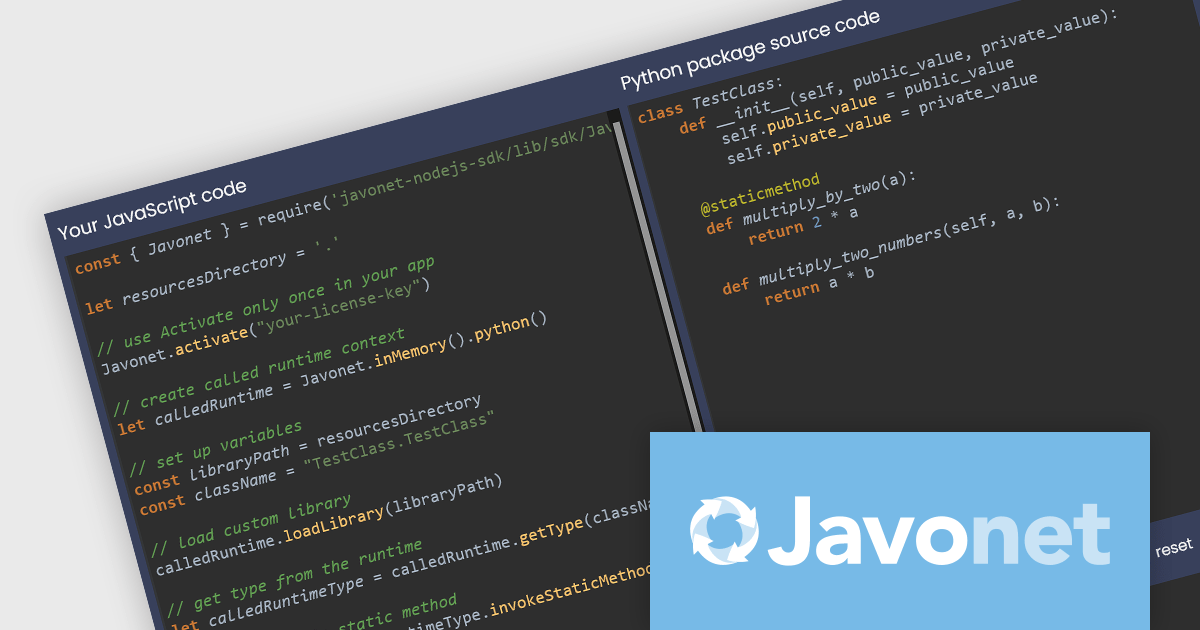
Javonet simplifies integration between diverse programming languages (C#, Java, Python, etc.) by allowing direct access to code written in other languages. This user-friendly framework offers high performance (up to 20,000x faster than web services) and reduces complexity by eliminating the need for additional connectors. Javonet's single-file design and intuitive API streamline integration, making it a secure, efficient solution for building hybrid applications.
The Javonet 2.4.7 release adds multithreading support which enables your applications to execute tasks concurrently. Instead of waiting for one task to finish before starting the next, multiple tasks can now be executed simultaneously, improving overall application performance.
To see a full list of what's new in 2.4.7, see our release notes.
Javonet is licensed per machine (per foreign runtime) or per project with unlimited machines and is available as an Annual License. See our Javonet licensing page for full details.
Learn more on our Javonet product page.
EPPlus is a powerful and versatile .NET library for managing and manipulating Microsoft Excel files using the Office Open XML (OOXML) format. It is a lightweight and efficient library that is easy to use and can be integrated into a wide range of applications. It allows developers to create, read and modify spreadsheets without dependencies on any other library. Features include pivot tables, styling, VBA/Form controls, conditional formatting, charts, tables, formula calculation, data validation, pictures/shapes, and more.
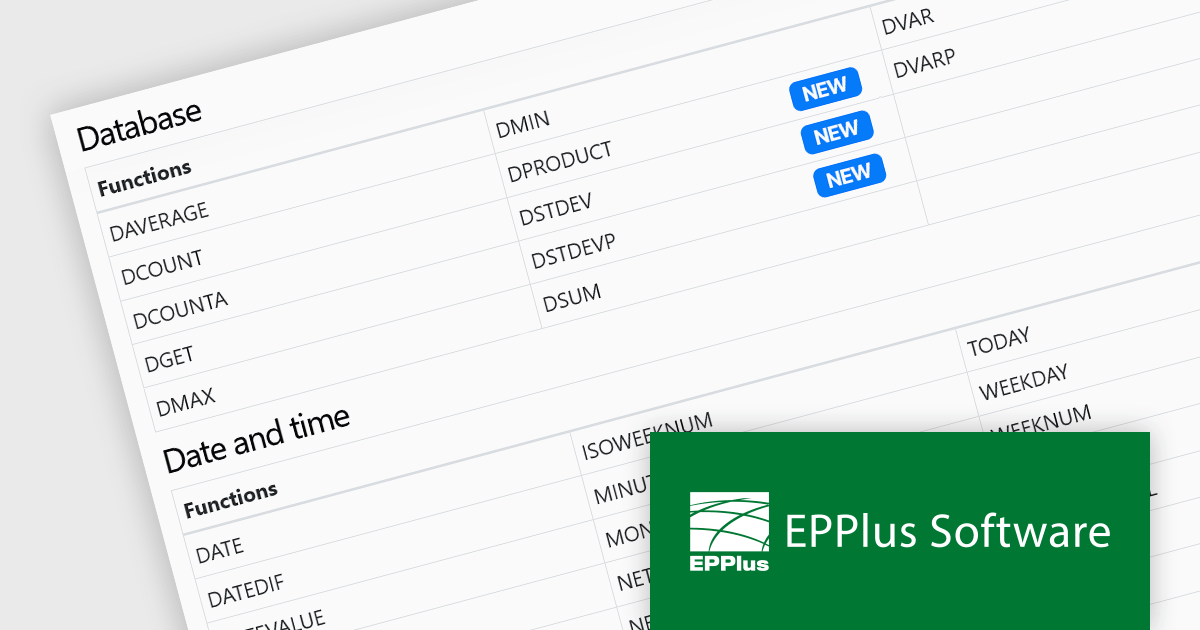
The EPPlus v7.3.0 update introduces four new functions that are supported in formula calculations, enhancing the library's capability for data analysis within Microsoft Excel spreadsheets. The GROWTH function enables exponential growth calculations, while DPRODUCT allows the multiplication of values in a field of a list or database based on specified criteria. The DSTDEV and DSTDEVP functions calculate the standard deviation of values in a field within a list or database, but they differ in their scope. DSTDEV is for samples, while DSTDEVP is used for entire populations. These functions allow developers to perform more complex statistical and mathematical operations directly within spreadsheet documents, significantly improving the efficiency of data-driven applications.
To see a full list of what's new in v7.3.0, see our release notes.
EPPlus is licensed per developer and is available as both perpetual licenses and subscription based licenses with periods of 1 year and 2 years, which include support and upgrades. See our EPPlus licensing page for full details.
For more information, see our EPPlus product page.
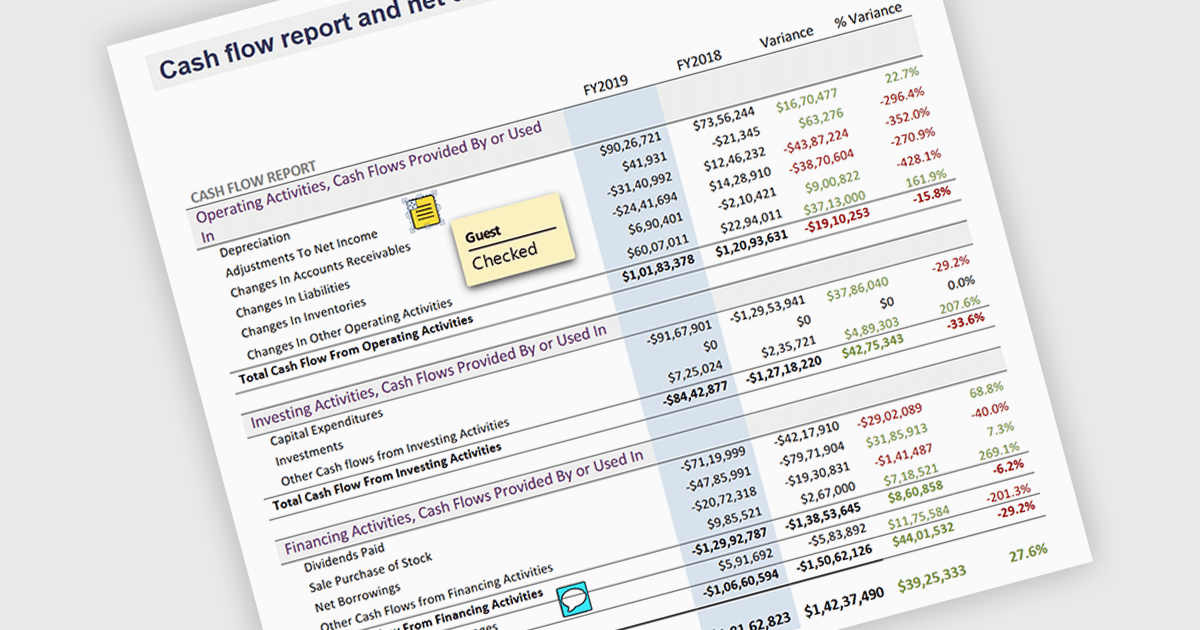
Sticky note annotations are digital notes that can be attached to specific parts of a document or webpage. They allow users to highlight text, add comments, or ask questions directly on the content they are viewing. This feature is particularly useful for collaboration, as it enables multiple people to contribute to the same document and easily see each other's thoughts and insights. Sticky note annotations can also be used for personal reference, helping users to remember important points or track their progress through a document.
Several ASP.NET Core PDF viewer controls offer support for sticky note annotations including:
For an in-depth analysis of features and price, visit our ASP.NET Core PDF viewer controls comparison.
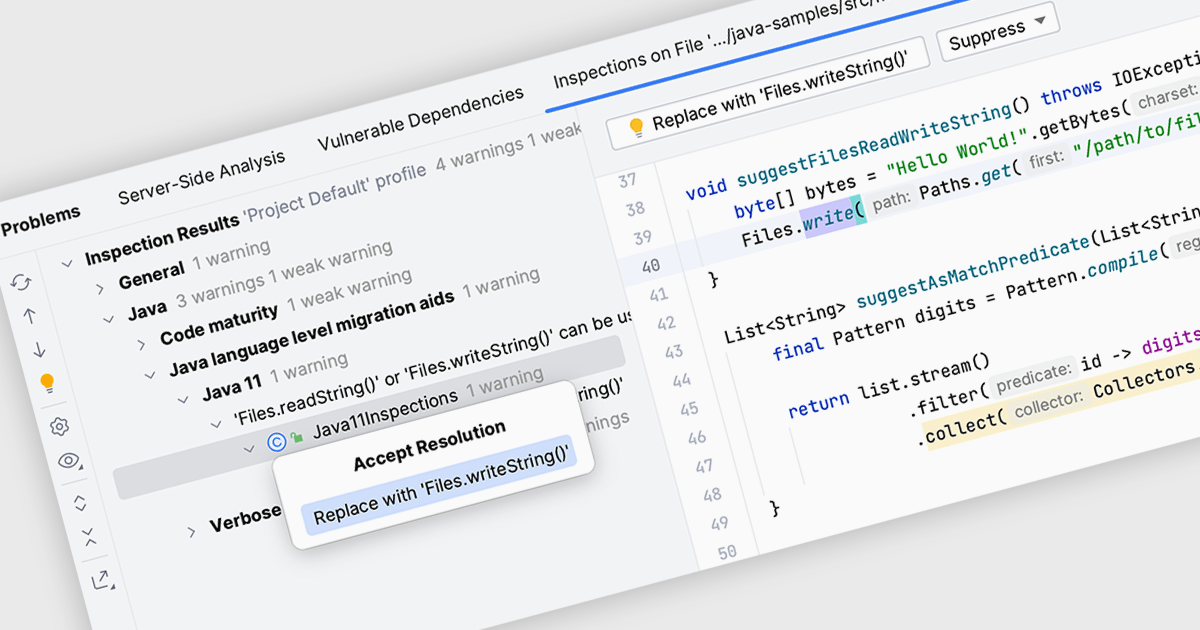
Code inspection is a static analysis tool that examines source code for potential errors, inconsistencies, or stylistic deviations. It automatically identifies issues like syntax errors, undefined variables, unused code, and violations of coding standards. By detecting these problems early in the development process, the inspection of code helps developers improve code quality, maintainability, and readability. This ultimately leads to more efficient development, reduced debugging time, and fewer software defects.
Several IDEs offer support for code inspection including:
For an in-depth analysis of features and price, visit our IDEs comparison.
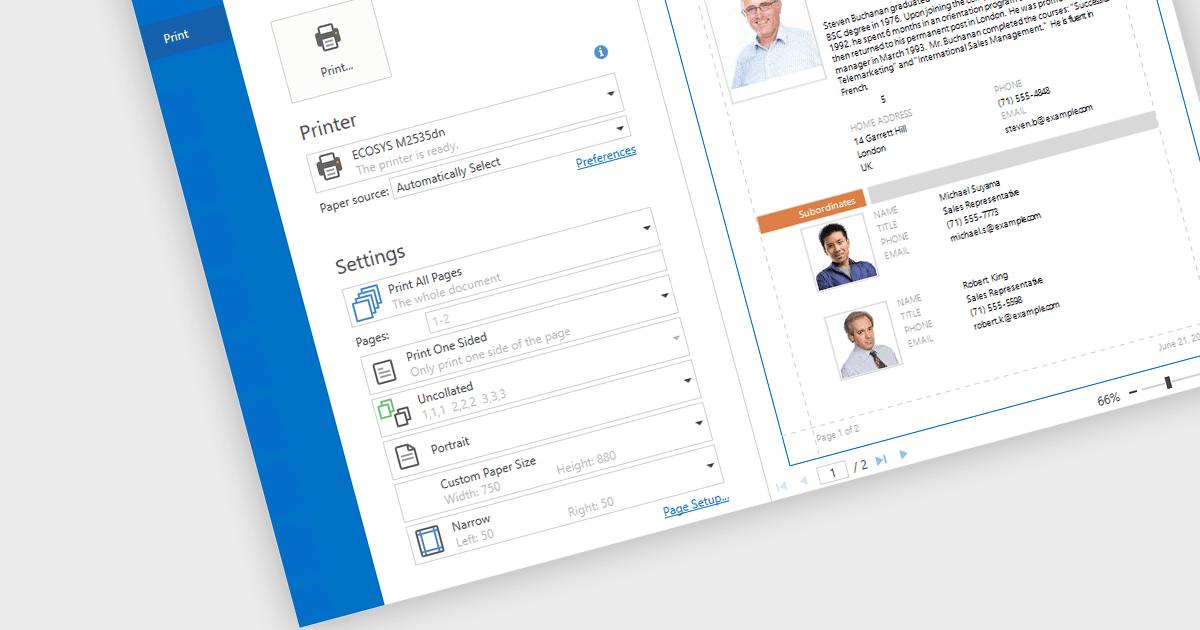
Print & Preview .NET WPF controls provide a comprehensive solution for printing and previewing content within your WPF applications. These controls offer a user-friendly interface for users to review their content before committing to printing, ensuring accuracy and preventing costly errors. Additionally, they support various printing options, including page orientation, margins, and scaling, allowing developers to customize the printing experience to meet specific requirements.
Many .NET WPF UI Suites contain Print & Preview controls including:
For an in-depth analysis of features and price, visit our comparison of .NET WPF UI Suites.
Tel: (888) 850 9911
Fax: +1 770 250 6199


