Architecture News

Empacote seus aplicativos para implantar na Microsoft Store

Julho 16, 2024
Aproveitando as ferramentas de instalação, os desenvolvedores podem empacotar aplicativos como MSIX/APPX para uma implantação simplificada na Microsoft Store.

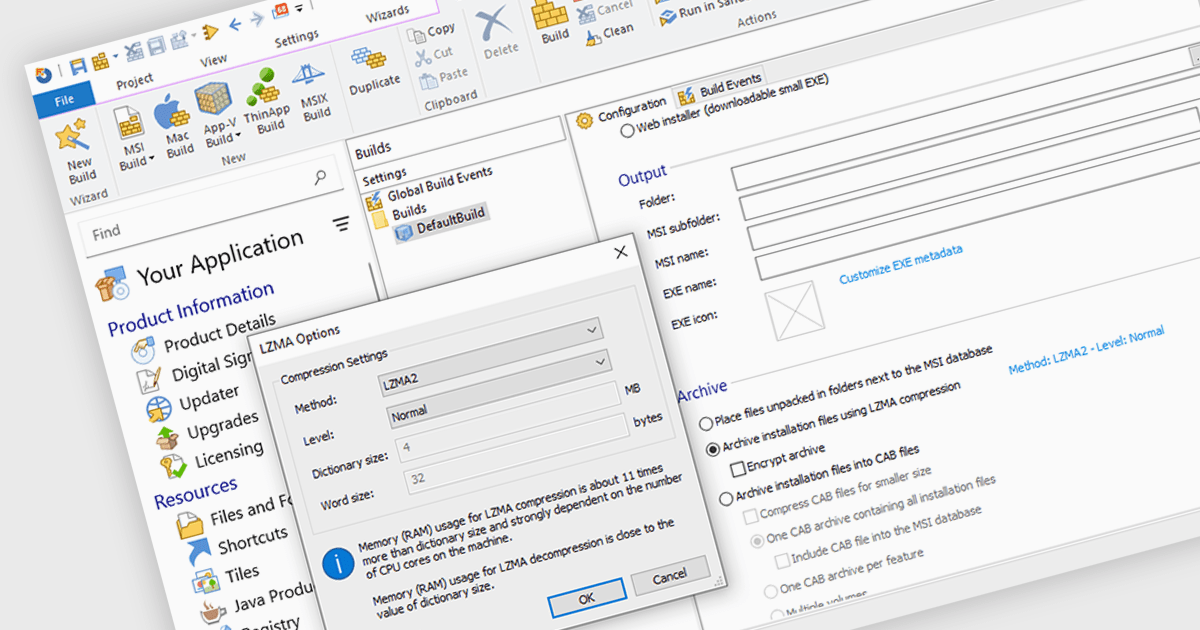
Microsoft Store Apps, also known as Universal Windows Platform (UWP) apps, use a special development framework to enable distribution via the Microsoft Store (formerly known as the Windows Store). This simplifies the installation procedure for end users, eliminates the need for manual setup scripts, and ensures compatibility with a variety of Windows devices. Software developers who use the UWP strategy benefit from a centralized distribution channel, simpler deployment, and a larger potential audience. Using installation tools to package your programs as MSIX or APPX files makes it easier to submit compliant applications to the Microsoft Store.

Several Installation Tools offer packaging for Microsoft Store Apps including:

  • Advanced Installer by Caphyon lets you deploy applications to the Microsoft Store efficiently, simplifying the packaging and submission processes for developers.
  • RayPack Studio by Raynet allows you to convert installers into MSIX or APPX packages, supporting Microsoft Store requirements and efficient application distribution.
  • InstallShield by Revenera enables deployment of your applications to the Microsoft Store, streamlining the entire packaging and certification workflow.
  • AdminStudio by Flexera lets you repackage applications into MSIX or APPX formats, meet Microsoft Store standards with testing and compatibility insights.

For an in-depth analysis of features and price, visit our comparison of Installation Tools.
Compare Installation Tools

Proteja suas compilações e simplifique o tratamento de segredos

Julho 16, 2024
O TeamCity Cloud 2024.03 aprimora a segurança e simplifica o gerenciamento de segredos com suporte integrado para HashiCorp Vault.

TeamCity Cloud by JetBrains is a hosted continuous integration (CI) platform that eliminates the need for software developers to manage and maintain physical servers for build pipelines. It offers pre-configured build agents or the option to connect your own, facilitating integration with popular build tools and test frameworks. TeamCity Cloud streamlines the CI process by automating builds and tests, optimizing resource allocation, and providing secure artifact storage – all accessible through a user-friendly web interface.

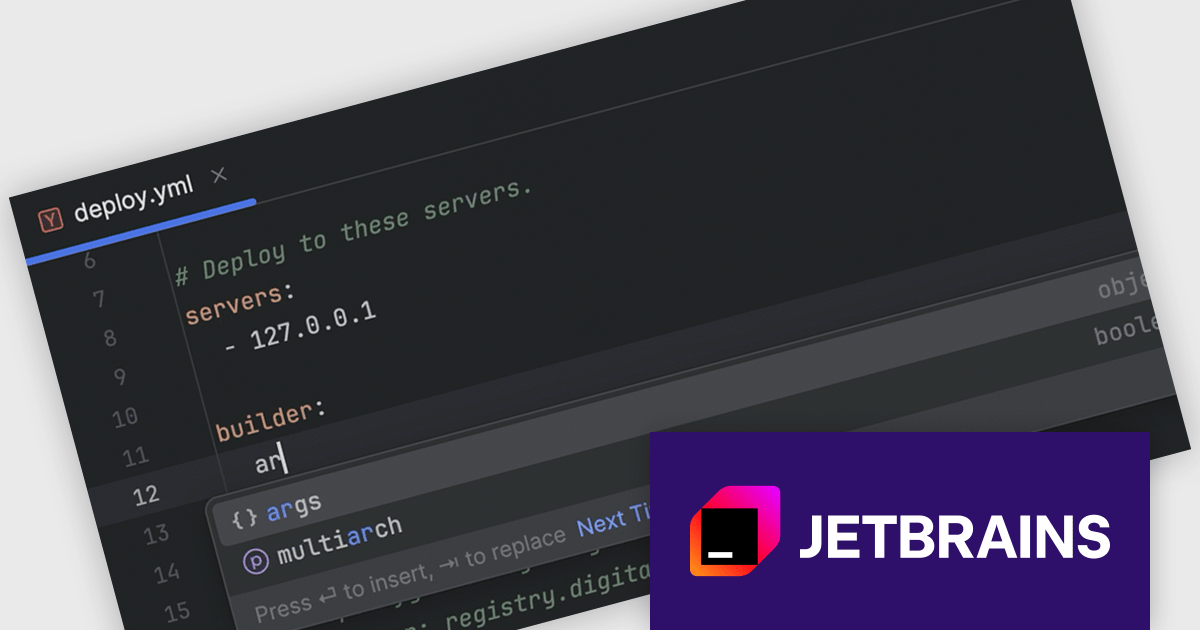
Starting with TeamCity Cloud version 2024.03, the HashiCorp Vault Support plugin is now included as a standard feature, simplifying how you manage sensitive data within your builds. HashiCorp Vault is a secure secrets management tool that centralizes and encrypts sensitive information like API keys, passwords, and certificates. By integrating TeamCity with Vault, you can reference these secrets using TeamCity parameters during the build process without storing them directly in your build scripts or configuration files. This not only enhances security by eliminating sensitive data exposure in your code, but also streamlines secret management for your development teams.

To see a full list of what's new in version 2024.03, see our release notes.

TeamCity Cloud is licensed per Committer, and is available as a commercial annual license. See our TeamCity Cloud licensing page for full details.

For more information, visit our TeamCity Cloud product page.

Adicione ações personalizadas do .NET Core a seus projetos de instalação

Julho 16, 2024
O InstallShield 2024 R1 simplifica instalações complexas e estende a funcionalidade do instalador com a integração do .NET Core.

InstallShield by Revenera is a leading Windows installation development solution that specializes in building installers and managing software packages. InstallShield offers a streamlined interface and comprehensive features, enabling developers to efficiently create professional installers, configure prerequisites, manage updates, and customize the installation experience for diverse user needs.

InstallShield 2024 R1 introduces exciting support for .NET Core custom actions. This means you can now leverage the power of .NET Core within your installation workflows. Through the Custom Actions and Sequences view, you can effortlessly add .NET Core custom actions to your project. These actions execute public methods within .NET assemblies written in familiar managed languages like C# or Visual Basic .NET. This new feature grants you more flexibility and control during the installation process, allowing you to seamlessly integrate custom functionalities written in .NET Core.

To see a full list of what's new in version 2024 R1, see our release notes.

InstallShield is licensed per user and is available as a 3 Year Timed Subscription. See our InstallShield Professional licensing page or InstallShield Premier licensing page for full details.

For more information, visit our InstallShield Professional or InstallShield Premier product pages.

Permita que os desenvolvedores criem e testem etiquetas ZPL

Julho 16, 2024
O Neodynamic Virtual ZPL Printer Driver for Windows permite criar e avaliar etiquetas ZPL sem a necessidade de uma impressora física.

Neodynamic Virtual ZPL Printer Driver for Windows acts as a software replacement for a physical Zebra label printer. It installs as a standard Windows printer, allowing applications to send Zebra Programming Language (ZPL) commands directly. This eliminates the need for a physical printer during development, testing, and even certain deployment scenarios.

The Virtual ZPL Printer Driver offers several advantages. It streamlines the development process by enabling developers to design and test ZPL labels without the need for a physical printer. This reduces hardware dependencies and allows for faster development cycles. The driver boasts functionalities like ZPL conversion to formats such as PNG, JPG, and PDF, as well as redirection of ZPL jobs to actual printers. This makes it a valuable tool for label preview, troubleshooting, and even integrating ZPL printing into existing workflows that might not directly interact with physical Zebra printers.

Neodynamic Virtual ZPL Printer Driver for Windows is licensed per device and is available as a Perpetual license with free updates and priority support for 1 year. See our Neodynamic Virtual ZPL Printer Driver for Windows licensing page for full details.

Learn more on our Neodynamic Virtual ZPL Printer Driver for Windows product page.

Compare o código mais facilmente com a quebra automática de texto

Julho 15, 2024
O Beyond Compare v5.0.0 melhora as exibições de Text Edit e Text Compare com o recurso de quebra de linhas longas para ajustá-las na tela, melhorando sua legibilidade.

Beyond Compare by Scooter Software is a powerful tool designed for software developers to efficiently compare files and folders. It facilitates detailed analysis and merges of text files, including source code, and it supports numerous file formats and encoding types. The software's intuitive interface enables users to synchronize directories, compare entire drives, and verify backups. Additionally, Beyond Compare offers advanced features such as scripting, integrated FTP, and version control system integration, making it an essential tool for maintaining code integrity.

The Beyond Compare v5.0.0 update introduces a new Word Wrap feature in the Text Edit and Text Compare views, significantly enhancing readability and navigation for software developers. This feature ensures that long lines of code or text are displayed within the viewable window without the need for horizontal scrolling, allowing for a more streamlined and focused editing experience. By automatically wrapping text, developers can easily spot differences and similarities across lengthy lines, improving the efficiency of code reviews and editing tasks. The Word Wrap feature ultimately contributes to a more organized and user-friendly interface, facilitating smoother and more effective development workflows.

To see a full list of what's new in v5.0.0, see our release notes.

Beyond Compare is licensed either per user or per workstation. A single user license allows one person to use Beyond Compare on any number of computers, or on a single workstation shared by several users. The Site License allows an organization to have unlimited users at a single physical site. The Enterprise License allows a company to have an infinite number of users across various sites. See our Beyond Compare licensing page for full details.

Learn more on our Beyond Compare product page.