













Fornecedor oficial
Como distribuidores oficiais e autorizados, nós fornecemos licenças legítimas diretamente de mais de 200 editores de software.
Ver todas as nossas marcas.

MSI authoring within an installation tool allows software developers to create Microsoft Installer (.msi) files using a visual interface or code. They offer significant advantages for deploying software, particularly in corporate environments. MSI creates a standardized and reliable installation process, enabling features like remote deployment, rollback on failures, and easy uninstalls. This translates to reduced IT support costs, improved software consistency across machines, and simplified management of applications within your organization.
Several installation tools offer MSI authoring including:
For an in-depth analysis of features and price, visit our comparison of Installation Tools.
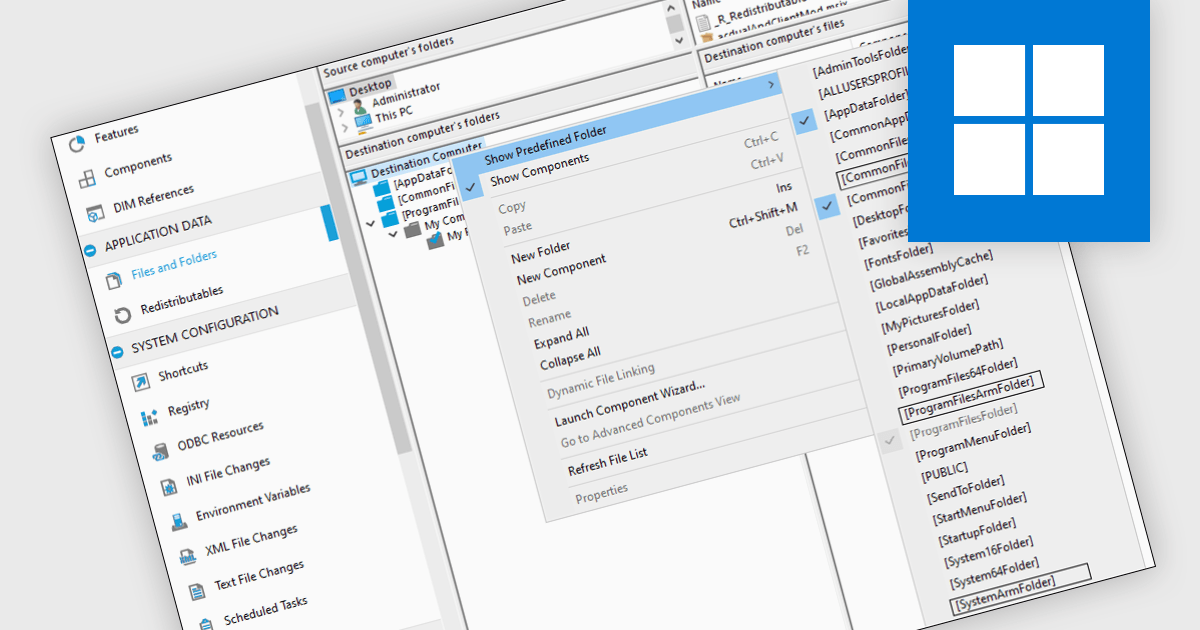
ARM64 support refers to an installation tool's ability to install software designed for the ARM64 architecture, a powerful and energy-efficient processor type used in many mobile devices and gaining traction on laptops and servers. ARM64 support enables seamless installation of these applications, unlocking their performance benefits for users on compatible hardware. This is particularly relevant for developers building applications for a wider range of devices and for cloud environments seeking to optimize resource utilization.
Several installation tools offer the ability to create ARM64 installers including:
For an in-depth analysis of features and price, visit our Installation Tools comparison.
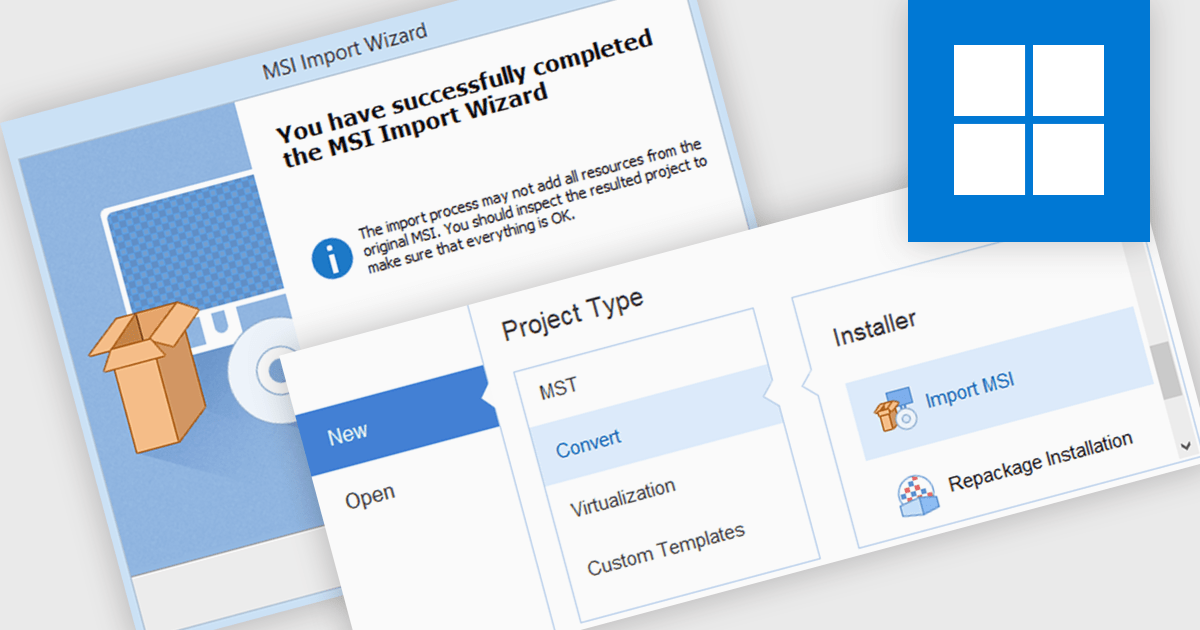
MSI import functionality allows software developers to leverage existing MSI packages within a new installer project. This functionality streamlines the development process by incorporating pre-built components and configurations, saving time and effort compared to manually recreating them within the new installer. This can be particularly beneficial when deploying applications that rely on external libraries or dependencies already distributed as MSIs.
Several installation tools offer MSI import including:
For an in-depth analysis of features and price, visit our comparison of Installation Tools.
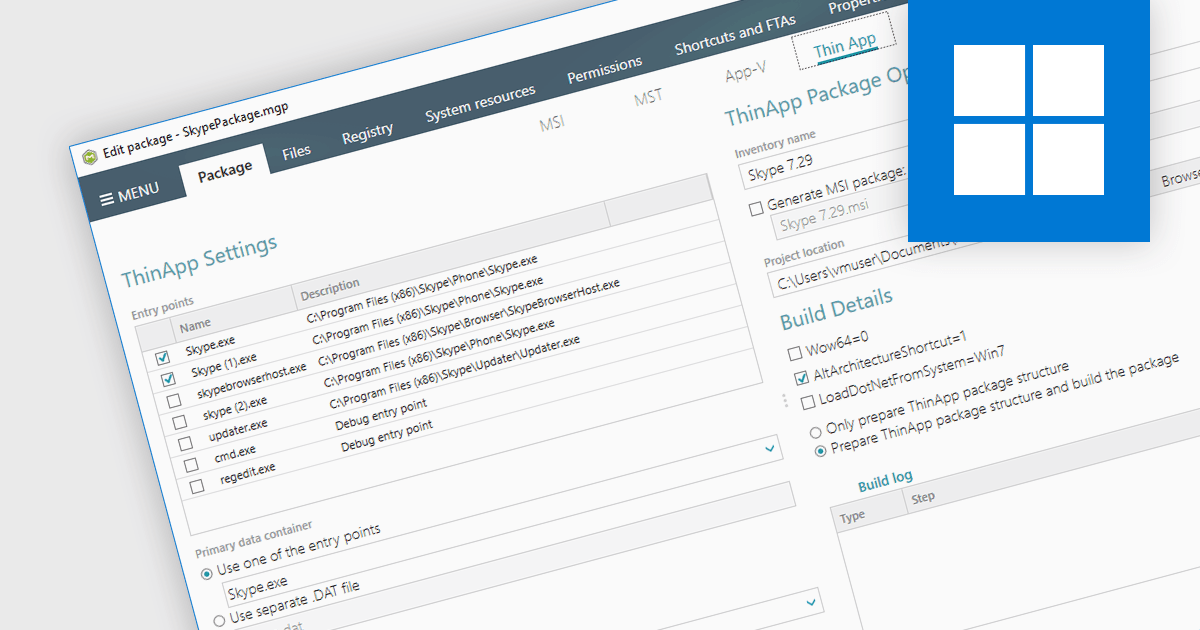
VMware ThinApp is an application virtualization solution designed to enable IT administrators to create portable and isolated versions of applications. It encapsulates applications along with their configurations and dependencies into a single executable file that can run independently from the underlying operating system. With support for ThinApp, an installation tool can be used to create and edit ThinApp packages directly within the authoring environment. Such an integration provides developers with a centralized management hub to streamline the deployment process of virtualized applications.
Several installation tools offer support for VMware ThinApp, including:
For an in-depth analysis of features and price, visit our comparison of installation tools.
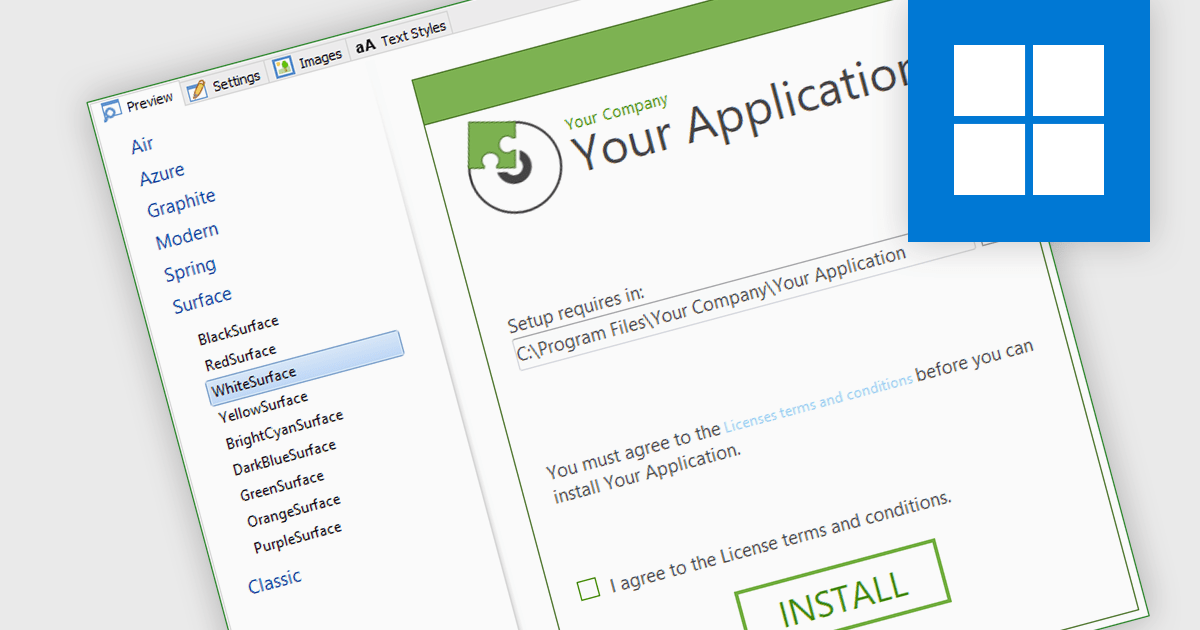
Installation tools often feature a UI designer, providing an easy way to visually design the installation process. This functionality allows you to define the sequence of installation steps, configure file placements, and customize user interactions such as dialog boxes and progress bars. By eliminating the need for manual scripting, these tools save development time and ensure a consistent, user-friendly installation experience across all deployments.
Several installation tools include a installer UI designer including:
For an in-depth analysis of features and price, visit our Installation Tools comparison.
Tel: (888) 850 9911
Fax: +1 770 250 6199


