













Fornecedor oficial
Como distribuidores oficiais e autorizados, nós fornecemos licenças legítimas diretamente de mais de 200 editores de software.
Ver todas as nossas marcas.

Managing Metadata in the context of PDF Viewer components for ASP.NET Core, refers to the ability to view, edit, and update the descriptive information embedded within a PDF file. This metadata typically includes details such as the document's title, author, subject, keywords, creation and modification dates, and application used to create the file. Managing metadata allows developers and end users to keep document properties accurate and relevant, which can be important for document indexing, searching, and compliance with organizational standards. This feature is especially useful in document management systems where accurate metadata supports efficient retrieval and categorization.
Several PDF Viewer ASP.NET Core components offer metadata management features including:
For an in-depth analysis of features and price, visit our comparison of ASP.NET Core PDF Viewer Components.

Freehand Draw, also known as Ink Annotation, in ASP.NET Core PDF Viewer controls allows users to add freeform, hand-drawn annotations directly onto PDF documents. This feature mimics natural handwriting or sketching by enabling input through mouse, touch, or stylus, making it especially useful for scenarios requiring personal notes, signatures, or diagrammatic feedback. The annotations are embedded as part of the PDF, ensuring they remain accessible and visible across different platforms and viewers. It is commonly used in applications where document review or digital signing is required, enhancing interactivity and collaboration within PDF-based processes.
Several ASP.NET Core Assembly PDF Viewer components offer support for Freehand Draw/Ink Annotation including:
For an in-depth analysis of features and price, visit our comparison of ASP.NET Core Assembly PDF Viewer Components.
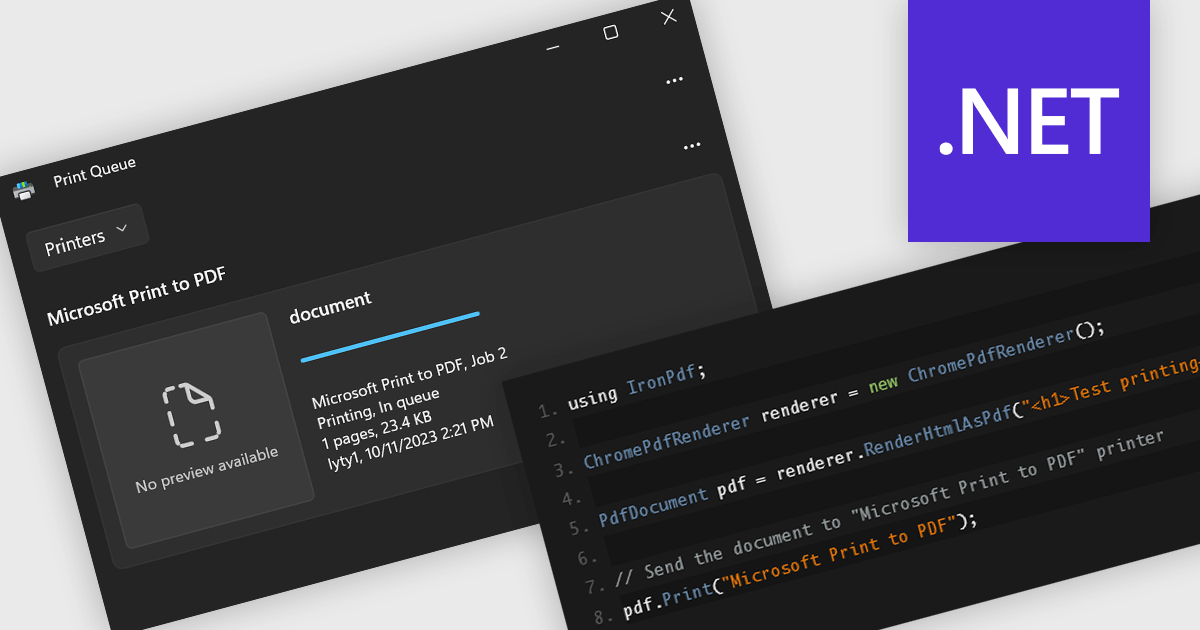
Printing support in a PDF component enables applications to send PDF documents directly to a printer or print preview interface without requiring user intervention or external tools. This functionality is especially useful in enterprise or reporting systems where automated or on-demand printing of invoices, forms, or reports is needed. By handling layout, pagination, and resolution scaling internally, it ensures consistent output across different devices and operating systems. For developers, it simplifies integration into processes that require reliable hard copies, reducing the need for custom print handling code or third-party dependencies.
Several .NET PDF components include support for printing, including:
For an in-depth analysis of features and price, visit our comparison of .NET PDF components.
TX Text Control .NET is a royalty-free, fully programmable document editor that empowers developers to add rich WYSIWYG word processing to desktop and web applications across various platforms. It provides everything from comprehensive text formatting and mail merge to PDF creation and processing, all through a robust API and intuitive user interface.
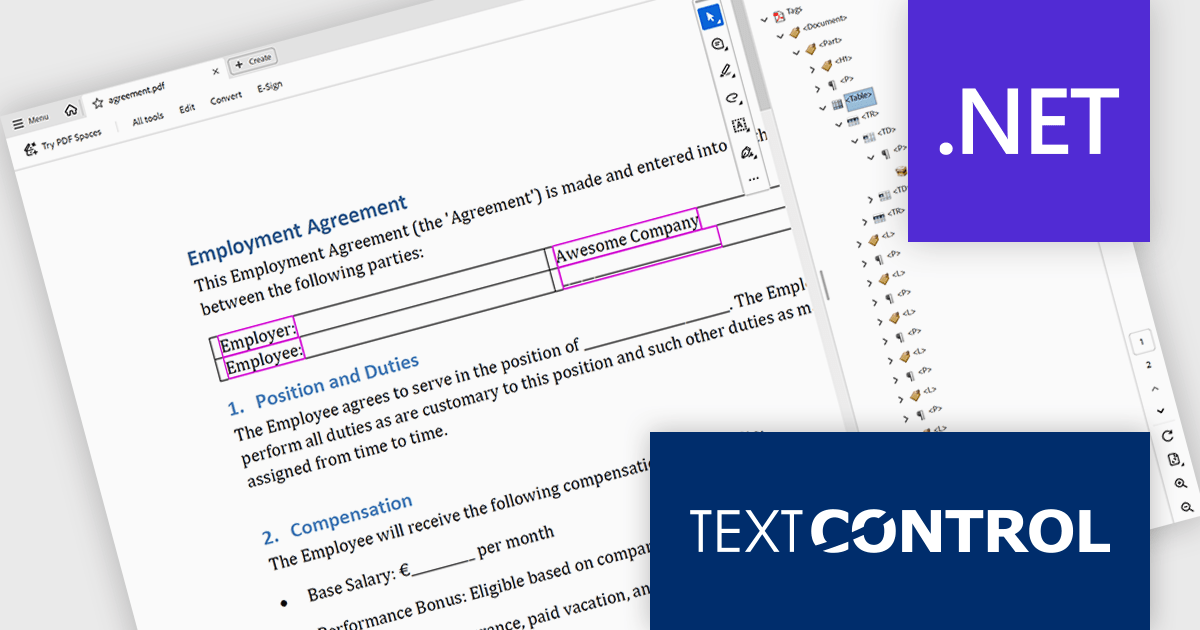
The TX Text Control .NET 34.0 Enterprise now supports the PDF/UA (Universal Accessibility) standard, enabling developers to generate PDF documents that comply with ISO 14289-1 accessibility guidelines. This update ensures that documents are properly structured and tagged for assistive technologies like screen readers, helping organizations meet legal and regulatory requirements for accessible digital content. With this enhancement, TX Text Control makes it easier to deliver inclusive, compliant PDFs across industries where accessibility is essential, such as government, healthcare, and education.
To see a full list of what's new in version 34.0, see our release notes.
TX Text Control .NET for Windows Forms and TX Text Control .NET for WPF are licensed per developer and are available as a Perpetual License with a 12 month support and maintenance subscription. See our TX Text Control .NET for Windows Forms licensing page or TX Text Control .NET for WPF licensing page for full details.
TX Text Control .NET is available to buy in the following products:
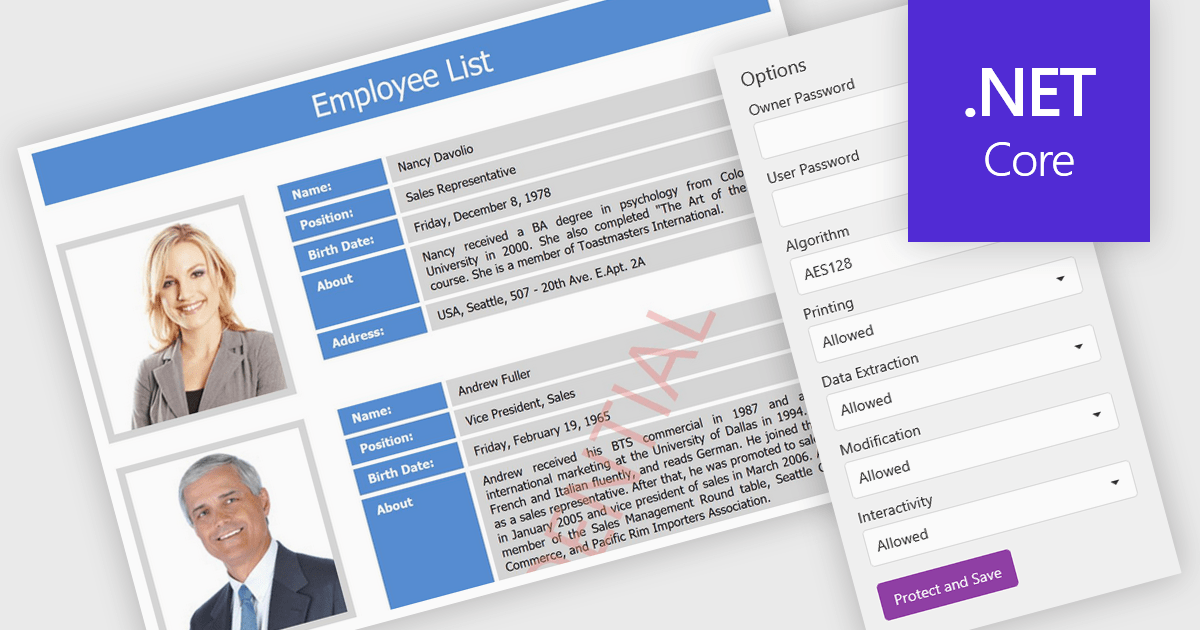
PDF password protection is a security feature that lets users encrypt their PDF documents with a password, ensuring that only authorized individuals can open or modify them. This helps safeguard sensitive information such as financial reports, contracts, and client data from unauthorized access or misuse. Users can also control permissions by preventing printing, copying, or editing to maintain document integrity. The benefits include stronger data privacy, compliance with regulations like GDPR and HIPAA, and greater trust when sharing confidential files within or outside an organization. Common uses include securing legal agreements, financial statements, and proprietary business information.
Several .NET Core PDF components allow you to protect PDFs with passwords, including:
For an in-depth analysis of features and price, visit our .NET Core PDF controls comparison.
Tel: (888) 850 9911
Fax: +1 770 250 6199


