













Fornecedor oficial
Como distribuidores oficiais e autorizados, nós fornecemos licenças legítimas diretamente de mais de 200 editores de software.
Ver todas as nossas marcas.
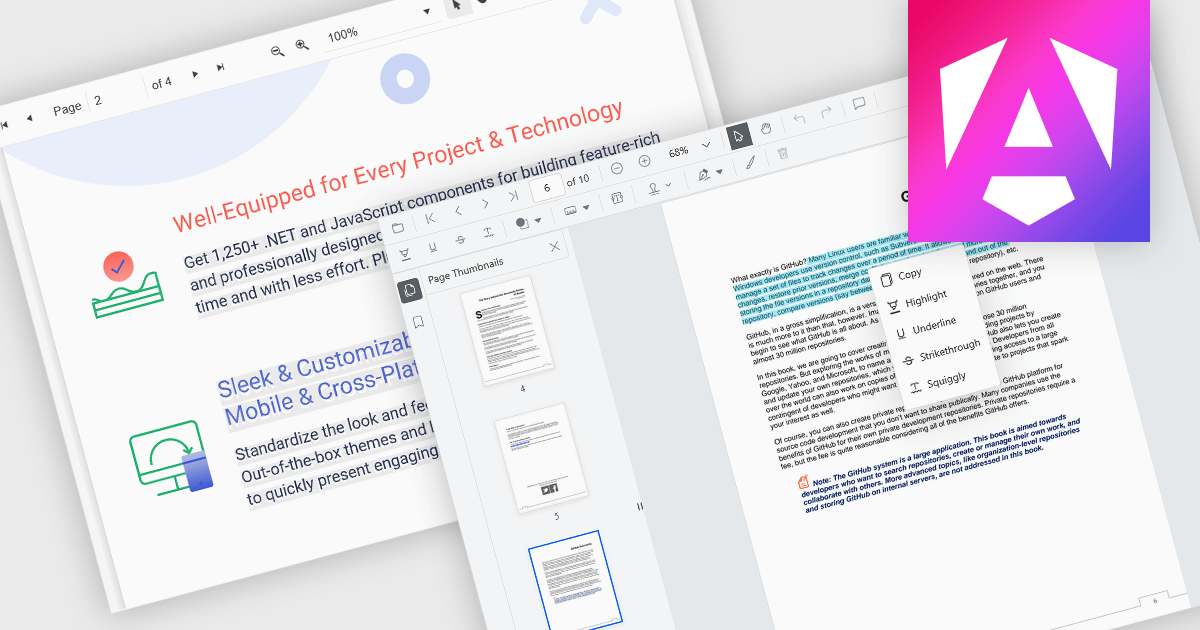
Selecting and copying text is a core feature of PDF viewer components, allowing users to highlight, extract, and paste content from documents without needing an external PDF editor. This capability is essential in workflows where text needs to be reused, such as quoting, data extraction, or forwarding snippets. A well-implemented text selection feature supports precise region selection, preserves text formatting and order (even across lines or columns), and integrates with the system clipboard reliably.
Several Angular PDF viewer controls offer the ability to select and copy text from PDF files, including:
For an in-depth analysis of features and price, visit our Angular PDF viewer controls comparison.
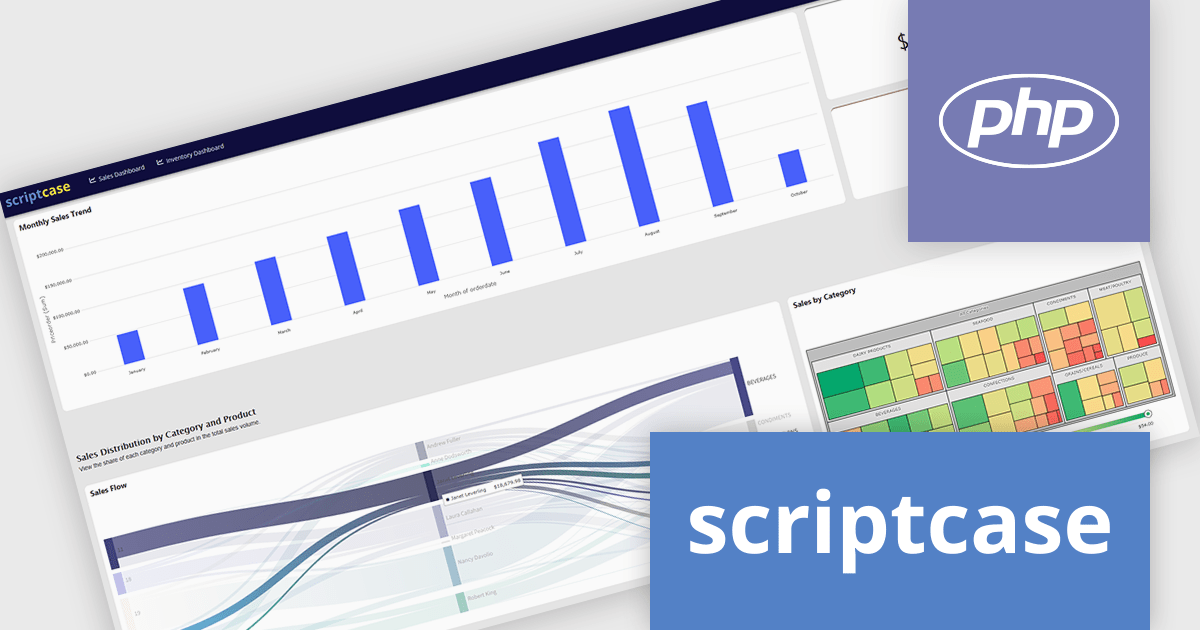
Scriptcase is a RAD platform that simplifies PHP web application development. Its drag-and-drop interface, code generation capabilities, and database integration make it a user-friendly tool for both experienced programmers and non-technical users. By streamlining the development process, Scriptcase accelerates the time to market, reduces coding effort, enhances productivity, lowers costs, and improves user experience.
The Scriptcase 9.13 update introduces interactive and flexible dashboards that improve how users visualize and manage data. With improved display modes, integrated chart options, and customizable layout controls, developers can create dynamic, data-driven interfaces that adapt to different use cases. These enhancements simplify the process of organizing information, building intuitive dashboards, and delivering professional results that make data analysis and presentation more efficient.
To see a full list of what's new in version 9.13, see our release notes.
Scriptcase is licensed per developer and is available as an Annual or Perpertual license with 1 year support and maintenance. See our Scriptcase licensing page for full details.
For more information, visit our Scriptcase product page.
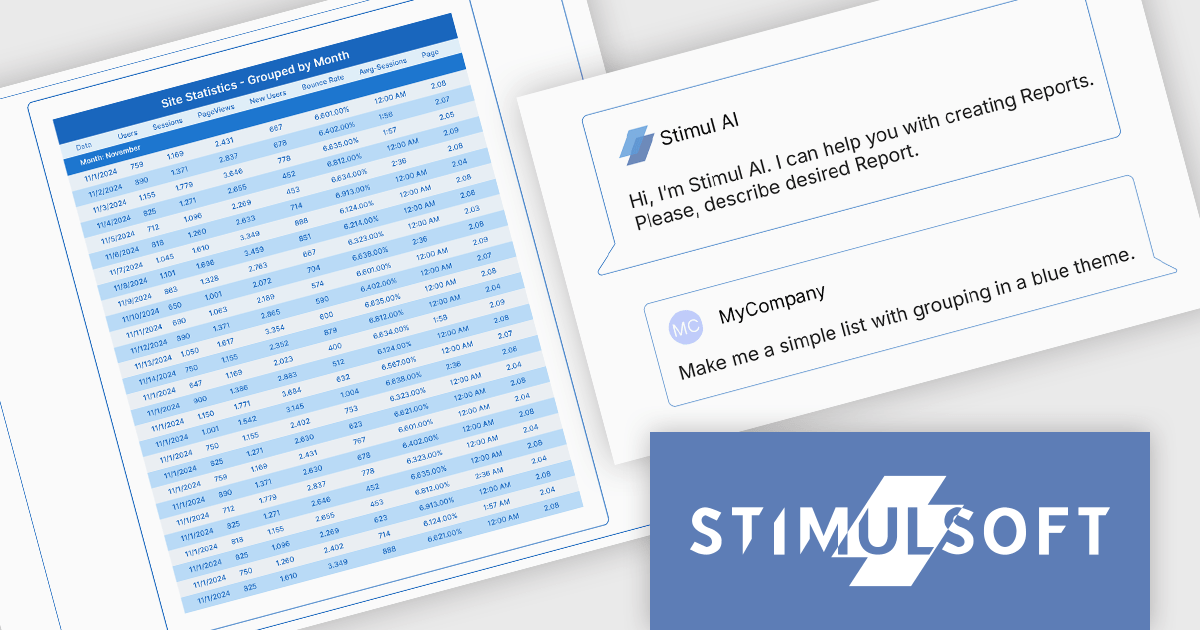
Stimulsoft BI Designer is a powerful reporting tool designed to create visually appealing and interactive reports. It allows users to design and develop complex reports with ease, integrating data from various sources and presenting it in a clear, concise, and informative manner. With its rich feature set, Stimulsoft BI Designer is widely used in diverse industries, including finance, healthcare, retail, and manufacturing, to generate reports for analysis, decision-making, and compliance purposes. Key benefits include its intuitive interface, extensive customization options, and support for multiple data sources, making it an essential tool for organizations seeking to enhance their reporting capabilities and gain valuable insights.
The Stimulsoft BI Designer 2025.4.1 update introduces an AI-powered Report Wizard that improves the report creation process for developers by transforming plain text queries into fully structured reports. It supports various report types, including simple lists, grouped, master-detail, and column-based formats, automatically analyzing connected data sources to generate accurate layouts. Developers can further refine and adjust report designs through custom queries, enabling efficient customization without manual configuration. This feature significantly reduces development time and enhances productivity within the Stimulsoft BI Designer environment.
To see a full list of what's new in 2025.4.1, see our release notes.
Stimulsoft BI Designer is available as a perpetual license and is licensed per creator. A creator is a person who creates reports, dashboards, or forms in a standalone (desktop) designer or online designer. The creator may install one copy of the standalone (desktop) designer. See our Stimulsoft BI Designer licensing page for full details.
Stimulsoft BI Designer is available individually or as part of Stimulsoft Ultimate.
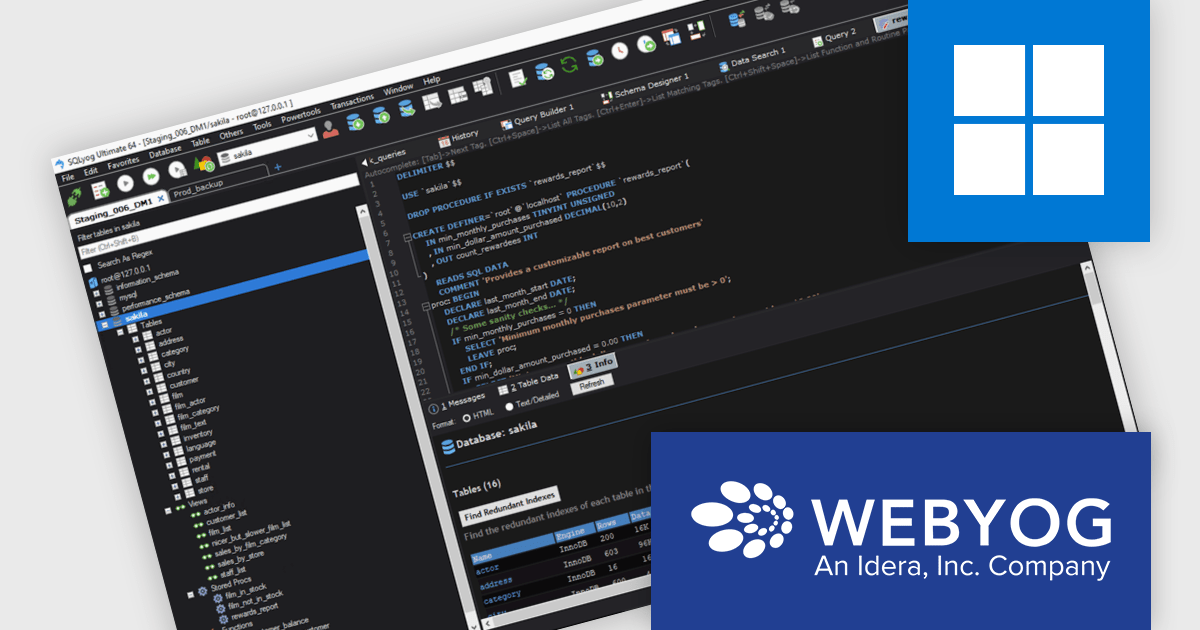
SQLyog Ultimate offers a responsive and lightweight graphical environment for both visual database management and direct SQL scripting. It helps users handle complex operations like database synchronization, query profiling, and performance tuning with greater ease. Whether used by solo developers or large teams, SQLyog Ultimate provides a dependable and adaptable solution for building, managing, and debugging MySQL databases accurately and efficiently.
The SQLyog 13.3.1 update introduces a new Dark Theme that enhances the development experience by providing an eye-friendly interface optimized for long work sessions. This update helps reduce visual fatigue during extended database management tasks and delivers a cleaner, more modern environment that aligns with the visual preferences of many developers. It represents the first stage of SQLyog’s broader dark mode rollout, laying the groundwork for further interface customization and usability improvements in future releases.
To see a full list of what's new in version 13.3.1, see our release notes.
SQLyog Ultimate is licensed per user with a perpetual license that includes one year of free upgrades and one month of installation support. See our SQLyog Ultimate licensing page for full details.
For more information, visit our SQLyog Ultimate product page.
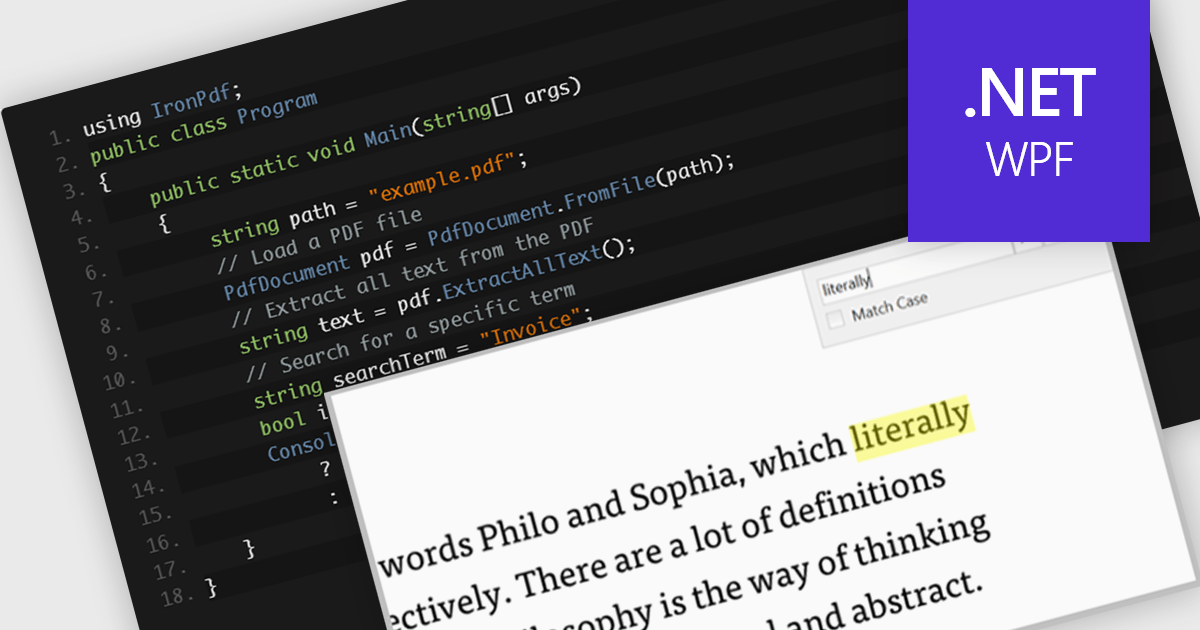
A text search feature in a PDF component allows developers to programmatically locate specific words or phrases within a PDF document. This functionality typically supports options such as case sensitivity, whole word matching, and navigation between search results. It is particularly useful in applications where users need to quickly identify and interact with relevant content in large or complex documents. By enabling this feature, developers can enhance the user experience in document viewing or editing environments, reduce manual search effort, and support features like text highlighting, annotation, or content extraction for further processing.
Several .NET WPF PDF components offer text searching including:
For an in-depth analysis of features and price, visit our .NET WPF PDF components comparison.
Tel: (888) 850 9911
Fax: +1 770 250 6199


