













Fornecedor oficial
Como distribuidores oficiais e autorizados, nós fornecemos licenças legítimas diretamente de mais de 200 editores de software.
Ver todas as nossas marcas.
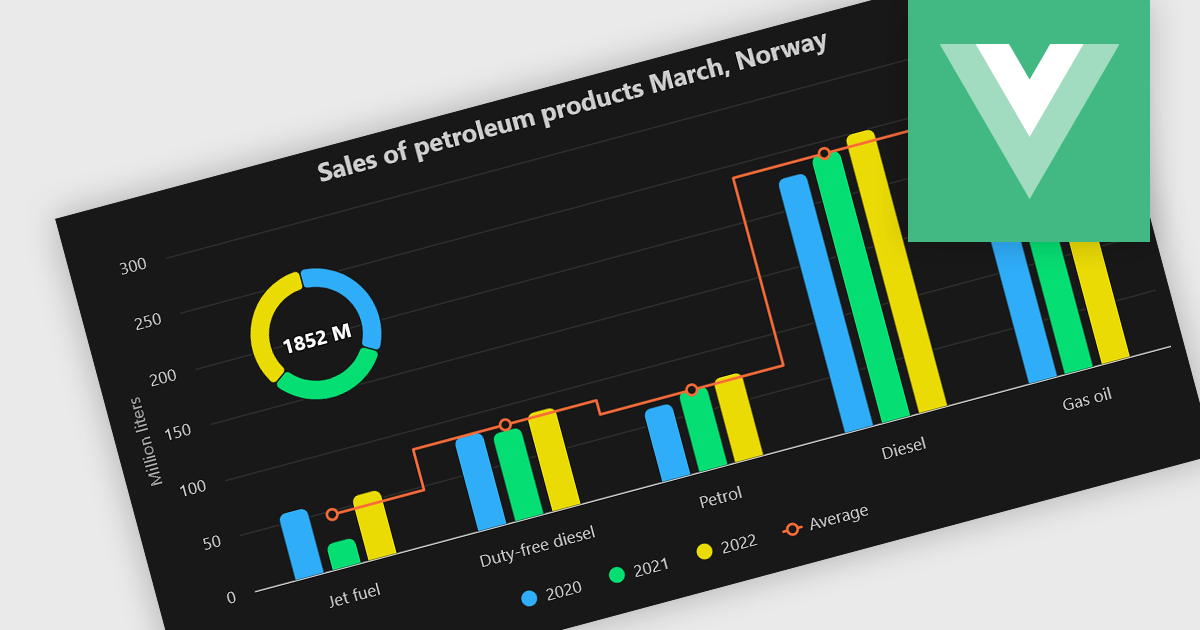
A combination chart or combo chart is a versatile type of data visualization that displays multiple chart types, such as columns, lines, or areas, to represent different data series within a single graphic. Combination charts are especially useful in scenarios where a single data type cannot fully convey the complexity of the dataset. By presenting different series types together, combination charts enhance the clarity and depth of insight available in a single view, be it on the same axis or across dual axes. This helps users to analyze complex relationships, trends and correlations between metrics more effectively than separate charts would allow.
Several Vue.js chart components allow you to combine series types on the same chart, including:
For an in-depth analysis of features and price, visit our comparison of Vue.js chart components.
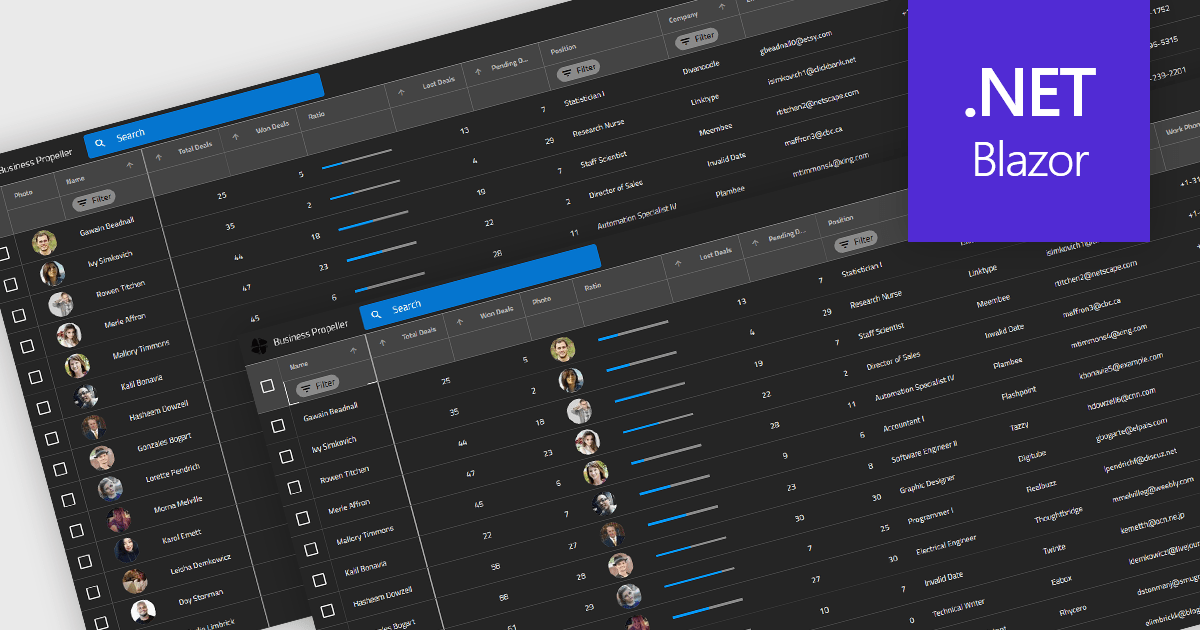
Reordering columns in grid components enables end users to customize the layout of data by dragging column headers into new positions at runtime. This feature improves usability and flexibility, users can adapt the interface to their workflow, prioritize visible information, and reorganize data presentation without developer intervention. A robust implementation also supports programmatic reordering (for restoring user preferences or responding to logic), individual column reordering permissions, and integration with features like column persistence and layout saving.
Several Blazor grid controls offer support for column reordering including:
For an in-depth analysis of features and price, visit our Blazor grid controls comparison.
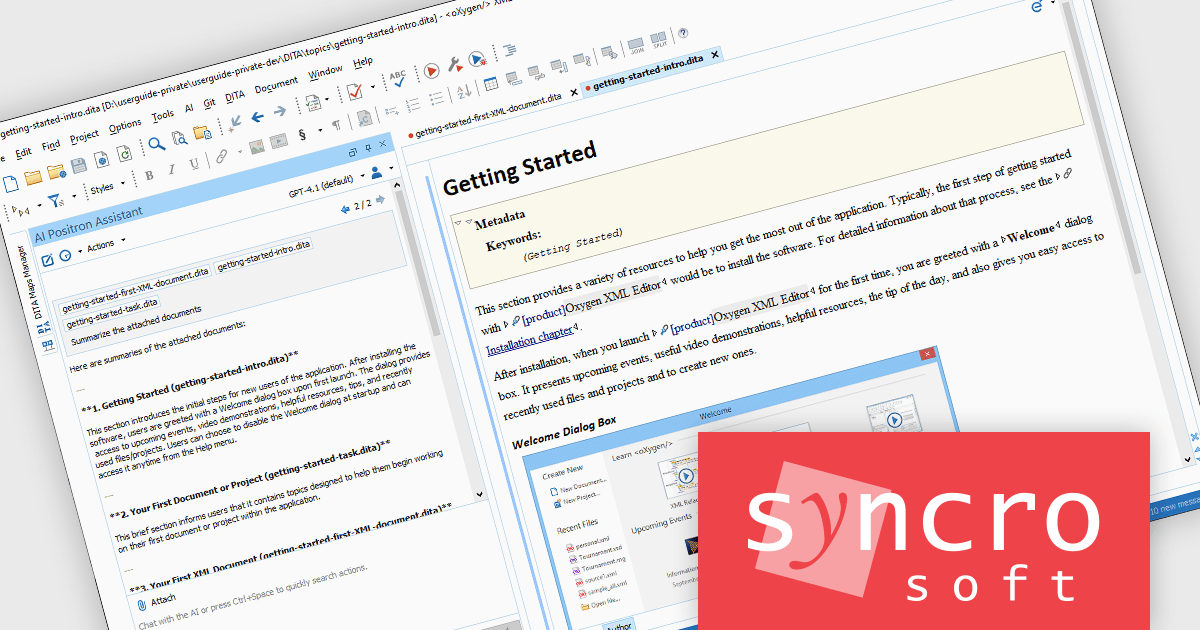
The Oxygen AI Positron Assistant Enterprise Plug-in by Syncro Soft is an Artificial Intelligence powered extension for the Oxygen XML editing suite designed specifically for technical writers. It leverages OpenAI, Microsoft Azure OpenAI Service, or Anthropic Claude to automate repetitive tasks, improve content structure and flow, and generate draft text based on user prompts. The plugin integrates seamlessly within the Oxygen environment, offering visual comparisons of suggested changes and allowing developers to control the creative process through ongoing prompts and revisions.
The Oxygen AI Positron Assistant Enterprise V7.0 release adds the ability to attach images (in PNG or JPEG format) or files (in various formats including plain text, XML, Markdown, Word, Powerpoint, or PDF) when editing a message prompt that was sent to the AI. This allows you to provide additional context, helping the AI generate more relevant responses.
To see a full list of what's new in V7.0, see our release notes.
Oxygen AI Positron Assistant Enterprise is licensed per Named user and is available as a Timed License with support and maintenance subscription. See our Oxygen AI Positron Assistant Enterprise licensing page for full details.
Learn more on our Oxygen AI Positron Assistant Enterprise product page.
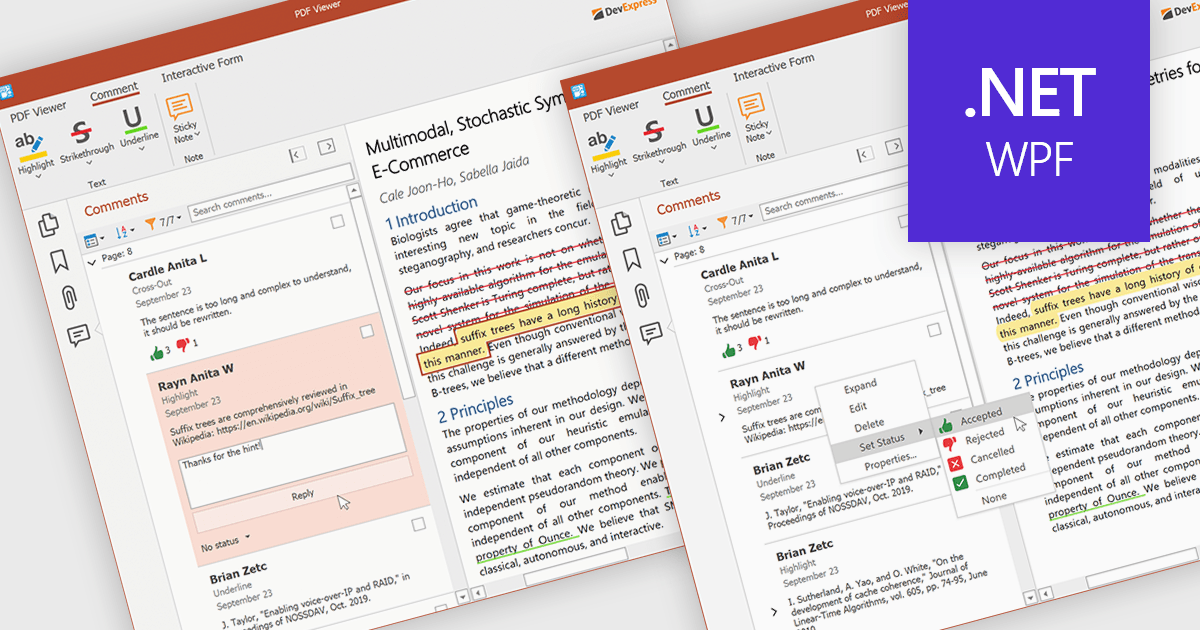
A sticky note in a PDF Viewer is a digital annotation tool that lets users attach comments directly to specific areas of a document. It offers a simple way to share feedback, suggestions, or reminders without changing the original content. Sticky notes are especially useful for reviews and collaboration, helping teams exchange feedback and track revisions efficiently. With a centralized Comments pane, all sticky notes and replies are displayed in one place, making it easy to view, manage, and organize discussions across the document.
Several .NET WPF PDF components offer sticky note annotations including:
For an in-depth analysis of features and price, visit our .NET WPF PDF components comparison.
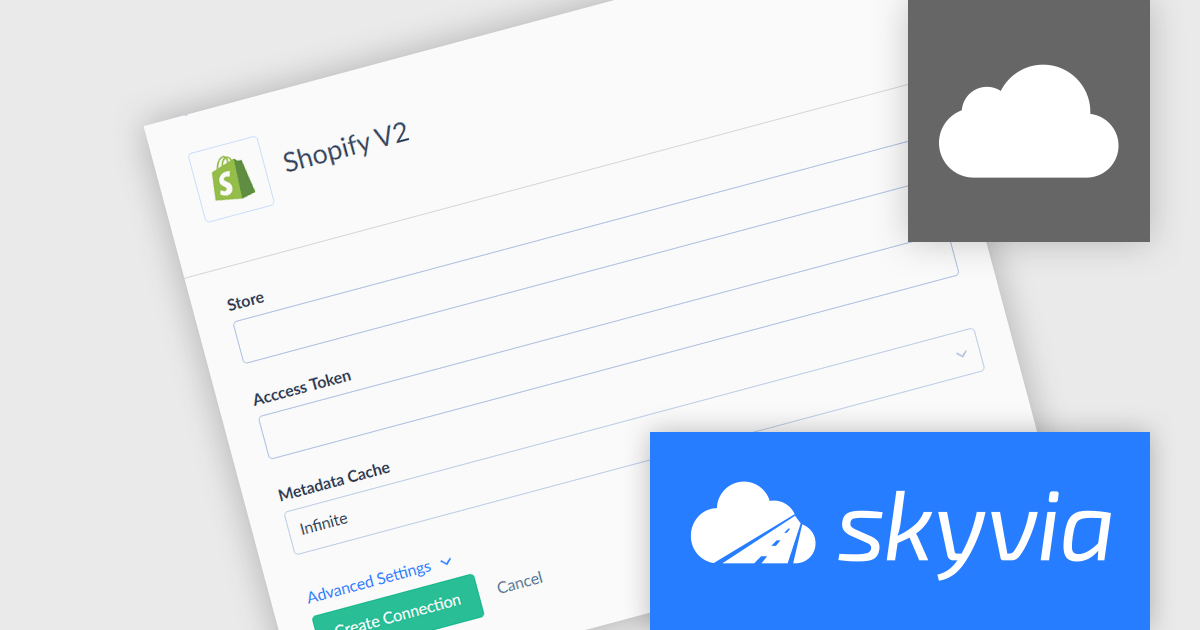
Skyvia Connect is a cloud-based integration platform that enables developers to connect and synchronize data between various applications and databases. It offers a flexible and scalable solution for building data pipelines and automating data workflows, supporting a wide range of data sources and formats. By providing a user-friendly interface and pre-built connectors, Skyvia Connect simplifies the process of integrating data systems, allowing developers to focus on core application development and data management tasks.
The latest release of Skyvia Connect adds a new connector for Shopify V2, which broadens Skyvia Connect's reach into e-commerce ecosystems, delivering direct access to Shopify data (orders, customers, products, etc.) through standardized APIs. With this extension, users can expose Shopify v2 data via OData or SQL endpoints, share only selected tables or fields, apply security rules (such as IP filtering and credentialing), and enable bi‑directional access. Businesses can now build integrations, dashboards, or apps that work directly against live Shopify data, without glue code or custom middleware, streamlining workflows, improving data consistency, and accelerating development cycles.
To see a full list of what's new, see our release notes.
Skyvia Connect is licensed based on volume of traffic per month and is available as an Annual License. See our Skyvia Connect licensing page for full details.
Learn more on our Skyvia Connect product page.
Tel: (888) 850 9911
Fax: +1 770 250 6199


