













Fornecedor oficial
Como distribuidores oficiais e autorizados, nós fornecemos licenças legítimas diretamente de mais de 200 editores de software.
Ver todas as nossas marcas.
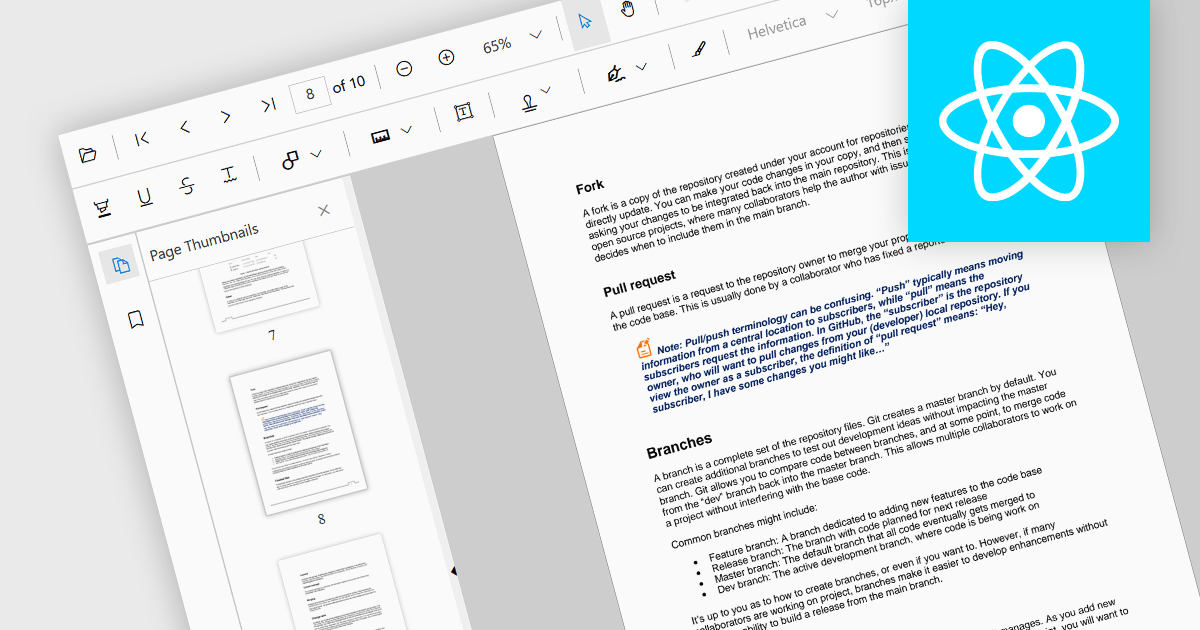
Thumbnail navigation is a feature often found in a PDF viewer that displays miniature representations of each page of the PDF file, typically in a side panel or dedicated section, that users can scroll through and navigate to the desired page by clicking on the relevant preview image. This functionality assists with identifying content layout and structure at a glance. By allowing users to visually scan through and select a specific page it simplifies the process of locating content at speed, especially in long or detailed files, and without having to scroll or use search functions.
Several React PDF viewer components offer thumbnail navigation, including:
For an in-depth analysis of features and price, visit our comparison of React PDF viewer components.
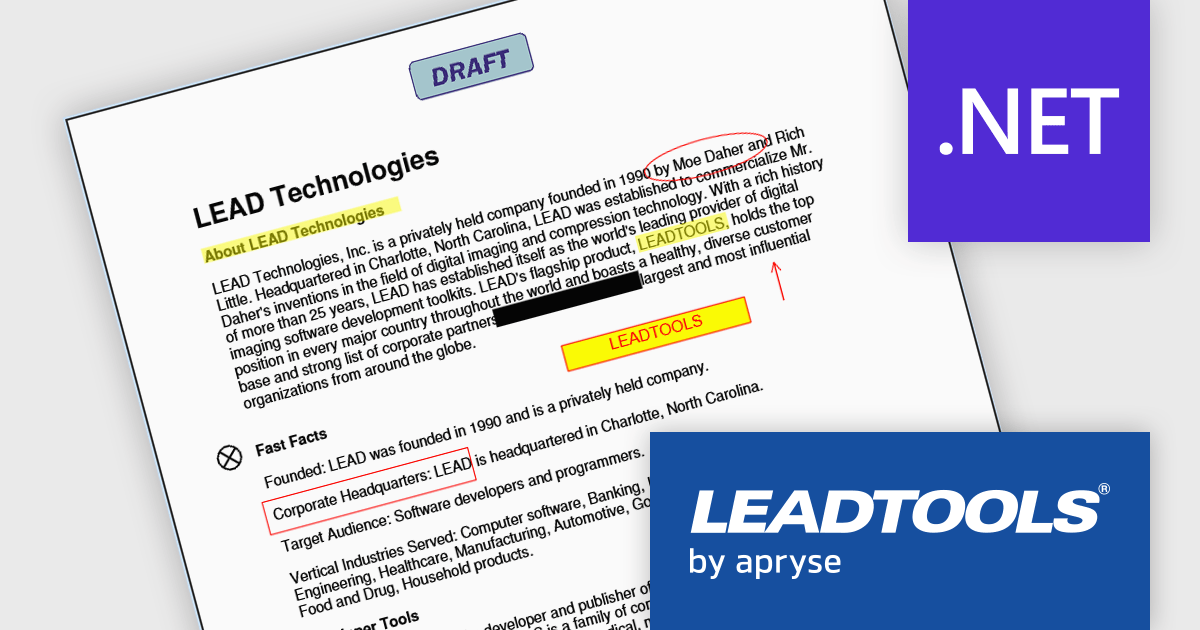
LEADTOOLS Document SDK is ideal for developing document and document imaging applications. Features include PDF viewing, comprehensive annotation and markup, specialized bitonal image displaying, and image processing. Other features include performance and memory optimizations for bitonal images, document image cleanup, including inverted text, border, hole-punch, and line removal, and scanning with LEADTOOLS Fast TWAIN and WIA. The LEADTOOLS Excel SDK - included in the Document SDK - gives developers the power to load, create, edit, and save Excel sheets programmatically.
The LEADTOOLS Document SDK provides software developers with a comprehensive set of tools to integrate advanced document-editing capabilities into their applications. It supports precise manipulation of text and layout, allowing users not only to edit content but also to apply visual markup such as highlighting, underlining, circling, strikethrough, and directional annotations like arrows. These capabilities enable more effective document review, collaboration, and presentation, particularly in use cases like legal review, education, and business communication where clarity and emphasis are critical. With native support for PDF, DOC/DOCX, and RTF formats, developers can improve processes, maintain cross-format compatibility, and deliver a consistent, professional editing experience.
LEADTOOLS Document SDK is licensed as Development Licenses, for developers to use the SDKs, and Deployment Licenses, for the right to distribute end user solutions. See our LEADTOOLS Document SDK licensing page for full details.
Learn more on our LEADTOOLS Document SDK product page.
TX Text Control .NET Server for ASP.NET is a server-side component that equips your web applications with a powerful, Microsoft Word-compatible document editor. This allows you to develop applications that generate and edit various document formats (RTF, DOCX, PDF, etc.) on the fly, using data from databases or files. It also includes features like PDF generation and a browser-based editor with a familiar MS Word-inspired interface, ultimately enhancing the document processing capabilities of your web applications.
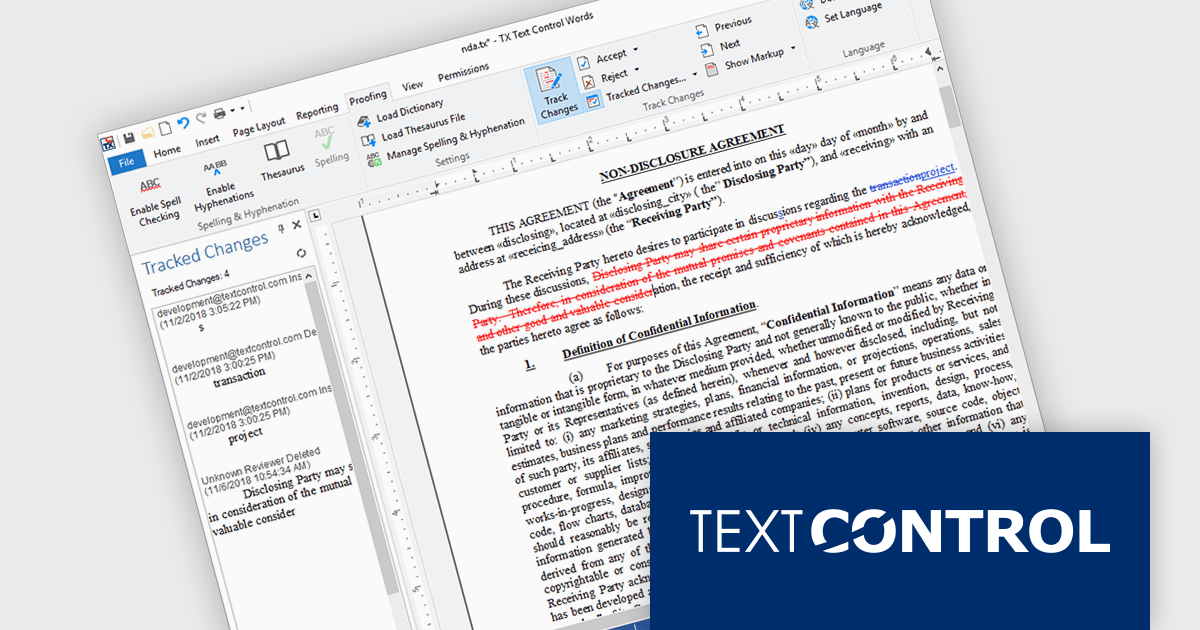
TX Text Control .NET Server for ASP.NET allows multiple authors to review and manage document edits. This feature is particularly useful in contexts like legal or healthcare, where it's important to keep a detailed record of changes. A sidebar shows each modification along with metadata such as the timestamp, change type, text position, content, highlight color, and author name. The functionality is fully accessible through the TX Text Control .NET Server API, giving developers control over how changes are processed and displayed.
TX Text Control .NET Server for ASP.NET is licensed per developer and is available as a Perpetual License with a 12 month support and maintenance subscription. Run time licenses are required for the deployment to production servers. See our TX Text Control .NET Server for ASP.NET licensing page for full details.
For more information, visit our TX Text Control .NET Server for ASP.NET product page.
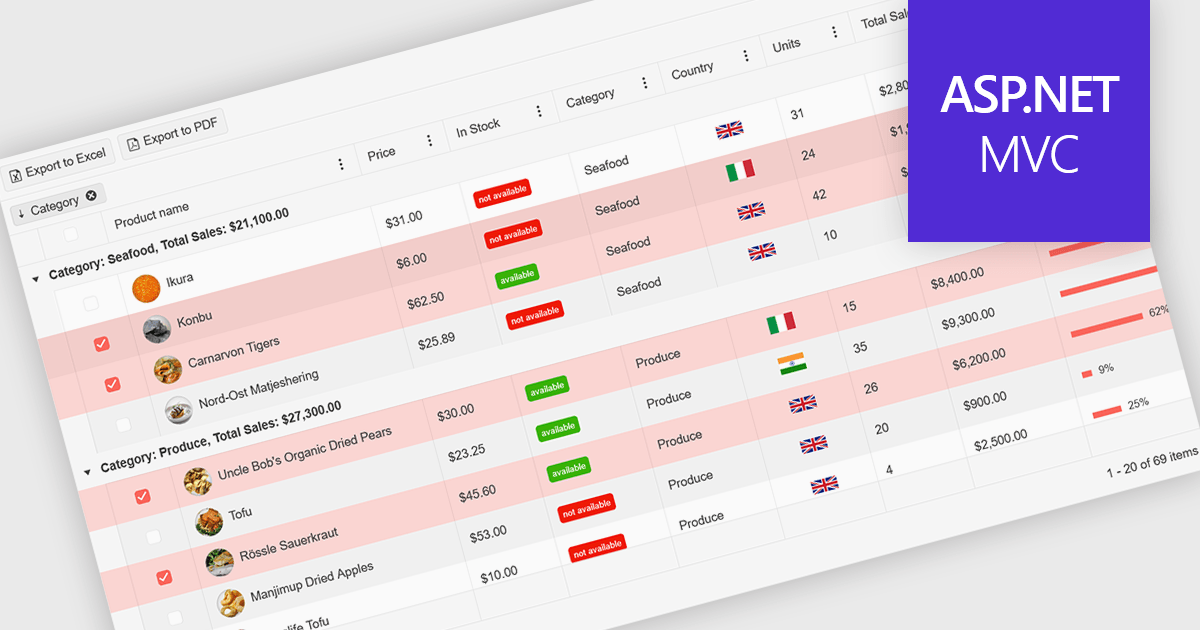
A ListBox is a user interface control that displays a collection of items, allowing users to select one or multiple entries. It supports seamless data binding, customizable item templates, and efficient performance with built-in scrolling and virtualization for large datasets. With keyboard, mouse, and accessibility support, it delivers an intuitive experience for all users. Common use cases include product catalogs, settings management, filtering datasets, and multi-item selection in forms or dashboards.
Here are some examples of ASP.NET MVC data editors collections that include a ListBox:
For an in-depth analysis of features and price, visit our comparison of ASP.NET MVC data editors.
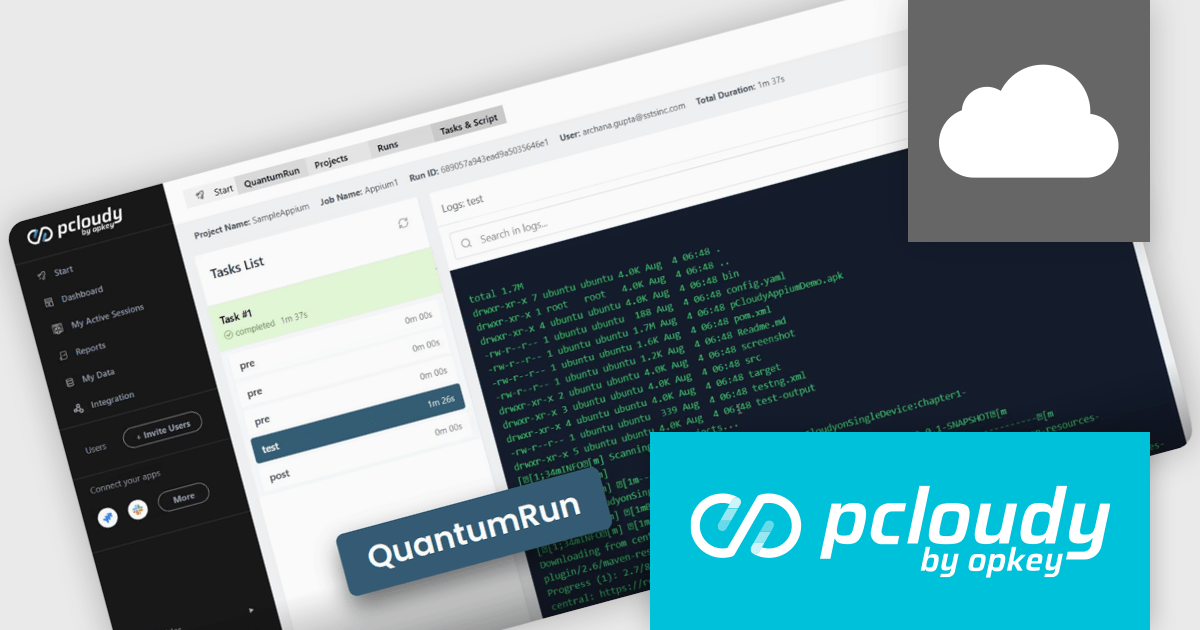
Pcloudy is a mobile app testing platform that provides access to a wide range of real devices hosted in the cloud. Designed to support both manual and automated testing, it enables developers and quality assurance teams to validate their apps across different devices, operating systems, and network conditions without needing a physical lab. Pcloudy integrates with popular tools like Appium, Jenkins, and various CI/CD pipelines, making it suitable for agile development environments. Its features include live device access, automated test execution, performance monitoring, and in-depth debugging tools such as logs, screen recordings, and screenshots.
The Pcloudy 7.6 update introduces QuantumRun, an AI-powered test orchestration engine designed to remove execution bottlenecks by automatically mapping tests to available infrastructure, optimizing scheduling, and running tests in parallel wherever possible. This ensures higher device utilization, reduces idle time, and eliminates the need for manual intervention in test execution workflows. For software developers, this means faster and more efficient test runs, shorter feedback cycles, and the ability to scale testing without adding operational complexity, ultimately improving productivity and release velocity.
To see a full list of what's new in 7.6, see our release notes.
Pcloudy is offered as a 1 Year Subscription, licensed per user, per parallel session. Licenses are available for Manual or Automated Testing, for Web or Mobile. See our Pcloudy licensing page for full details.
For more information, visit our Pcloudy product page.
Tel: (888) 850 9911
Fax: +1 770 250 6199


