













Fornecedor oficial
Como distribuidores oficiais e autorizados, nós fornecemos licenças legítimas diretamente de mais de 200 editores de software.
Ver todas as nossas marcas.
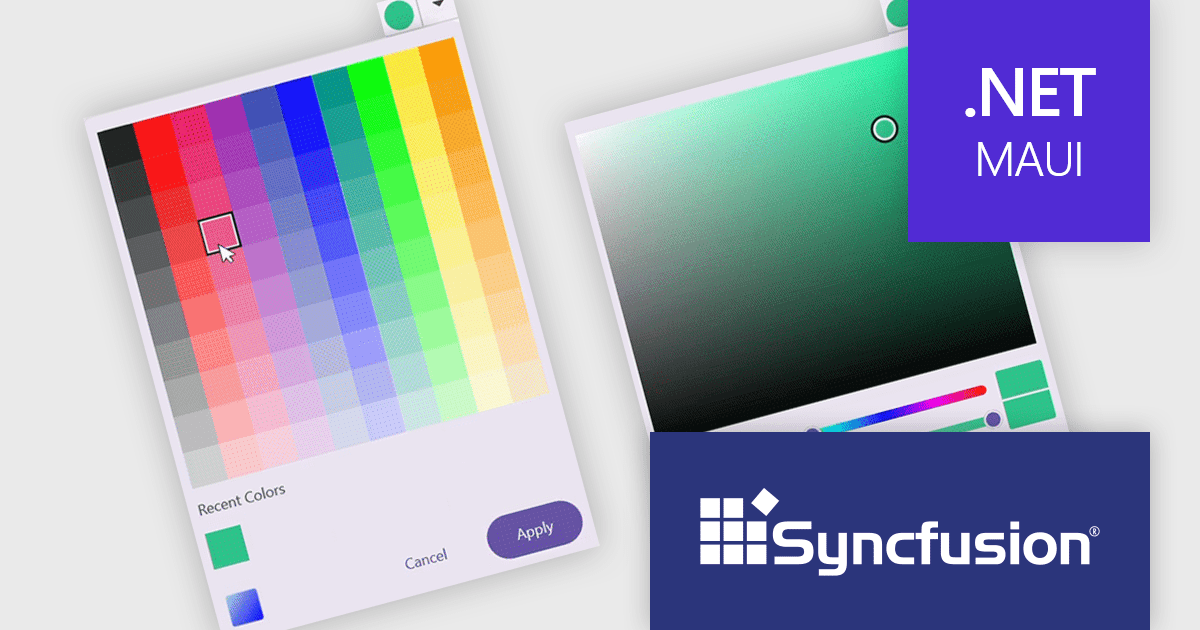
Syncfusion Essential Studio .NET MAUI (available as part of Syncfusion Essential Studio Enterprise) empowers developers with a comprehensive suite of native UI controls, data visualization tools, and performance optimizations for building modern, cross-platform mobile and desktop applications. This professional-grade toolkit leverages the power of C# and XAML, enabling rapid development of stunning and responsive experiences across diverse platforms.
The Syncfusion Essential Studio .NET MAUI 2025 Volume 2 update introduces a new Color Picker in preview, giving developers a flexible and efficient way to implement color selection in their applications. This control supports both palette and spectrum selection modes, allows direct input of RGB, HSV, and HEX values, and includes features such as opacity adjustment, recent color tracking, and theme adaptation. With inline display options and programmable interaction states, the Color Picker is well-suited for scenarios requiring user-driven customization while maintaining design consistency across different UI themes.
To see a full list of what's new in 2025 Volume 2 (30.1.37), see our release notes.
Syncfusion Essential Studio .NET MAUI is available as part of Syncfusion Essential Studio Enterprise which is licensed per developer starting with a Team License of up to five developers. It is available as a 12 Month Timed Subscription License which includes support and maintenance. See our Syncfusion Essential Studio Enterprise licensing page for full details.
Learn more on our Syncfusion Essential Studio .NET MAUI product page.
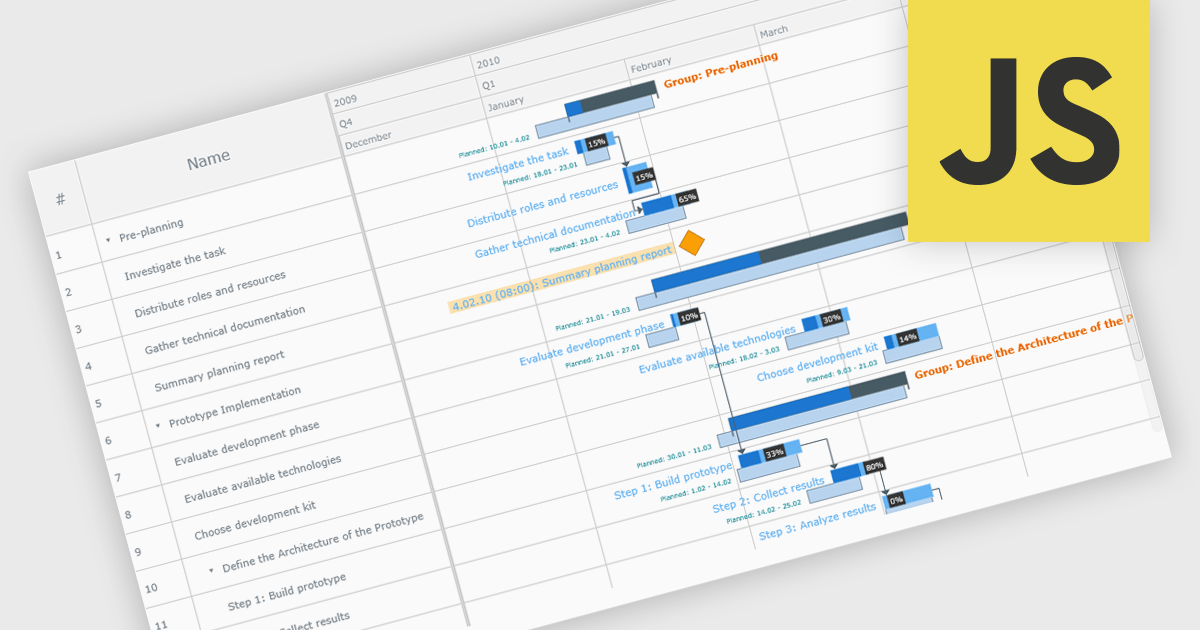
A Gantt chart is a visual project management tool that displays tasks or activities along a timeline, allowing teams to see the start and end dates, duration, and dependencies of each task within a project. Typically represented as horizontal bars across a calendar-based axis, Gantt charts provide a clear overview of project progress and help identify potential bottlenecks or scheduling conflicts. Gantt charts improve planning, scheduling, team coordination, and stakeholder transparency by clearly organizing tasks and timelines. They are especially valuable in complex projects, offering both macro and micro views to support informed decision-making and efficient execution.
Several JavaScript chart controls provide Gantt charts including:
For an in-depth analysis of features and price, visit our JavaScript chart controls comparison.
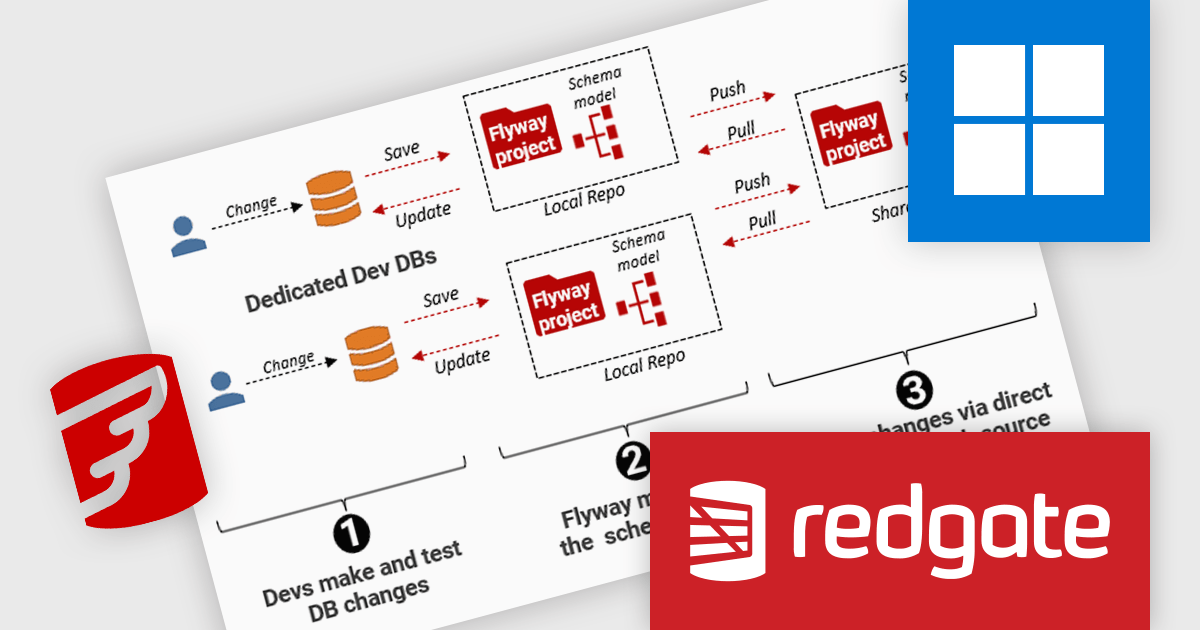
Flyway extends DevOps practices to databases, significantly speeding up how quickly software can be released and improving the overall quality of the code. By offering features like version control for database schemas and enabling continuous delivery pipelines for database changes, Flyway empowers individuals, teams, and organizations to enhance their existing software delivery workflows through the automation of database development tasks. This integration ensures that database changes are managed with the same rigor and efficiency as application code, leading to faster, more reliable, and less error-prone software deployments.
Redgate Flyway improves change tracking through detailed schema comparisons, allowing developers to easily identify and understand changes between the current development database and the version-controlled schema model. This capability enables precise tracking of object-level modifications, making it straightforward to review what has changed, when, and by whom. It supports better debugging, auditing, and collaboration by maintaining a clear history of database evolution, ensuring that every change is transparent and aligned with the team's development workflow.
Flyway is licensed per server on an annual subscription basis. See our Flyway licensing page for full details.
For more information, visit our Redgate Flyway product page.
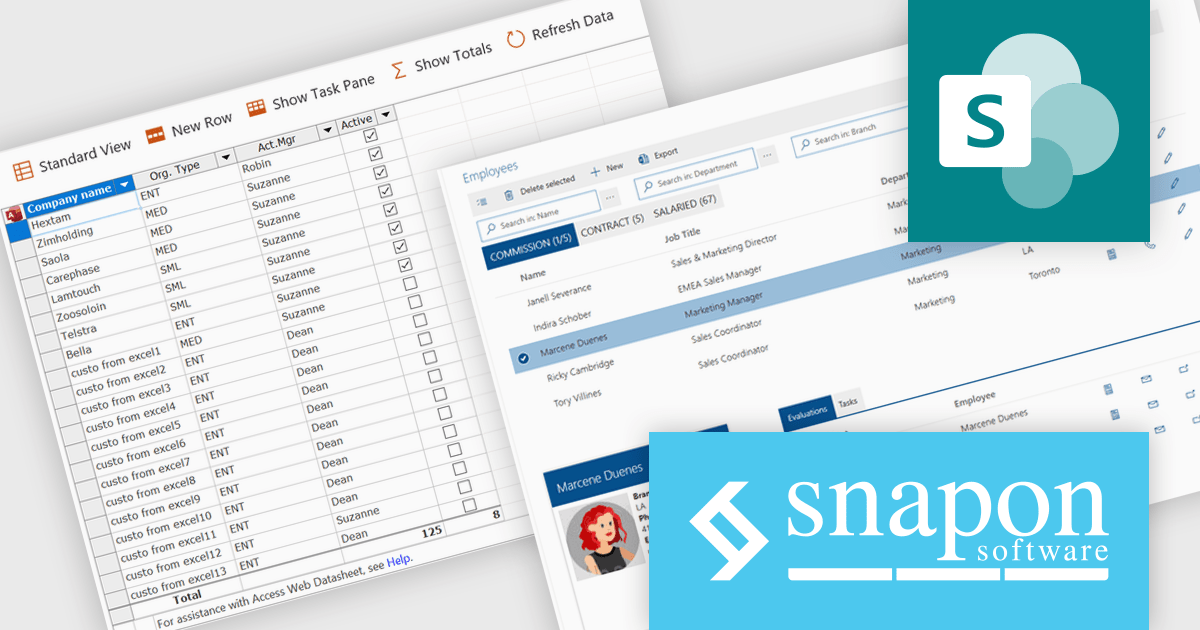
KWIZ, long recognized for its robust Microsoft 365 productivity and governance tools, has entered a new chapter positioned under the SnapOn Software identity. For years, KWIZ has empowered organizations with powerful SharePoint and Microsoft 365 enhancements, simplifying collaboration, improving compliance, and supporting scalable growth. As part of SnapOn Software, that same mission continues with the added strength of a unified team, deeper resources, and an expanded suite of solutions.
Under the SnapOn Software banner, former KWIZ products remain at the core of the offering, providing intuitive, integrated tools that extend and enrich the Microsoft 365 experience. Customers will still benefit from features like advanced SharePoint list forms, workflow automation, document generation, and robust governance capabilities. SnapOn Software delivers scalable, secure solutions trusted by over 10,000 organizations across North America and Europe, all designed to help customers get more from their existing technology investments.
SnapOn Software products are licensed on an annual basis, requiring each user in your organization to be covered by an Annual Subscription license. Different levels are available to cater for different numbers of users. See our SnapOn Software licensing page for full details.
For more information, see our SnapOn Software brand page.
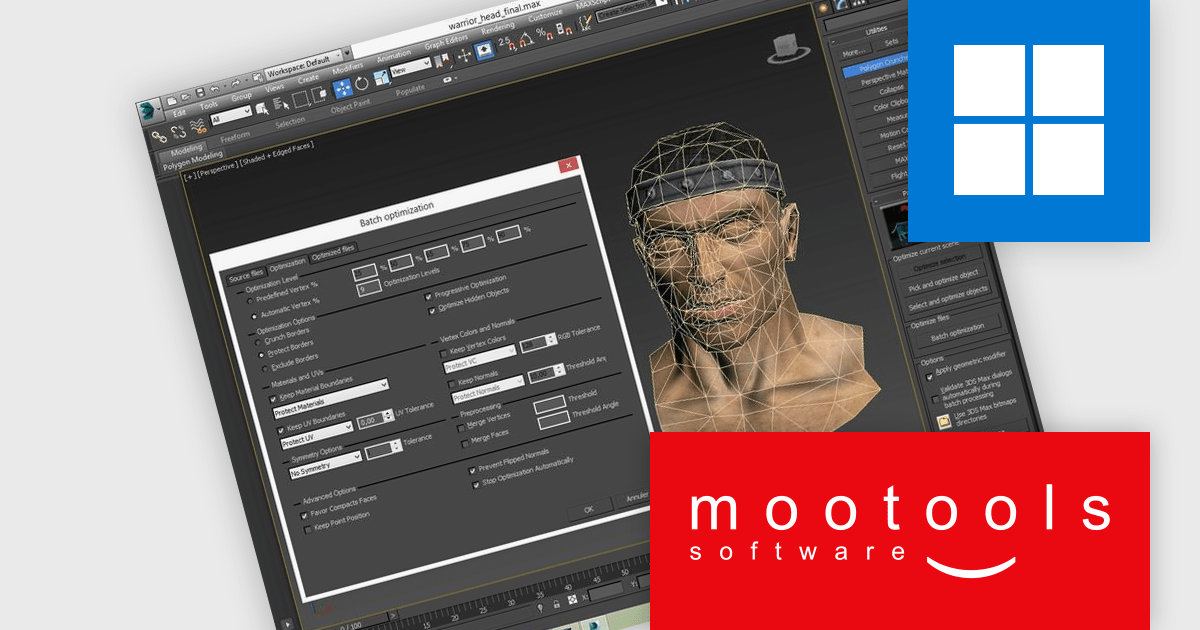
Polygon Cruncher is a high-performance 3D mesh optimization tool designed to simplify complex models across industries such as architecture, video games, CAD, 3D printing, and historical 3D scanning. It uses an advanced algorithm refined over 20 years to efficiently reduce polygon counts in meshes with millions of polygons while preserving visual quality. Available as plugins for 3DS Max, Maya, and Lightwave, as well as a command line version, it integrates seamlessly into various 3D production pipelines for both interactive and automated workflows.
Mootools Polygon Cruncher empowers developers to optimize 3D assets at scale through batch automation, allowing for faster processing of multiple models with minimal manual input. It intelligently reduces polygon counts while maintaining essential attributes such as UVs and normals, ensuring that asset integrity and visual quality are preserved throughout the pipeline. This capability makes it ideal for high-volume production environments where efficiency, consistency, and performance are critical.
Polygon Cruncher is licensed per workstation and is available as a perpetual or subscription license. Visit our Polygon Cruncher Licensing page for full details.
Learn more on our Polygon Cruncher product page.
Tel: (888) 850 9911
Fax: +1 770 250 6199


