













Fornecedor oficial
Como distribuidores oficiais e autorizados, nós fornecemos licenças legítimas diretamente de mais de 200 editores de software.
Ver todas as nossas marcas.

Chart components with image export features empower users to save a chart's visual representation as a static image file, providing a convenient way to share, embed, or print data insights. This capability is valuable for developers and end-users alike, as it removes the need for access to the original dataset or charting software when distributing visualizations. With image export, users can preserve the chart's design, style, and formatting, ensuring that its presentation remains consistent across various platforms, from presentations to reports. Additionally, by offering support for standard formats such as PNG, JPEG, or SVG, this feature enables seamless integration of charts into documents, websites, or printed materials, enhancing flexibility and broadening the ways in which data insights can be shared and utilized.
Several WPF charting components support exporting to images including:
For an in-depth analysis of features and price, visit our comparison of WPF charting components.
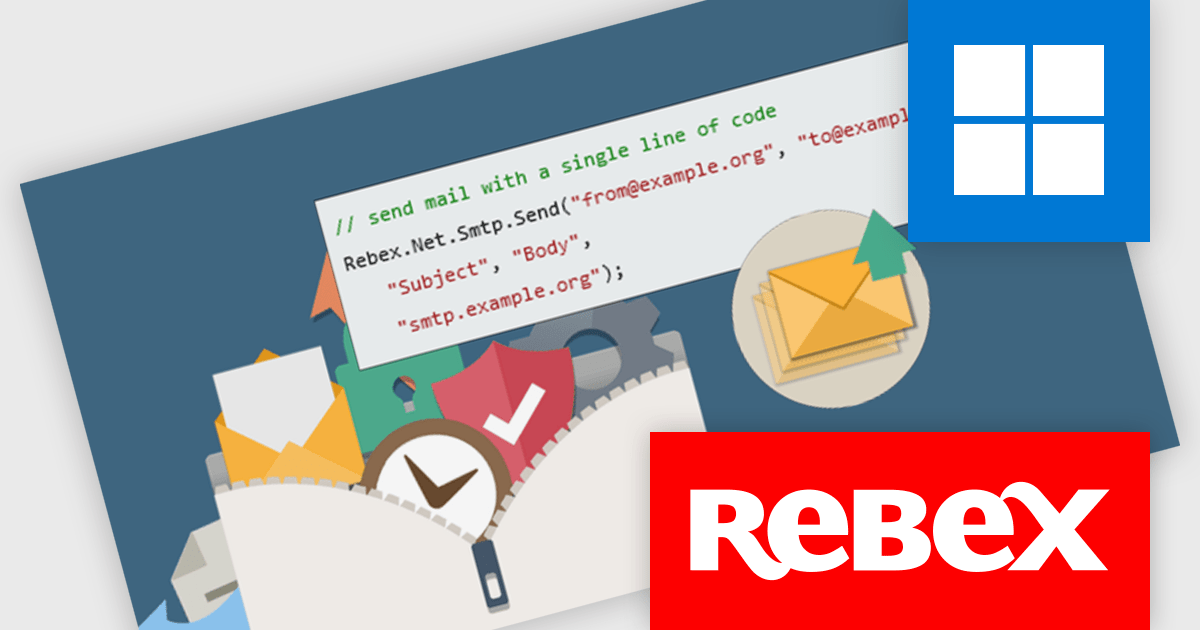
Rebex SMTP is a .NET library crafted to streamline email sending through SMTP (Simple Mail Transfer Protocol) servers, offering a straightforward API for efficient integration. It handles both basic notifications and complex messages with multiple recipients and attachments, making it a versatile choice for diverse email needs. With support for TLS (Transport Layer Security) 1.3/1.2 and S/MIME (Secure/Multipurpose Internet Mail Extensions), Rebex SMTP ensures secure, encrypted transmission, which is especially valuable for industries requiring high standards of data protection, such as finance, healthcare, and e-commerce.
Rebex SMTP integrates seamlessly with .NET applications, combining ease of use with advanced security features. Its flexible API simplifies the email dispatch process, while its built-in security makes it ideal for applications that prioritize reliable, encrypted communication. With robust functionality and data protection, Rebex SMTP is well-suited to applications that demand secure, high-performance email capabilities.
Rebex SMTP is licensed per developer. All new licenses include a 1 year support contract which includes priority support and all software updates during the support period. Support contract renewals are also available. See our Rebex SMTP licensing page for full details.
Learn more on our Rebex SMTP product page.

Stimulsoft Reports.NET is a reporting tool that empowers developers to design, edit, view, export, and print reports of varying complexity. It features a user-friendly report designer and an interactive viewer, allowing connection to various data sources. The generated reports can be seamlessly integrated into both Windows Forms and ASP.NET applications, with export capabilities to numerous formats for maximum flexibility.
The Stimulsoft Reports.NET 2024.4.1 release introduces a new Export Settings property, allowing export configurations to be set directly within the report template. This enhancement removes the need for separate export setup steps, ensuring consistent application of export settings each time the report is generated. By embedding export settings within the template, the report definition becomes entirely self-contained, improving portability and streamlining report management.
To see a full list of what's new in 2024.4.1, see our release notes.
Stimulsoft Reports.NET is licensed per developer and is available as a perpetual license with 1 year support and maintenance. See our Stimulsoft Reports.NET licensing page for full details.
Stimulsoft Reports.NET is available in the following products:

Line annotations are digital markings that allow users to draw straight lines on documents. These lines can be used for various purposes, such as connecting related information, highlighting specific sections, or adding visual cues for reference. They are particularly useful for tasks that require comparison, measurement, or the creation of diagrams or flowcharts directly within the PDF.
Several React PDF viewer controls offer support for line annotations including:
For an in-depth analysis of features and price, visit our React PDF viewer controls comparison.
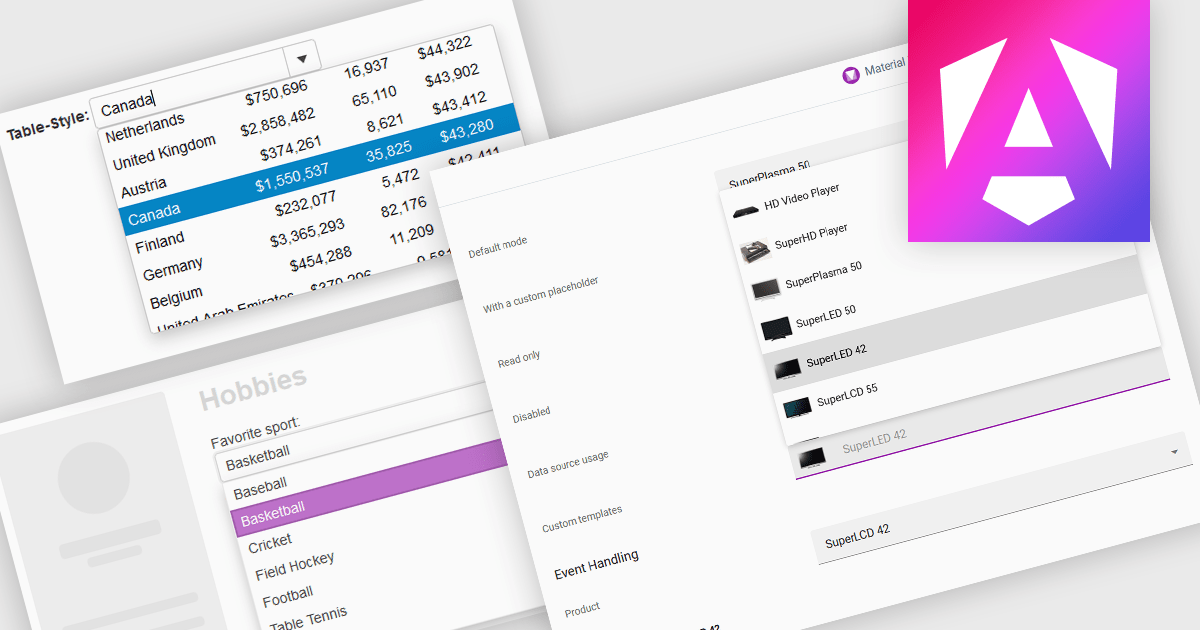
ComboBoxes for Angular are versatile form controls that allow users to select from a predefined list of options or input custom values directly. They provide a flexible and efficient way to handle data entry by combining the ease of selection with the ability to manually input text. For developers, ComboBoxes streamline the user experience by reducing the need for additional input fields while maintaining a clean interface. They enhance data validation and user efficiency, as they can filter large datasets based on user input and bind seamlessly to Angular models, ensuring smooth integration within dynamic forms and grid-based editors.
For an in-depth analysis of features and price, visit our Angular Data Editors controls comparison.
Tel: (888) 850 9911
Fax: +1 770 250 6199


