













Fornecedor oficial
Como distribuidores oficiais e autorizados, nós fornecemos licenças legítimas diretamente de mais de 200 editores de software.
Ver todas as nossas marcas.

ComponentSource and Edraw have enjoyed a decade long partnership focused on delivering high-quality software solutions to the global developer community. This long-standing cooperation demonstrates a shared commitment to providing developers with tools that simplify and elevate the software development process.
Edraw is a leading provider of diagramming software, establishing itself as a go-to solution for creating visual representations of data, processes, and systems. With a vast array of templates and tools, Edraw enables users to create flowcharts, mind maps, network diagrams, and more with ease. Their intuitive interface and robust feature set have made them a favorite among professionals in education, IT, business, and engineering, offering powerful ways to visualize complex information in a clear and effective manner.
ComponentSource, a leading distributor of software components and development tools, has played a crucial role in expanding the reach of Edraw’s products. Through this partnership, ComponentSource has helped make products such as EdrawMind and EdrawMax accessible to a broader audience of developers.
The cooperation between ComponentSource and Edraw has had a long-term, beneficial influence on the developer community, making complex graphic diagramming software and office components more accessible and easier to implement. As we celebrate this 10-year anniversary, we look forward to continuing the relationship by providing developers worldwide with dependable, creative software solution to improve their applications.
Learn more about Edraw.
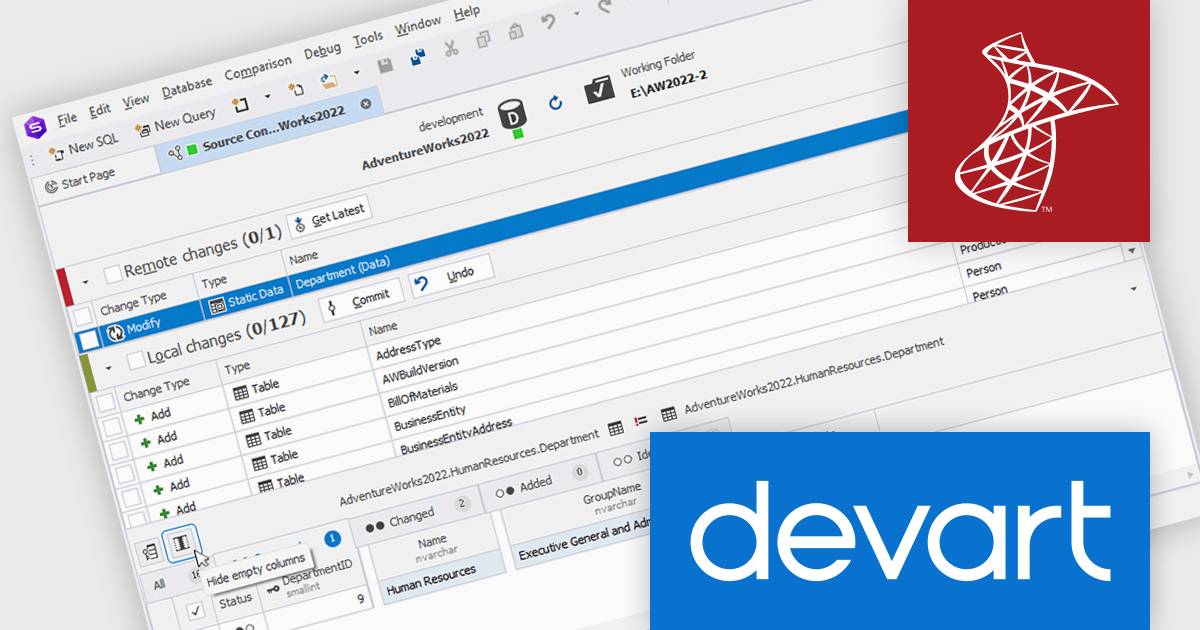
dbForge Source Control for SQL Server is a comprehensive tool designed to streamline the management and collaboration of SQL Server database development projects. It seamlessly integrates with popular source control systems like Git, SVN, and TFS, facilitating version control, branching, merging, and conflict resolution. By providing a unified interface for database and source code management, dbForge Source Control enhances team productivity, improves code quality, and ensures a robust database development process.
The dbForge Source Control for SQL Server V7.0.158 release adds a new "hide empty columns" button in the static data diff grid. By filtering out columns containing only null or empty values, the grid becomes more focused and easier to read, improving data analysis efficiency. This feature is particularly useful when dealing with large datasets containing numerous irrelevant columns, as it allows users to concentrate on the data that is most meaningful.
To see a full list of what's new in V7.0.158, see our release notes.
dbForge Source Control for SQL Server is licensed per developer and is available as an Annual or Perpetual License with a 12 month support and maintenance subscription. See our dbForge Source Control for SQL Server licensing page for full details.
dbForge Source Control for SQL Server is available in the following products:
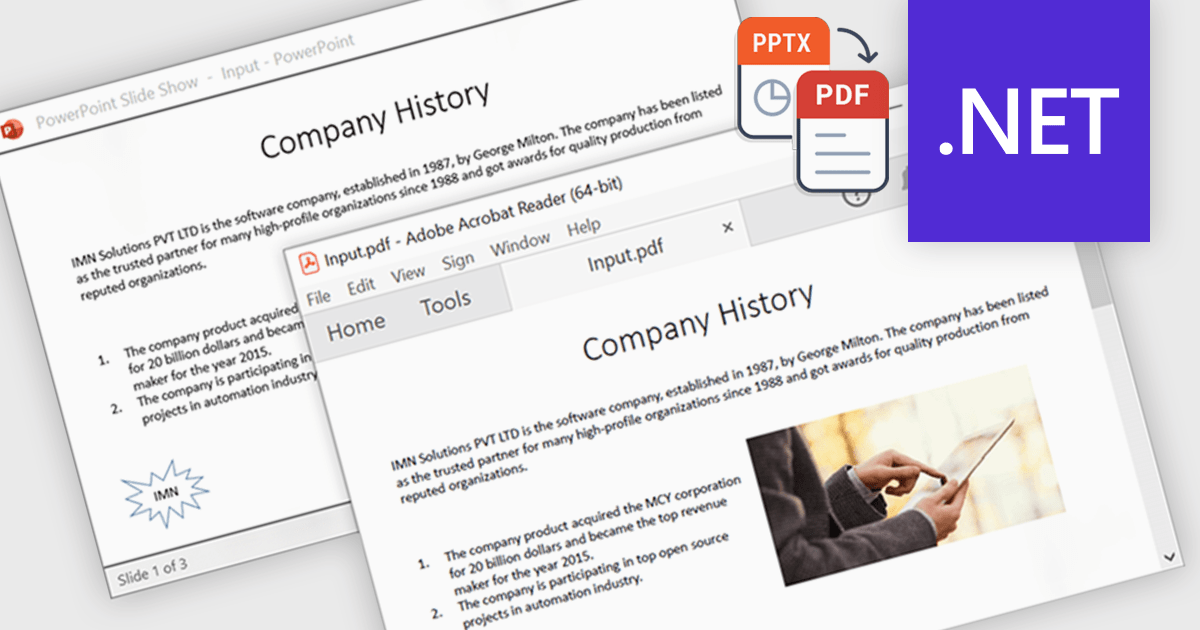
Using a .NET component to convert PowerPoint presentations (PPTX) to PDF enables developers to automate the transformation process directly within their applications. This enhances portability by ensuring consistent formatting across devices and platforms, while also offering security features like password protection and encryption to protect sensitive content. Common applications include archiving slides for long-term storage, and securely sharing presentations without requiring the recipient to have PowerPoint installed. This functionality simplifies presentation handling, ensuring both reliability and security during distribution.
Several .NET PDF controls that support PowerPoint to PDF conversion including:
For an in-depth analysis of features and price, visit our comparison of .NET PDF components.
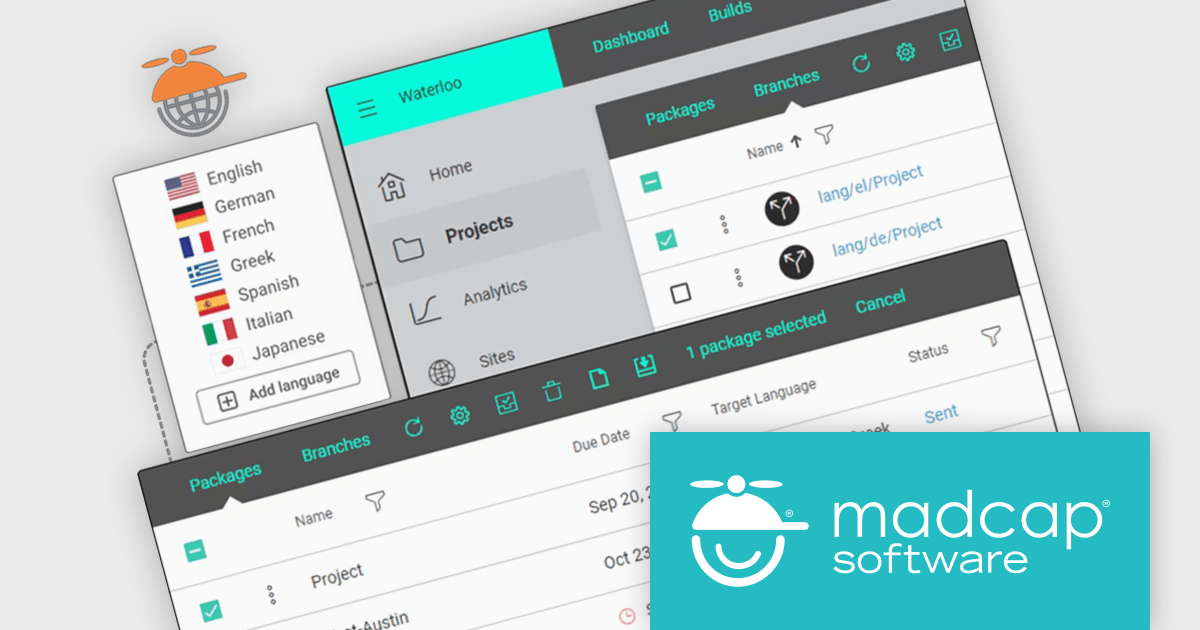
MadCap Central, a cloud-based content experience management (CxM) platform by MadCap Software, offers software developers a centralized hub for managing the entire content development lifecycle. It streamlines tasks like version control, project management, and content collaboration, while also providing functionalities like automated publishing, content hosting, and output analytics. This integrated approach can significantly improve development team efficiency and content accuracy.
The MapCap September 2024 release introduces a powerful feature that allows users to manage the entire translation process directly within MapCap Central. This update streamlines multilingual content creation by enabling users to package, send, and receive translation projects in one place. It also provides tools to track progress, manage translation branches, and ensure high-quality content is reviewed and published across languages. With support for both right-to-left and left-to-right languages, this feature enhances global content delivery and simplifies the complexities of managing multilingual projects.
To see a full list of what's new in the September 2024 update, see our release notes.
MadCap Central is licensed per user and is available as an annual license. See our MadCap Central licensing page for full details.
For more information, see our MadCap Central product page.
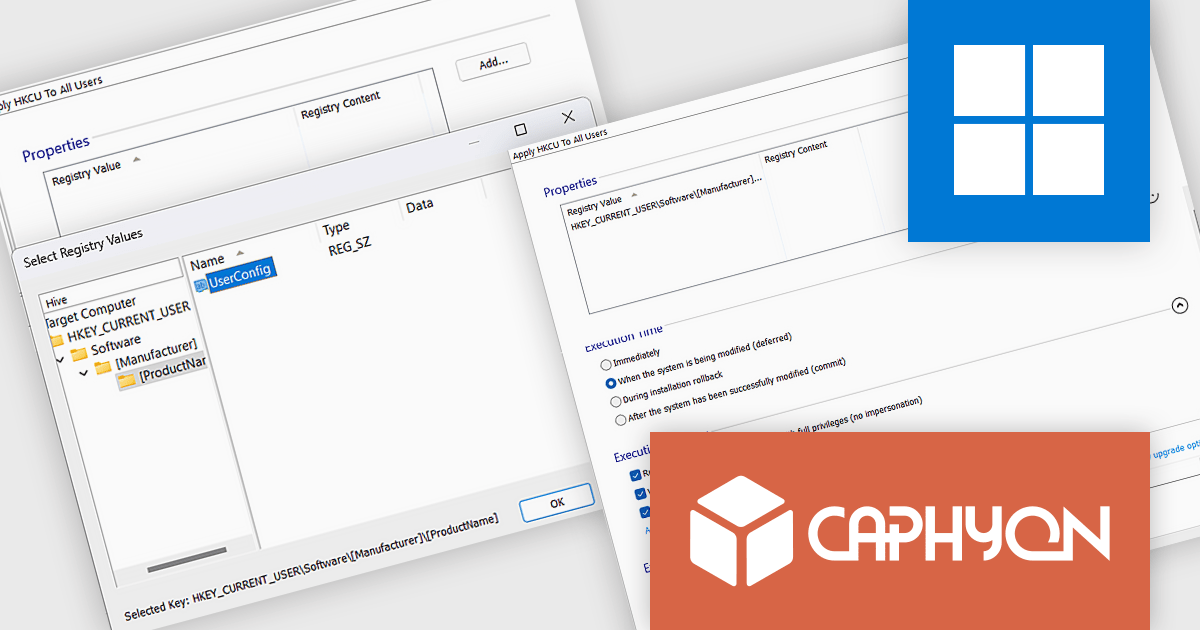
Advanced Installer by Caphyon is a powerful and versatile Windows installer authoring tool that enables developers and IT professionals to create professional-grade installation packages for their software applications. It offers a comprehensive set of features for building installers that are reliable, efficient, and compliant with industry standards.
The Advanced Installer V22.1 release includes a custom action that automates copying Current User registry values to all users, ensuring consistent settings across accounts. This reduces the need for manual adjustments, minimizes errors, and saves time. By streamlining the setup process, it enhances both the user experience and administrative efficiency, making deployments smoother and more reliable.
To see a full list of what's new in version V22.1, see our release notes.
Advanced Installer is licensed per user and is available as an annual or perpetual license with 1 year support and maintenance. See our Advanced Installer licensing page for full details.
For more information, visit our Advanced Installer product pages:
Tel: (888) 850 9911
Fax: +1 770 250 6199


