













Fornecedor oficial
Como distribuidores oficiais e autorizados, nós fornecemos licenças legítimas diretamente de mais de 200 editores de software.
Ver todas as nossas marcas.
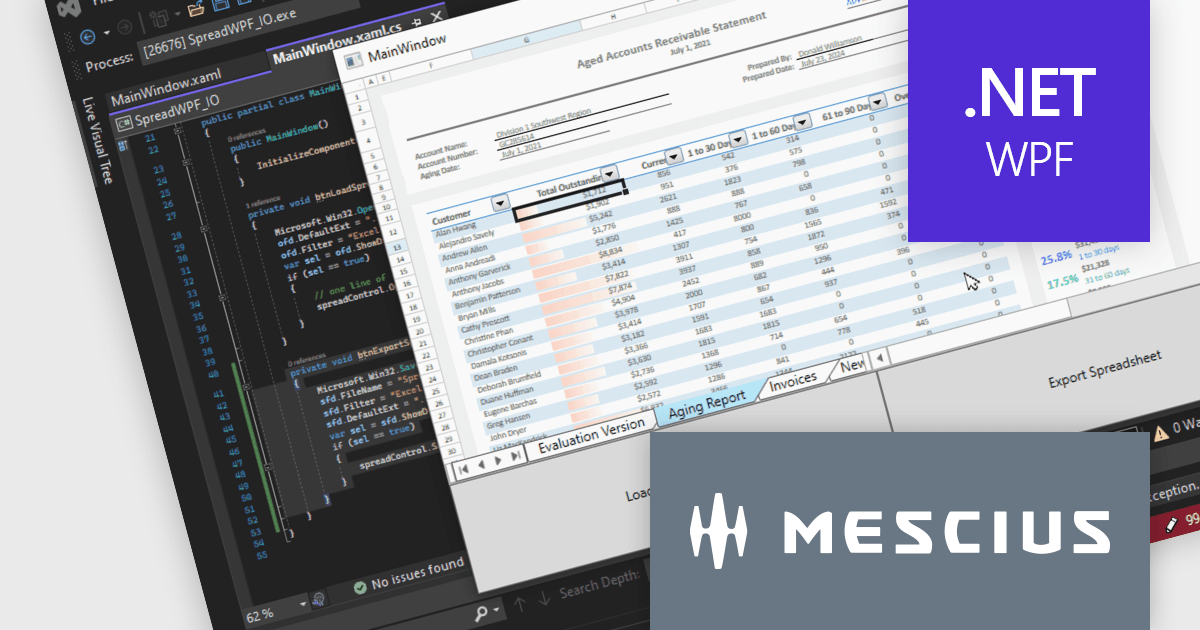
Spread.NET helps you create spreadsheets, grids, dashboards, and forms. It includes a powerful calculation engine with 450+ functions and the ability to import and export Excel spreadsheets. Leverage the extensive .NET spreadsheet API and powerful calculation engine to create analysis, budgeting, dashboard, data collection and management, scientific, and financial applications.
In this blog post, MESCIUS Product Marketing Specialist Mackenzie Albitz guides you through the four essential steps to import and export Excel spreadsheets on your way to creating robust spreadsheet applications with Spread.NET. These steps include:
Sample code is included in the blog and you can download the sample app in either C# or VB.
Read the full blog to get started using the full capabilities of the Spread.NET WPF component.
Spread.NET is licensed per developer and is available as a Perpetual License with a 12 month support and maintenance subscription. We can supply any Spread.NET license including new licenses, maintenance renewals, and upgrade licenses. See our Spread.NET licensing page for full details.
For more information, visit our Spread.NET product page.
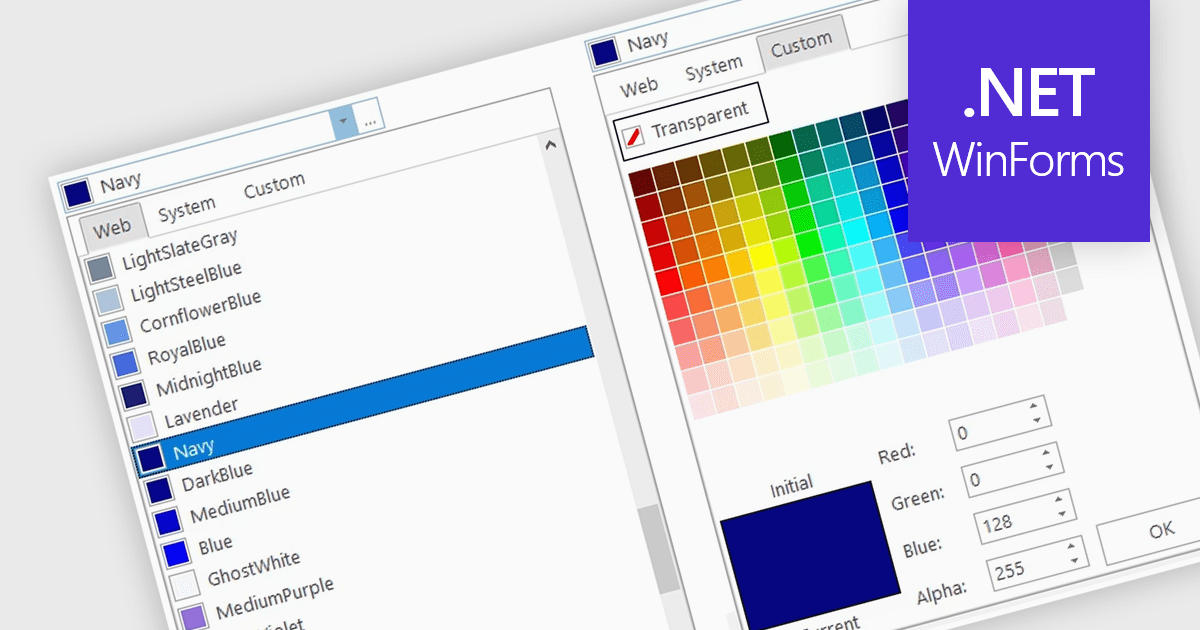
A color picker is user interface component that typically presents a visual spectrum or palette from which users can choose colors, input specific color values like RGB or HEX codes, or use sliders to adjust hue, saturation, and brightness. By enabling users to select and apply colors to various elements, such as text, backgrounds, or data visualizations, this type of data editor enhances the precision and efficiency of color selection and greatly improves the user experience.
Several WinForms data editors can provide you with a color picker, including:
For an in-depth analysis of features and price, visit our WinForms data editors comparison.
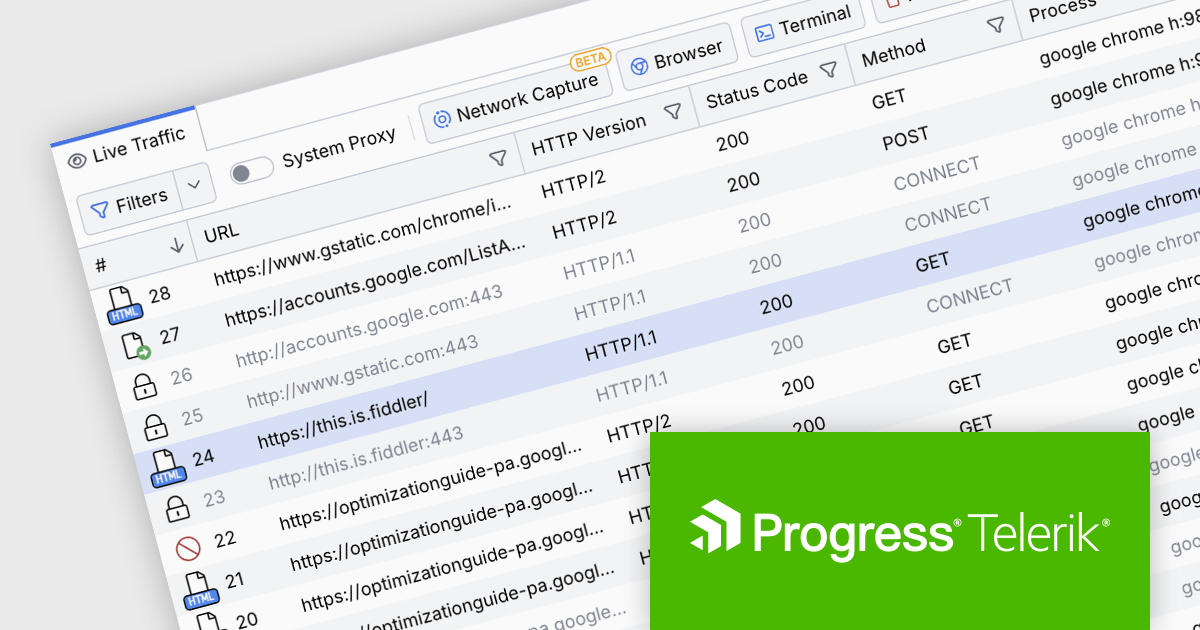
Fiddler Everywhere by Telerik is a cross-platform web debugging proxy designed to help software developers monitor, inspect, and modify HTTP and HTTPS traffic between their applications and the internet. It provides comprehensive tools for troubleshooting network-related issues, analyzing application performance, and testing web applications under different network conditions, streamlining the development and debugging process.
The Fiddler Everywhere v5.15.0 update adds centralized configuration management by allowing administrators to configure app settings through policy management systems on both Windows and macOS platforms. This capability streamlines the process of standardizing configurations across multiple installations in a corporate environment, ensuring consistency and compliance with organizational policies.
To see a full list of what's new in v5.15.0, see our release notes.
Fiddler Everywhere is licensed per user and is available as an annual license with a one year support subscription. See our Fiddler Everywhere licensing page for full details.
For more information, see our Fiddler Everywhere product page.

ComponentSource, a leading provider of software development tools, has announced a new partnership with Skyvia, a cloud-based data integration and management platform. This collaboration aims to provide developers with a more comprehensive set of tools to efficiently manage and leverage data within their applications.
Skyvia is a comprehensive cloud data platform from Devart designed to streamline data management and integration. It empowers businesses to effortlessly connect, transform, and synchronize data across diverse cloud applications and databases. By eliminating the need for coding, Skyvia accelerates data workflows, enhances data accessibility, and ensures data integrity through robust backup and recovery features. Its versatile application spans industries, supporting use cases such as data migration, ETL processes, real-time data synchronization, data warehousing, and business intelligence.
By partnering with Skyvia, ComponentSource expands its portfolio to include additional data management solutions. Developers can now access a wider range of tools through a single trusted source, streamlining their workflow and accelerating development cycles. This partnership also strengthens ComponentSource's position as a leading provider of software development solutions, addressing the growing demand for efficient data management.
Skyvia offers multiple products including:
For more information, explore the Skyvia product range.
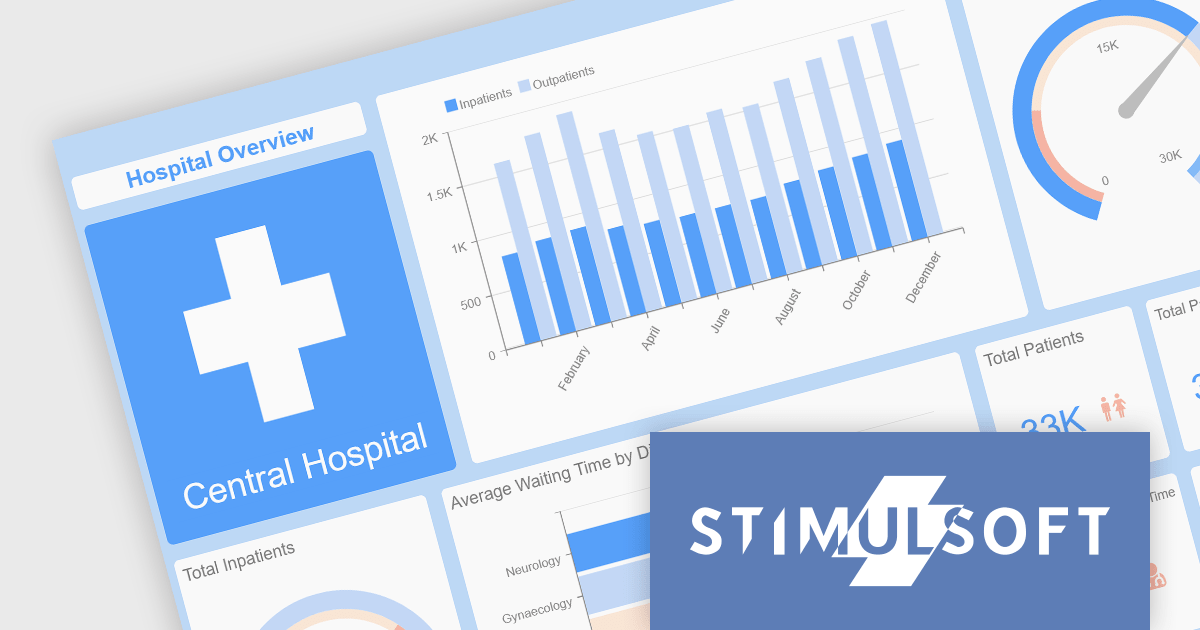
Stimulsoft offers a comprehensive suite of tools for creating interactive data visualizations. Stimulsoft Dashboards excels at crafting engaging dashboards for web and desktop applications, while Stimulsoft BI Designer provides a powerful platform for designing both reports and dashboards. Developers can seamlessly integrate these tools into their projects using platform-specific components or a centralized cloud designer, supporting .NET, JavaScript, PHP, and more. With rich data analysis capabilities, extensive customization options, and pre-built templates, Stimulsoft empowers you to transform complex data into clear, actionable insights for any audience.
The 2024.3.3 release adds a new Scale Mode option when exporting dashboards. This feature enables users to precisely adjust dashboard elements to fit specific output formats, maintain aspect ratios, or optimize for print or digital media.
To see a full list of what's new in 2024.3.3, see our release notes for Ultimate, BI Designer, Dashboards.WEB, and Dashboards.WIN.
Stimulsoft Ultimate is licensed per developer and is available as a Perpetual license with 1 year support and maintenance. See our Stimulsoft Ultimate licensing page for full details.
This update is available in the following products:
Tel: (888) 850 9911
Fax: +1 770 250 6199


