













Fornecedor oficial
Como distribuidores oficiais e autorizados, nós fornecemos licenças legítimas diretamente de mais de 200 editores de software.
Ver todas as nossas marcas.
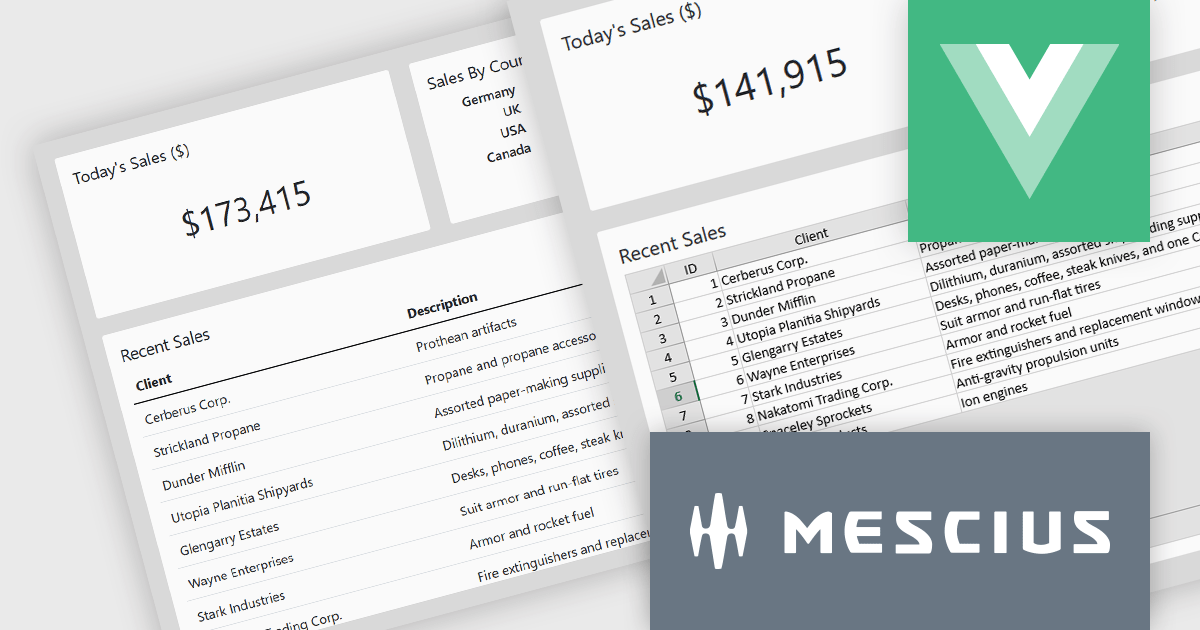
SpreadJS by MESCIUS is a high-performance JavaScript spreadsheet component designed to seamlessly integrate Excel-like functionality into web applications. It empowers developers to deliver robust spreadsheet experiences within their applications, complete with features like data import/export, complex formulas, conditional formatting, and extensive customization options. SpreadJS caters to a wide range of use cases, from financial modeling and data analysis to project management and interactive dashboards, ultimately allowing developers to build feature-rich and user-friendly web applications.
In this blog post, MESCIUS Product Manager Kevin Ashley demonstrates how to enhance an existing Vue app with the ability to import and export XLSX files using SpreadJS. Steps include:
Detailed sample code is included for each step.
View the complete blog and get starting working with Excel files in your Vue applications.
SpreadJS is licensed per developer and includes 1 Year Maintenance (major and minor version releases and unlimited support phone calls). SpreadJS requires an Annual or Perpetual Deployment License. The optional Add-ons are available at an additional cost, and require a SpreadJS license. See our SpreadJS licensing page for full details.
For more information, visit our SpreadJS product page.
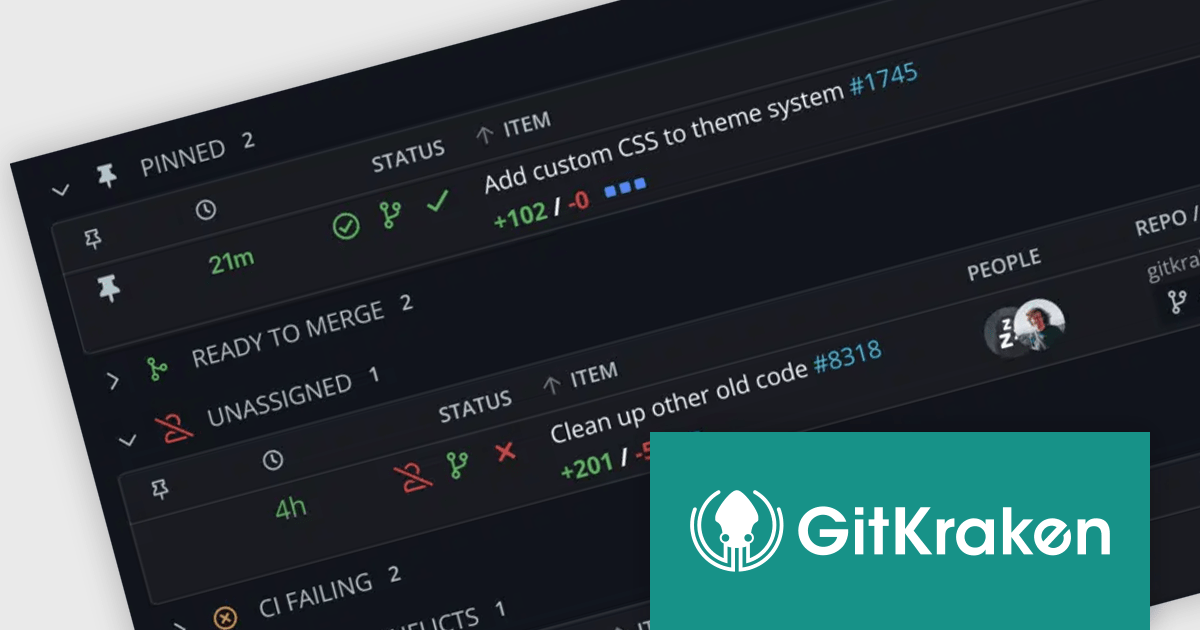
GitKraken is a suite of developer tools built around Git, a popular version control system. It offers a graphical user interface (GUI) that allows developers to interact with Git repositories visually instead of relying on command lines. This simplifies complex Git workflows like resolving merge conflicts and visualizing code history, making Git more accessible and efficient for developers of all experience levels.
The GitKraken 10.0.0 update streamlines workflow with the introduction of Launchpad, replacing the previous Focus View. This enhanced hub now boasts advanced search functionality, allowing users to pinpoint specific pull requests and issues directly within Launchpad. This eliminates the need to navigate away from the centralized view, keeping users focused and efficient.
To see a full list of what's new in 10.0.0, see our release notes.
GitKraken is licensed per user as an Annual license with free updates and technical support. See our GitKraken licensing page for full details.
Learn more on our GitKraken product page.
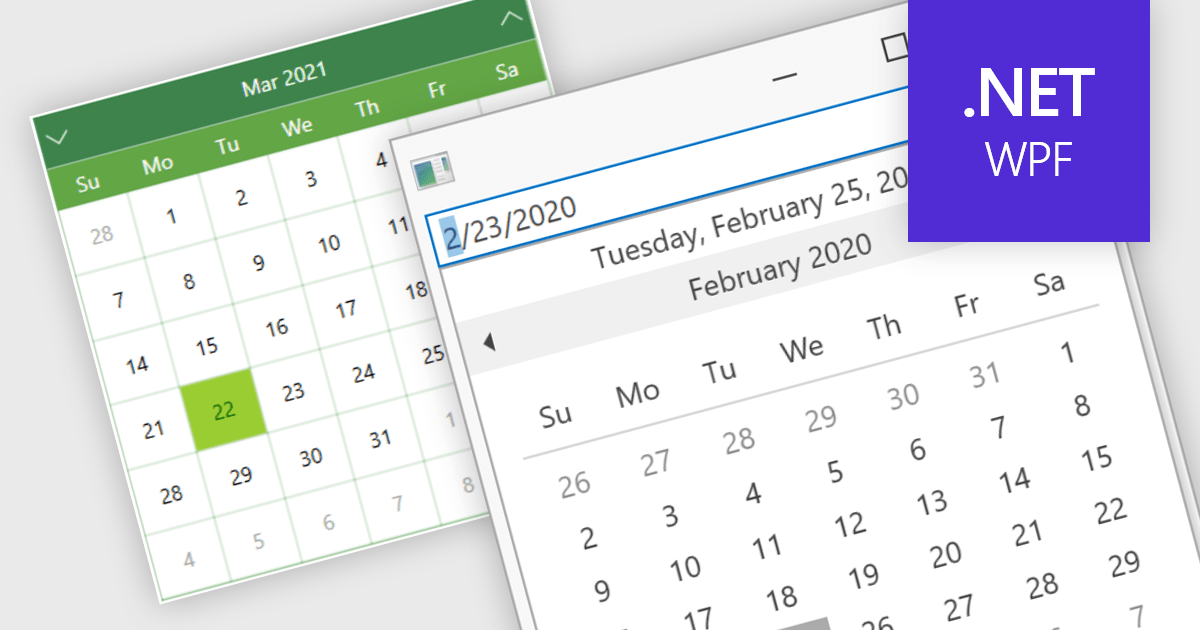
Calendar data entry components provide a familiar interface that allows users to visually navigate through days, months, and years, making it easier to find specific dates. They can also support features like multi-date selection or blackout dates for unavailable options. This functionality improves data entry accuracy and reduces the need for manual code to manage date operations, streamlining development workflows and potentially reducing errors.
Many .NET 8 WPF data editor collections contain calendar functionality including:
For an in-depth analysis of features and price, visit our comparison of .NET 8 WPF Data Editors.

Cross tabs, also known as crosstabulations or contingency tables, are a data visualization technique used in reporting to reveal relationships between two or more categorical variables. By organizing data in a grid with categories on rows and columns, Cross tabs allow users to quickly spot patterns that might not be obvious in standard report formats. This is particularly useful for tasks like understanding user demographics or segmenting customer behavior.
Several .NET WPF Reporting Controls offer cross tabs including:
For an in-depth analysis of features and price, visit our comparison of .NET WPF Reporting Controls.

Aspose.ZIP for Java is a library that simplifies working with ZIP archives in your Java applications. It allows you to compress and decompress files and folders, create and manipulate archives, and encrypt them for security. With Aspose.ZIP, you can avoid writing complex compression algorithms or dealing with the intricacies of archive formats, letting you focus on the core functionality of your program.
The Aspose.ZIP for Java 24.5 release adds support for Lzip format, allowing developers to work with a wider range of compressed archives directly within their Java applications. Lzip uses the LZMA (Lempel–Ziv–Markov chain Algorithm) which offers high compression ratios while maintaining fast decompression speeds. This eliminates the need for external tools or conversion steps when dealing with Lzip files, streamlining workflows and improving efficiency.
To see a full list of what's new in 24.5, see our release notes.
Aspose.ZIP for Java is offered as Developer Small Business, Developer OEM, Developer SDK, Site Small Business, Site OEM, and Site SDK licenses catering to a range of business needs. Licenses are perpetual, and include 1 year of support and maintenance. Subscription renewals are also available. See our Aspose.ZIP for Java licensing page for full details.
Aspose.ZIP for Java is available in the following products:
Tel: (888) 850 9911
Fax: +1 770 250 6199


