













Fornecedor oficial
Como distribuidores oficiais e autorizados, nós fornecemos licenças legítimas diretamente de mais de 200 editores de software.
Ver todas as nossas marcas.
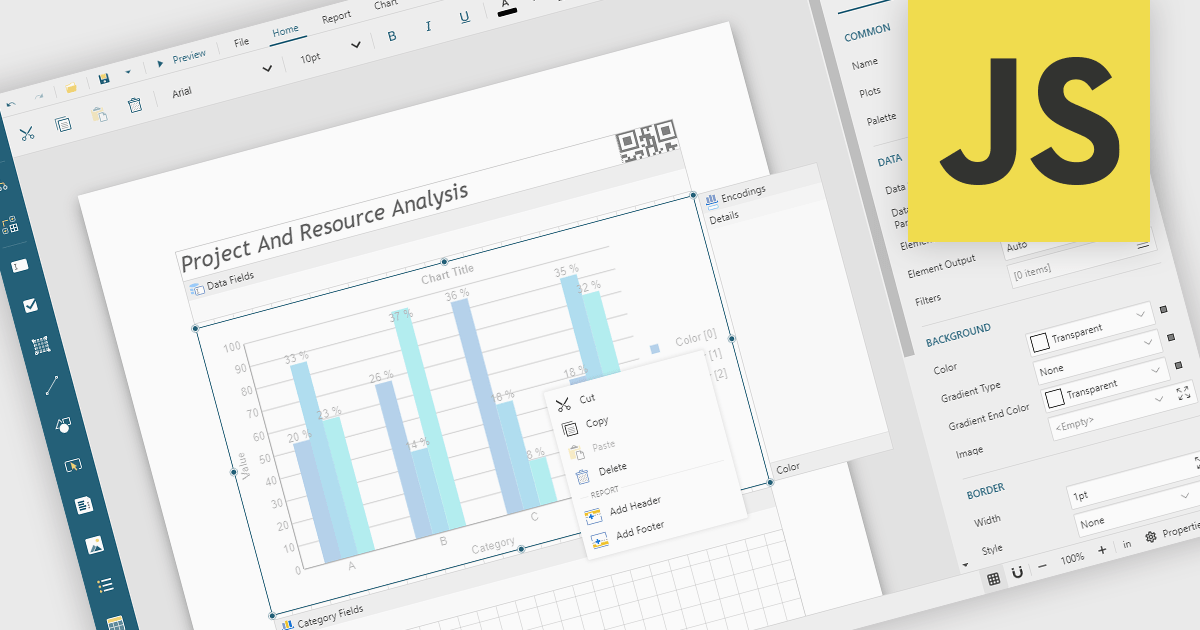
A Visual Report Designer is an application that enables users to create interactive, analytical, and print-ready reports using an intuitive, drag-and-drop interface. It supports fully customizable templates and data visualization components, helping teams present complex information clearly while maintaining consistent branding and layouts. Typical use cases include executive dashboards, financial and operational reports, customer analytics summaries, compliance documents, and branded client-facing reports.
Several JavaScript reporting components offer visual report designers including:
For an in-depth analysis of features and price, visit our JavaScript reporting comparison.
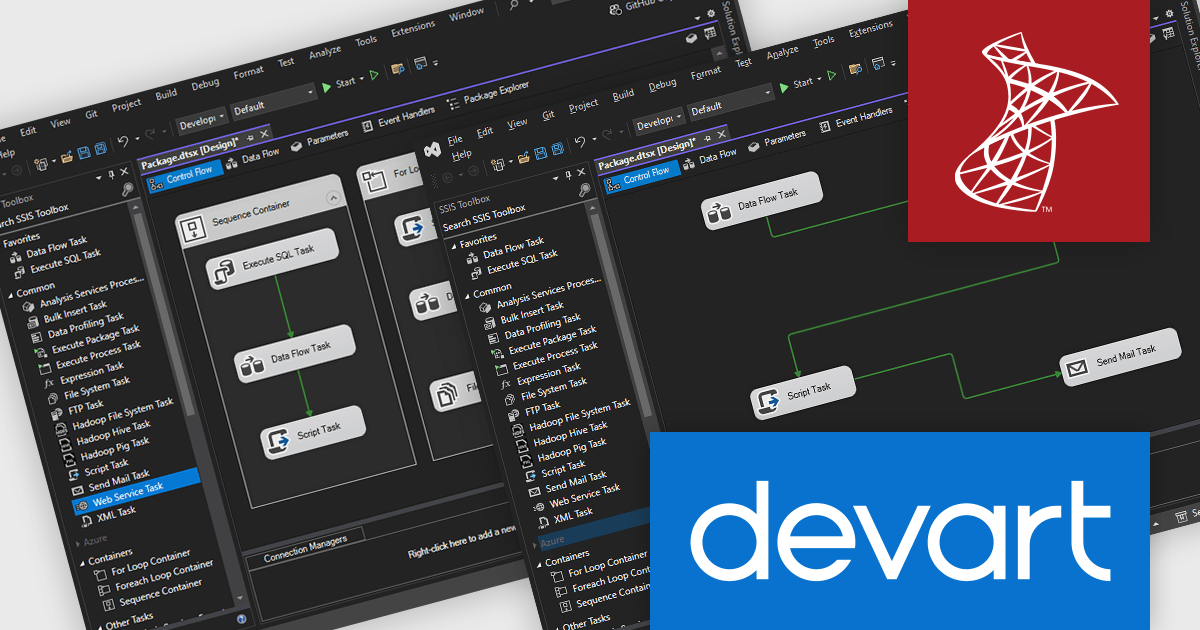
Devart’s SSIS products provide high performance Data Flow Components that extend Microsoft SQL Server Integration Services with advanced Source, Destination, and Lookup components and built in connection managers for databases, cloud platforms, and popular SaaS applications. They enable organizations to import, export, synchronize, and migrate data without complex coding. Key features include intuitive configuration tools, optimized lookup caching, and reliable SQL based data processing. The benefits include faster ETL development, improved data accuracy, and scalable integration for business intelligence, reporting, and cross system data synchronization use cases.
The latest Devart SSIS Universal Bundle update adds support for Microsoft SQL Server Integration Services (SSIS) 2025, ensuring full compatibility with the latest runtime and development environment. This enables software developers to upgrade to SQL Server 2025 without refactoring existing data integration packages or replacing third party components. By aligning with the newest SSIS version, the update allows teams to leverage current platform improvements in performance, security, and deployment while maintaining stable and optimized connectivity to a wide range of databases and cloud applications.
Devart SSIS Universal Bundle is licensed per developer or per server and is available as an Annual or Perpetual License with a 12 month support and maintenance subscription. See our Devart SSIS Universal Bundle licensing page for full details.
For more information, visit our Devart SSIS Universal Bundle product page.
JetBrains AI Assistant - AI Pro is a plugin for JetBrains IDEs that uses large language models to enhance your coding experience. It can answer your questions about code, suggest completions and refactorings, and even help you write documentation and commit messages. It analyzes the context of your project to provide the most relevant suggestions, and you can chat with it directly within the IDE. JetBrains AI Assistant is a powerful tool for programmers looking to boost their productivity.
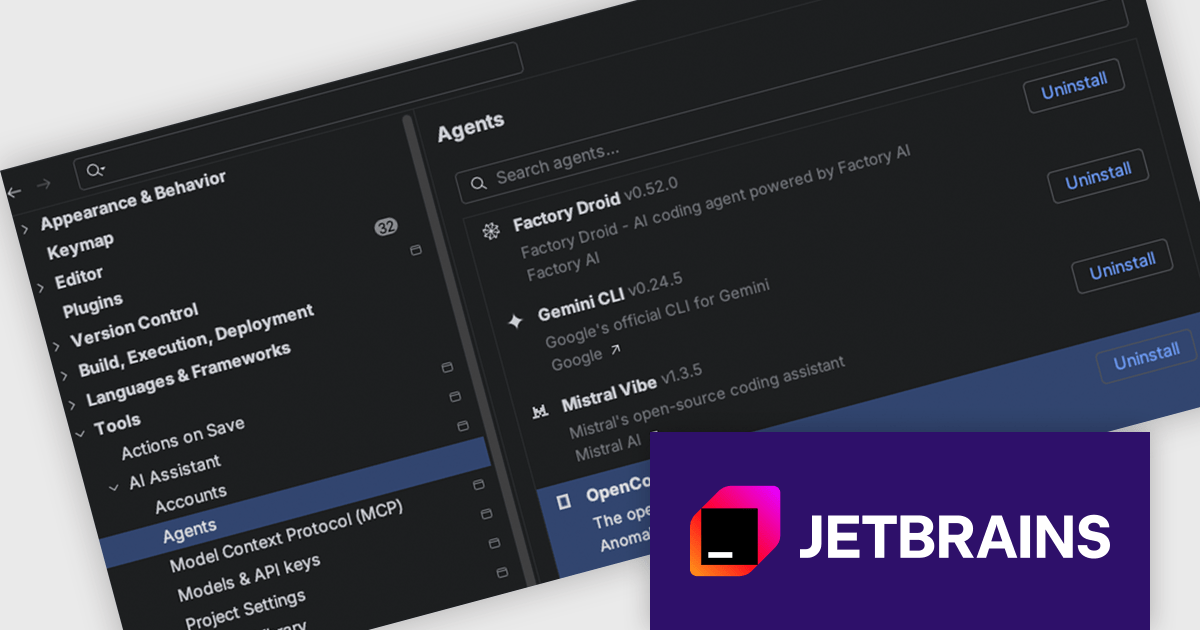
Agent Client Protocol (ACP) Agent Registry is now available in JetBrains IDEs, making it simple to browse a curated list of ACP-compatible coding agents and install them with a single click. There is no manual configuration required, so developers can quickly try different agents for different tasks and move between them as needed, all within the same chat interface. The registry also removes barriers to entry making experimentation and adoption more accessible across teams.
JetBrains AI Assistant is licensed per user as a commercial annual subscription. To use it, you must have a compatible JetBrains IDE. We can supply new subscriptions, subscription renewals, lapsed subscription renewals, and additional developer licenses. See our JetBrains AI Assistant licensing page for full details.
For more information, visit our JetBrains AI Assistant product page.
AimBetter is a comprehensive performance monitoring and optimization platform designed for database management systems (DBMS). It provides real-time diagnostics and analytics, allowing IT professionals to identify and resolve performance issues quickly and efficiently. By offering detailed insights into database operations, AimBetter enhances system stability, boosts performance, and reduces downtime. The platform supports various database environments and integrates with existing infrastructure, ensuring continuous monitoring and proactive management. Its user-friendly interface and advanced alerting mechanisms enable prompt action on critical issues, thereby optimizing resource utilization and improving overall operational efficiency.
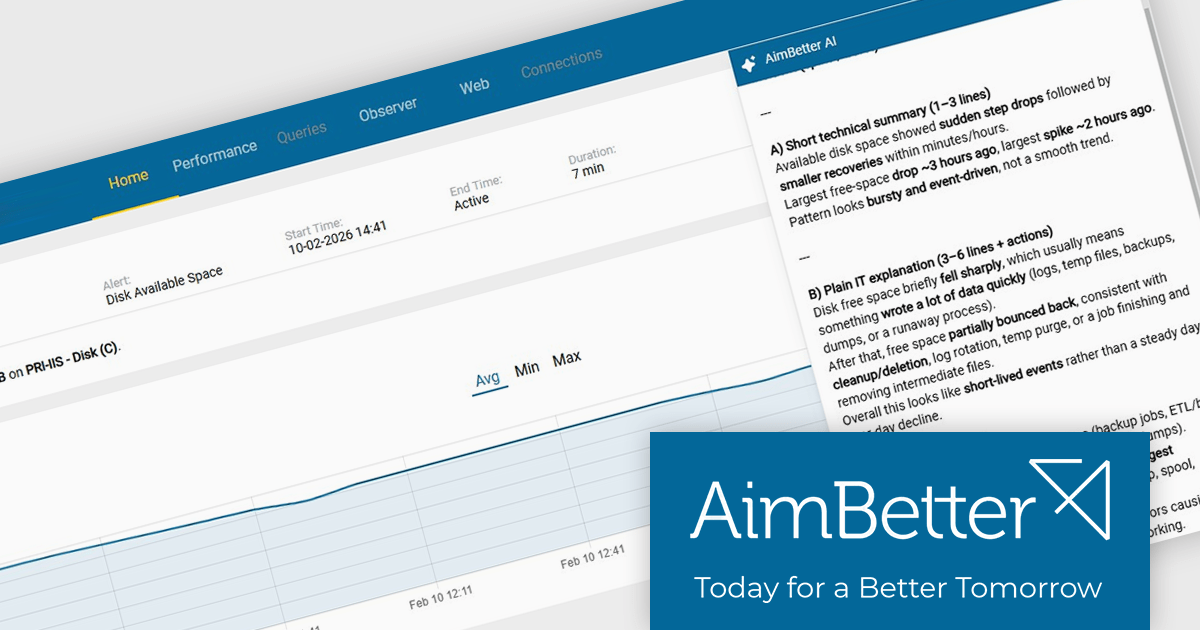
The AimBetter February 2026 update enhances every alert with AI-driven, context-aware analysis that goes beyond surface-level metrics. By combining the information displayed in the alert with deeper system insights, it explains what is happening, why it is occurring, and what steps can be taken to prevent disruption. This added intelligence helps database administrators and IT teams respond faster, reduce troubleshooting time, and maintain stable, high-performing environments with greater confidence.
To see a full list of what's new in the February 2026 update, see our release notes.
AimBetter is licensed per instance/per year with different plans available dependent on the services you require. See our AimBetter licensing page for full details.
Learn more on our AimBetter product page.
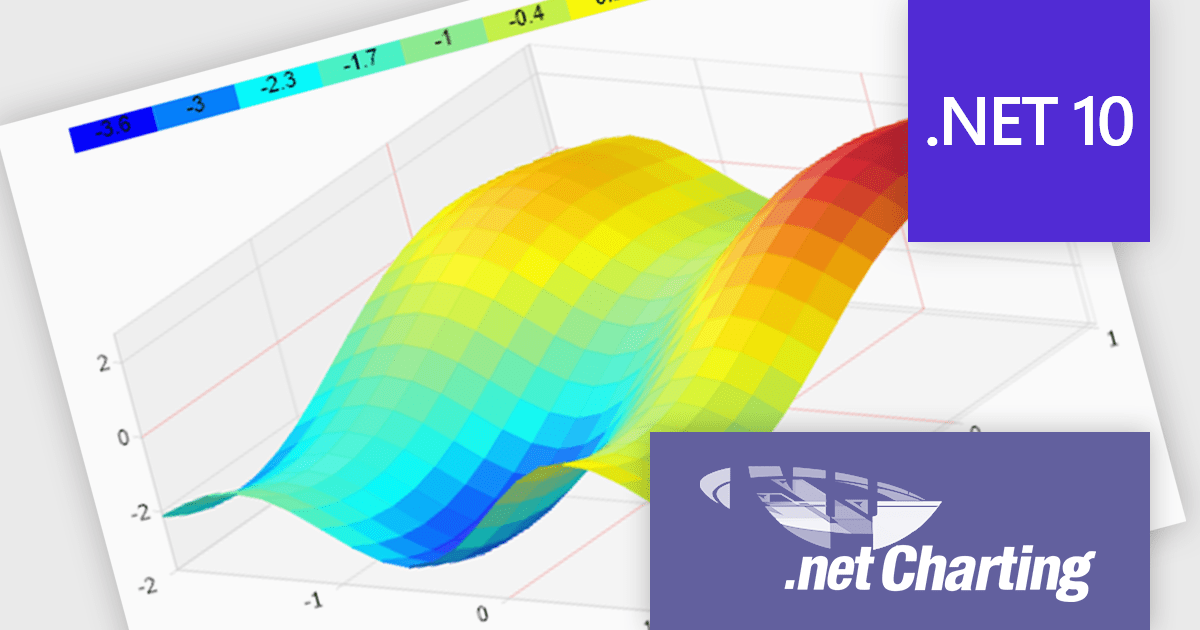
.netCHARTING is a comprehensive charting solution designed for C# and VB.NET developers working with ASP.NET or WinForms. It enables the rapid creation of dynamic, data-driven charts with minimal coding effort. Built entirely with managed C# code, .netCHARTING seamlessly integrates data access, aggregation, and visualization, allowing developers to generate interactive and visually compelling charts from various data sources, including SQL Server, Oracle, and MySQL. The platform supports a wide array of chart types - such as bar, line, pie, and geographic maps - and offers features like JavaScript and HTML5 charting for enhanced interactivity across devices, including mobile platforms. By automating complex tasks like date handling and data aggregation, .netCHARTING simplifies the development process, enabling professionals to deliver insightful data visualizations efficiently.
The .netCHARTING 10.8 release introduces official .NET 10 support with a dedicated NuGet package and sample bundle that run on the latest Microsoft tooling, enabling developers to build and optimize visualizations on the newest cross-platform .NET platform. This update ensures compatibility with the latest Visual Studio 2026 and Windows Server environments, letting teams leverage the performance and productivity improvements of .NET 10 in their charting solutions while continuing to benefit from a mature, feature-rich chart control.
.netCHARTING is licensed per site (1 web site on 1 server), per server (unlimited web sites on 1 server) or per developer (single application) and is available as a perpetual license with a 12 month subscription which includes major and minor upgrades and priority email support. See our .netCHARTING licensing page for full details.
For more information, visit our .netCHARTING product page.
Tel: (888) 850 9911
Fax: +1 770 250 6199


