













Fornecedor oficial
Como distribuidores oficiais e autorizados, nós fornecemos licenças legítimas diretamente de mais de 200 editores de software.
Ver todas as nossas marcas.

Spread.NET helps you create spreadsheets, grids, dashboards, and forms. It includes a powerful calculation engine with 450+ functions and the ability to import and export Excel spreadsheets. Leverage the extensive .NET spreadsheet API and powerful calculation engine to create analysis, budgeting, dashboard, data collection and management, scientific, and financial applications. You can develop in Visual Studio using VB or C# for WinForms, ASP.NET, and WPF. Spread.NET ensures maximum performance for your enterprise apps and its modular architecture lets you add only the features you need, reducing unnecessary bloat.
In this blog post, MESCIUS Product Marketing Specialist Mackenzie Albitz shows you how to add a spreadsheet ribbon bar control to a .NET 8 WinForms app using C#. Steps include:
Read the complete blog and unlock the powerful capabilities of the Spread.NET component.
Spread.NET is licensed per developer and is available as a Perpetual License with a 12 month support and maintenance subscription. We can supply any Spread.NET license including new licenses, maintenance renewals, and upgrade licenses. See our Spread.NET licensing page for full details.
For more information, visit our Spread.NET product page.
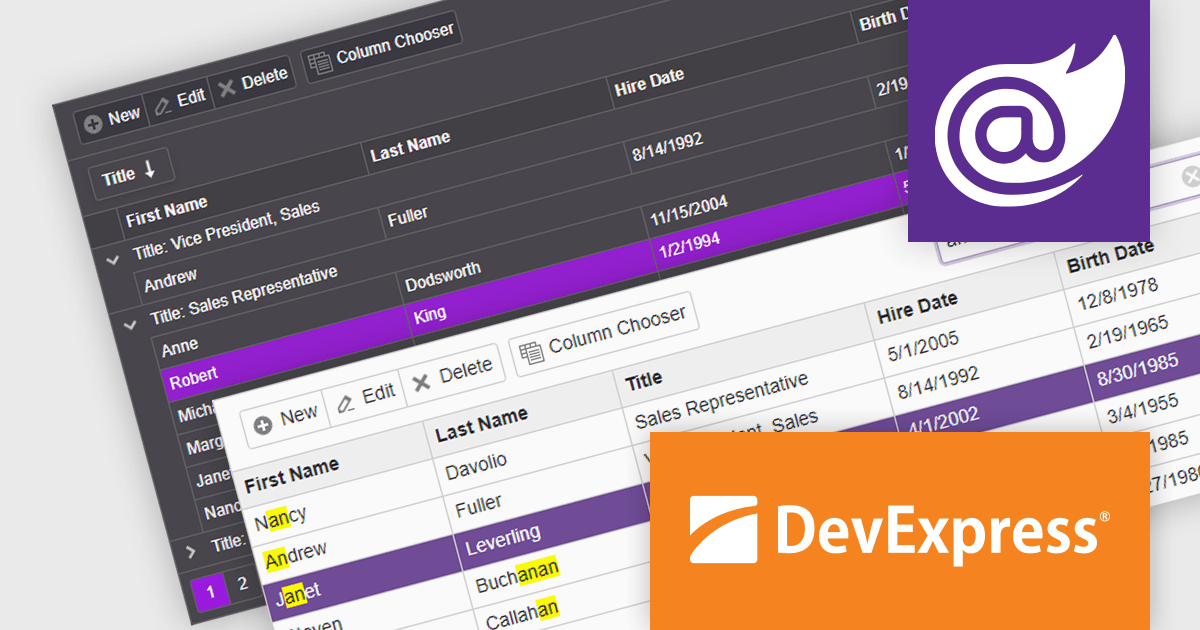
DevExpress ASP.NET and Blazor includes 110+ UI controls for ASP.NET (including Reporting), server-side MVC extensions or client-side controls with everything you need to build Office-inspired applications, over 70 high-performance ASP.NET Core UI controls, ASP.NET Bootstrap Controls for Office-inspired and Data Visualization apps, Blazor Components (including a Data Grid and Pivot Grid) so you can design rich user experiences for both server-side (Razor Components) and client-side (Blazor) platforms and the DevExtreme JavaScript component suite for responsive web development.
The DevExpress Blazor Grid UI component includes a new toolbar section for displaying custom content. In this blog post, DevExpress's Svetlana Mikheeva describes how to use this powerful component to create rich UIs displaying icons, text, or both. Steps include:
Read the complete blog and get started creating rich Blazor Grid applications.
DevExpress ASP.NET and Blazor is licensed per developer and includes a 12 month subscription for minor and major updates. Subscription renewals are also available. See our DevExpress ASP.NET and Blazor licensing page for full details.
Learn more about DevExpress ASP.NET and Blazor.
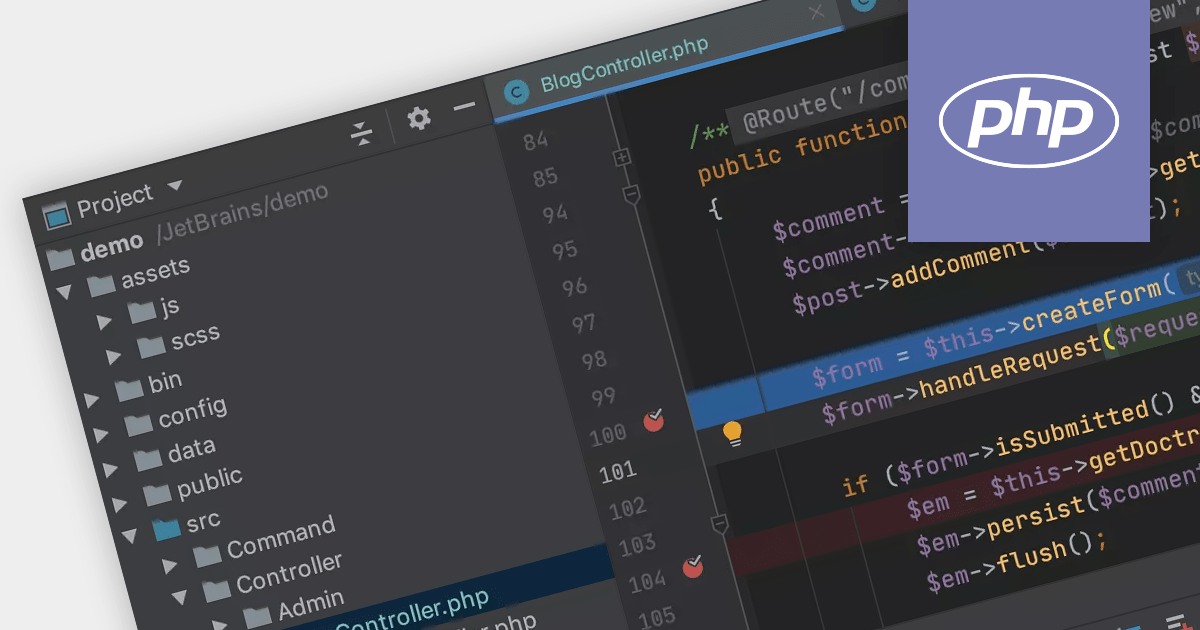
PHP development benefits greatly from Integrated Development Environments (IDEs). While basic editors might offer syntax highlighting, IDEs can elevate your workflow with intelligent code completion, debugging tools, built-in testing frameworks, and framework-specific integrations for popular options like Laravel and Symfony. This translates to faster development due to error prevention, efficient navigation, and streamlined debugging.
Several IDEs offer PHP support, including:
For an in-depth analysis of features and price, visit our IDEs comparison.

PDF watermarking is the process of embedding a semi-transparent text or image overlay onto a PDF document. This visual identifier, often used for copyright protection or branding, sits behind the main content, subtly preventing unauthorized copying or modification while still allowing the document's message to be conveyed. Watermarks can be applied to all pages or specific ranges, offering versatility for various use cases.
Several .NET PDF viewer components allow you to add watermarks to a PDF, including:
For an in-depth analysis of features and price, visit our comparison of .NET PDF viewer components.

Red Carpet Subscription by /n software is an all-inclusive package offering developers access to its entire library of development tools. This includes communication and security libraries for various protocols and platforms, network management tools, enterprise adapters, and any new products released during the subscription period.
Red Carpet Subscription Vol. 1 2024 adds IPWorks VoIP, empowering you to seamlessly manage inbound and outbound calls, host audio conferences, incorporate pre-recorded audio, and even leverage text-to-speech functionalities. Its seamless integration with Session Initiation Protocol (SIP), Session Description Protocol (SDP), and Real-time Transport Protocol (RTP) guarantees streamlined communication establishment and maintenance. The included IPPhone component allows you to construct a software-based phone replicating the functionality of traditional handsets. Design customized Interactive Voice Response (IVR) menus using the IVR component, facilitating automation and granting complete control over design and menu customization.
To see a full list of what's new in Red Carpet Subscription Vol. 1 2024, see our release notes.
Red Carpet Subscription is licensed per developer and is available as a Perpetual License with a 12 month support and maintenance subscription. See our Red Carpet Subscription licensing page for full details.
For more information, visit our /n software Red Carpet Subscription product page.
Tel: (888) 850 9911
Fax: +1 770 250 6199


