













Fornecedor oficial
Como distribuidores oficiais e autorizados, nós fornecemos licenças legítimas diretamente de mais de 200 editores de software.
Ver todas as nossas marcas.
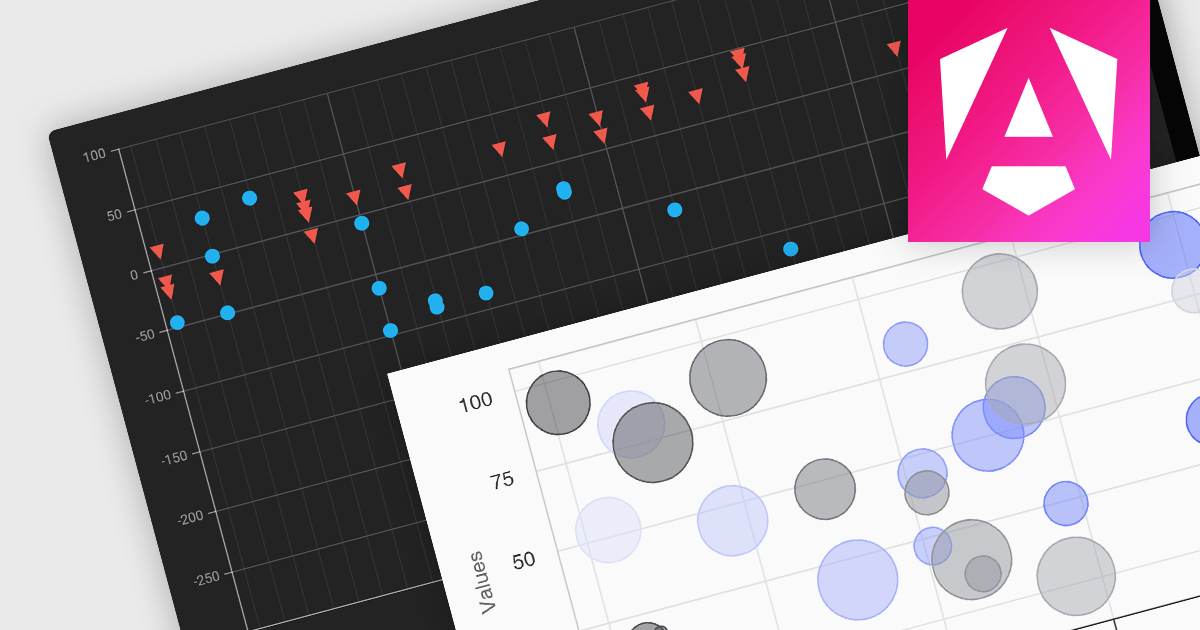
Scatter and bubble charts are used to display data points on a two-dimensional graph. While scatter charts use dots to represent data points, bubble charts add an additional dimension by varying the dot size, often representing volume or intensity. These charts are useful for showing relationships between variables and for identifying patterns or trends in data.
Several Angular chart controls offer scatter and bubble charts including:
For an in-depth analysis of features and price, visit our Angular chart controls comparison.
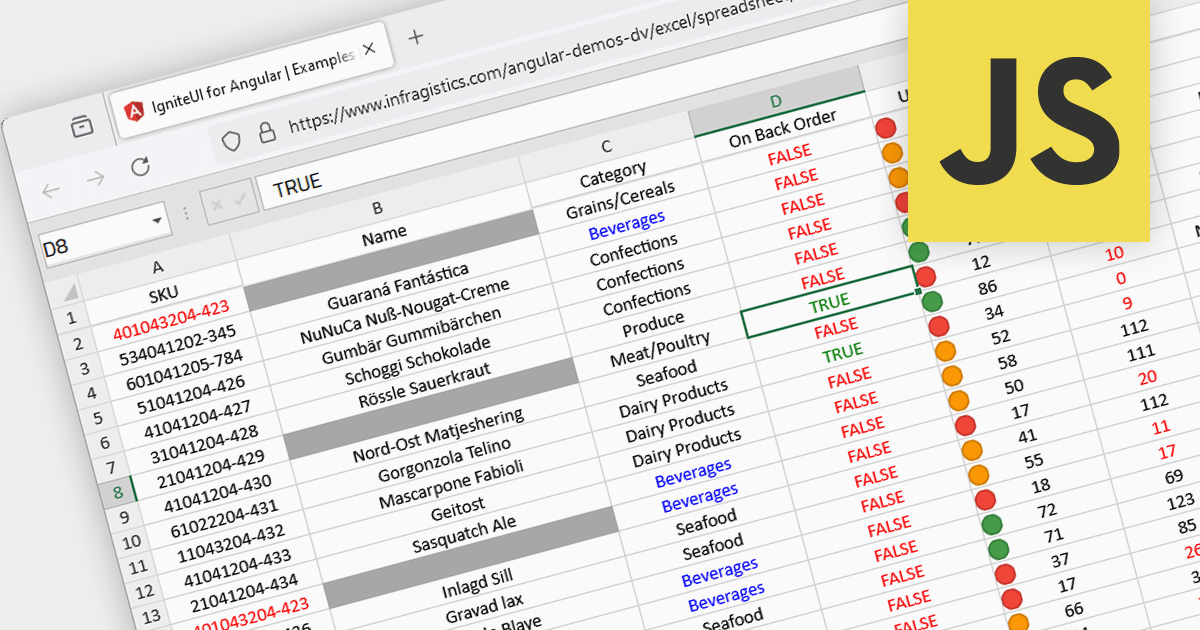
Conditional formatting in spreadsheets automates the visual highlighting of cells or ranges based on predefined criteria. This functionality aids data analysis by rapidly drawing attention to specific values, ranges, or text entries. By employing color scales, gradients, or text changes, conditional formatting helps users identify patterns, exceptions, and trends within large datasets, streamlining the interpretation and communication of key insights.
Several JavaScript spreadsheet controls offer conditional formatting including:
For an in-depth analysis of features and price, visit our comparison of JavaScript spreadsheets.
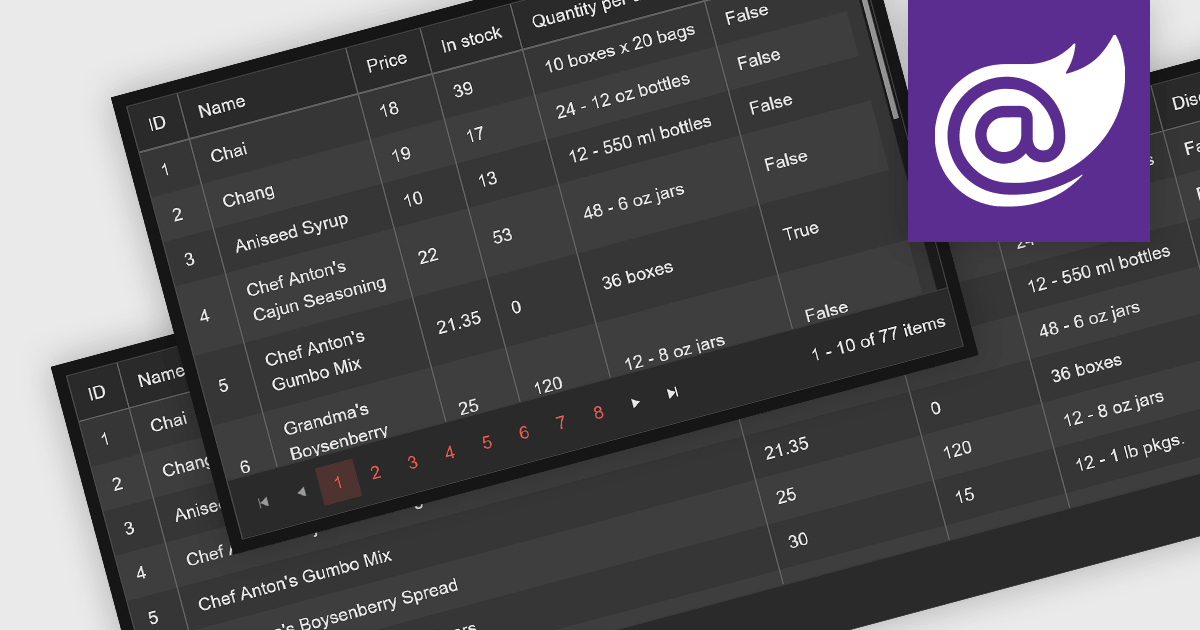
Leveraging a Blazor grid control with responsive layout empowers your application with optimal data visualization across diverse screen sizes and orientations. This enhances the user experience by ensuring seamless navigation, readability, and interaction with grid content, regardless of whether it's being accessed from a desktop computer, tablet, or mobile phone. This flexibility fosters wider accessibility, improves user engagement, and ultimately strengthens the overall value proposition of your Blazor application.
Several Blazor grid controls offer responsive layouts including:
For an in-depth analysis of features and price, visit our Blazor grid controls comparison.

PDF components with PDF signing functionality allow users to securely sign documents directly within your application. This leverages cryptographic libraries to create a digital signature that validates the document's authenticity and integrity. Users can often specify the signing location, reason, and appearance, ensuring a streamlined and auditable signing process. This elevates security beyond a simple e-signature, offering proof against tampering, and is a crucial feature for legal and official documents where verification of authenticity is required.
The following components support PDF signing in .NET 8 WinForms:
For an in-depth analysis of features and price, visit our .NET PDF Components comparison.
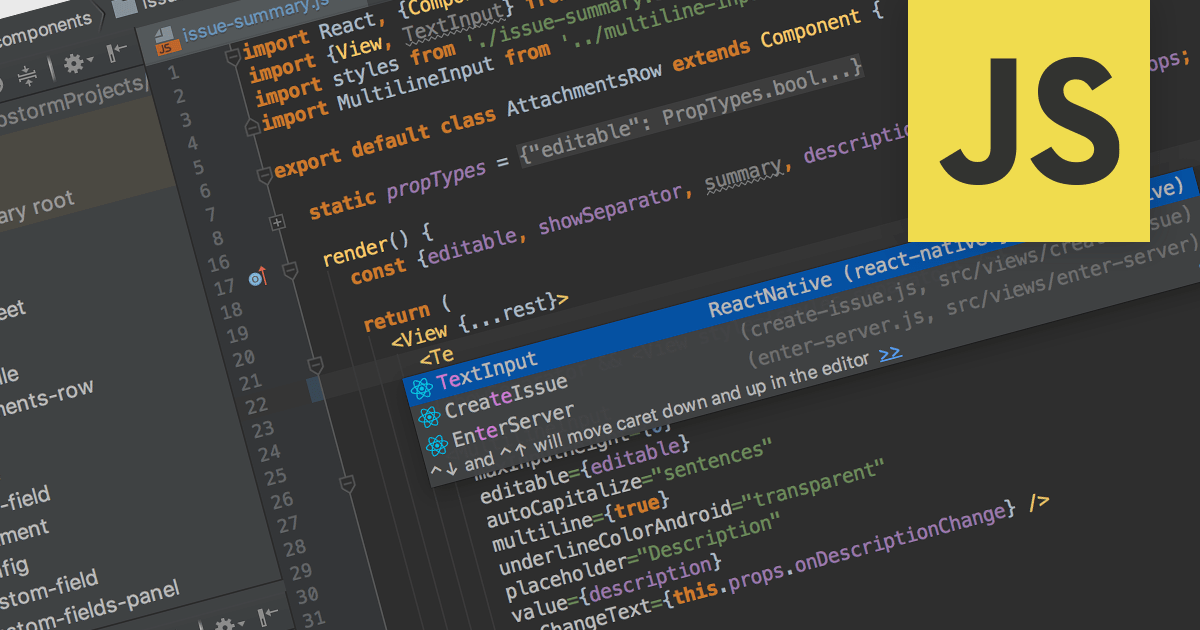
Integrated Development Environments (IDEs) with JavaScript support offer a powerful development environment by streamlining workflows and boosting productivity. These tools commonly provide features like syntax highlighting, code completion, real-time error checking, debugging utilities, and even integration with version control systems like Git. Additionally, built-in project management and library support further enhance organization and efficiency, making them invaluable assets for both novice and experienced JavaScript developers.
Several IDEs provide JavaScript support including:
For an in-depth analysis of features and price, visit our IDEs comparison.
Tel: (888) 850 9911
Fax: +1 770 250 6199


