













Fornecedor oficial
Como distribuidores oficiais e autorizados, nós fornecemos licenças legítimas diretamente de mais de 200 editores de software.
Ver todas as nossas marcas.
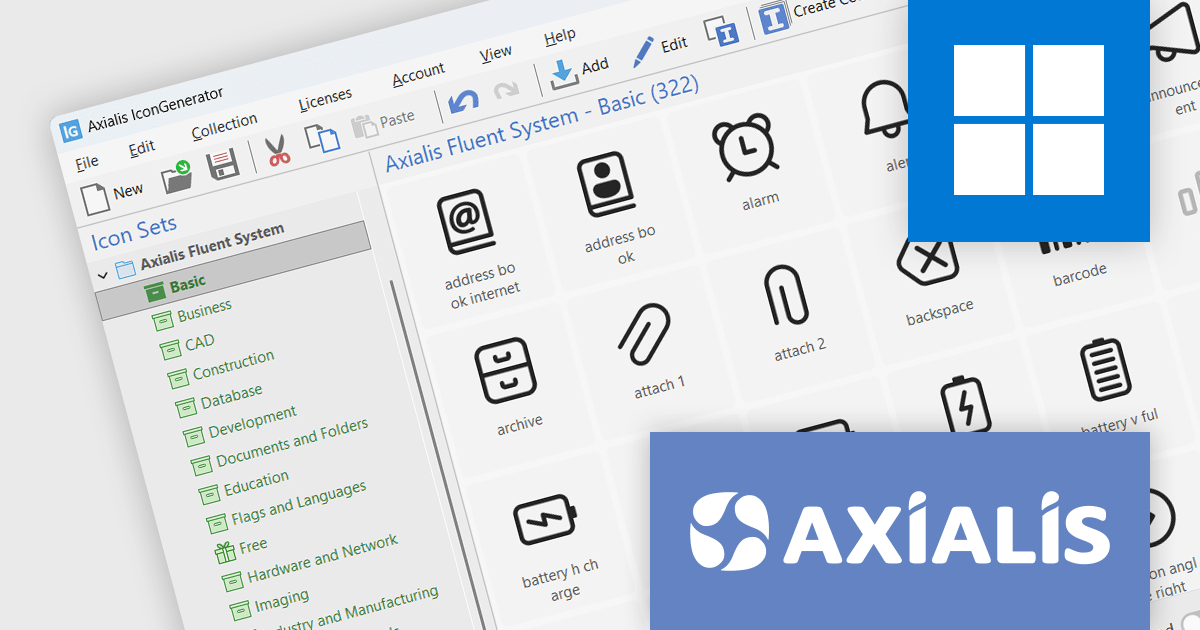
Axialis Software is an independent software vendor based in Paris, with a strong reputation for delivering high-quality graphic solutions to the developer community. Since 1990, it has focused on building reliable, user-friendly tools that support the creation of professional user interfaces. With a commitment to continuous improvement and customer support, Axialis has earned the trust of developers and designers worldwide. Its products reflect a balance of technical precision and design usability, backed by decades of experience in serving the needs of software professionals.
Axialis Software offers a complete suite of design tools and vector-based icon collections tailored for software development teams and UI designers. Its product range includes advanced icon editing applications alongside professionally designed icon sets that support a variety of styles, from flat and modern to system-based and office-oriented aesthetics. These resources are built to meet the demands of contemporary interface design, with fully customizable, scalable assets that integrate easily into development processes. Delivered in flexible vector formats, the icons ensure consistent visual quality across different screen sizes and platforms, helping teams create polished, professional user experiences.
Through ComponentSource’s global software marketplace and Axialis Software’s expertise in user interface design tools, developers and UI professionals gain convenient access to high-quality visual creation utilities and graphics resources. This partnership makes Axialis products more widely available, supporting the design of professional-grade icons, cursors, and other UI elements while ensuring dependable access to licensing, updates, and technical support via a trusted distribution platform.
To support a wide range of project requirements, Axialis Software offers a collection of tools and icon sets including:
For more information, visit our Axialis Software page.

Hyperlink navigation in a PDF component allows users to interact with clickable links embedded within a document, enabling transitions to other pages, external URLs or specific document sections. For software developers integrating PDF functionality, this capability enhances the user experience by supporting intuitive document navigation, reducing the need for manual scrolling or searching. It is particularly useful in technical documentation, forms or reports where references to related content are common, allowing for faster access to relevant information and improved usability in both web and desktop applications.
Several .NET PDF components offer hyperlink navigation including:
For an in-depth analysis of features and price, visit our comparison of .NET PDF components.
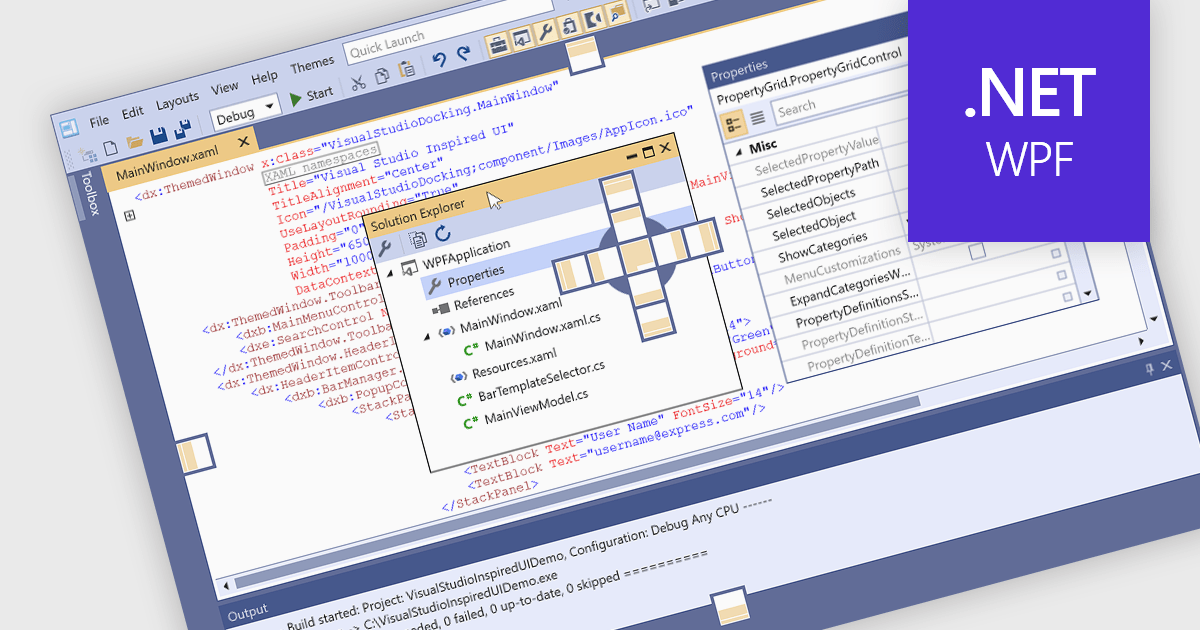
Docking controls are a key element of user interface design that enhance the usability of complex applications. They allow users to rearrange windows or panels within the main application window, making it easier to create personalized, efficient layouts. These controls typically support drag-and-drop interactions and automatic alignment, which help users maintain a tidy and organized workspace while working with multiple tools or data views. Docking frameworks often include features like tabbed documents, floating windows, and layout persistence, all of which contribute to a more flexible and user-driven application environment. This makes docking especially useful in professional software environments that involve large volumes of information or tool-based workflows.
Several WPF UI suites provide you with docking support, including:
For an in-depth analysis of features and price, visit our comparison of WPF UI suites.
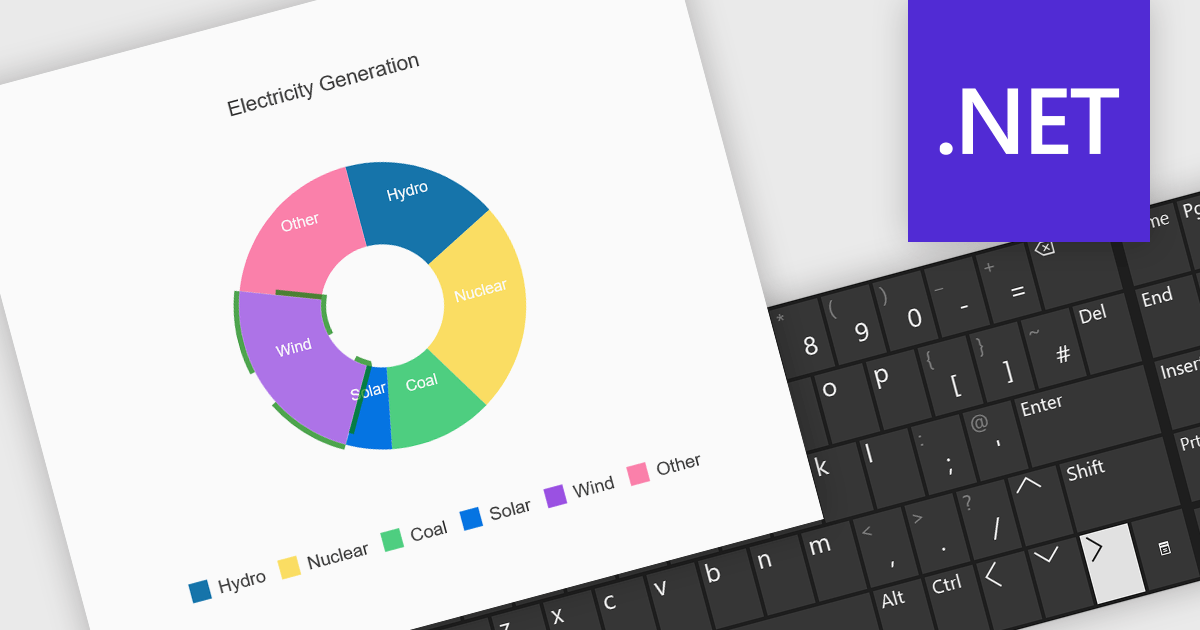
Charts with keyboard navigation support are designed to improve accessibility and usability by allowing users to explore chart data using only the keyboard. This feature is especially valuable for users who rely on assistive technologies or prefer keyboard interaction over a mouse. It typically includes capabilities like navigating between data points, series, or chart elements using arrow keys, accessing tooltips or data labels, and sometimes triggering events like selection or focus changes, all through the keyboard.
Several .NET chart components support keyboard navigation, including:
For an in-depth analysis of features and price, visit our comparison of .NET chart components.
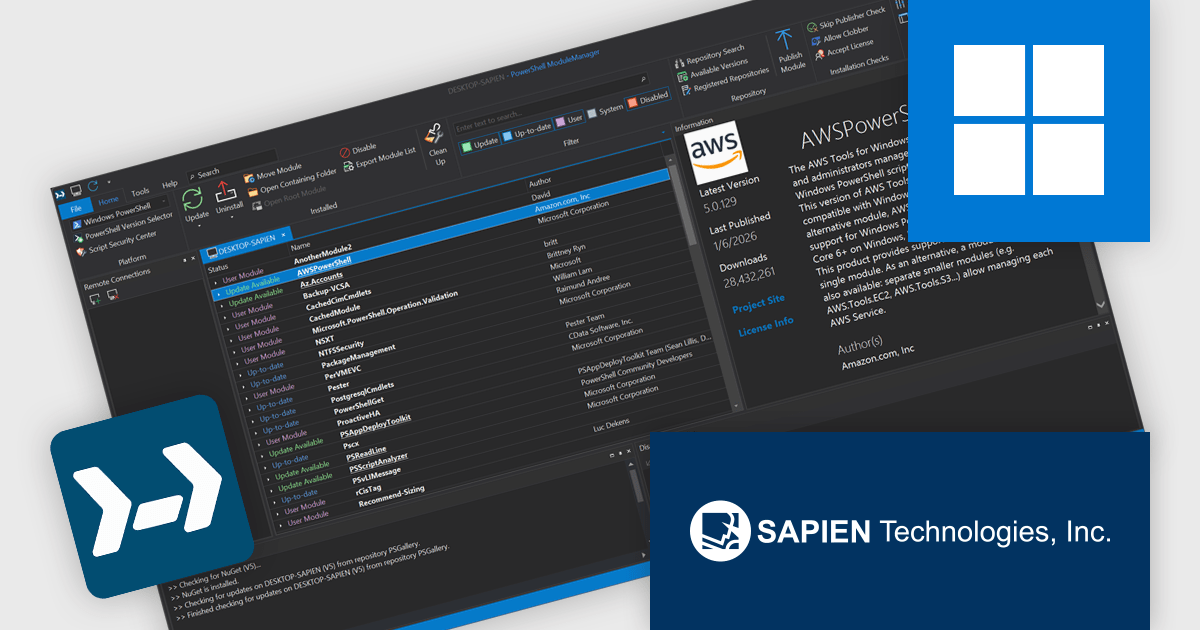
PowerShell ModuleManager is a tool designed to help users efficiently manage PowerShell modules throughout the development lifecycle. It enables users to easily view, sort, and search installed modules, check for available updates, and update multiple modules at once to keep environments current and consistent. Users can browse and search repositories such as the PowerShell Gallery, review detailed module information to make informed decisions, and install specific module versions to meet project or compatibility requirements. By simplifying module discovery, installation, updating, and organization, PowerShell ModuleManager saves time, reduces manual effort, and helps maintain reliable, well-managed PowerShell environments for scripting, automation, and administrative tasks.
PowerShell ModuleManager extends module administration beyond the local machine by enabling centralized remote module management, allowing developers to view, install, update, and maintain PowerShell modules across multiple systems from a single interface. This capability improves consistency between development, testing, and production environments, reduces the time spent manually managing modules on individual machines, and helps prevent version mismatches that can cause deployment or runtime issues.
PowerShell ModuleManager is licensed per user and includes one year of product maintenance which may be renewed each year thereafter to continue to receive the latest updates. See our PowerShell ModuleManager licensing page for full details.
Learn more on our PowerShell ModuleManager product page.
Tel: (888) 850 9911
Fax: +1 770 250 6199


