













Fornecedor oficial
Como distribuidores oficiais e autorizados, nós fornecemos licenças legítimas diretamente de mais de 200 editores de software.
Ver todas as nossas marcas.
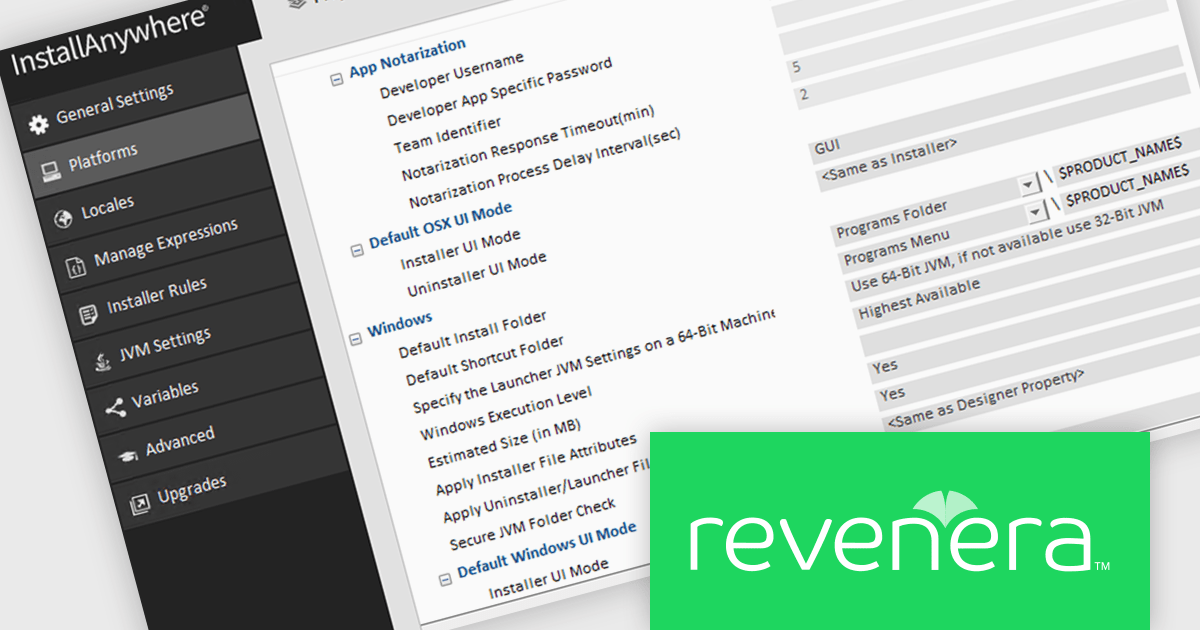
InstallAnywhere by Revenera simplifies the process of creating professional, multi-platform installers for diverse deployment environments. It enables developers to design reliable installation packages for on-premise platforms such as Windows, Linux, and macOS, as well as modern environments like Docker containers and cloud deployments. With its intuitive interface and robust customization options, InstallAnywhere helps deliver a consistent and polished user experience across all supported platforms.
The InstallAnywhere 2025 R2 release introduces a new setting called 'Secure JVM Folder Check,' which gives developers the ability to enable or disable validation that ensures the Java Virtual Machine (JVM) is installed in a secure or administrative directory. By making this check configurable at the project level, it offers greater control over security practices in installer design, especially for enterprise deployments where directory integrity is a key concern.
To see a full list of what's new in version 2025 R2, see our release notes.
InstallAnywhere is licensed per user and is available as a three year timed subscription. See our InstallAnywhere licensing page for full details.
For more information, visit our InstallAnywhere product page.
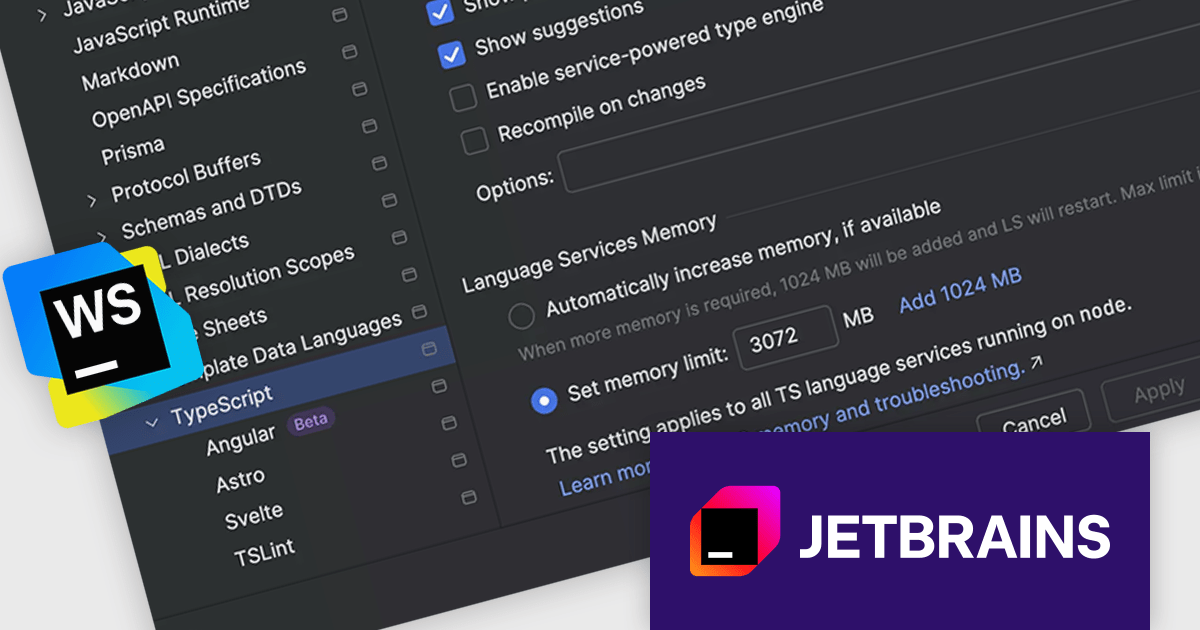
JetBrains WebStorm is a powerful and modern Integrated Development Environment (IDE) specifically designed for web development. It offers a feature-rich environment that supports popular web technologies like JavaScript, HTML, CSS, and Node.js. WebStorm helps you write cleaner, more efficient code with features like syntax highlighting, auto-completion, code refactoring, and built-in testing tools. It integrates seamlessly with various web frameworks and libraries, making it a versatile choice for both front-end and back-end development.
The WebStorm 2025.3 update now monitors 'stderr' output for out‑of‑memory messages from the TypeScript language service. When it detects an out-of-memory (OOM) event during a large project compile or analysis, it immediately shows a notification recommending you boost the service’s heap size. This makes diagnosing memory issues more transparent and helps you get back to coding faster.
To see a full list of what's new in version 2025.3, see our release notes.
WebStorm is licensed per user, and is available as a commercial annual subscription license. We can supply new subscriptions, subscription renewals, lapsed renewals, and additional user licenses. See our WebStorm licensing page for full details.
WebStorm is available to buy in the following products:
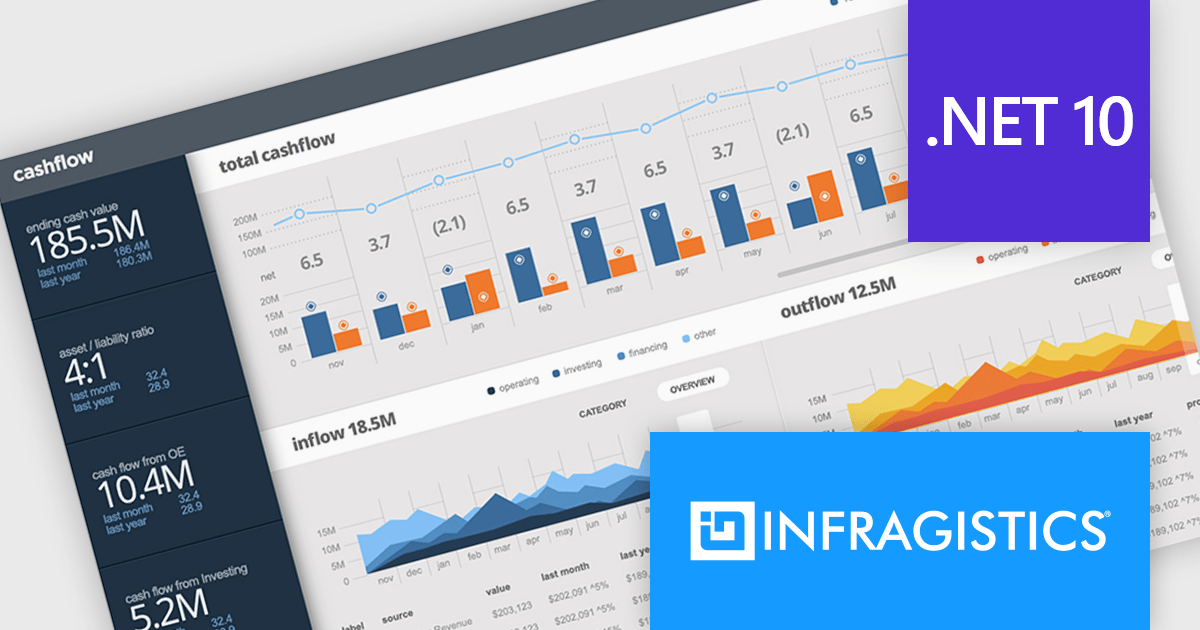
Infragistics Ultimate is a comprehensive toolkit designed to improve UX/UI creation and development across desktop, web, and mobile platforms. It offers hundreds of pre-built, high-performance UI components like grids and charts, alongside design-to-code tools for rapid prototyping, user testing, and even code generation. This enables developers and designers to create visually appealing and interactive applications faster, while its support for various frameworks and platforms ensures flexibility.
Infragistics Ultimate UI for Windows Forms, Ultimate UI for WPF, and Ignite UI for Blazor now support .NET 10. With runtime improvements, such as better just-in-time inlining, enhanced struct argument handling, NativeAOT enhancements, and updates to collections, serialization, and diagnostics APIs, Infragistics' .NET 10 support ensures you can fully leverage these performance, security, and API benefits while using its mature UI libraries.
Infragistics Ultimate UI for Windows Forms, Ultimate UI for WPF and Ignite UI for Blazor are licensed per developer and are available as a Perpetual License with 1, 2 or 3 year support and maintenance subscription. See our Infragistics Ultimate UI for Windows Forms, Ultimate UI for WPF and Ignite UI licensing pages for full details.
For more information please visit our product pages:
Infragistics Windows Forms, WPF and Ignite UI are also available in the following product suites:
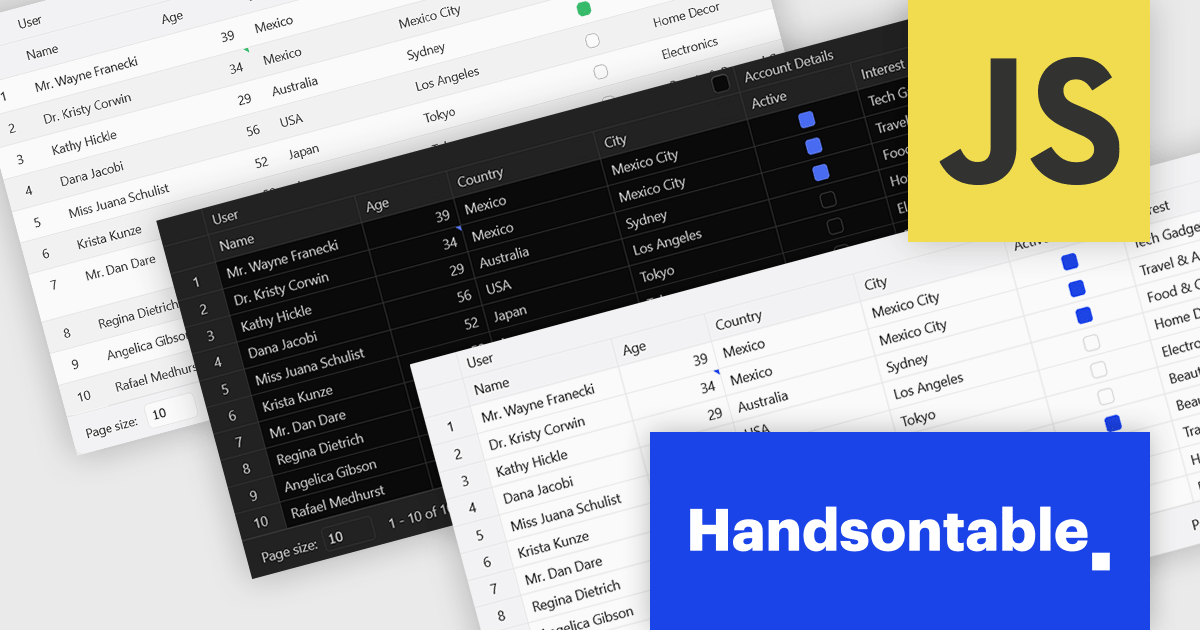
Handsontable is a JavaScript library designed to help developers build interactive data grids into their web applications. Offering a familiar spreadsheet-like interface, it allows users to edit, sort, and filter data with ease. Highly customizable and compatible with popular frameworks like React and Angular, Handsontable empowers developers to build robust data manipulation features into their web applications.
The Handsontable 16.2.0 update introduces a redesigned approach to CSS theming with the addition of an alias-based variable system. This new hierarchy organizes CSS variables into logical layers, separating core values from theme-specific settings. As a result, developers can now apply consistent visual customization across the grid while maintaining clean, manageable stylesheets. This change significantly reduces the guesswork involved in identifying the correct variables and improves maintainability by clearly documenting the relationships between base tokens and theme aliases. It's a notable enhancement for teams looking to build and manage complex, branded UI components with greater efficiency and clarity.
To see a full list of what's new in version 16.2.0, see our release notes.
Handsontable is licensed per developer and is available as an Annual or Perpetual license with 1 year support and maintenance. See our Handsontable licensing page for full details.
For more information, visit our Handsontable product page.

Telerik Document Processing is a suite of document processing libraries designed for web, desktop and cross-platform .NET applications. It enables developers to create, read, edit, and convert a wide range of document formats, including PDF, DOCX, XLSX, ZIP and HTML, without relying on external software such as Microsoft Office or Adobe Acrobat. These libraries are independent from the user interface (UI) and are built for high performance and accuracy, providing convenient APIs that give flexibility and control so you can integrate document processing capabilities into your applications with only a few lines of code.
The Telerik Document Processing 2025 Q4 update enhances the AI Coding Assistant, which now understands and generates code for WordsProcessing, SpreadProcessing, SpreadStreamProcessing, and the ZIP Library - giving developers instant autocompletion, context-aware examples, and error detection across word documents, spreadsheets, and ZIP archives. Whether you're manipulating documents, generating reports, exporting bulk spreadsheets, or compressing and unpacking files, the assistant accelerates development, reduces boilerplate, and helps maintain code accuracy.
To see a full list of what's new in 2025 Q4 (2025.4.1104), see our release notes.
Telerik UI is licensed per developer and has two licensing models: an annual Subscription License and a Perpetual License. The Subscription license provides access to the latest product updates, technical support, and exclusive benefits for a flat annual fee, and must be renewed to continue using the software. The Perpetual license is a one-time purchase granting access to the current released version and includes a one-year subscription for product updates and technical support. After this initial period, users can choose to renew the subscription element to continue receiving updates and support; otherwise, they may continue using the installed version available during their active subscription term but will forgo future updates and support. See our Telerik DevCraft Ultimate licensing page for full details.
The Telerik Document Processing Libraries are available in the following products:
Tel: (888) 850 9911
Fax: +1 770 250 6199


